Thanks!
1 Like
Actually, that’s not exactly true. HQPlayer Desktop 4 and HQPlayer 4 Pro are both derivatives of HQplayer Desktop 3. IIRC, HQPlayer 4 Pro has much reduced functionality but what it does have that the Desktop version does not, is the ability to write out DSD files after the processing. I sure hope that NO SACDs or other DSD distributions are mastered this way – there’s already enough fake hi-res around.
Particularly if you think of the zillions of possibilities for upsampling, a nightmare …
I did not understand completely all what you said, but I’m afraid that you are messing different things.
HQPlayer Pro does not have reduced functionality.
HQPlayer Pro does not write only DSD, but also PCM. It can downsample, for instance, CD quality tracks from a Hi Res master.
All the SACDs and the DSD tracks are mastered from the PCM master of the mix. DSD is almost never used in sound production. It’s used only for distribution.
The fact that there are fake Hi-Res around is not the fault of the application, but of unscrupulous vendors who use it this way to sell fake Hi Res.
It’s not that complicate, after a learning curve.
When you play DSD tracks, you don’t upsample at all. Though, you can re-modulate them if you want. The DSD playback sounds like an analog source.
I only have two or three DSD albums and my trustworthy Devialet does only DSD 64. So not worth getting into the nitty gritty of HQP, I leave that to you audio experts. But I can see the potential of HQP. Once in my life, when I have a lot more time than now, I’ll dig into HQP a bit.
I have a lot of DSD. But there are users, like @henri , who play with it only PCM tracks. On Windows, there are effective solutions to overcome HQPlayer’s limited library management.
I tested it when it first came out. It was missing the library display and management – display of albums, artists, etc.-- (not that it was very good in the Desktop version) and possibly the loopback functionality.
Sure, it does not have these features that belong to HQPlayer Desktop, because it’s not the purpose of this application. It’s not intended to be a player.
I did some testing using Fidelizer. Anyone here uses? My conclusion was that with fidelizer indeed the soundstage got more interesting but the body and tone control got weird a little. For now, Audirvana using Kernel is the best for me.
My main computer for playing music is my Mac. And I’m trying AS only on the Mac, because I see that there are many PC users who have issues with it.
My PC is a secondary computer, and to improve the sound, I run on it both Fidelizer and JPlay. I find that with them the sound that I get from the players that are installed on the PC is more clear, and it has more depth.
I use Fidelizer Pro but haven’t compared it to not using it which I will try soon.
Audirvana Studio sounds best to me using Kernel and AS sounds better to me than 3.5 and Jriver which I also use.
I know.
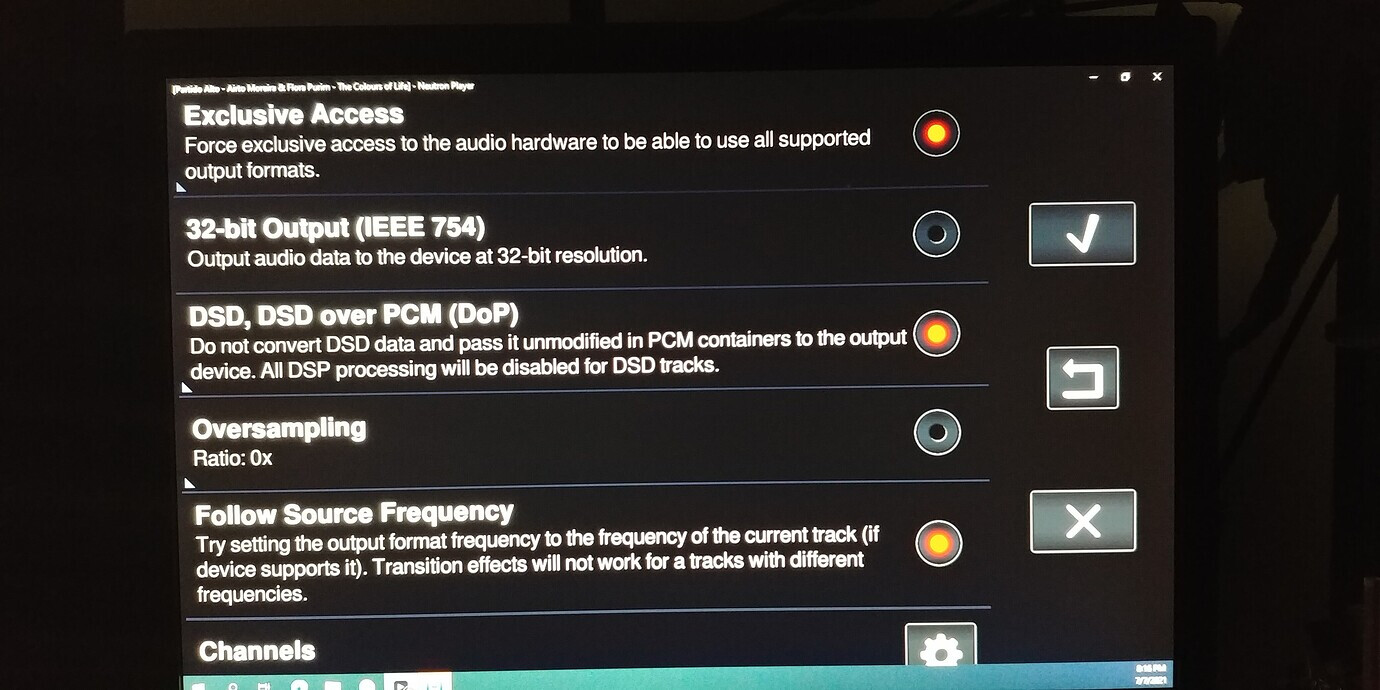
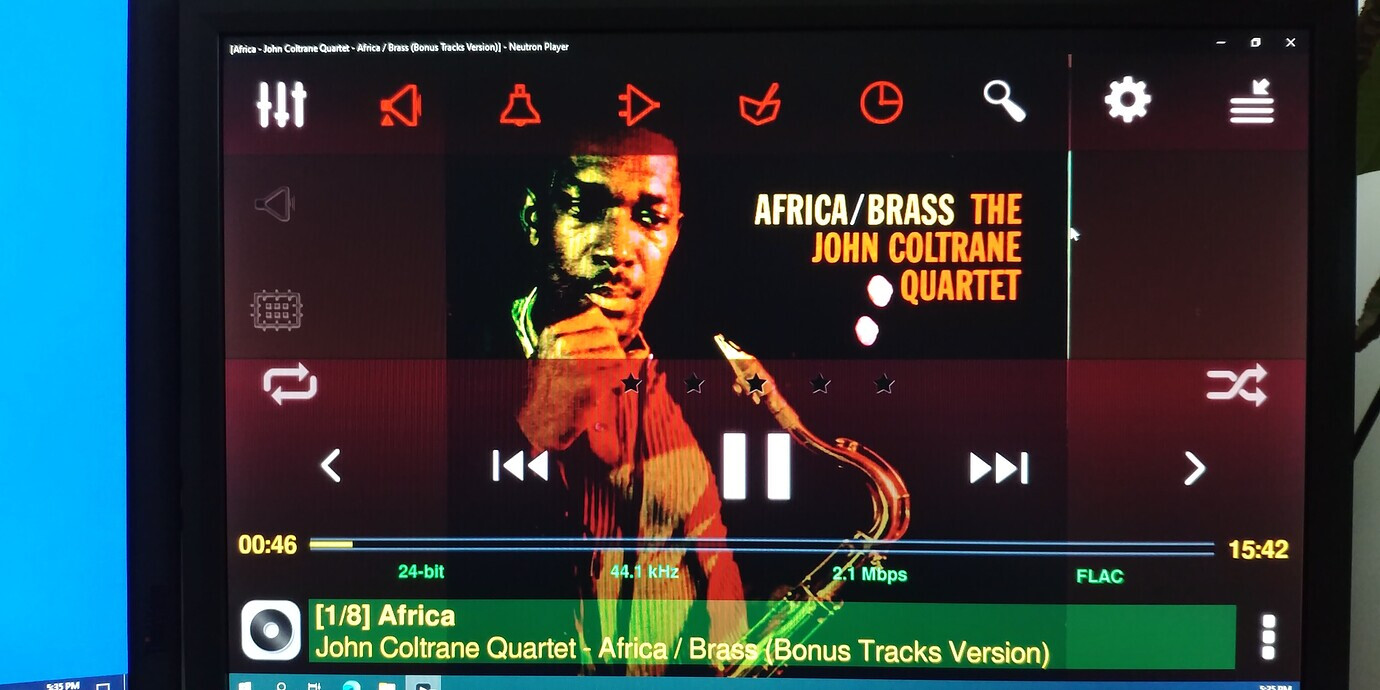
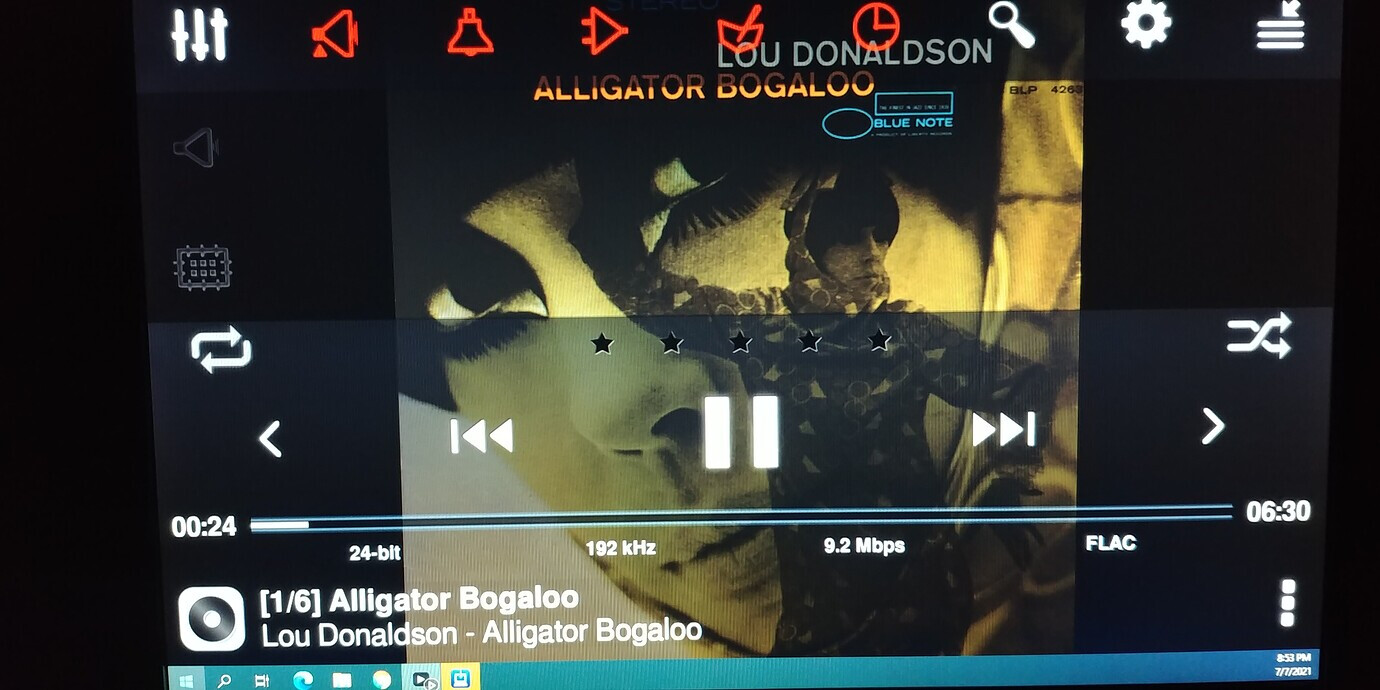
Only $ 12 CDN dollars in Canada.
Plays everything
This ugly interface is very easy to read and operate from your phone as remote using splash top app
Icons look super big on pc monitor screen but on the phone they size perfectly and because of this ugliness it is beautiful to operate on the phone.
Mr Doudou knows his hobby very well and everything he said about Neutron it is the only true !
I tried this software for a week and now I am proud owner of Neutron for Windows, Audirvana 3.5 and Jriver 26 plus free Foobar 2000
I tried also TuneBrowser and I have installed Brio by OraStream
All of them have their unique qualities
I stopped collect CDs and vinyl.
No more vintage gear.
Now is time to collect software audio players
Doudou Thank you for all the info about these players. !
1 Like
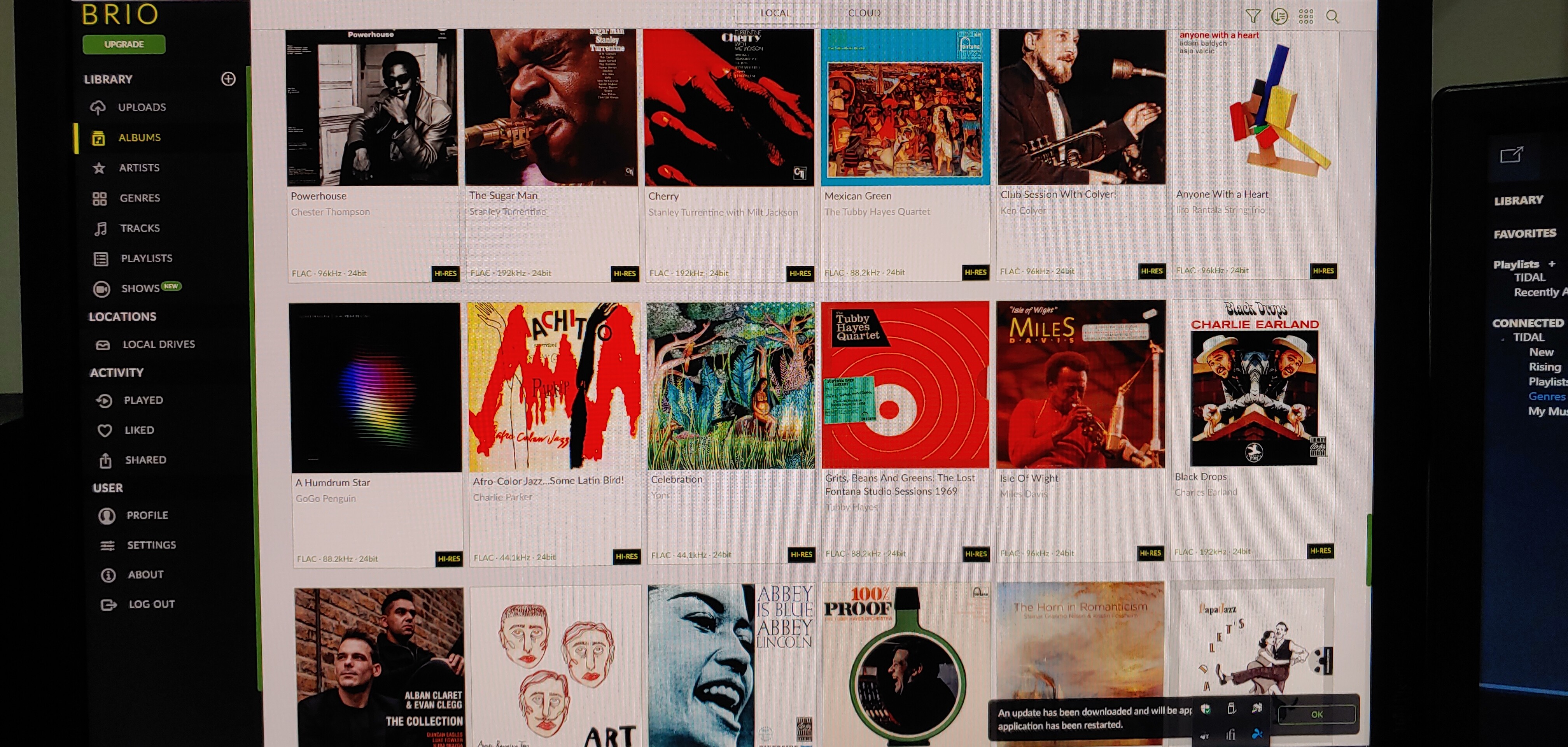
Brio found my Ifi Zen DAC and set up everything automatically.
So for those that do not like super difficult Neutron Brio is ready to eat pie after installation