Thank you, but very disappointing
Will it be so for all plugins?
If you enable the Phase on the Left, Save the change and play to your Atoll without Realtime activated, do you ear your music on the Left?
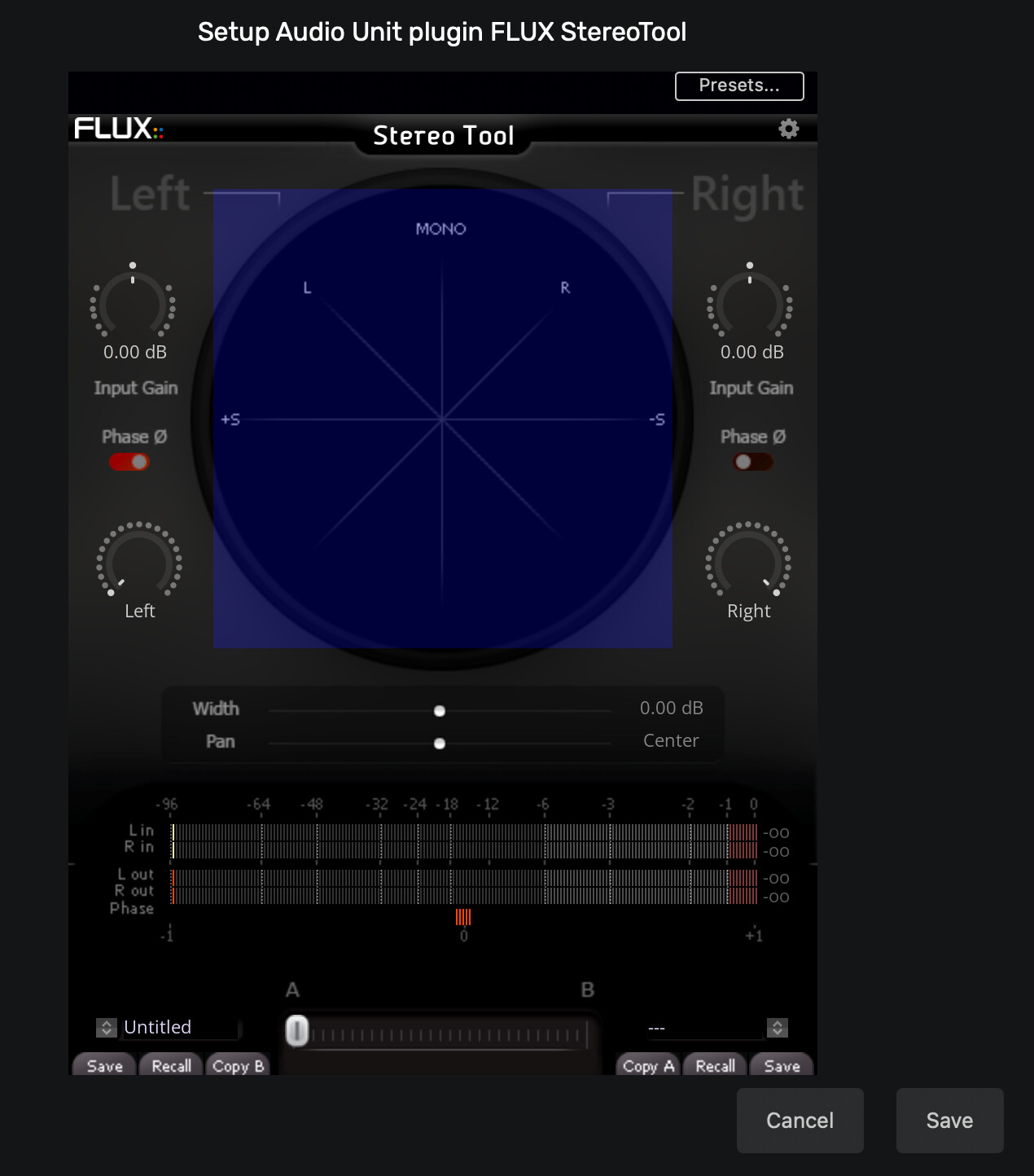
Without feedback it’s very hard
Thank you. Could you please sharing your experience with Audirvana an the PlugIn you use?
Thank you. Could you please sharing your experiences with Goodhertz and Audirvana?
I use GoodHertz Can Opener Studio 3 AU plugin to control channel balance, EQ, presence, etc. The Blue Cat Audio plug-ins are more basic, but they are free.
1 Like
Thank you. What do you control with it? In Audirvana.
I read that Goodhertz is for headphone. Do you use it for headphone or for speakers?
The crossfeed control in GoodHertz Can Opener Studio is designed for headphones, but you can use it for speakers, too, for the so-called soundstage effect.
1 Like
Is there some tutorial that you know?
How setting the audiostage effect on Goodhertz plugins into Audirvana?
There’s a couple of tutorials on YouTube. Google GoodHertz CanOpener Studio. Or, trial-and-error. It’s not complicated. Good luck.
1 Like
Seems like a L/R Balance control or L/R gain control might make a nice feature addition to Audirvana… 
How’s that going to work with DSD playback without decimation to DXD ?
1 Like
One of the reasons I don’t like DSD… Can’t do room correction DSP with DSD sources and can’t use most, if not all, Pro Plug-ins… So Stereo balance, stereo gain, stereo EQ are all off the table unless you decimate DSD to PCM, do whatever FX and up convert back to DSD for those that have a thing for DSD…
Personally I do not see the point… Just add a little warmth and or sparkle to PCM and enjoy the fun things you can do with small signals…
And to stay on subject, a L/R Balance control or L/R gain control might make a nice feature to add for most of the folks using Audirvana… Including you @Agoldnear maybe before upsampling/converting everything to DSD…
1 Like
Being headphone-centric and loath to monkeying with a production, I never find reason to adjust balance… As of yet, I don’t employ EQ outside of using 112dB’s ‘Redline Monitor’ HRTF virtual monitor plug-in, in the high-resolution mode, when modulating PCM to DSD128…
2 Likes
It looks like there are many DAC/preamps today that employ L/R balance control in DSP… if an added level of DSP balance control is inconsequential to the the current state of performance of Audirvana, I suppose some will find this useful… However, I am not sure why this is needed in the majority of audiophile playback scenarios…
1 Like
Everyone has their own preferred kit… And I respect that… To each their own… You included…
And there are a lot of users of Audirvana, that are not “audiophiles”, that I believe would benefit from some simple L/R small signal adjustments… I don’t understand why you would be against letting another have some options at no expense to your own kit/experience…
2 Likes
I personally have no problem with options that won’t degrade the established sound-quality of Audirvana output…This is what I mean in saying “… if an added level of DSP balance control is inconsequential to the the current state of performance of Audirvana, I suppose some will find this useful…”
It’s one thing to facilitate user added DSP through the plug-in architecture, where doing so is an individual user’s prerogative… It’s another thing to make this sort of DSP integral to the player, just for some marginal playback scenarios or for marketing rhetoric… If this DSP can be bypassed without impinging on the established performance of the player,… Why not add it… However, I don’t see much reason for balance control in the majority of playback system scenarios… I consider all Audirvana users “Audiophiles”.