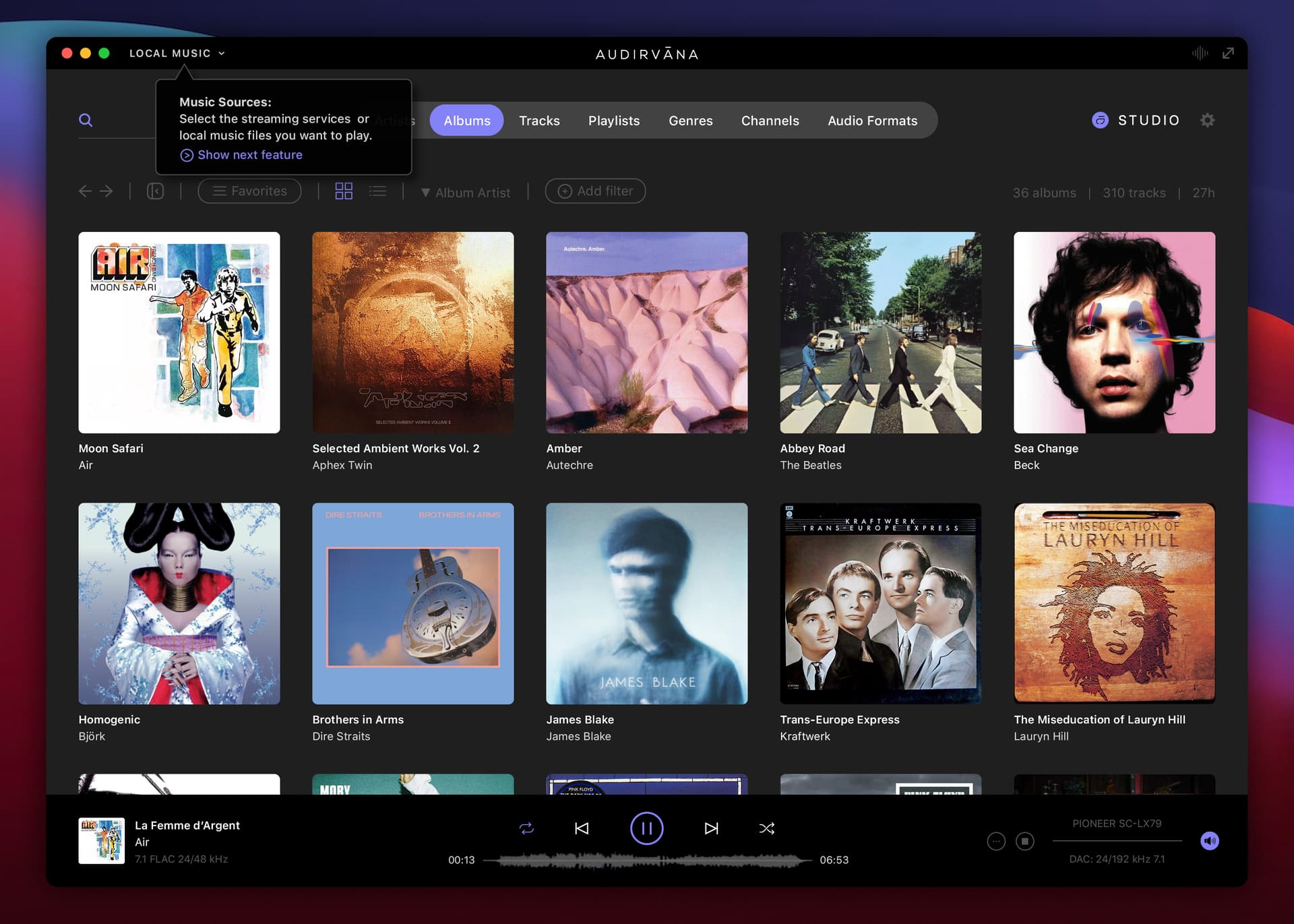
There will of course always be a (small) learning curve with a new UI/UX… one way is to show the new features / UI in a step-by-step “quick tour” when first opening the new version of the app, e.g.:
2 Likes
Just wanted to note my admiration both for what you’ve done with this (especially since I have no talent in that direction whatever, so it always seems a bit miraculous to me when someone else displays it), and the obvious time and care you’ve taken.
5 Likes
Very nice work.
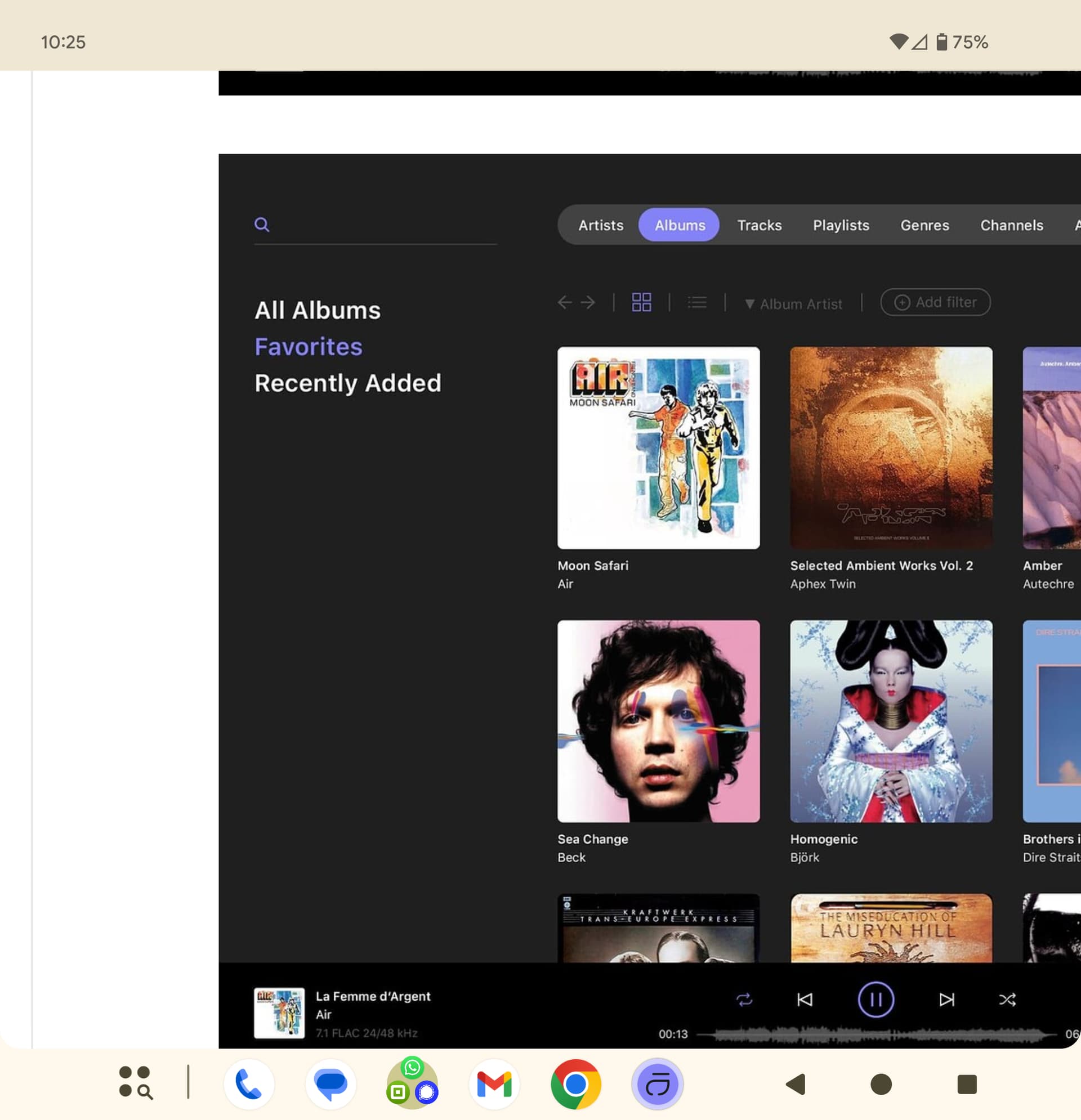
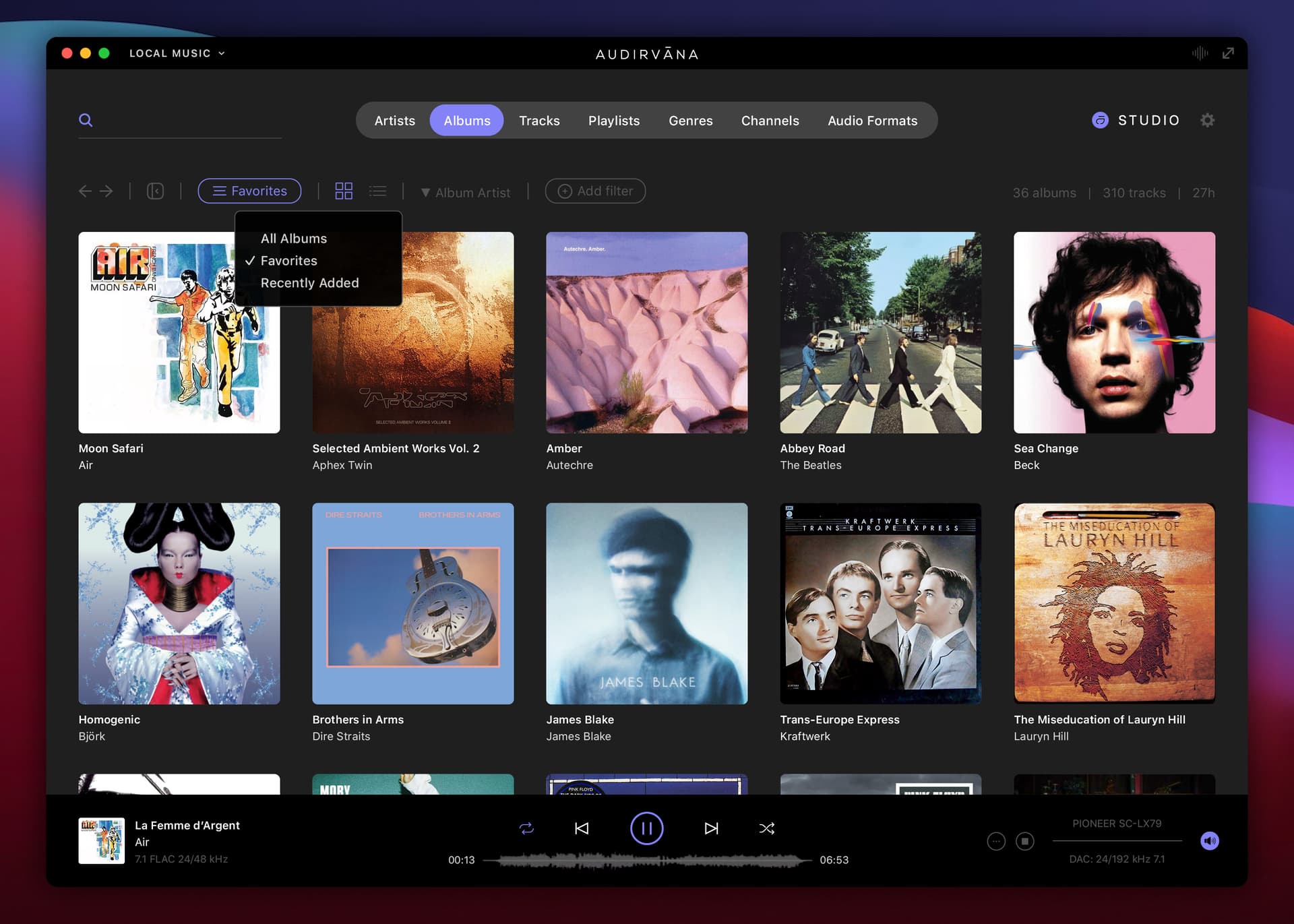
One way to get rid of that annoying space consuming side menu would be to make a drop down for each tab…, I can’t do a demo but I think it speaks for itself…
Regards
Phil
1 Like
Thanks 
1 Like
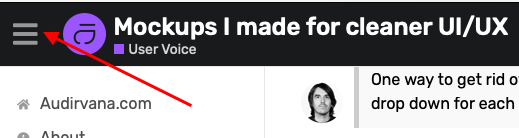
Why not just implement a simple ‘switch’ to hide/show the sidebar, like this one found on the Audirvāna Community forum?
Brilliant!
Brillianto!
Why not just implement a simple link to the Audirvāna ‘Knowledge base’ in the current UI found here below?
Exactly.
And, a well designed system allows for an intuitive system. Left handers will adapt, as they always will. Scio, quia ego sum.
Phil
1 Like
“Pluralitas non est ponenda sine necessitate”,


1 Like
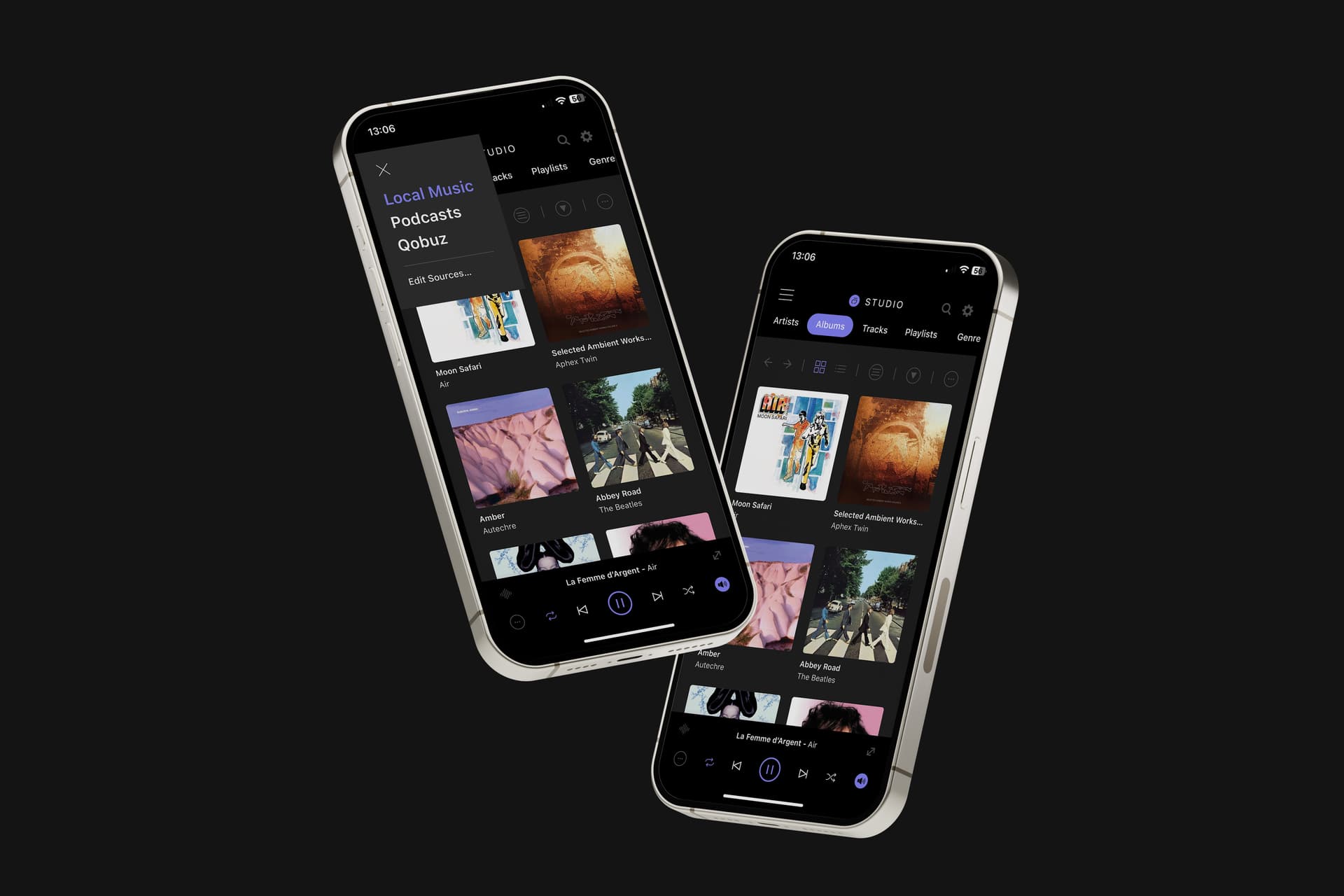
A “hamburger menu” is generally not associated with a sidebar toggle, but with the navigation of a website/app, not something that is contextual, like in my mockups (the content of the sidebar is different every time)… The hamburger menu could be used though on the mobile app e.g. to show the music sources instead of the dropdown on the top left in my initial mobile mockups:
1 Like
That link can always be implemented in the “Help” Menu or somewhere in the settings… I like the step-by-step quick tours on some apps that I use, because that way, you get the basic concept/UI of the new version of the app in a few steps… and, if you want info/help for all (new or more advanced) features, then you can open the Knowledge Base link of course.
1 Like
Apparently, you have not used this ‘switch’ to hide/show the sidebar in the Community forum display… It is not a hamburger menu, it is a simple switch… However the graphic is a familiar convention… The switch graphic could be more indicative of its function…
Apparently, you have not really looked at the ‘step by step’ functionality of the Knowledge base… and if implemented contextually, it is a simple application of something that does not need to be invented because it already exists and available to all levels of users.
At least your lover knows you’ll never care to look at another piece of fill in the blanks 
I’d be interested in granular search/sort* approach with quick multi-parameters-selection, which of course would also need some UI changes.
- Much like an online shop