If that is the case, it won’t take long once someone gets on it.
To the best of my knowledge, that is for checking to see if there is a software update, not for the licensing.
It has been quite a while since I visited the manage your account page. I thought perhaps you meant that @RunHomeSlow
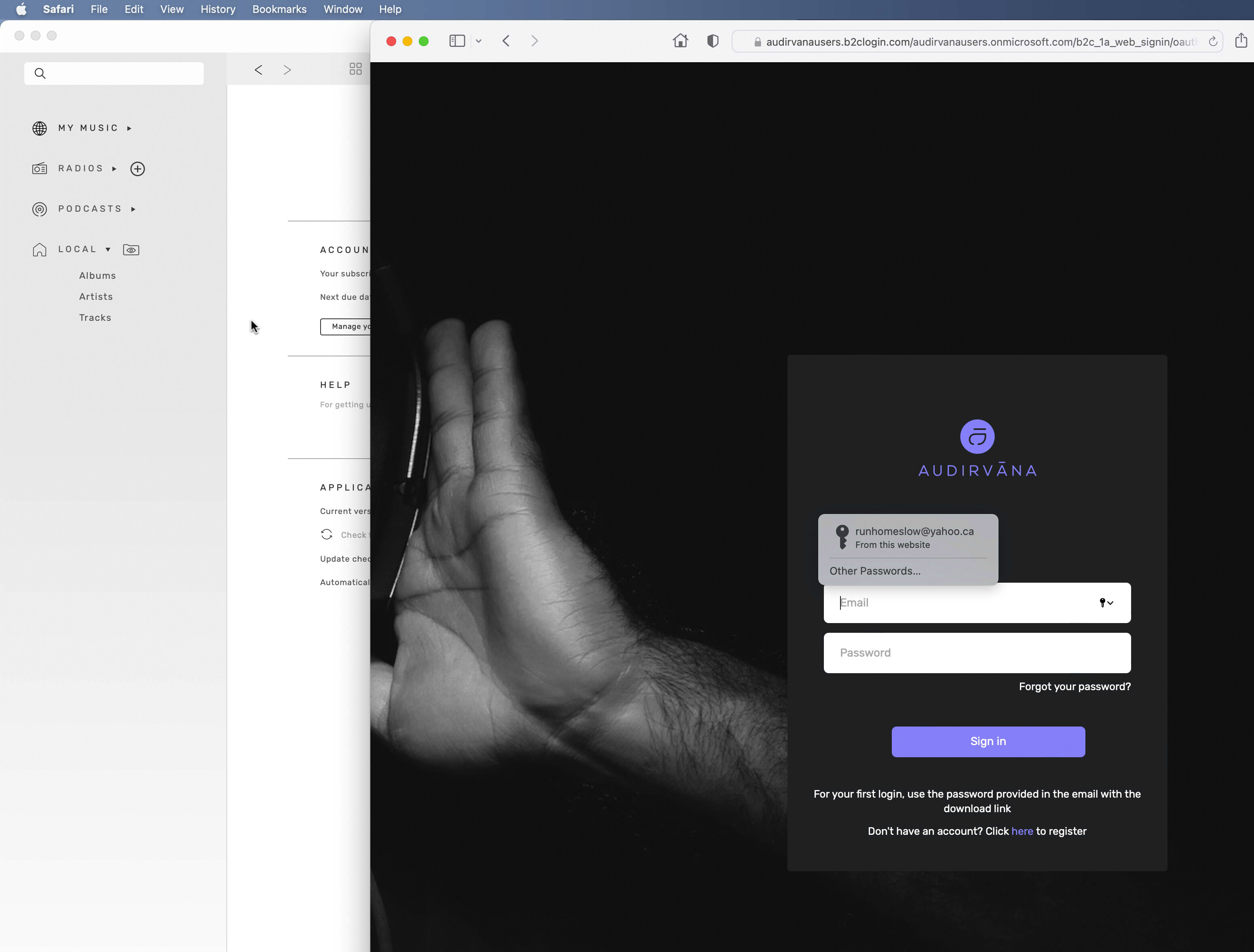
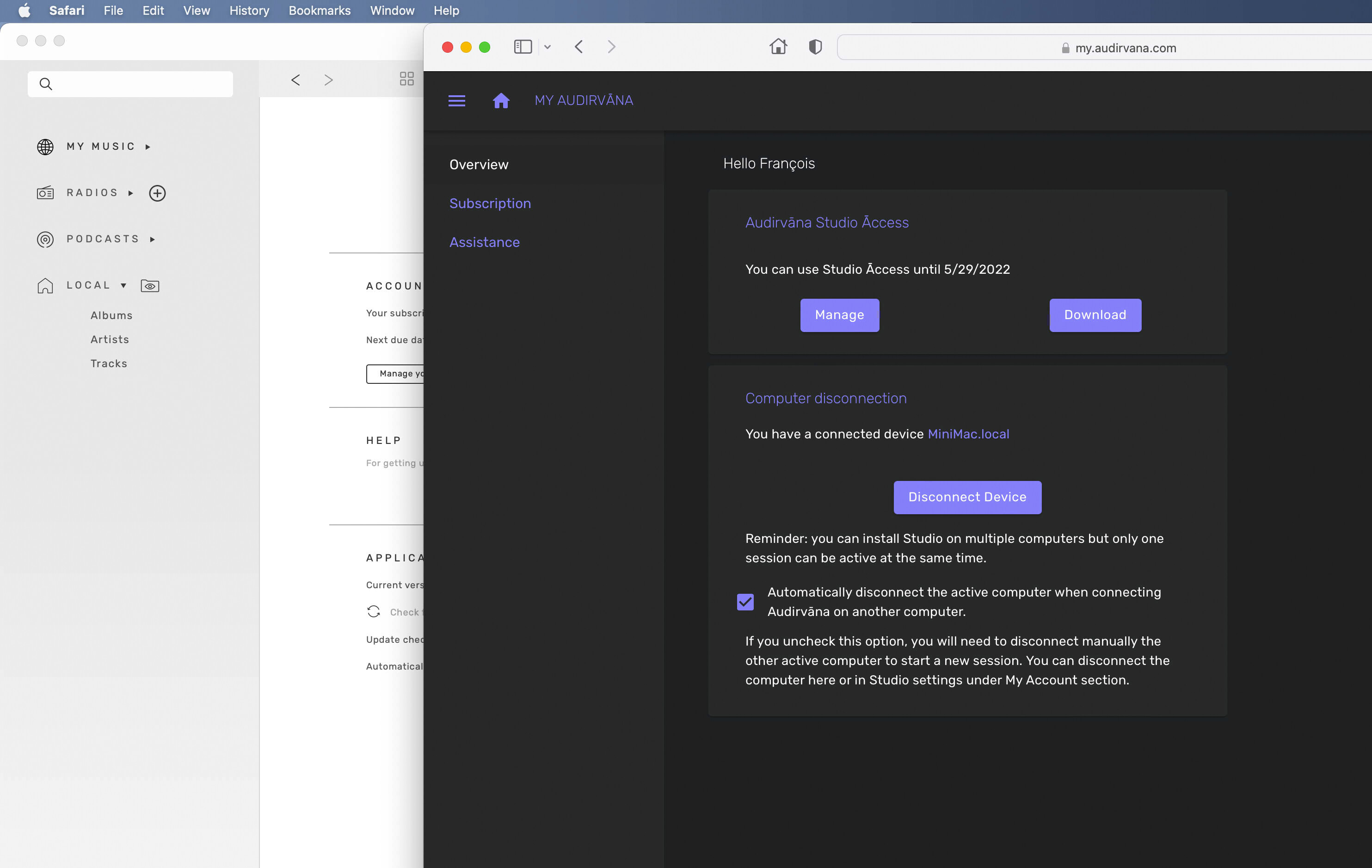
It seems there is no way to access your account currently. It takes you to a page that you can do nothing with.
I think you are wrong 
Studio or version 3.5 have to check your license maximum once a month to see if you are ligit
Check your studio prefs software not on internet
I don’t disagree with that and they rightfully should check.
What I am saying, the settings in the app specify for daily, weekly, or monthly to check for updates and the latest thing I mentioned, clicking on managing your account takes you to a page that you cannot do anything, unlike before. In the past when clicking on managing my account, it took me to a page that would show my subscription.
was about to send picture but see that for software update, but license is the same… that was like it in 3.5 version
Maybe they were having server trouble.After 5 attempts, I am now in the manage my account preferences.
for me it is the same… manage my account works with safari monterey beta 12.2
Maybe to many people love Studio… Server loaded 
Like someone said in another thread… do not release update on friday night when you left the building
1 Like
I’m going to agree with @Harvison i see update check only. Now if you are not able to use your account perhaps you should go in manage your account and pause your subscription until this is sorted. If there is nobody on duty until next week pause it and save your time you paid for.
That was me, remember the disaster when they released big update for 3.5 and studio on same day……OUCH!
I’ve overseen enough roll outs and products that had teething issues I suppose this doesn’t work me up much.
i think with version 3.5 you HAD to be checked once a month, because people complained about having that software and not have to be connected to Internet (for sound goodness), but there was the other side… pirate people not registered… so, Damien if i remember well, make the license check to be at 1 month Maximum…
that was, i think, it is the same now in the Studio preferences… not for just software updates, but to check you legit license…
But today or yesterday, seems to be a bug for some…
The same bug
Reverted to the 1.9.0 version
I have the same problem. Every 3-4 hours playback stops and I have to login with my credentials
Yes. I have the same problem as well. Windows 11 AS 1.10. I thought it was a one time thing (I also disconnected in AS and connected again) but the message keeps returning. After I press OK on the dialog screen AS shuts down.
Hello everyone,
Thanks you for all reporting this issue. And yes, sorry for this regression leading to this error after about an hour of use.
We have made a hotfix in the 1.10.2 version of Audirvāna Studio, now available of both MacOS and Windows.
7 Likes
It’s kind of a given but it’s happening with Windows 11 too. I already reverted to 1.9 before checking the forum. Isn’t software so much fun? /s. I’m glad I retired!
1 Like
Yep you go first, I’ll hold your 

1 Like
Not too sure if it’s relevant, but I now have 4 ‘ModalPopupGeneric’ error messages in my taskbar. I’ve found that by not clicking on ok has resulted in not having to restart Studio.
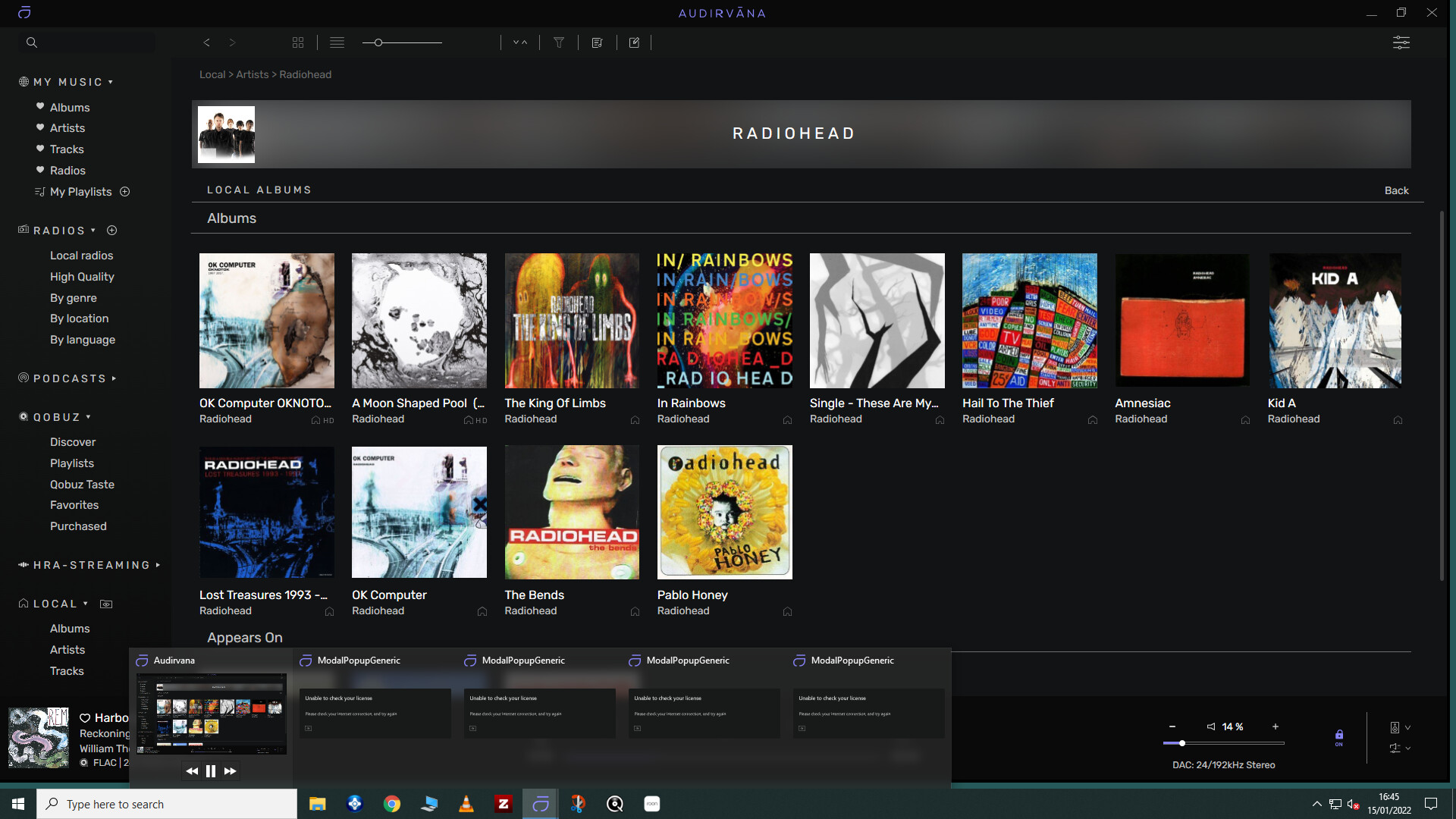
I’ve also since managed to close the error windows (by clicking on the top-right cross of each for those that are unsure).
If it works for others perhaps hold-off of reverting to 1.9?
EDIT - apologies, meant to add that I’m on Windows 10.
1 Like