Tried to resubscribe to studio this afternoon, but having issues with installation on Windows 11.
PS C:\WINDOWS\system32> Add-AppxPackage C:\Temp\AudirvanaStudio_2.11.4.0_x64_arm64.appxbundle
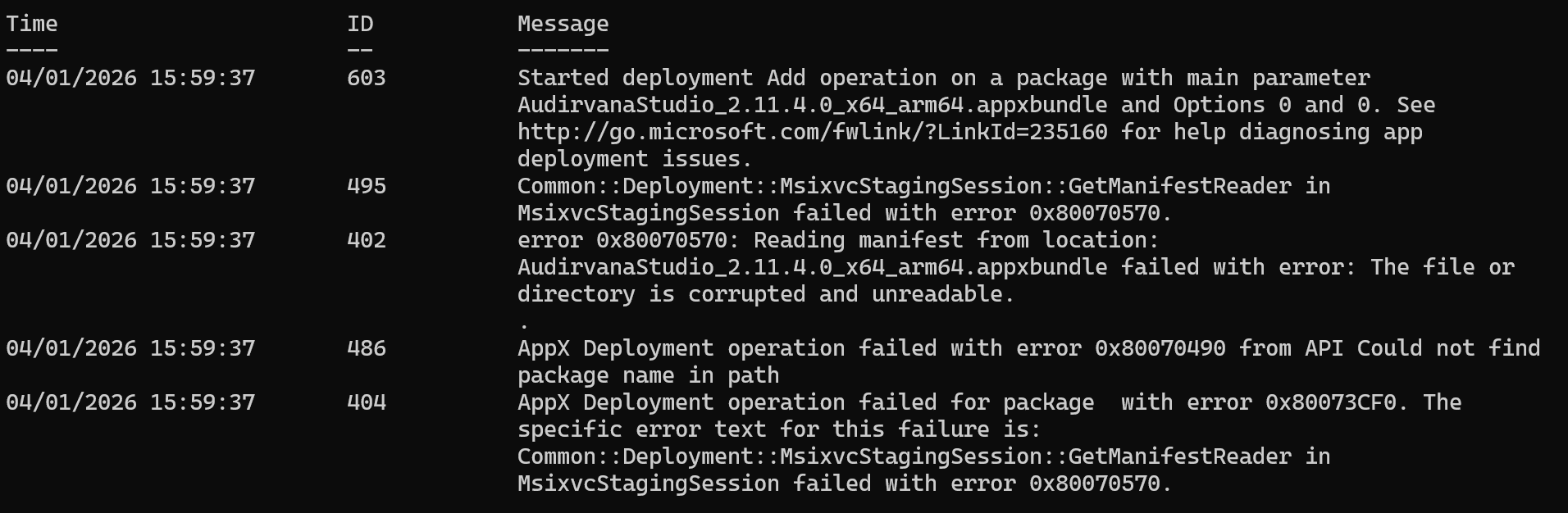
Add-AppxPackage : Deployment failed with HRESULT: 0x80073CF0, Package could not be
opened.
Common::Deployment::MsixvcStagingSession::GetManifestReader in MsixvcStagingSession
failed with error 0x80070570.
NOTE: For additional information, look for [ActivityId]
9454c7b0-7d92-0008-699b-5694927ddc01 in the Event Log or use the command line
Get-AppPackageLog -ActivityID 9454c7b0-7d92-0008-699b-5694927ddc01
At line:1 char:1
+ Add-AppxPackage C:\Temp\AudirvanaStudio_2.11.4.0_x64_arm64.appxbundle
+ ~~~~~~~~~~~~~~~~~~~~~~~~~~~~~~~~~~~~~~~~~~~~~~~~~~~~~~~~~~~~~~~~~~~~~
    + CategoryInfo          : OpenError: (C:\Temp\Audirva...rm64.appxbundle:String) [Add
   -AppxPackage], FileNotFoundException
    + FullyQualifiedErrorId : DeploymentError,Microsoft.Windows.Appx.PackageManager.Comm
   ands.AddAppxPackageCommand
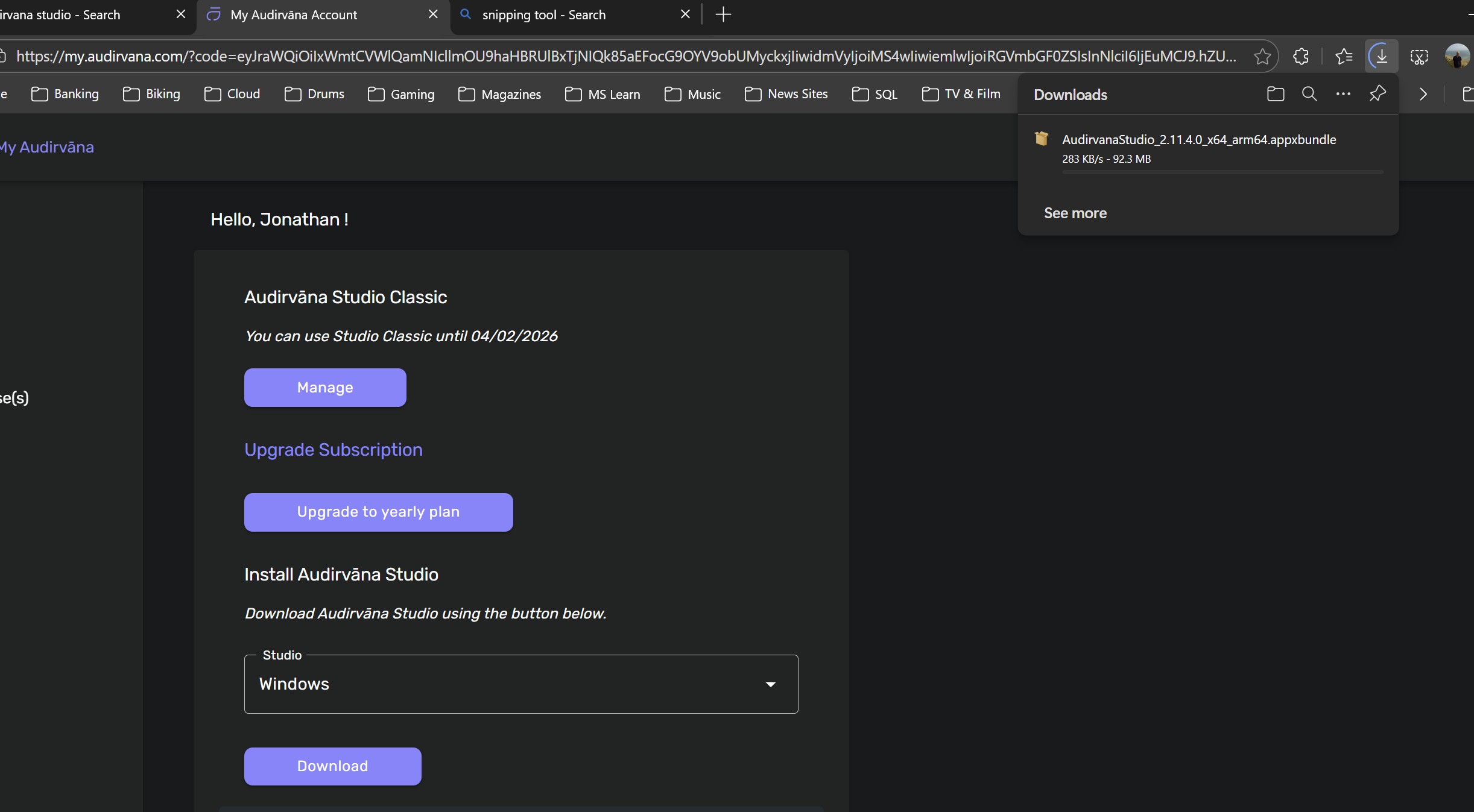
Have downloaded the file multiple times tried installing using both the app-installer GUI and PowerShell. Always get the same corrupt file package error.
Can anyone please help?