I just started using Audirvana Origin (MacOS Tahoe) and after adding my library, some cover arts look all blurred:
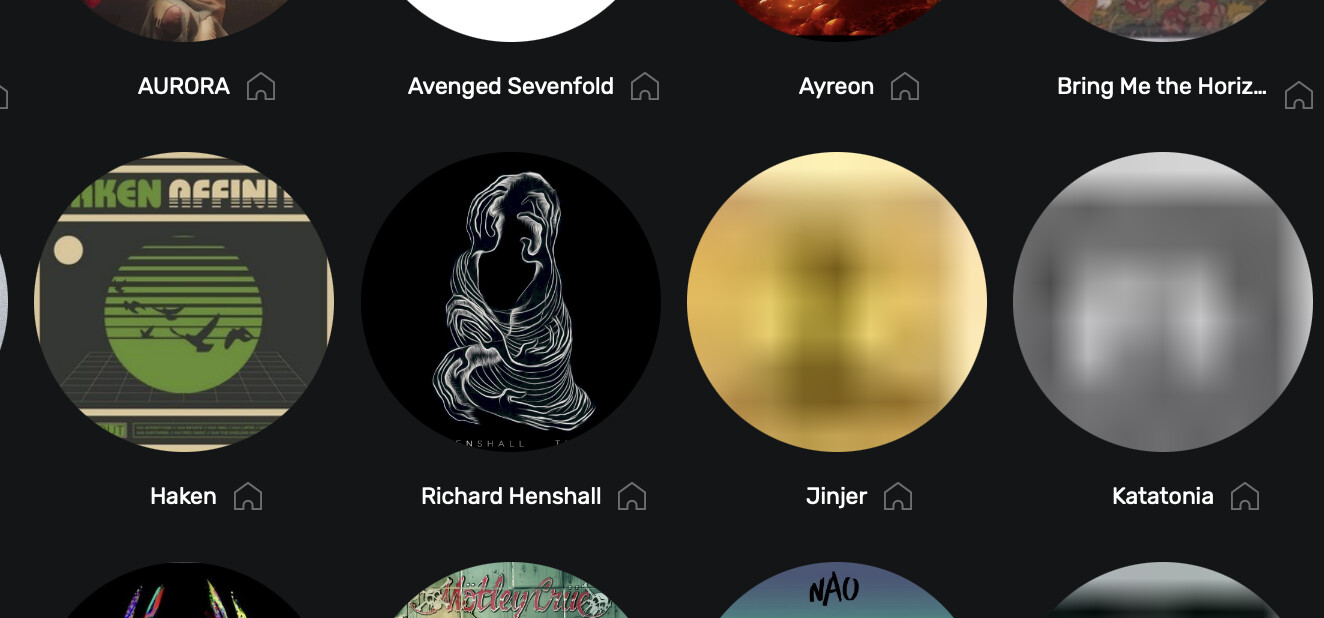
This also happens with album covers, and when that is the case, opening an artist results in this visual bug:
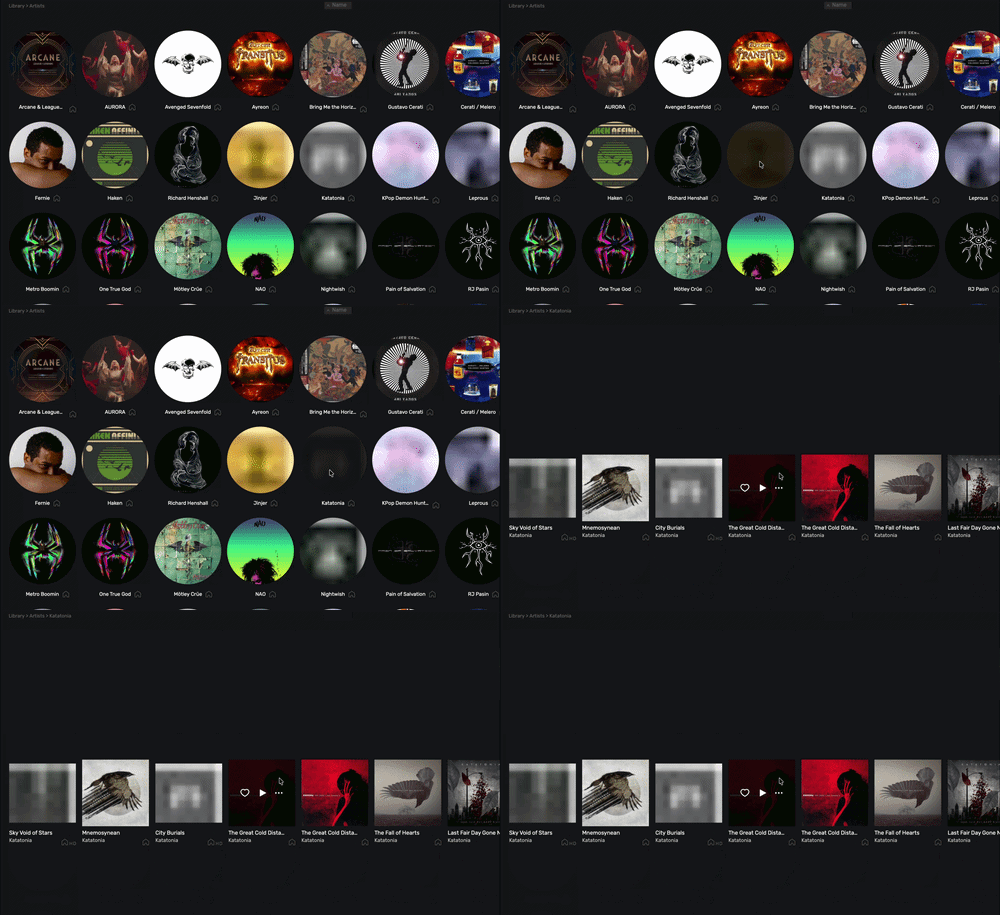
I have tried deleting the local database, reinstalling Origin, and even redownloading all of my library from Google Drive but nothing seemed to make a difference. This is something that happens with Studio too.
The first time I opened Origin was when all of the files where being downloaded with the Google Drive app which is what I think caused the issue. So my theory is that there is some cache that I am not deleting and is persisting even after erasing the app with something like AppCleaner.
Note: I have opened the cover art files directly from finder and they seem to be fine.
Any help or insights would be greatly appreciated!