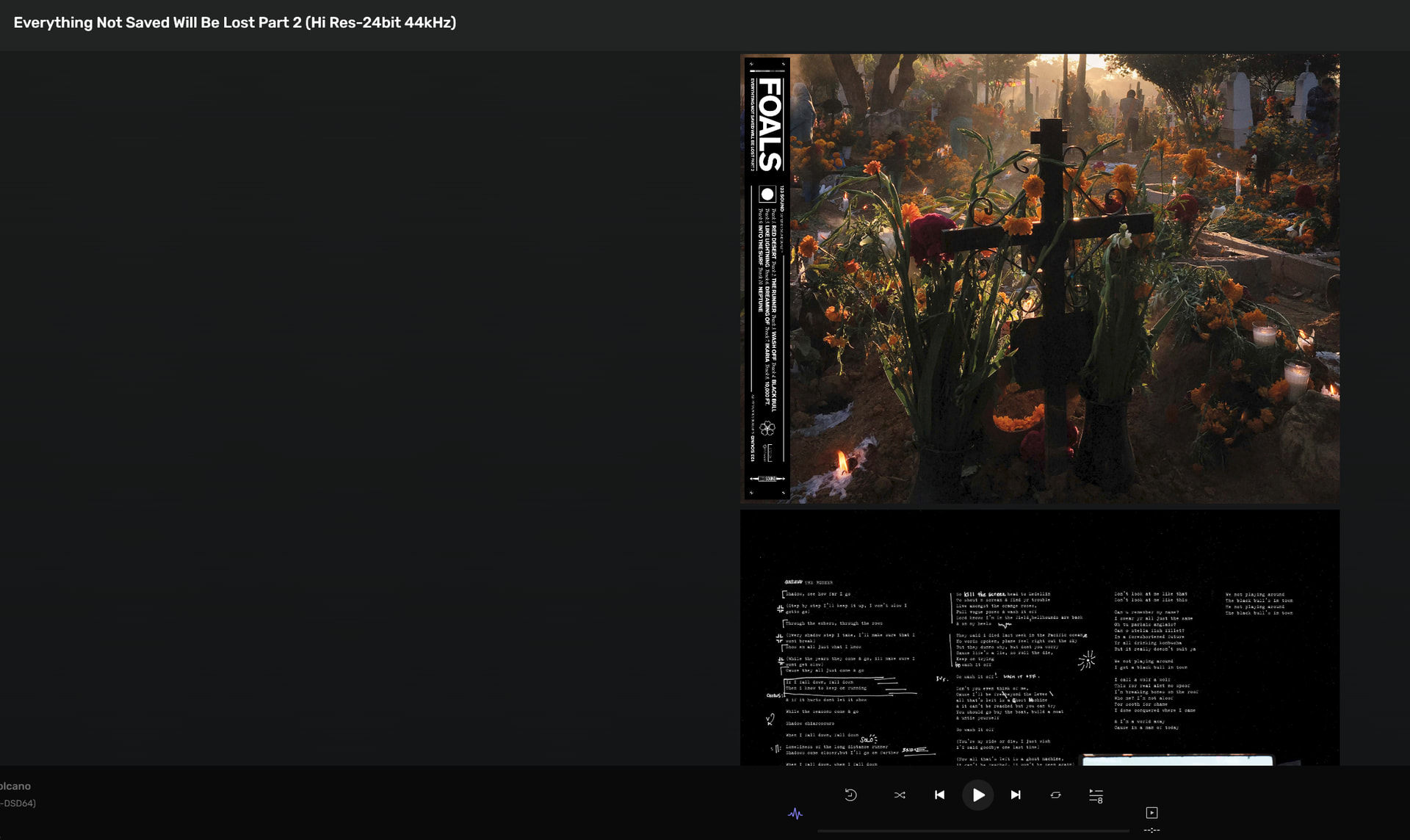
This function has never worked in my experience since being implemented in macOS… I see the booklet icon and select it… nothing is displayed, no message, no booklet.
macOS 27.0.1 (and earlier versions), (M2 Max Mac Studio, 64GB RAM) (Edited) Audirvāna 3.4 (and earlier versions)
It faied me also for YEARS. Origin. Latest version got it working thanks to many nudges to @Antoine where it was eventually correted. A very annoying aspect of a fantastic sounding (best ever) software.
I would think the monitor resolution maybe an issue. For me works fine on a MacBook Pro screen or a desktop monitor at 4k. Try with a higher resolution screen if possible?
Must be the factor… This is the highest resolution for this display… Don’t have another laying around… Well… maybe something to look forward-to in the future…
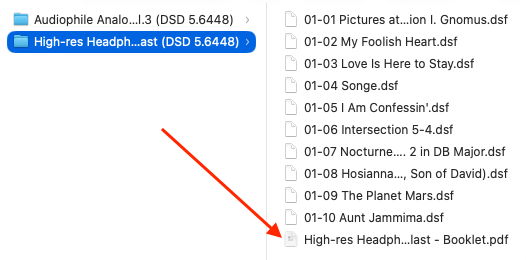
At a bit of a loss on this one. Your booklet location is the same as mine in the album folder and they display fine at 1280 x 800. Dont have the 1280 x 1050 setting on a MBP to test as it is a non standard resolution i.e 1.22:1
Have you tried selecting a resolution other than 1280 x 1050 (extended SGXA) just to check if it runs OK in a standard aspect ratio ie 16:10, 16:9 i.e 1400 x 1050, 1200 x 800 etc etc? I think your issue is most likely related to this non-standard and to be honest quite rare aspect ratio which AS is struggling with, obviously macOS manages it as you can see the booklet when opened in preview but maybe AS does not handle it.
Thanks… Apparently the attached display is also affecting my AppleTV 4K as the AirPlay main display of the application which is connected to my 16:9 1080p TV,
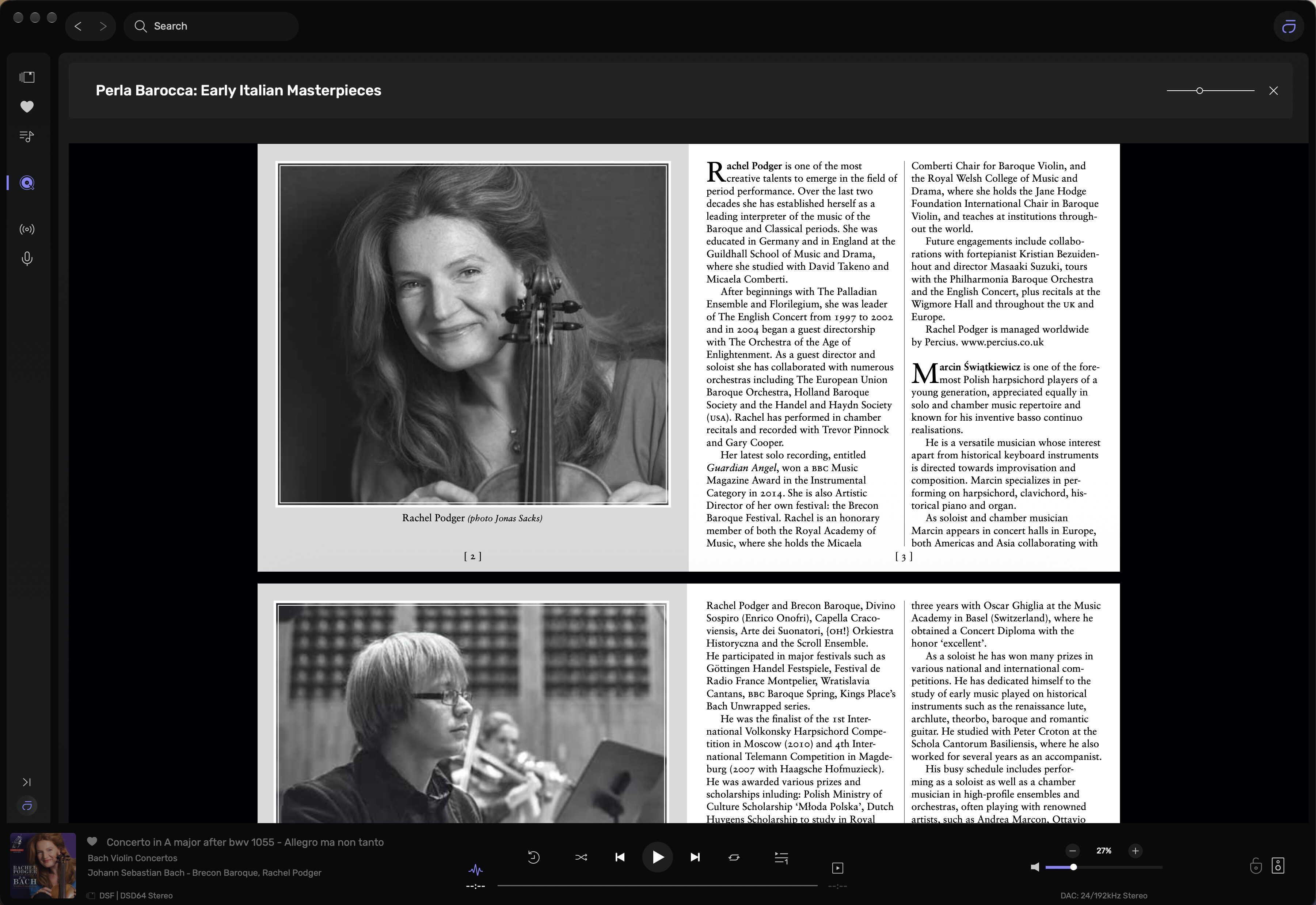
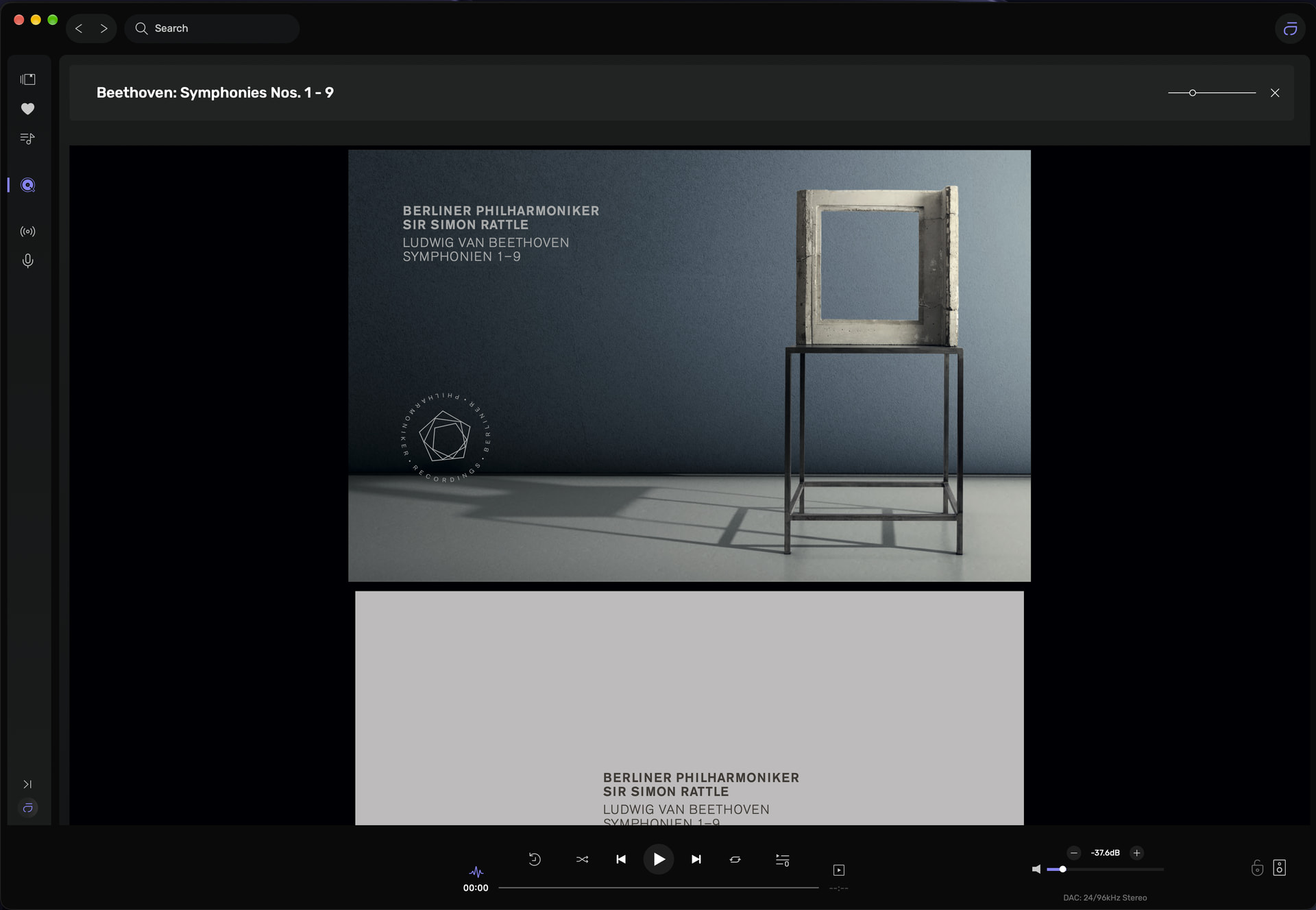
I have managed to replicate your issue. In the screenshot below I have A Rattle/Berliner Philharmoniker booklet open. When I click on the booklet it opens but if you look at the screenshot it suggests the booklet is being pulled from Qobuz as the Qobuz icon in the sidebar is highlighted (when clicking on the booklet the highlight moves from the local library to Qobuz).
If I disconnect from Qobuz, it shows the album has a booklet (it is installed in the tracks folder), but when clicking on the booklet nothing happens. Just flashes and remains on the album view page. So for me booklets only work when I am connected to Qobuz (all my albums in my local library tend to be purchased from Qobuz)
Interesting… Thank you for digging into this to help me solve the mystery…
I don’t subscribe to streaming music services… So, it appears you have uncovered the bug… I had a suspicion that it was not a display resolution gremlin…
Yes that’s possible I also had the same result from some DSD albums purchased from NativeDSD, I still could only view the booklets when connected to Qobuz……. Odd. The funny thing is it recognises the booklet is there in the folder without Qobuz, if I remove the booklet from the folder with tracks the icon for the booklet disappears and reappears when the booklet file is placed back in the music folder. It just won’t open it.