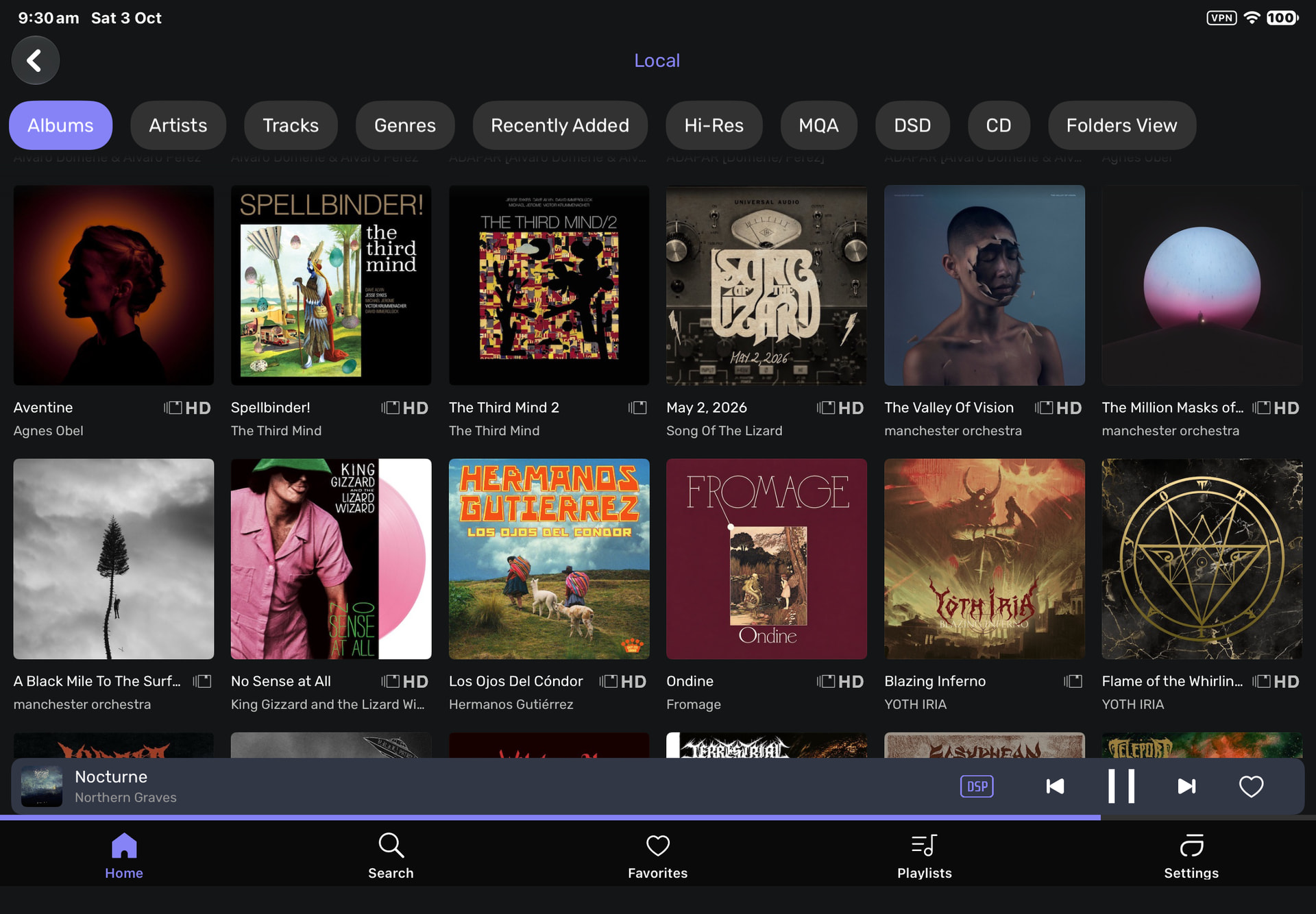
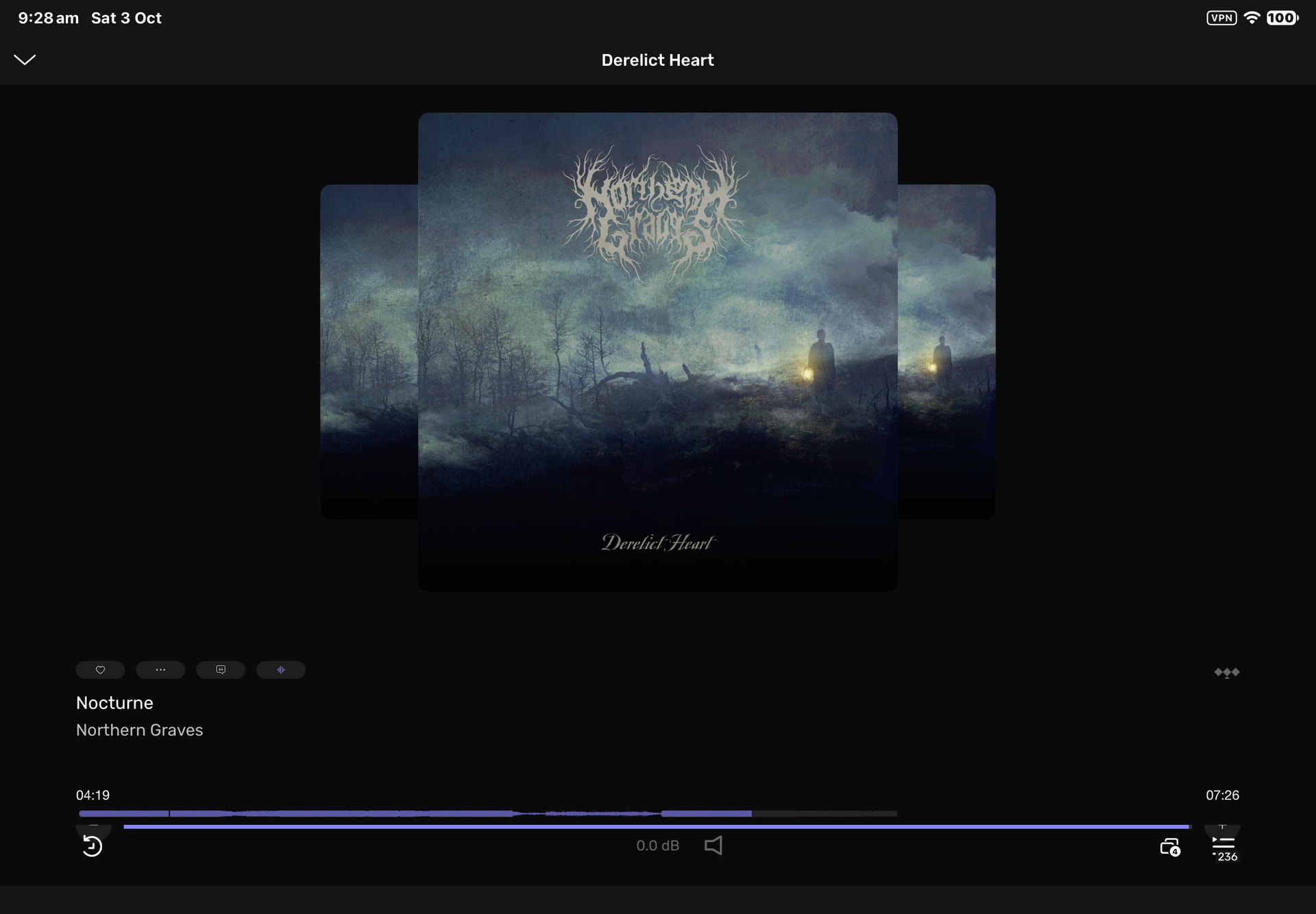
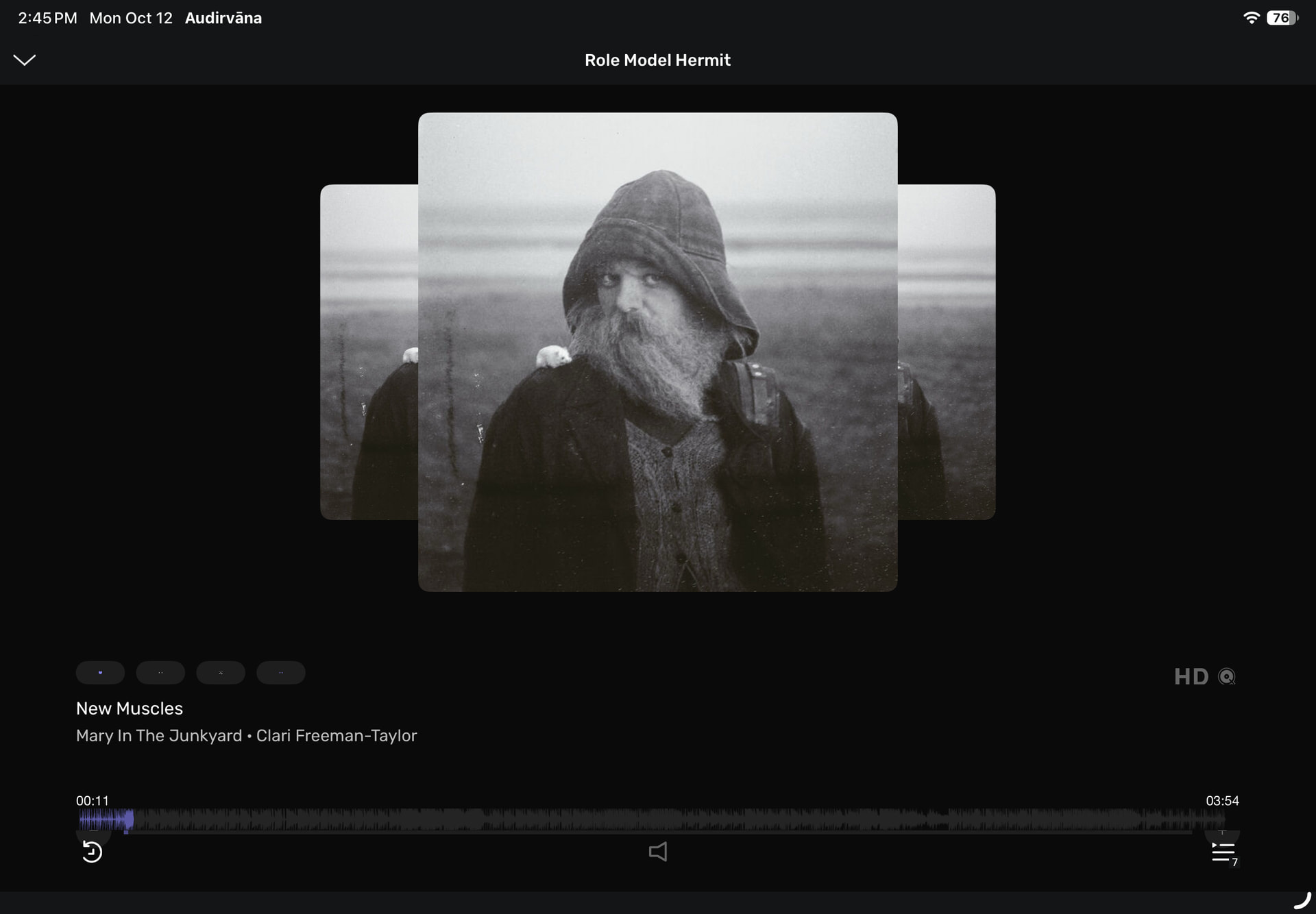
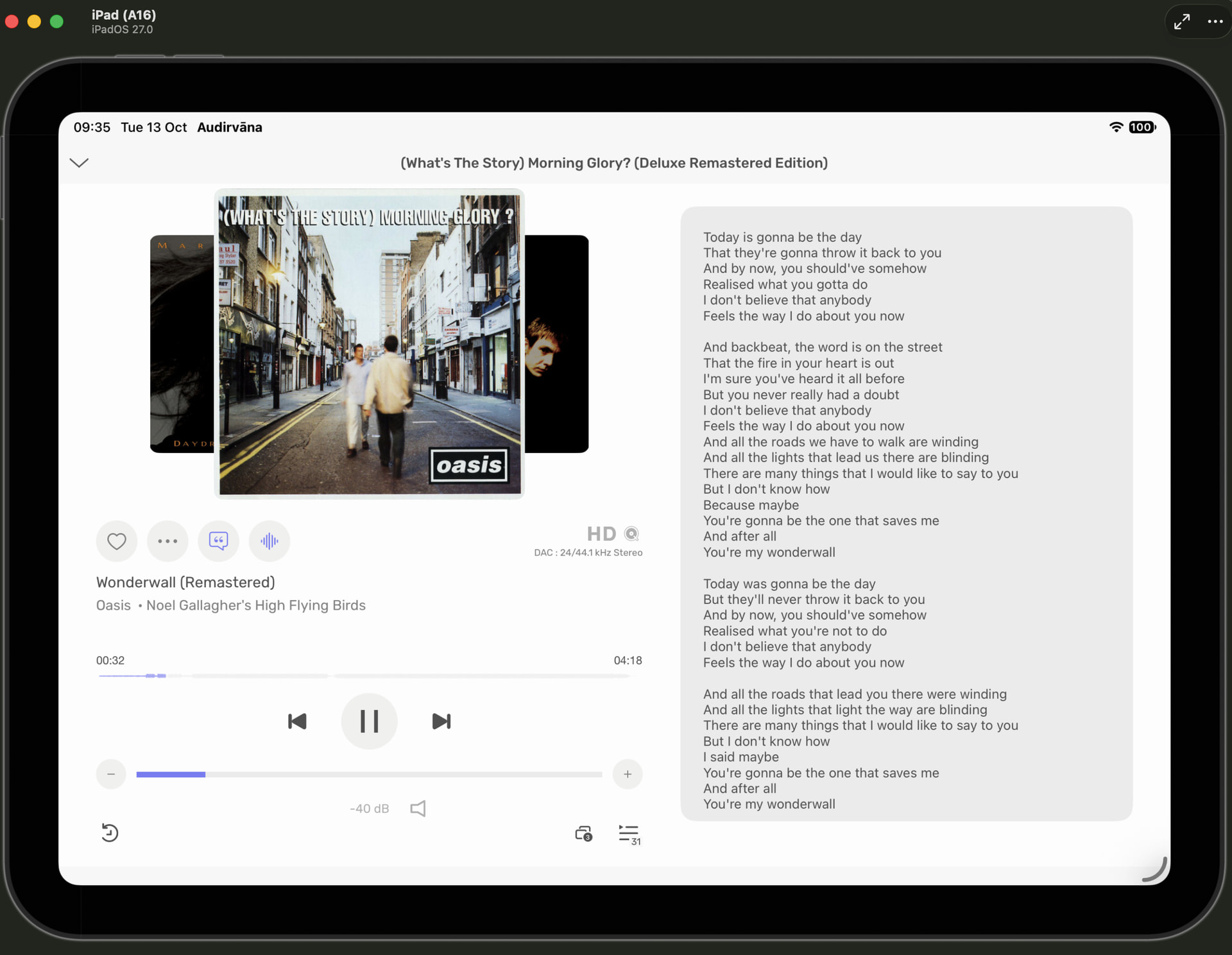
I’m noticing a change in the appearance of the Landscape Mode the remote in iPad IOS. @Antoine has previously advised that landscape was going to show only 5 Album across in the Library View, yet I now have 6 showing. Further when using the mini player the artwork now spreads across the whole screen and therefore compresses the Wave Form Bar and Volume Control/Play List Icon together in a real mess.
I’ve attached a screenshot of how it looks now, and a previous one from a few days ago when I was trimming off the excess space on either side. Huge Difference.
I thought it may have been because I used a larger font, as that had happened a few years ago, but a change of that back to normal made no change at all.
No @antoine i didn’t get that at all. In the Opening Post the middle Pic of “This is the Northern Governers” is a screenshot of the iPad Page with about an inch or two trimmed off either side, whereas the last pic shows the artwork all the way across the iPad Screen and therefore squashing down from the Wave Form and the Play Buttons below…
Hi @ChiliHot , I was about to update you later today, as our developer made the change to fix this, as it’s related to a feature Apple deprecated with iOS 27, and they then broke it instead of warning about not using it from a specific version of iOS.
I will test the fix he made today and let you know the result.
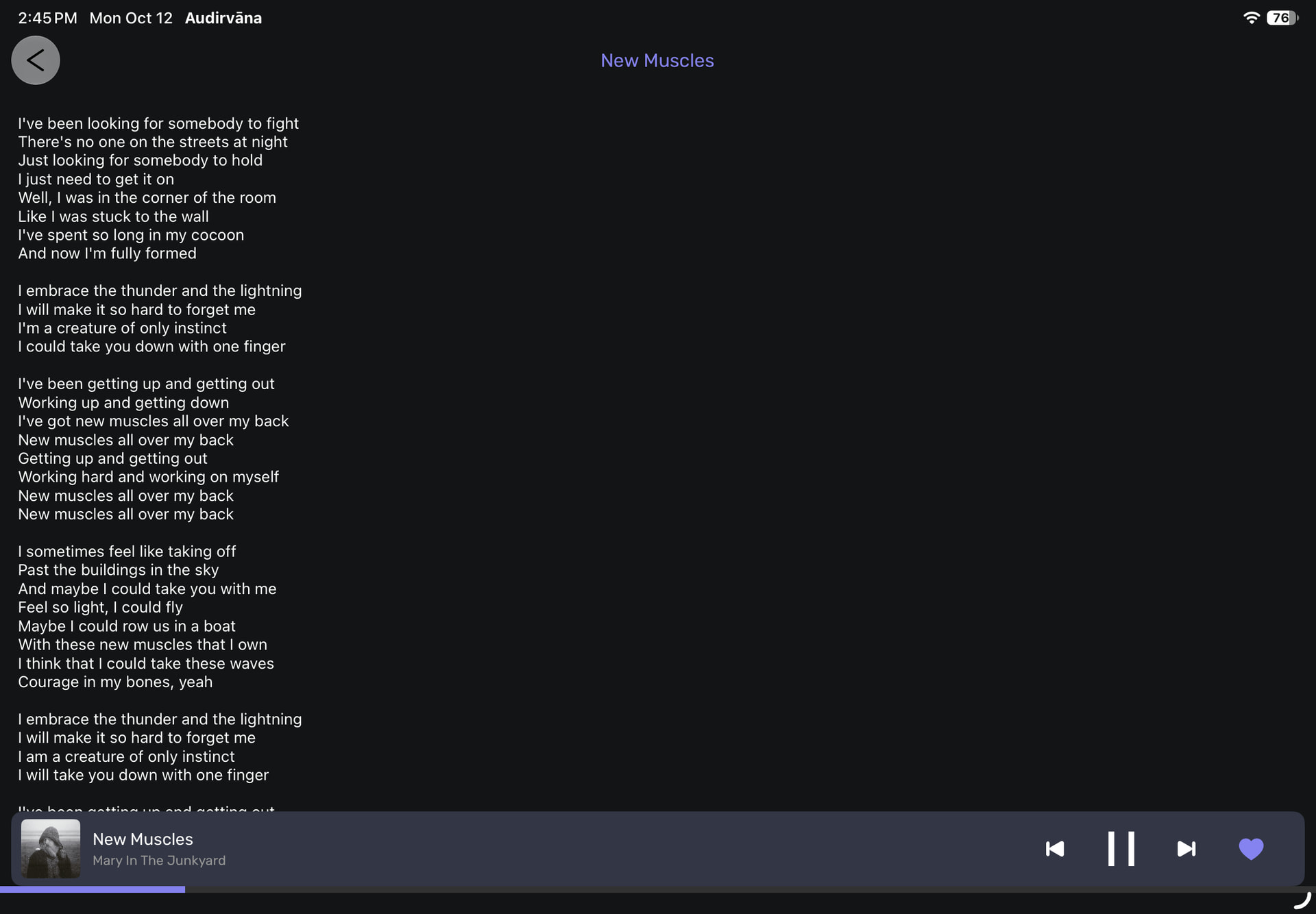
+1. Same issue with iPadOS 27 and then with 27.0.1 on iPad Air (M4). Also, lyrics are now crammed against the left side, and the album art no longer appears alongside them.
Looks like something changed in the latest layout. The artwork is way too big now, and the controls are all squeezed together. Hope they fix this soon or give us an option to change it back.