Cover art updated in the local file but old cover art still shows up in Audirvana interface

Hi, all!

I’ve just updated the tracklisting and cover art on some of my albums. Audirvana registered the change in tracklisting titles when it synchronized the library but the cover art is the same. Is there some way that I can trigger Audirvana to update the cover art?

Thanks in advance!

hi @ADAlvarez , can you pelase send a screenshot of the issue?

Old covers in Audirvana for ABBA’s The Album, Ring Ring and Waterloo (1997 remasters) and new covers for them in iTunes…

When you open the files in the Finder, do you see the updated cover?

I had the same issue in android, with audirvana remote, and i fix it deleting the cache and then reloading the app.

I don’t know if it can be done in Finder.

But this is another annoying issue xD

Yes.

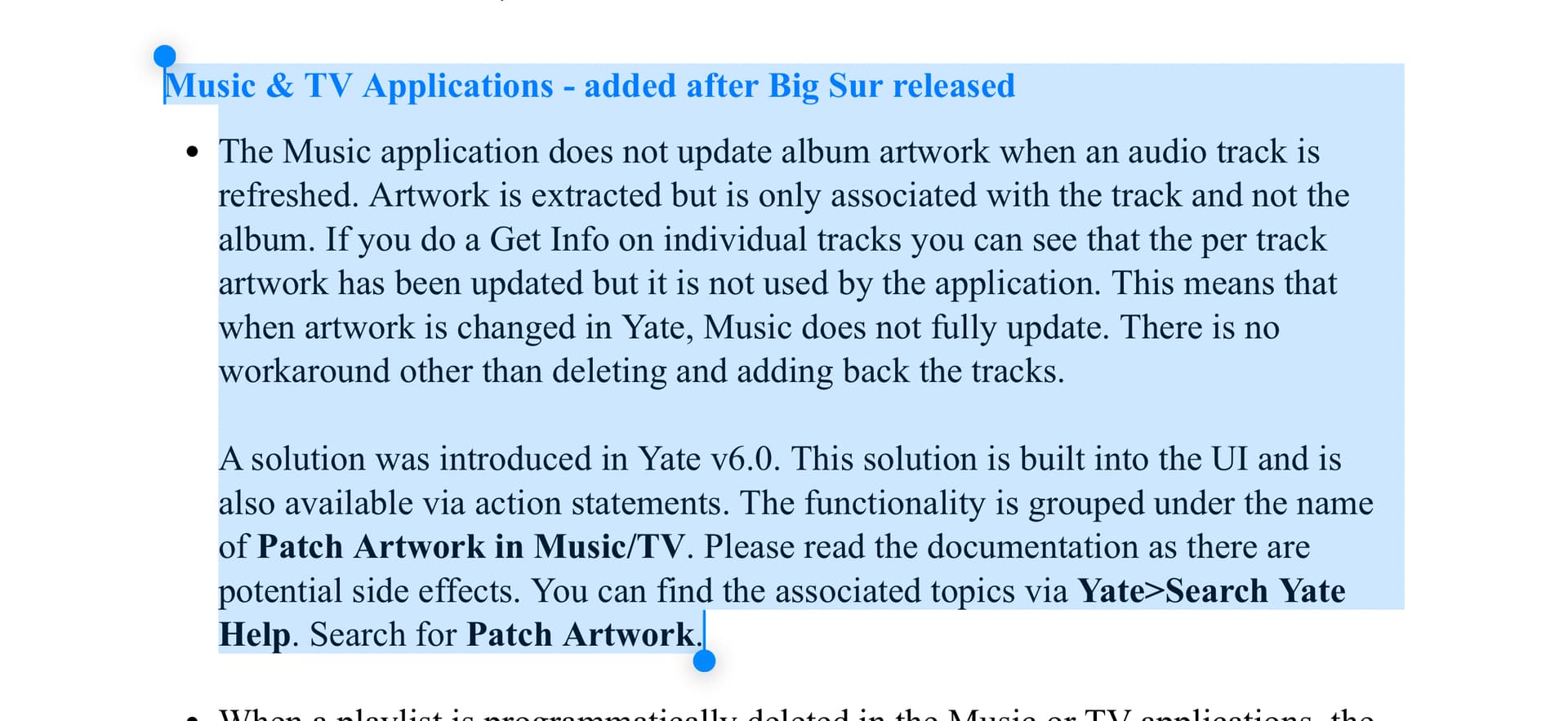
This might be significant information: I updated the covers using Yate. So the new covers show up in Music — they otherwise wouldn’t — I use Yate to “Patch Artwork in Apple Music”. Maybe Yate needs a patch option for Audirvana.

I don’t know how to clear Audirvana’s cache on my Mac.

Have you tried the option “Search for artwork” in Yate?

Me neither, just sharing my experience in case it could be useful.

No.

This is what I do:

If you use the option I told you in my previous message, do you still get the issue?

I already did that when looking for the new covers, Antoine. It finds cover art and then you can save it to the local file. It doesn’t change the image in Audirvana.

Ok, I will try to reproduce your issue asap and report back.

I’ve been able to reproduce the issue on my end. Will see what we can do about it.

Any updates?

Hi @ADAlvarez, the issue should be resolved in the next beta update of Audirvāna Studio, since we will add the new metadata editor.