CPU Load - constant load on CPU by Audirvana Studio

Heya, I installed the test version of AS yesterday on my Windows 10 machine.

Since then, AS put a constant load on the CPU and the network. This way, AS prevents the machine from going to sleep.

Is there a way to stop this? And why is there so much activity in the first place, even when AS not being used?

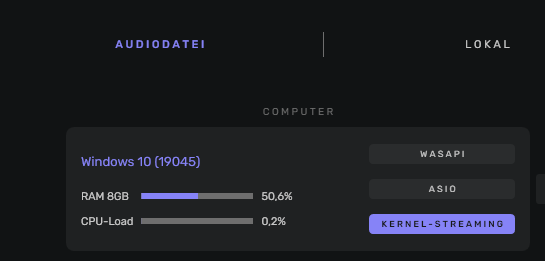
I looked up for that on my Win10 PC running Audirvana without it’s in use.
There is no traffic and no load on the cpu…

Screenshot 2022-12-26 193326

If it is Studio it maybe not finished analyzing your music database? Is it syncing in the middle top of main window?

Thanks much for your answeres!

I installed AS anew today and let it scan my library. After that, CPU usage drops to 0% for most of the time, but even when AS is / should be doing nothing, I get CPU usage spikes of 7%, followed by a drop to 0% again.

I will check if the PC goes to sleep with this and report back.
This topic was automatically closed 90 days after the last reply. New replies are no longer allowed.