I use Audirvana Studio (latest version) on am M1 Mac Mini (now Tahoe 26.1).
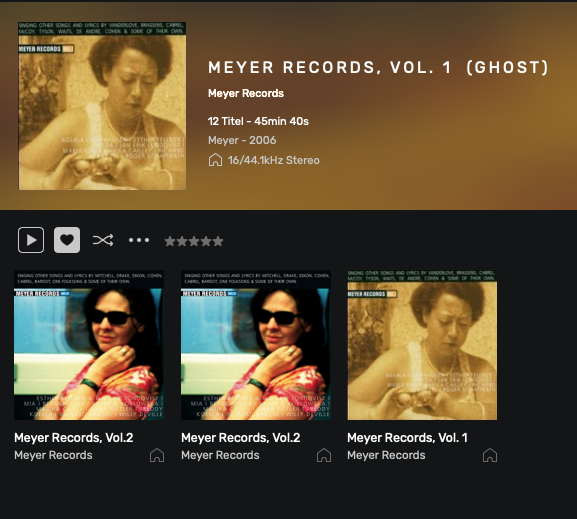
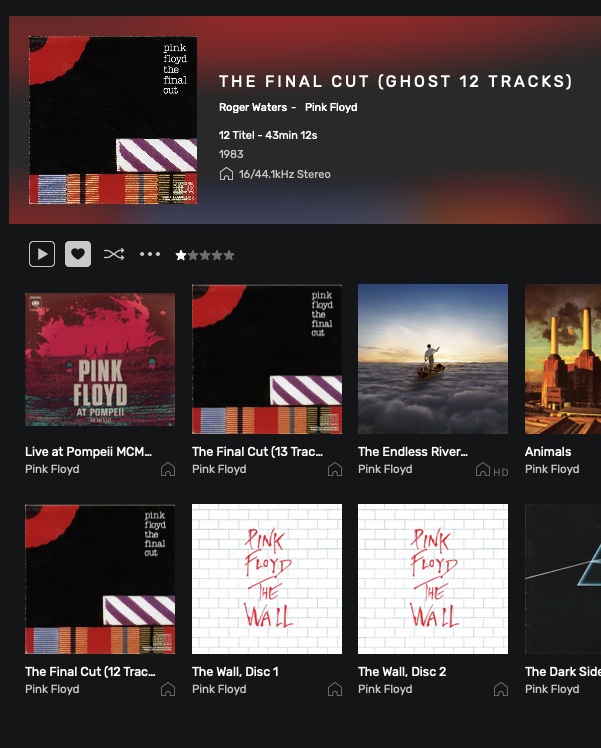
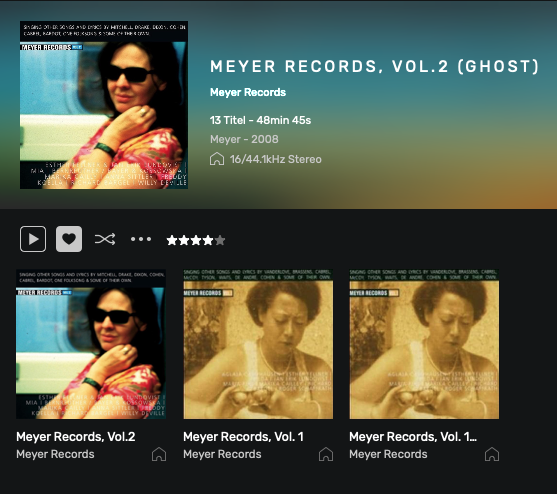
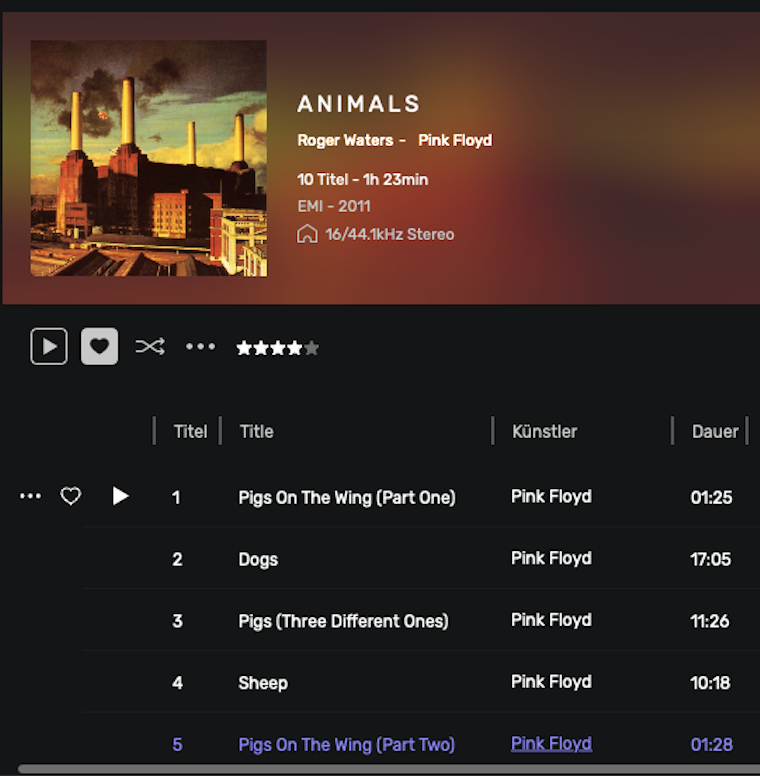
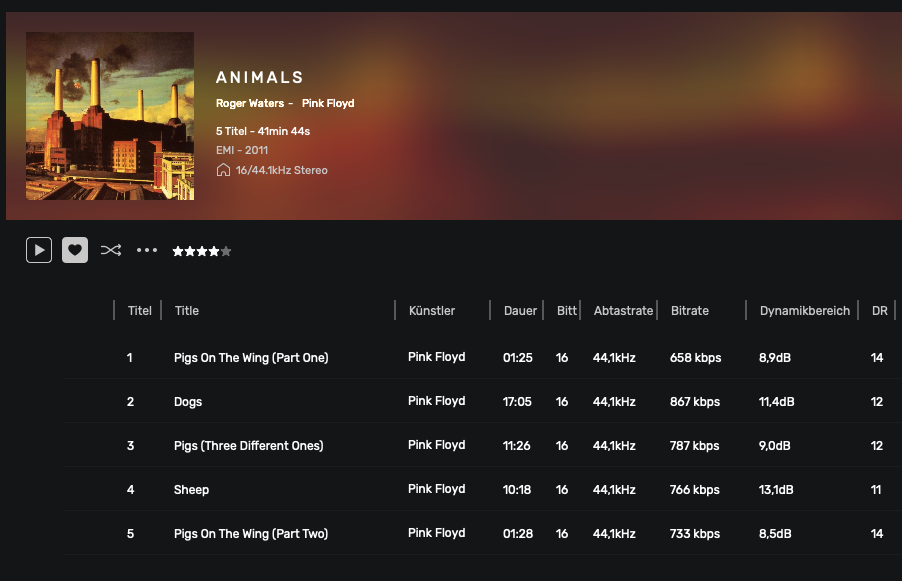
Some auf my albums are doubled, one of this is empty.
At some albums the playing time doubled.
I reported this in a similar form some time ago, and support even received files from me. This phenomenon still hasn’t completely disappeared. I have no idea why that is.
Music: 399,13 GB // 784 Albums / 9.948 Titel / 31d 6h
These two errors only occur on some albums. Because of the many albums, I don’t know the number exactly. Some albums are even ribbed by CD, some bought as a download.
I sent an email with more info to the Audirvana support too.
i was speaking about only the faulty ones… not all your database
In Audirvana click to view your database as Tracks view, not Albums cover view.
Then there, add a field by right clicking the title bar there… add field ‘File Location’
after click File Location tab to view as file location… maybe re click to change the order, then you will see your ghost files first in the list, they will be grey… not playable.
if it is only a couple of albums… check them, and drag the real CD folder of those albums to your desktop to make it a copy… then select first of ghost file and with shift key, select the last one… right click, Delete.
Then go in main software menu ‘View’ show recycle bin… select all tracks there and delete them…
They will be put in the trash bin of computer for real… that is why you did copy them before to the desktop… empty the computer trash…
now put back the CDs from the desktop to their place where they were, and it will be added to the database as new… never played album, if the were albums before 1970, their date released will be wiped from tags…
In the preferences you can backup playlits then after import that backup in. This only if you delete database.
You have too many ghost files?
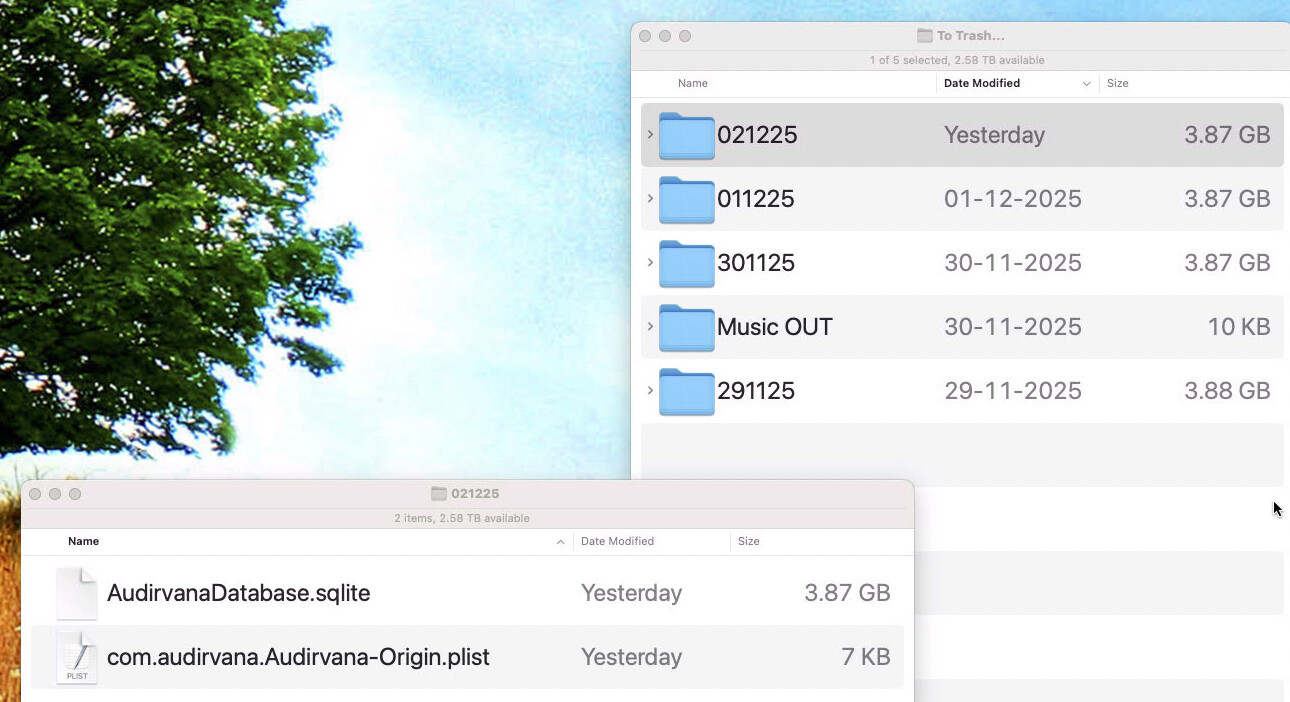
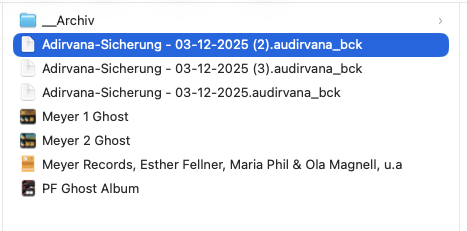
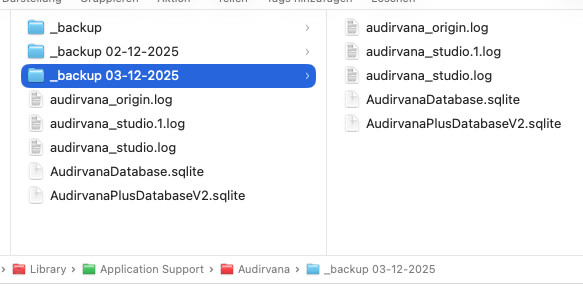
Yes you can copy elswhere database. I do it everyday . Then if not happy, you put back today database in place and voilà, you are back with ghost files
I looked for the same pictures in the album view, found 3 ghosts albums.
Wrote ghosts in the title.
Are “Own playlists” all included in the overall backup “Adirvana Backup”?
You can also export and import “own playlists” individually, imported several times some of Foobar2000, vice versa.
In album view those cover looks ok.. title for the twos are white, not grey… you have to look those albums in tracks view to see if they are doubled or ghost files (grey typo, can’t be played).
I use origin and have around 100 smart playlists that i have made myself, yes they are included when you do a playlists backup in the preferences of audirvana. I also saved my playlists separatly… just to not counting on Audirvana
Ghost albums are now by moving the original to the music directory, delete it from playlists, testing something around, re-read data from file system, database maintenance, push back the album to regular place, disappeared.
I should also add, it is good to have a ‘Smart playlist’ showing ‘Recent Albums’ like last 10 days or whatever… that way when a doubled album or ghost files happens, they will be in the recent playlist, more easier to spot
I tested the process as with the Ghost albums, but it didn’t help.
I then deleted all Pink Floyd playlists – sync plus database clean-up – and it worked.
Could it possibly have something to do with the fact that I had imported playlists from foobar2000?


 . Then if not happy, you put back today database in place and voilà, you are back with ghost files