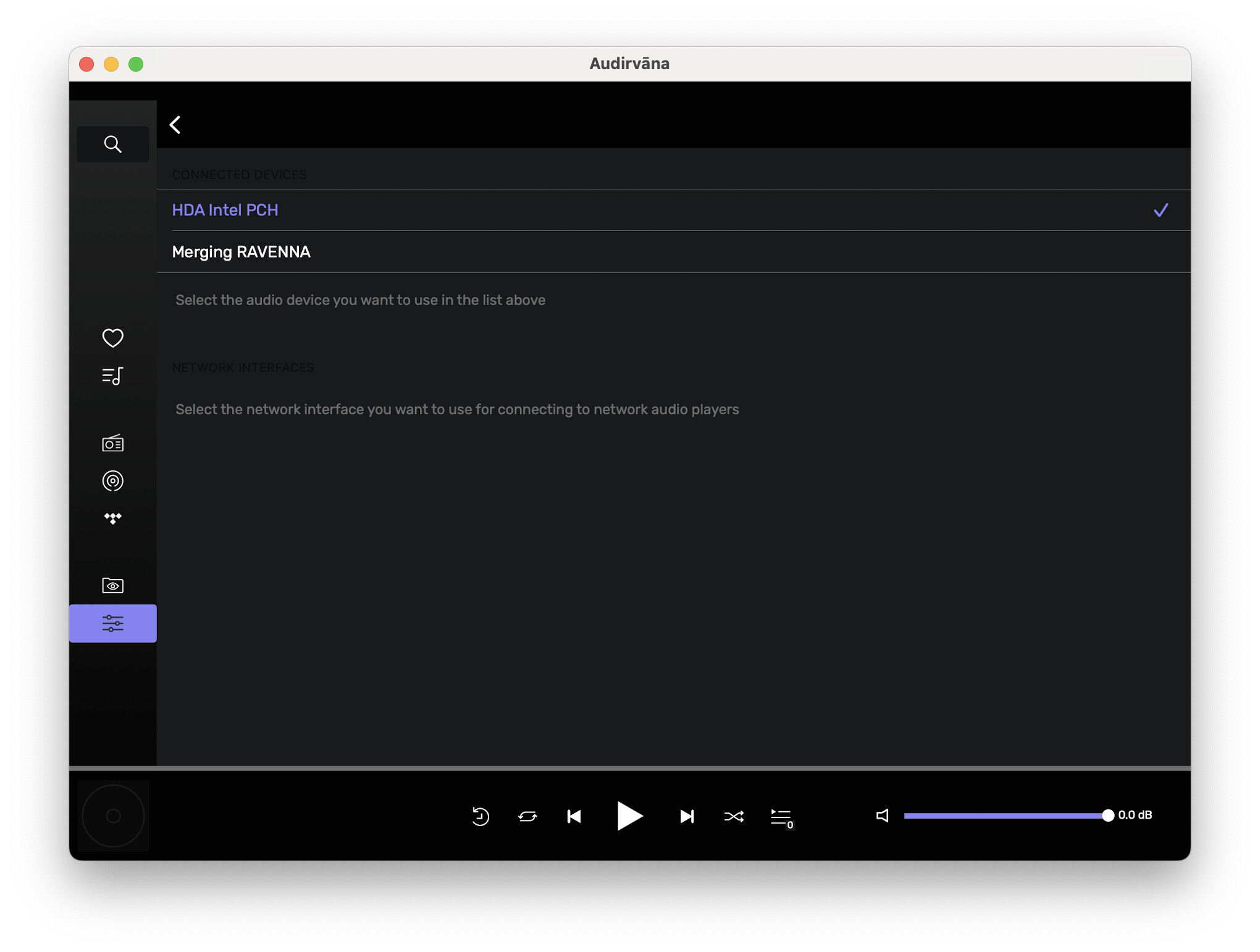
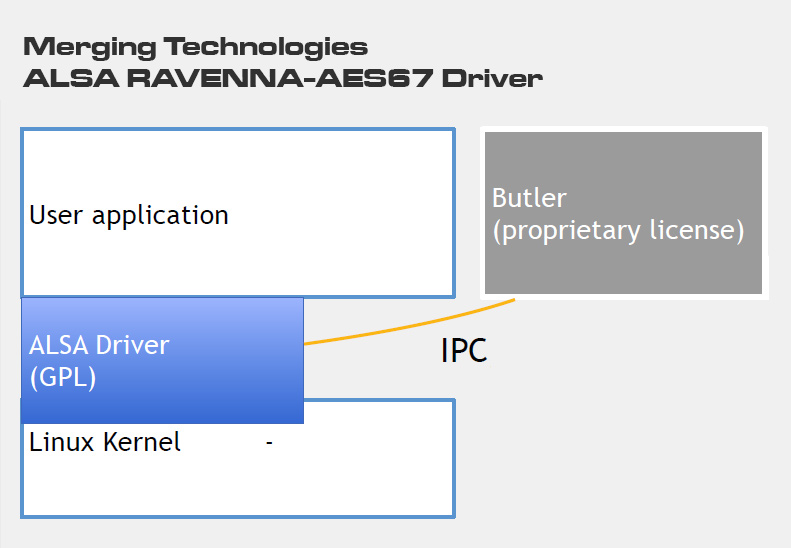
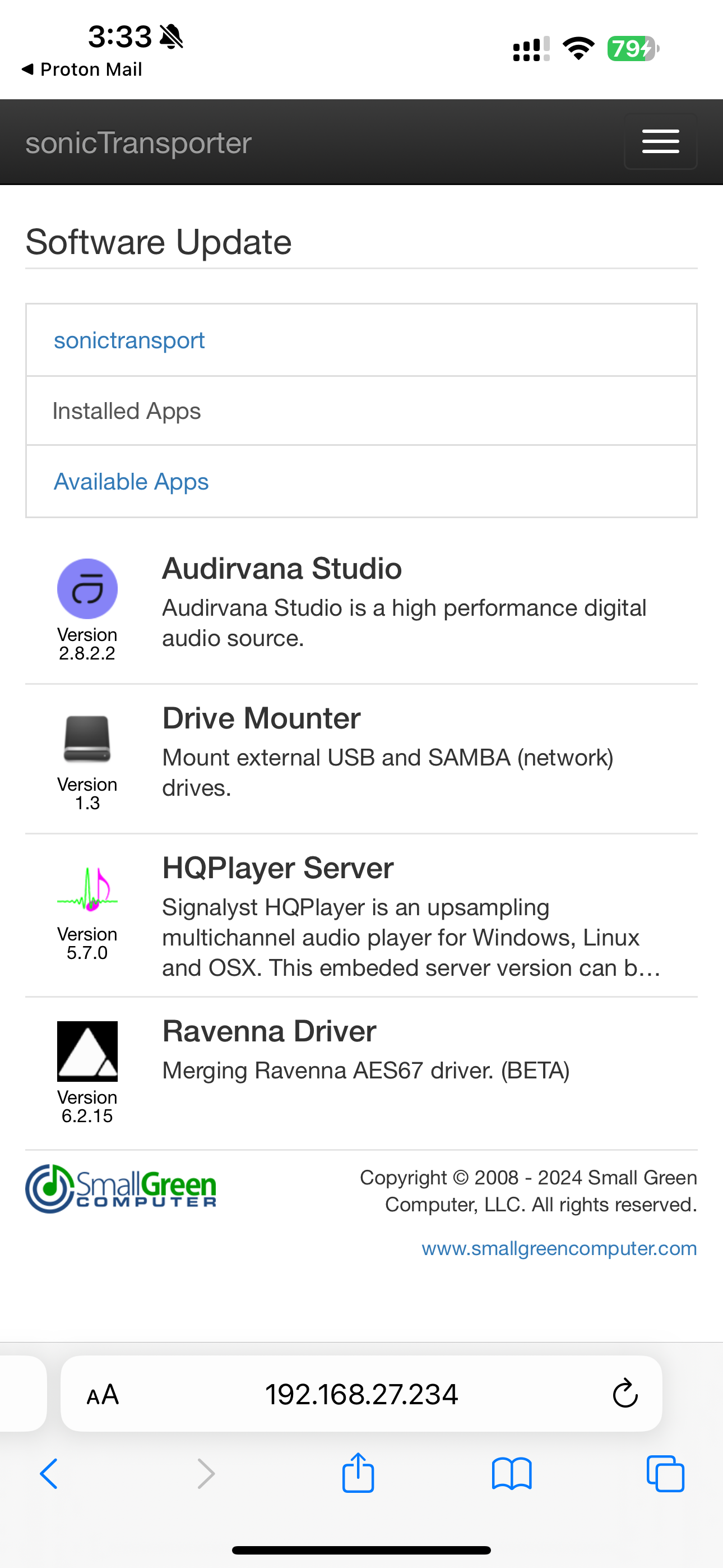
I’m running Audirvana Studio Linux on a sonicTransporter from Small Green Computer. The sonicTransporter is running a Ravenna ALSA driver to send audio over the network.
When I open Audirvana remote, select the sonicTransporter as the computer, it works great. As soon as I select the Ravenna driver as the output device, the remote quits. Re-opening the remote app results in an endless loop because it mustn’t like the Ravenna device and I can’t change it.
I’m running the remote on my MacBook Pro M2. I’ve uninstalled the remote, but nothing changes.
I uninstalled Audirvana from the sonicTransporter and it defaulted to the onboard audio when I reinstalled. Now I can get in, but it doesn’t explain why the Remote app quits when I select the Ravenna device.
I just tried Starting a Log Session, opening the log (which opens via web browser) so I could see the activity (which worked good), then selecting the Ravenna device. As soon as I selected the Ravenna device the remote quit and the log was no longer accessible.
The only way to get back into Audirvana is to uninstall it on the sonicTransporter and reinstall.
Ok, so It’s either Audirvāna Linux or the Remote that crash. Can you copy and paste everything you have the logs in a text file and send it at [email protected] so I can review your logs with Damien?
Again, that’s the driver that’s installed and working, but I don’t follow the reason for your posts. It’s Audirvana that’s quitting when I select the Ravenna driver.
Hi @Antoine I’ve been testing the sonicTransporter further this week and have other apps successfully using the Ravenna output. It seems to be an Audirvana issue.
I’m unsure if the issue is related to Audirvana’s Remote app or Audirvana on Linux. In any case, it seems like the remote app should at least be able to function so I can select a different output device, rather than have to uninstall Audirvana and reinstall, to get it back up.
It would be great to get Audirvana on Linux working with a Ravenna output.