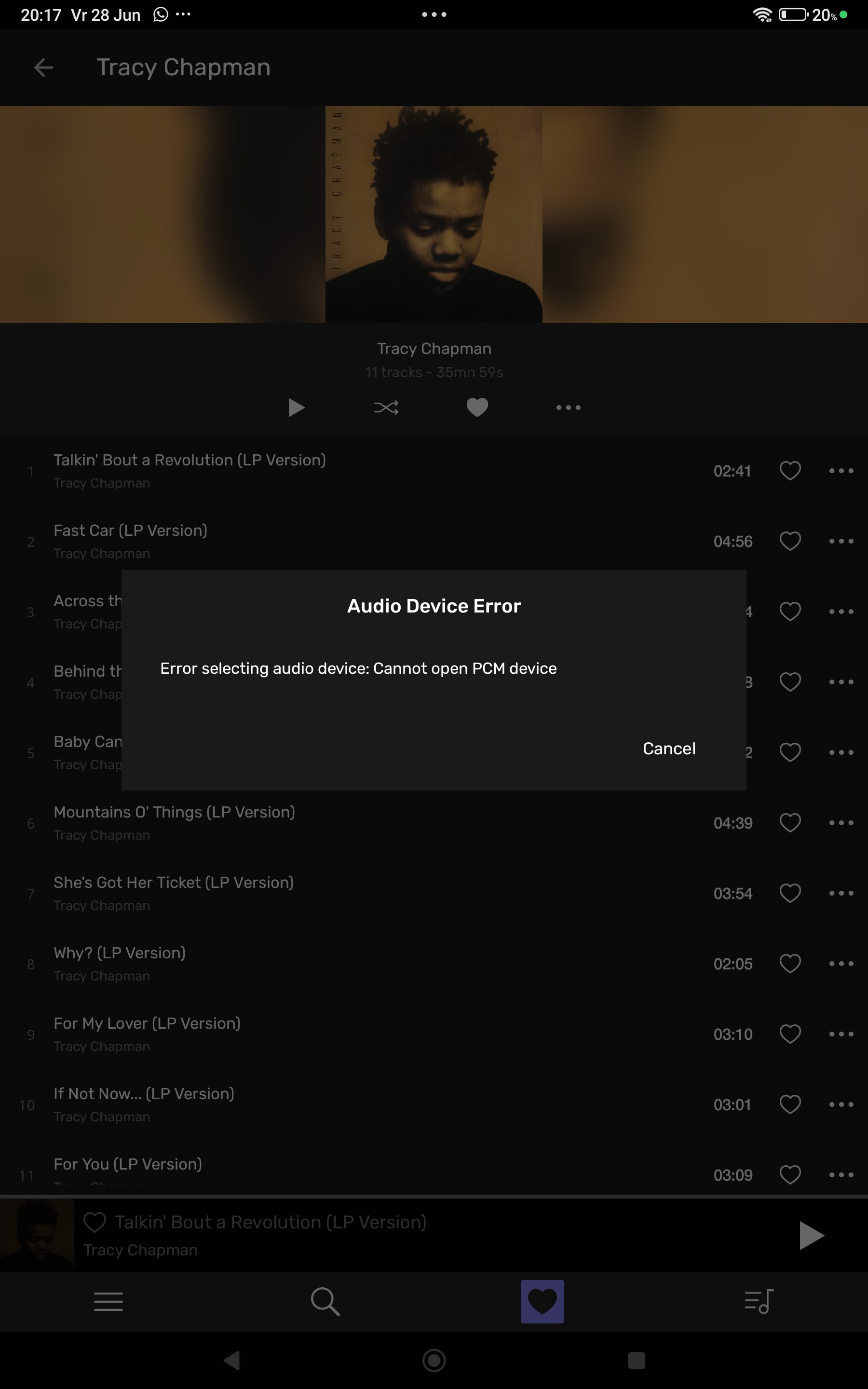
When starting the remote I get this error: The sound device is already used by an other application(/usr/bin/pulseaudio,pid = 1211)
When playing a track it says: Loading first track and then: Unable to change to Integer Mode.
Linux Mint on a Asus laptop. USB out to a digital Interface the Singxer SU-6. Singxer 12S out in AudioGd R8 dac.
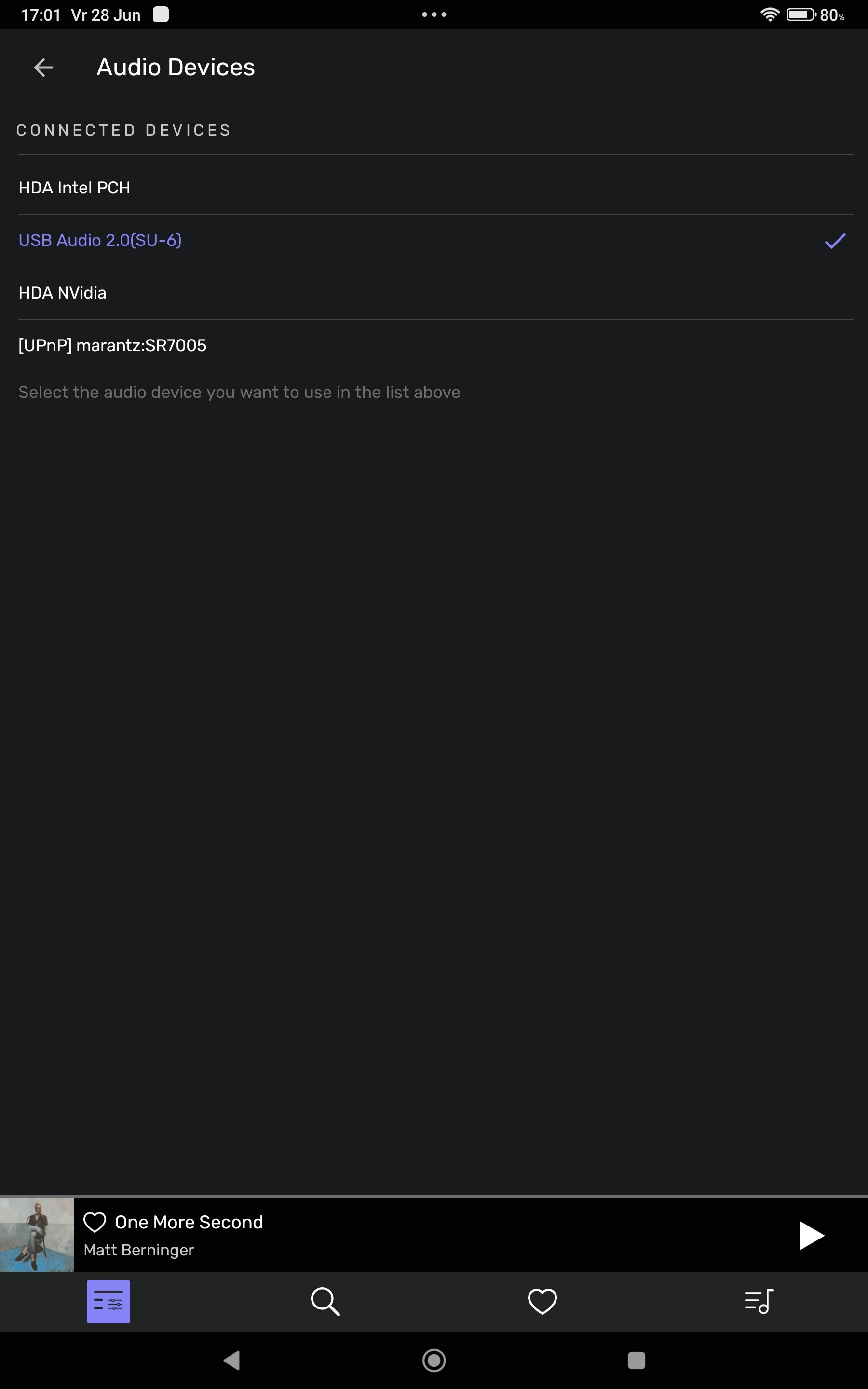
In Audirvana Audio Settings there are 3 more Audio devices:
HDA Intel PCH
HDA nVidia
Upnp Marantz sr7500 av receiver
Hello, PulseAudio tends to open (and thus reserve for itself) the audio devices.
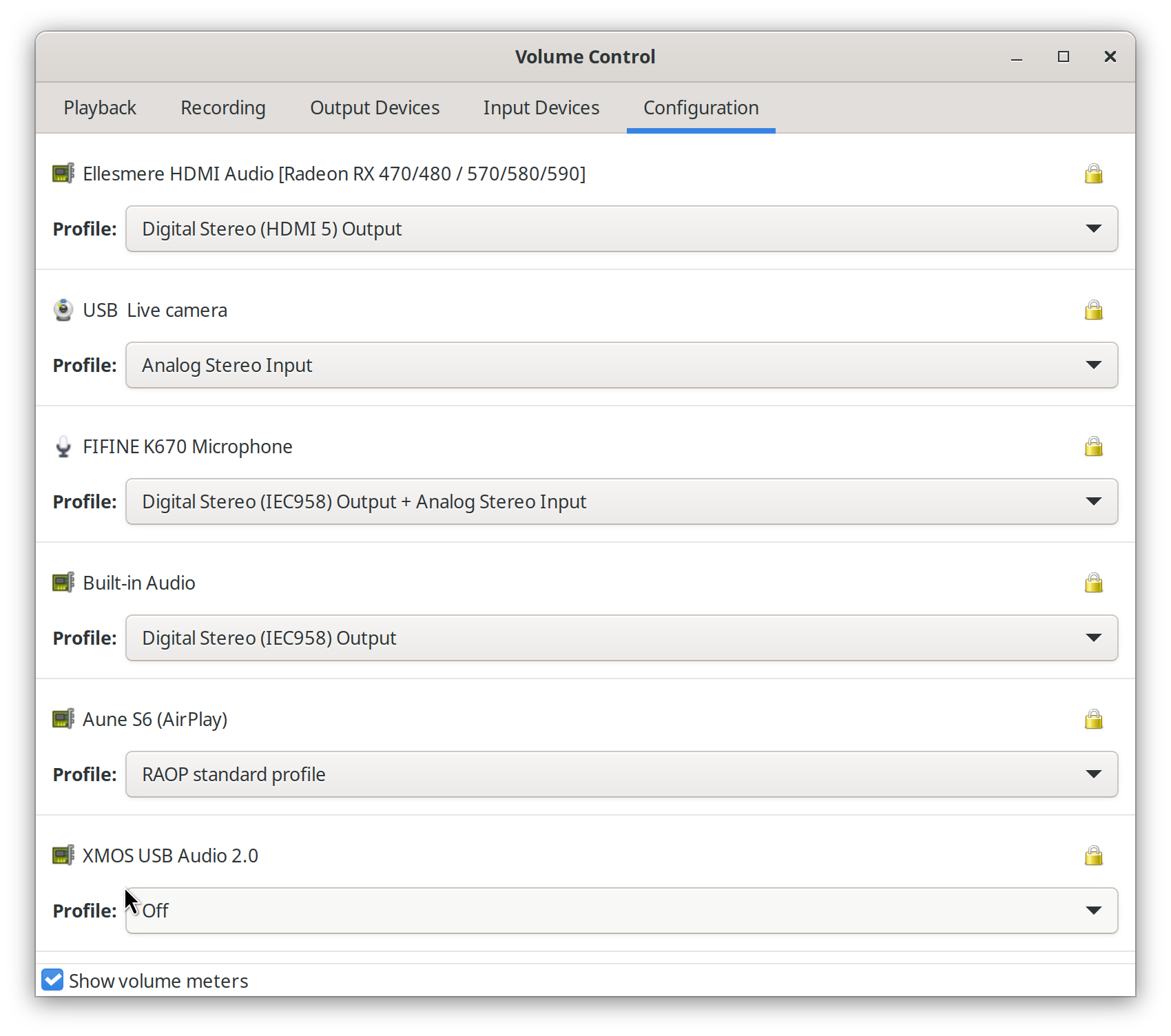
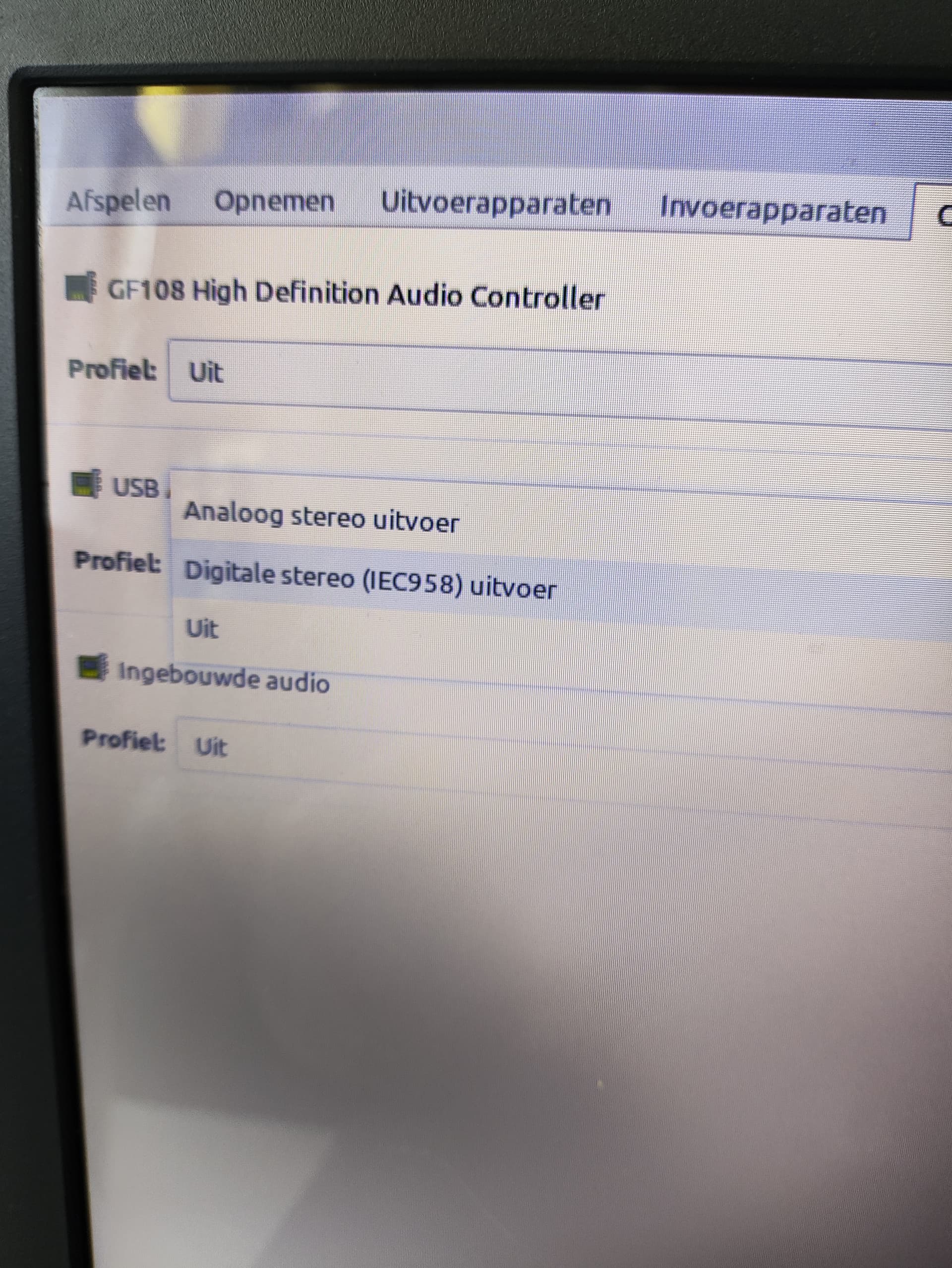
Using PulseAudio Volume Control you should be able to turn the device off, so PulseAudio will not hopefully lock it.
See the image.
yeas pavu is Pulse Audio Volume Control.
I assume Uit means off. If you want to mix PulseAudio with alsa as Audirvana seems to require, you need to have a device for the desktop (maybe the monitor) and another that PulseAudio should ignore, that should then be used by Audirvana.
Have you tried to restart Audirvana after setting your dac to off in PulseAudio Volume Control?
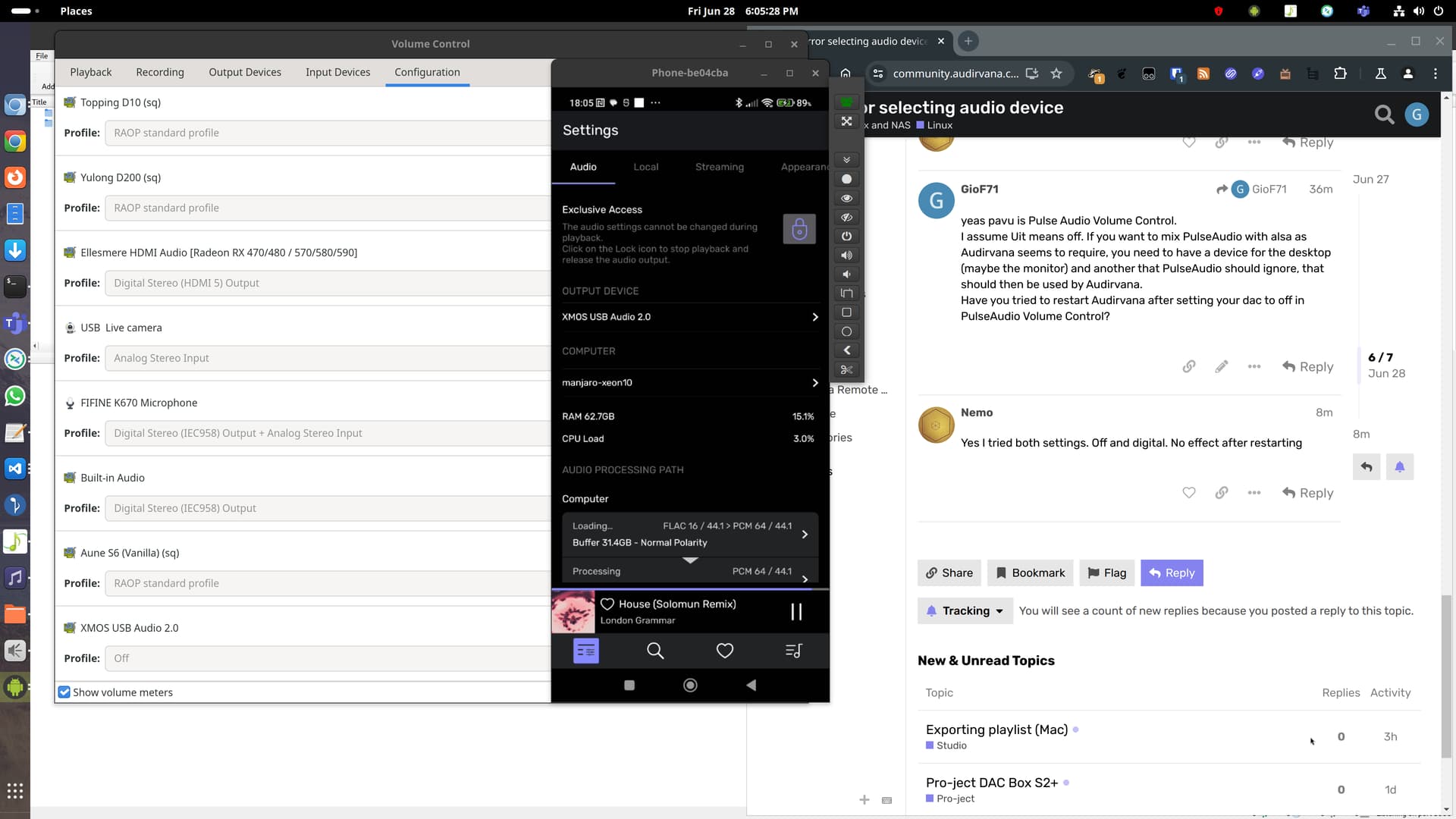
Hello, this is on my system, I never tried playing directly to alsa as I was using some UPnP renderers, but I just tried, and it is working. XMOS USB Audio is my DAC, which is set to “Off” in PulseAudio Volume Control.
It is selected as the output device in Audirvana Remote and playing as I write.
I am using my docker image built using this repository of mine but I think the regular way of installing Audirvana should work the same.
By the way as a side note, I had set dsd 128 upsampling on my UPnP renderer and this worked perfectly.
But then switching to another device would cause Remote to always crash. I had to select again that UPnP renderer and disable any upsampling, then I could finally access the Alsa device without the Remote crashing.
I also got a loud crack on the speakers in the process, I didn’t like that at all. For sure the dac itself is to blame.
Thanks. I tried several settings but with the dac in the off setting then Linux freezes…
I have Audirvana installed on a HP laptop also with Linux Mint. No problem there.
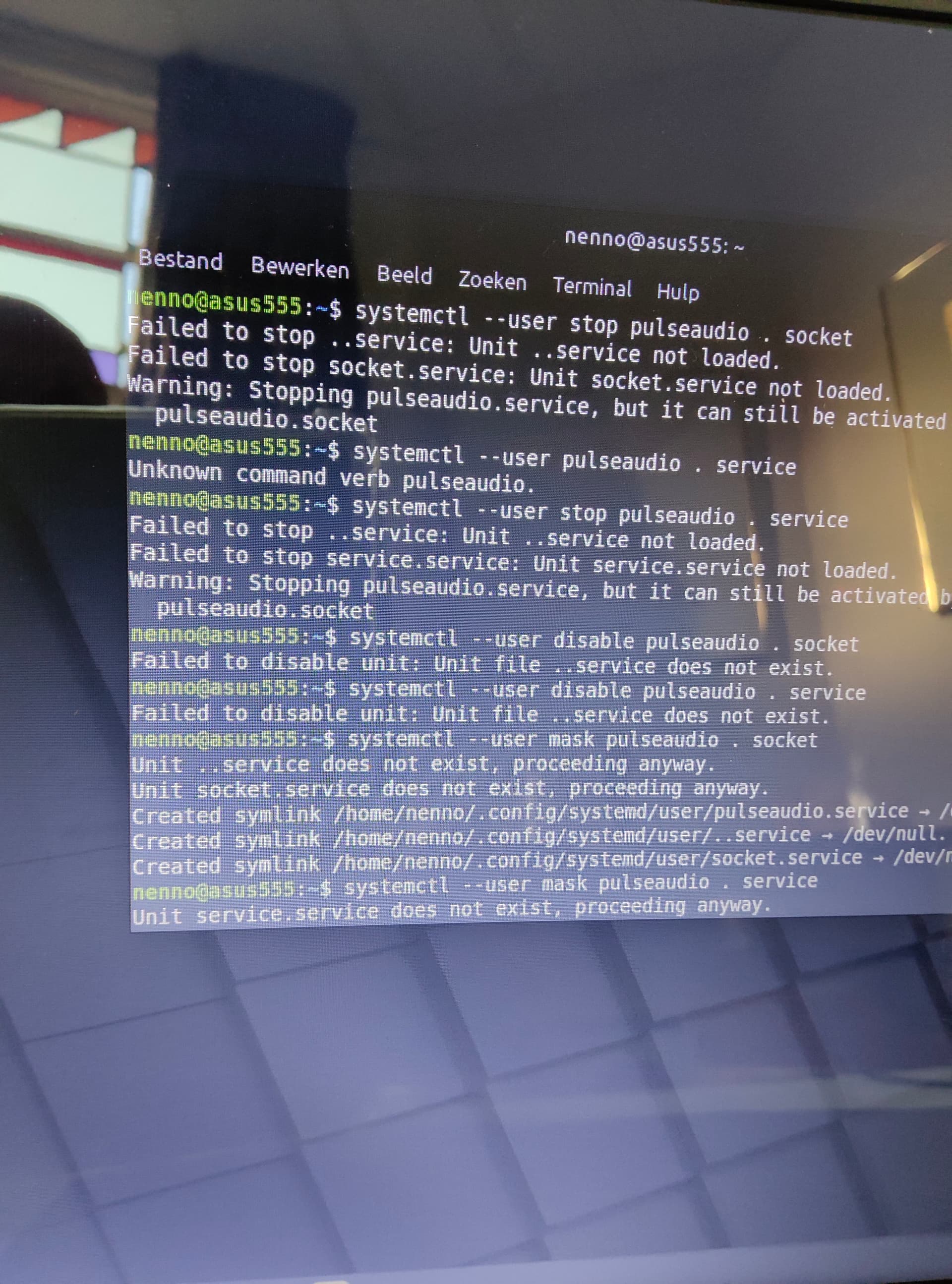
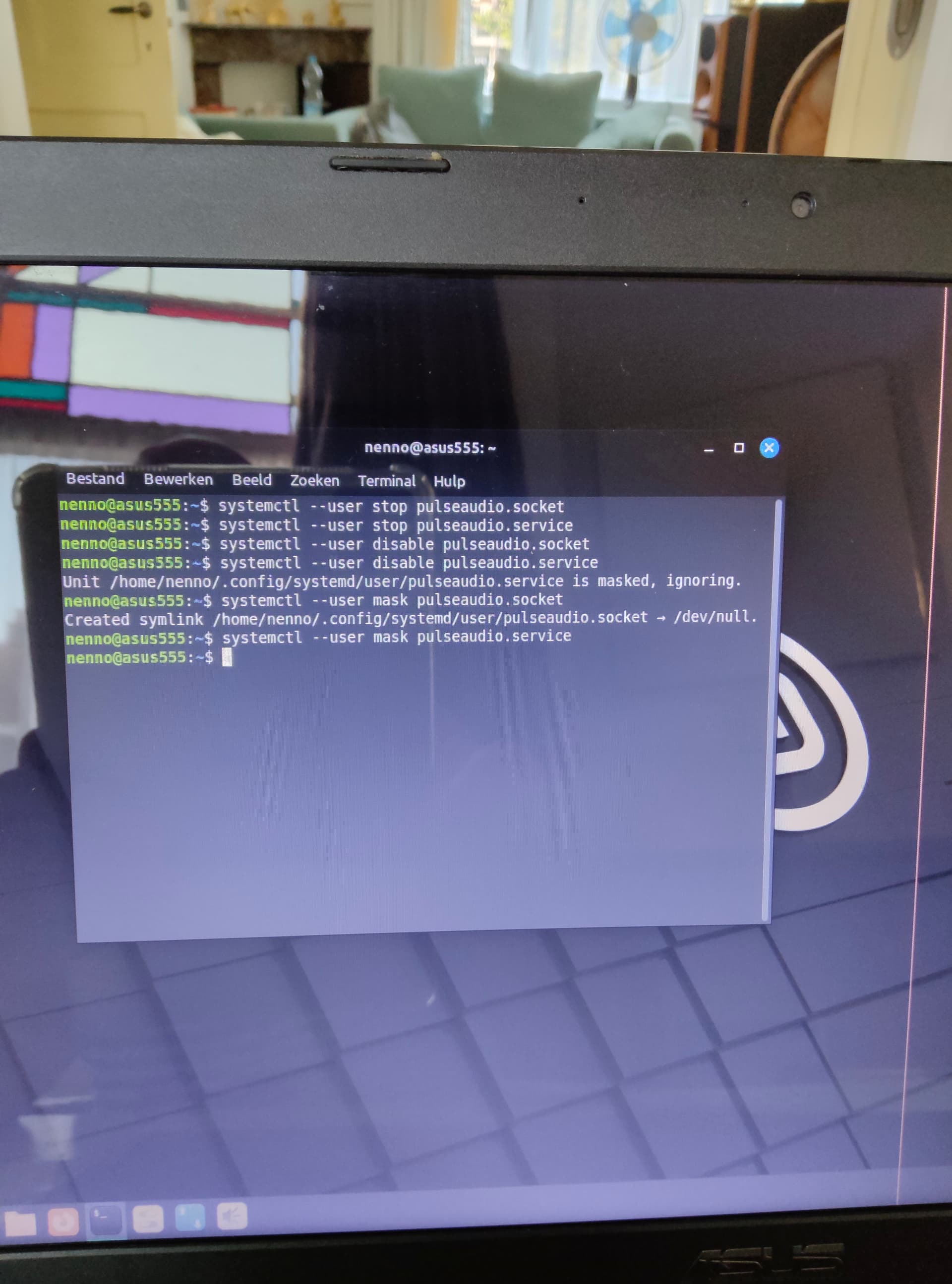
You can maybe try stopping pulseaudio, at least for a short test. This should unlock your device, which should then be usable by Audirvana.
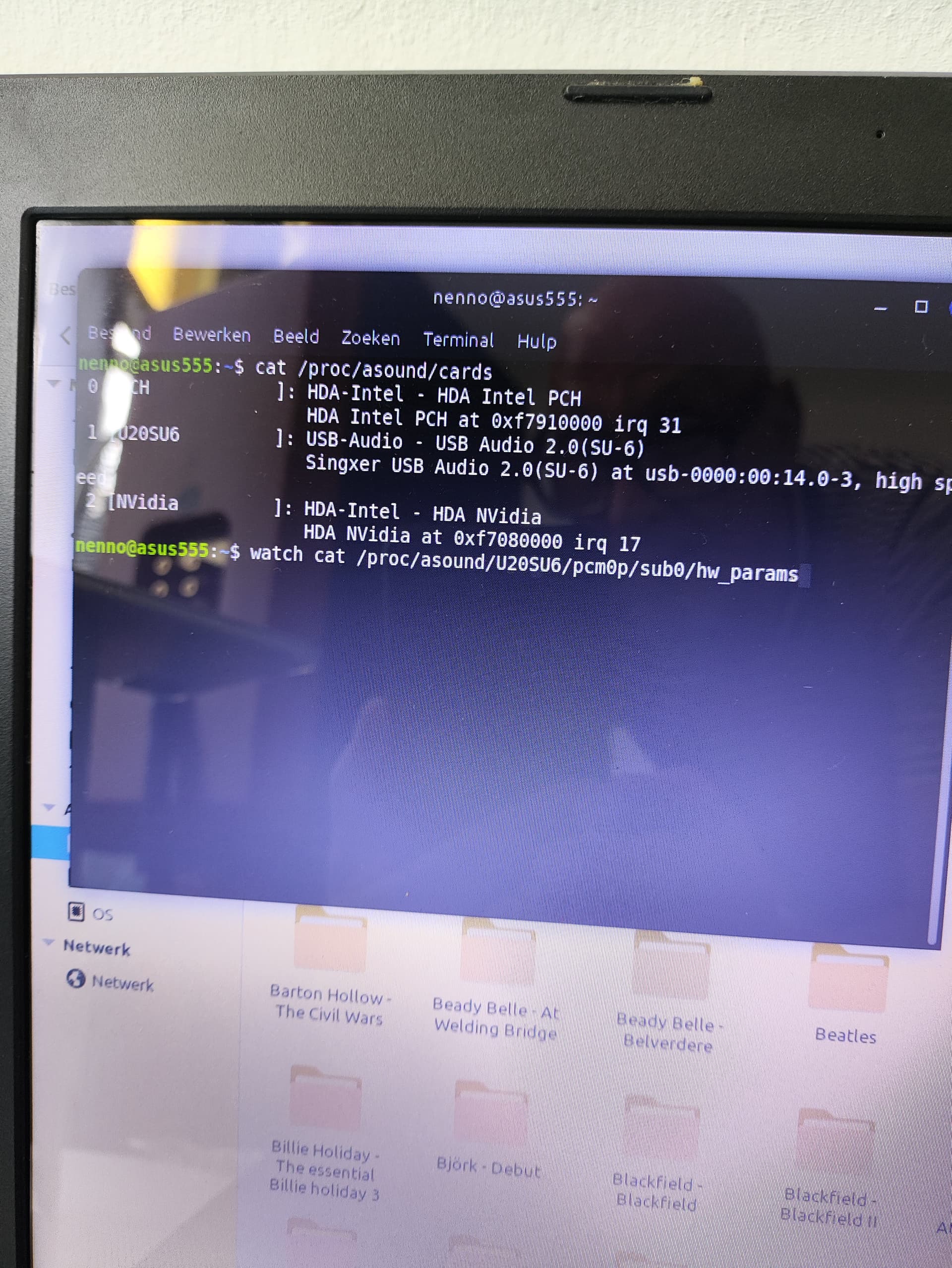
Maybe we can identify the device, can you open a terminal and post the output of
cat /proc/asound/cards
say your device is named “DAC”, if you run the following:
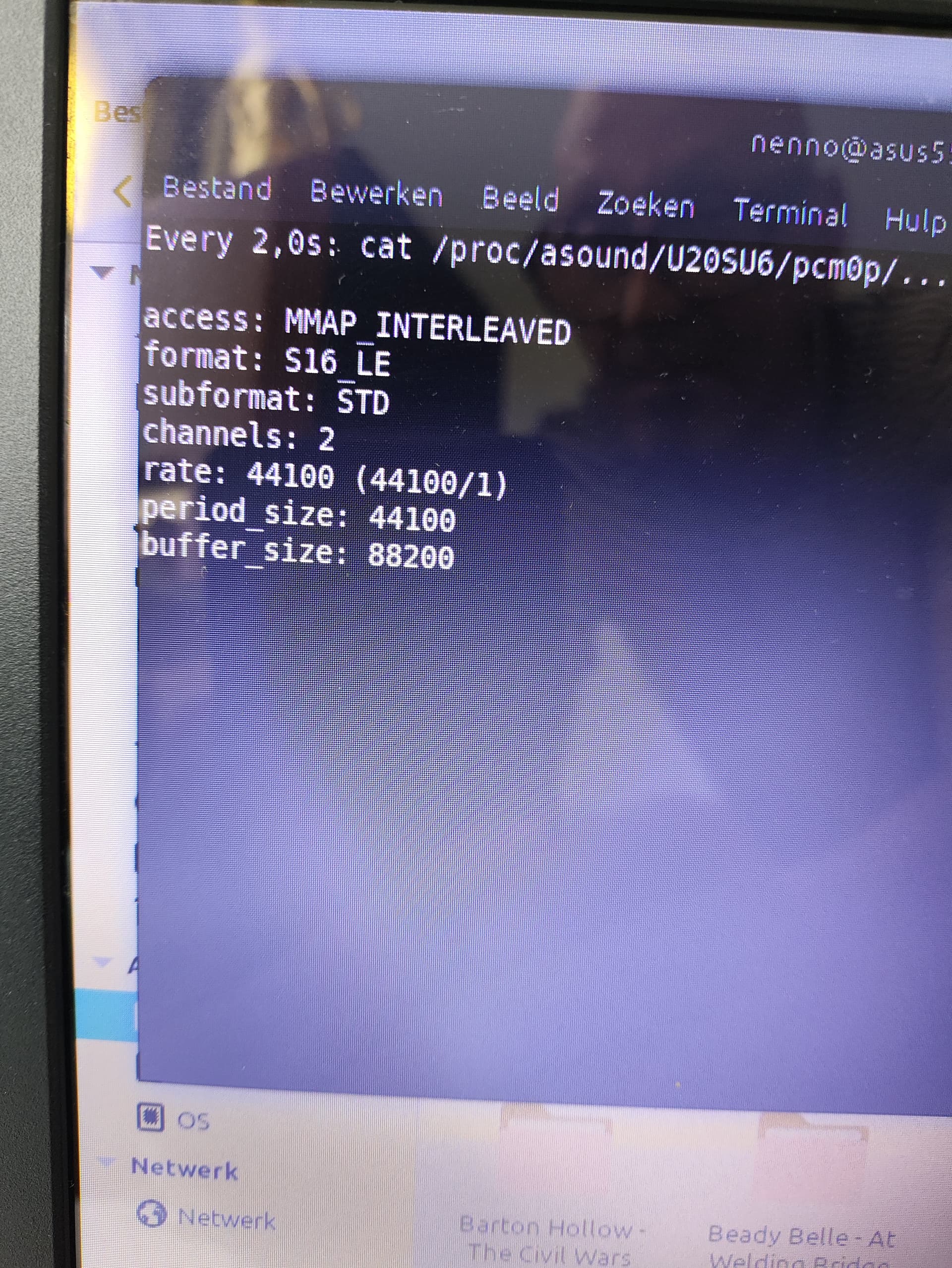
watch cat /proc/asound/DAC/pcm0p/sub0/hw_params
you want the output to say “closed”, this will mean that the device is in fact not in use, so ready for Audirvana.
Not ok, someone is using the device, probably pulseaudio!
Which distro are you using?
Anyway this should work: sound - How do i stop pulseaudio? - Ask Ubuntu
You will need to re-enable the services in order to restore desktop audio when you are finished