Afternoon,
I’m on a trial with Audirvāna and a little frustrated as I’ve not been able use my player within this period.
I’m using a Fiio SR11 in DLNA mode.
When I start to an album or track it starts and plays, skip to another track and freezes, then completely disappears of the menu in Audirvāna in terms of Upnp endpoints.
I end up having to shut Audirvāna down and restart again.
Please advise or help?
Can you go into the Audirvāna settings and in the My Account section? You will see a ‘Start Log Session’ button; click on it and reproduce your issue. After you reproduce it, click 'Stop Log Session’ and send me the audirvana_studio.log file you can find by clicking the 'Open Log Folder’ button at [email protected]
Mine seems to be working a little better now, but sometimes skipping in between tracks or starting a new album etc or new activity produces white noise.
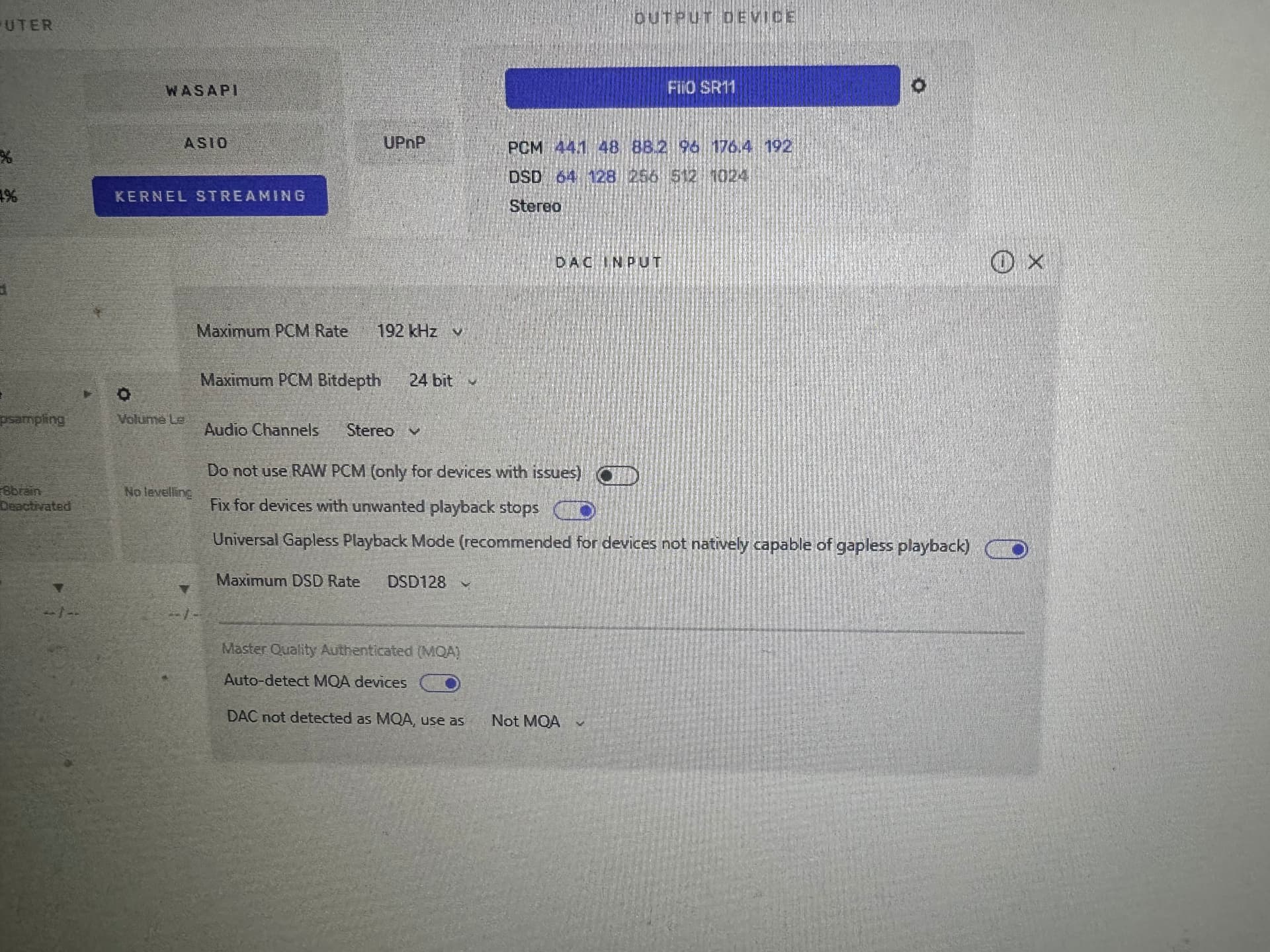
I have my server set to kernel streaming and the following settings.
I just got it working and was able to change tracks or albums
I’m using Debian (audirvana studio).
I saw an error in log on the play mode.
There’s no setting available in the remote interface for “play mode,” but it can be managed directly in the configuration file by Addind the line “UpnpIgnorePlayModeCommand = 1” to the /home/audirvana/.config/audirvana/audirvana-studio.ini file.
But this line disappears as soon as you change devices
I find it minimalist. Only Airplay 1, and I had to struggle with four USB sticks to update the firmware to get UPnP and BT. I’ve only had it for two days, but for €100, if this latest firmware isn’t too buggy, it’s still a viable budget
The Fiio website describes the introduction of DLNA with firmware V630 as “experimental” and states you may encounter issues with some apps. May take a few more updates before this becomes reliable… From the Fiio website
“After months of beta testing, the new firmware for SR11 has been officially released with new features such as local playback, Bluetooth reception, and DLNA support to meet the needs of most users. Please note that the new features may not be compatible with all apps, especially DLNA function. If you experience any issues after the update, you can try to downgrade to the previous firmware using a USB drive. Thank you for your understanding and support.”