Unfortunately, scrolling through the albums still does not work properly. It stutters, sometimes freezes, and occasionally an album is placed in the upper left corner of the display on top of the others. Is this really so difficult to fix? For me, this is one of the main reasons why I do not want to use Audirvana.
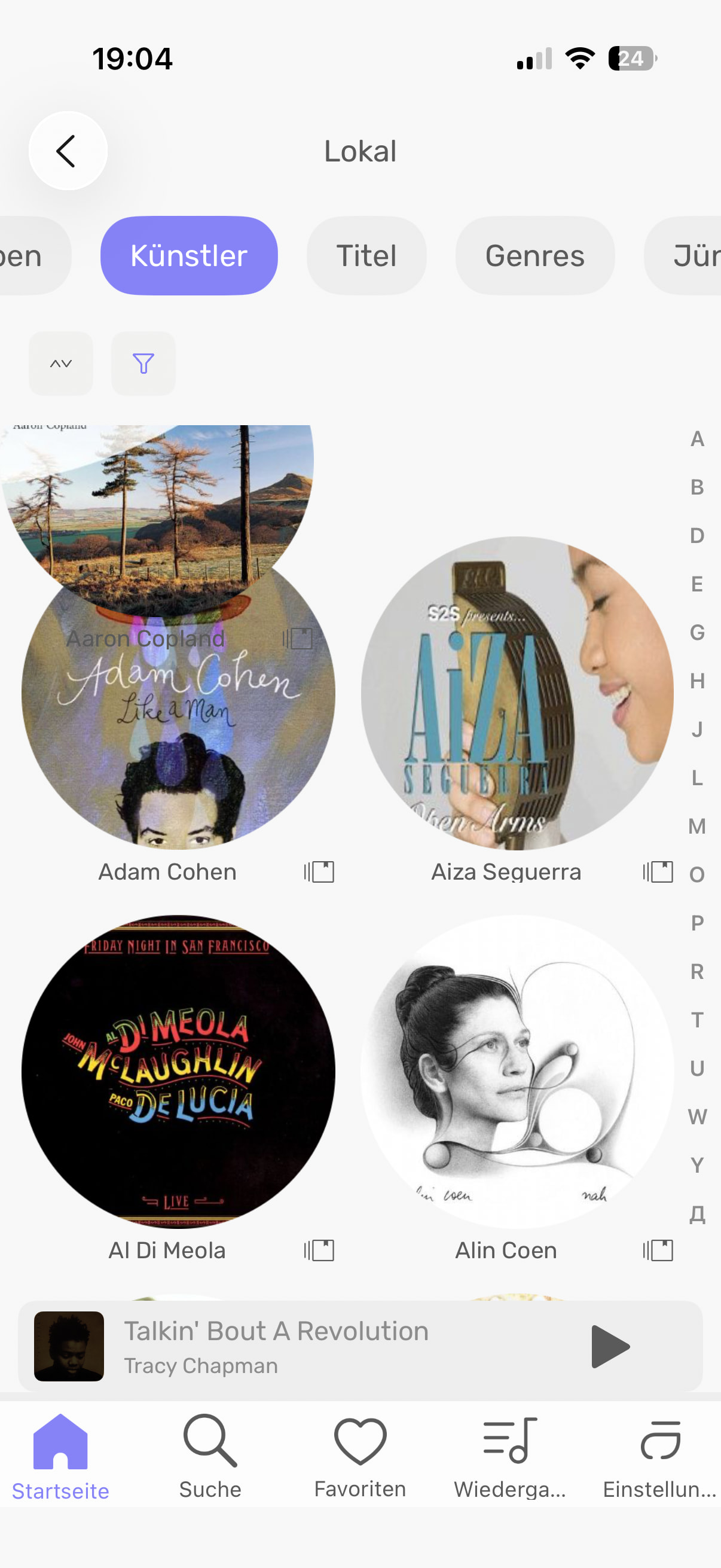
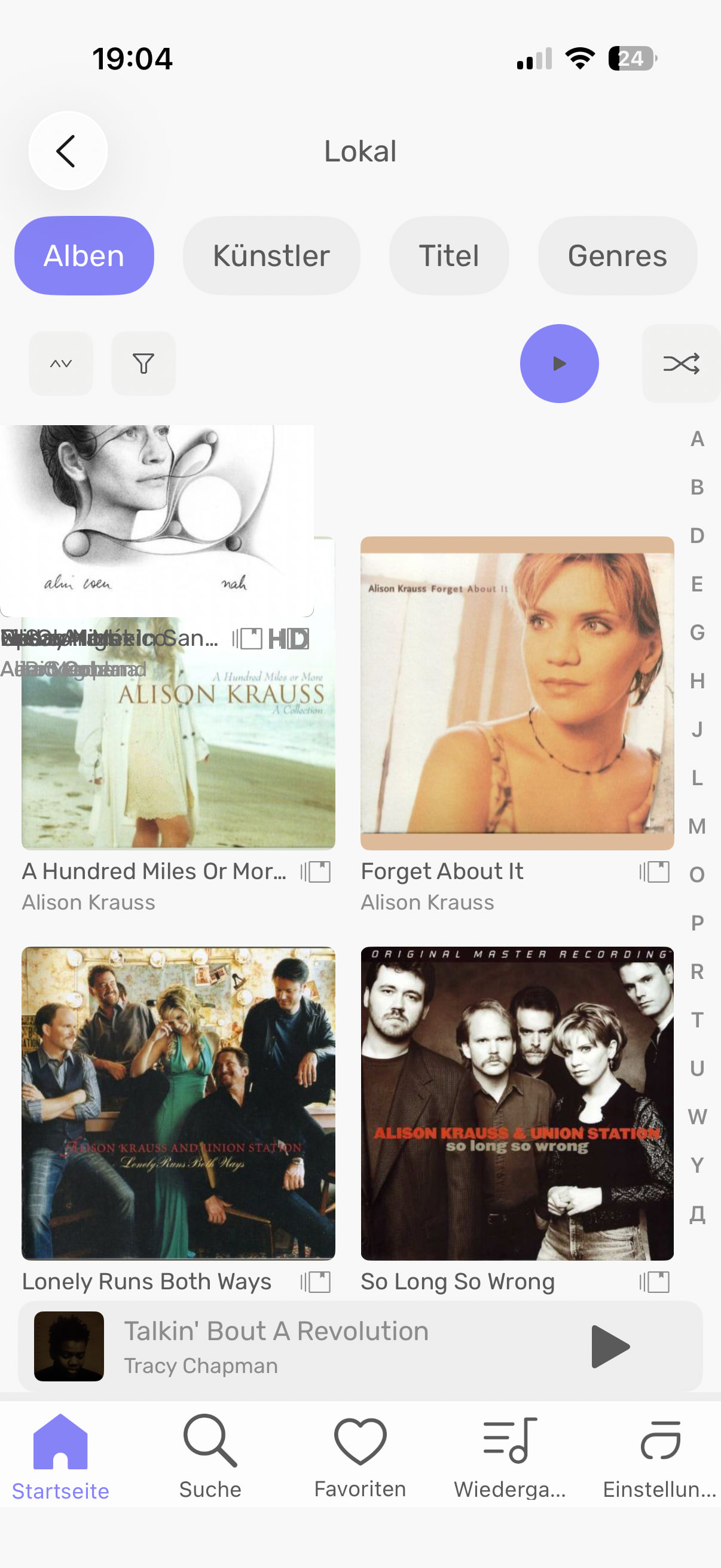
When scrolling through all my local files it is smooth till it gets to the bottom of the page, then it has to load the next section. I takes forever to scroll through all my folders now. I had not updated the remote app and studio for a long time. I finally updated to AS 3.0 and the latest remote app that got released a couple days ago and now it is slow/choppy on load of the local folders. Anyone else experiencing this? Anyone had any luck making it smooth? I have a ton of folders and it super annoying trying to scroll to the bottom now. Arg!
I have the same problem with 3.0, both in the iOS app and in the latest version of Audirvana for Windows. I already complained about this same issue here 6 years ago, and to this day they still have not managed to make scrolling through the album library smooth and free of stuttering. It is truly a real shame. In JRiver, Roon, and other programs, everything runs much more smoothly.
I have the same problem with 3.0, both in the iOS app and in the latest version of Audirvana for Windows. I already complained about this same issue here 6 years ago, and to this day they still have not managed to make scrolling through the album library smooth and free of stuttering. It is truly a real shame. In JRiver, Roon, and other programs, everything runs much more smoothly. 
Hi @IRSI ,
It is, it’s not that easy to fix it, and we wanted to allocate time to fixing other key parts of the Remote before going on this one.
Can you indicate to me the iPhone and iOS version you use?
In the latest update of the Remtoe, we added an option that might help us with this. If you can reproduce this issue all the time, I will tell you how you can create a report you can send to us and help us fix this.
I use iOS 26.4 and I already sent two screenshots with the issue. Can you tell me how to send you the error report?
Please go to Settings> My account and scroll all the way down
You will see there a button right below the Open Log file button stating: “Activate logs from the Audirvāna Remote if you experience issues. …”
Please click on it, you will see a bug button appearing on top of the remote app. Once you have been able to reproduce your issue, please click on the button, which will close the app and generate a report sent to our servers. Please let me know once you have done this, and I will look for it.
One last thing, which model of iPhone are you using?
iPhone 16pro
I have done it!
Thanks, we will review it as soon as possible.
This really need to be fixed , i canceled my subscription 2 years ago because of it , i upgraded my End point so i wanted to test Audirvana again,
Now i really want to use audirvana because it sound the best out of Roon and Jplay but scrolling through the app is nightmare >> unusable 
I have cancelled my subscription 2026 again, for the same reason!
Has there been any progress on a fix for this?
Hi @jtexel92677 , I have not received feedback about it for a long time. Do you still get this with the latest version of Audirvāna Remote with Audirvāna Studio?
Yes. When you scroll you get a small amount of albums shown then there is a 5 second pause while it loads the next 20 folders or so.
Bump