I just updated Origin and now I have this line showing up in the waveform view of the Audio Scan page. Is it out of position. Should it be in the centre of the waveform?
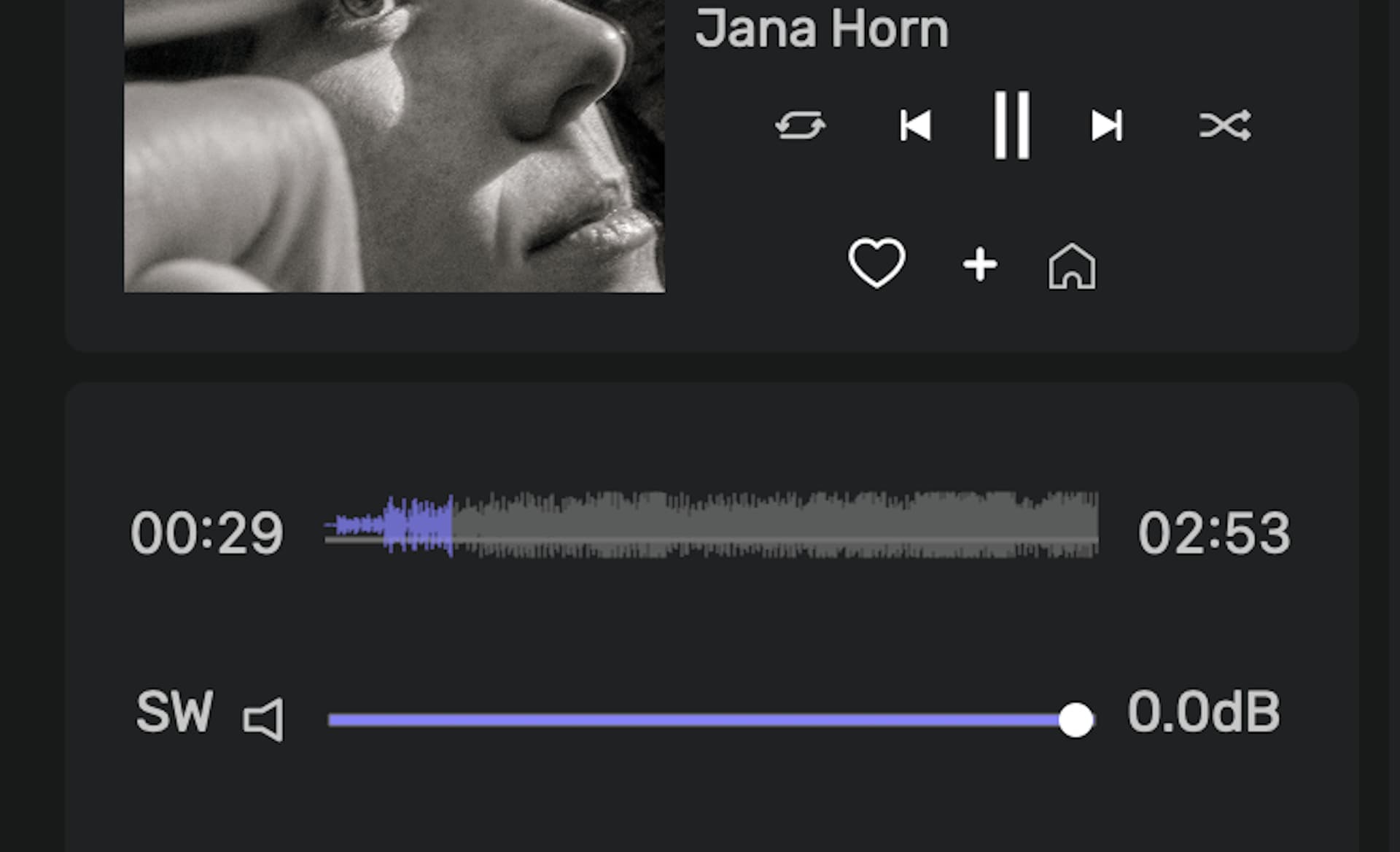
Hi @Ric1 , do you get this, whatever track you play?
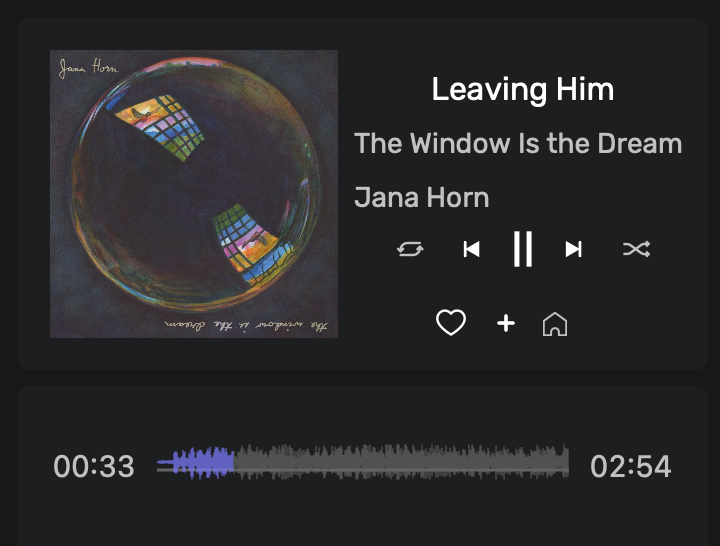
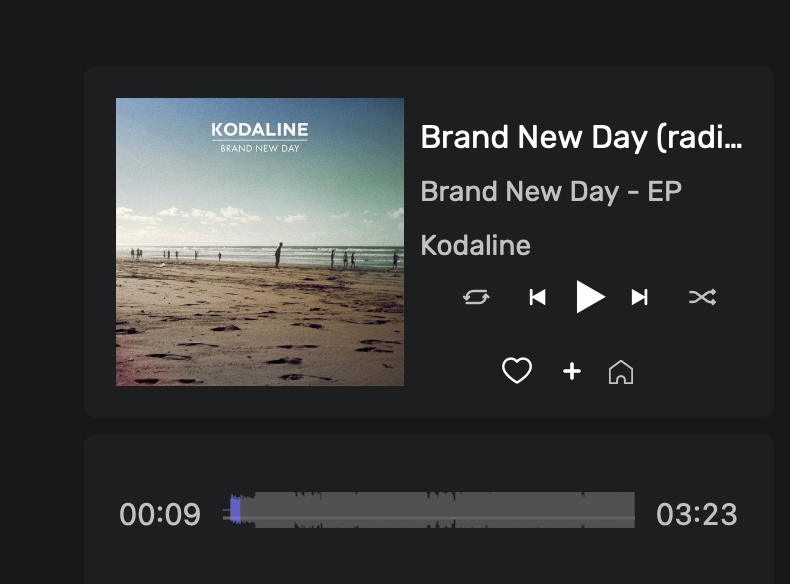
I don’t have it on my end 
Which version of macOS do you have, and do you have it when you are not doing an audio scan?
OS 15.7.4 (24G517) on MacMini M1
I only occurs in the Audio Scan page.
Below is a screenshot of the waveform on the Album page.

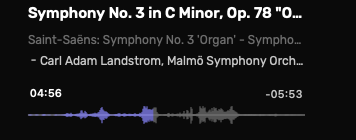


This is occurring in ORIGIN. I haven’t changed the Mac’s OS, so the only difference is the newer version of ORIGIN.
I can’t tell if it is also happening on the iOS beta app because I can’t seem to “start” the AudioScan from the App. I try and click on “start”, but nothing happens so I can’t compare.
I was able to do the scan on my wife’s iPad (which still has the older iOS app) and noticed it does not display the waveform or volume like the Main software.
I always do the AudioScan from the main program on the MacMini.
Anybody else using ORIGIN experiencing this?