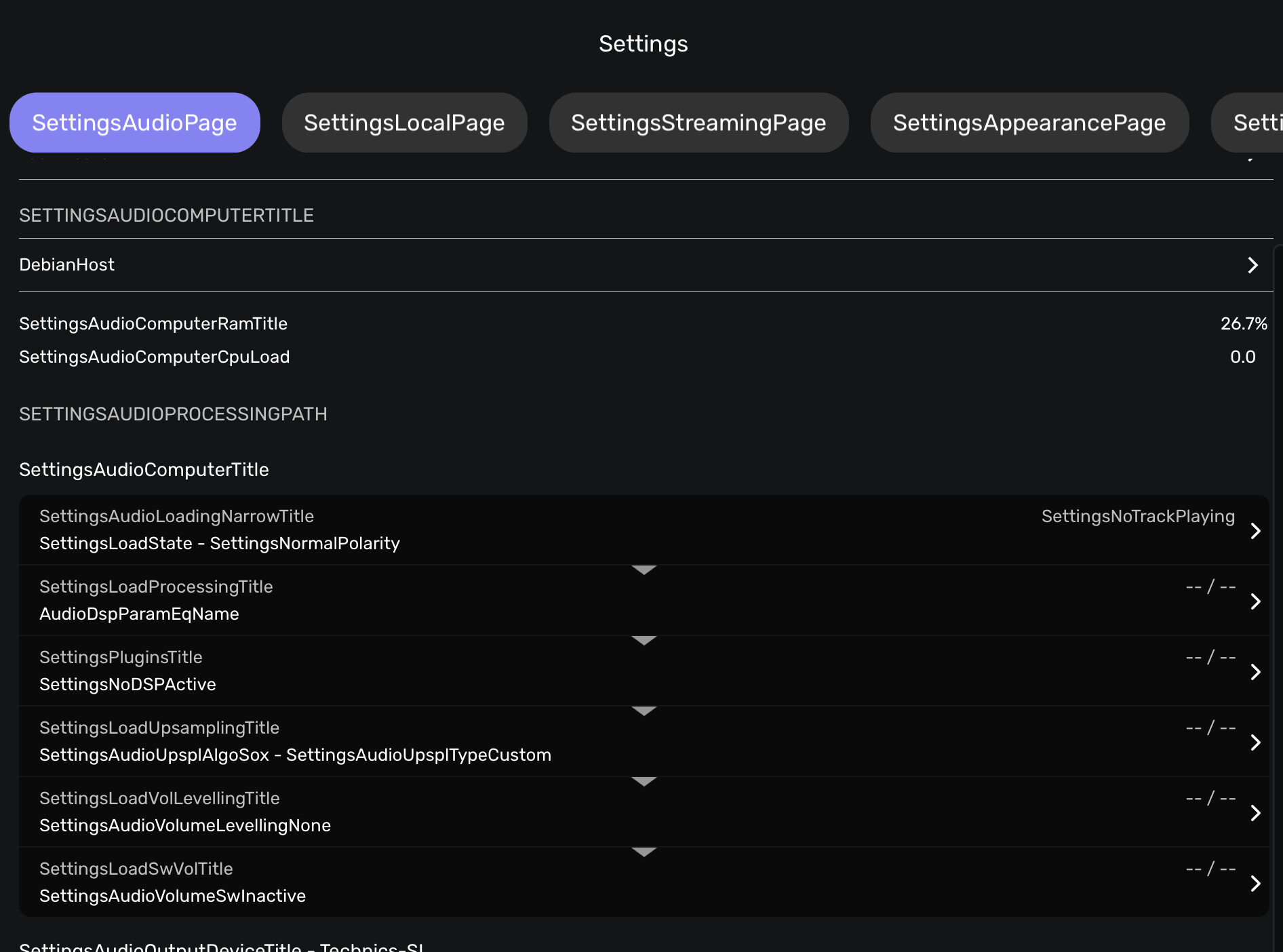
regardless of whether the client is Remote Android or Remote iOS, the descriptions of the tabs and menu items contain the full name of the variable in the code, rather than just their functionality.
Is this how it’s supposed to be, or do I need to reinstall Core; or is there another solution to this?
This is not what I see with the iOS remote, whether the computer running Audirvana is one of 4 flavors of Linux (including two distros based on Ubuntu, which in turn is based on Debian), Windows, or MacOS.
In Debian Cinnamon, right-clicking on an application brings up the ‘Add to Favourites’ option. The ‘Favourites’ icon then appears in the system tray on the taskbar. You can then quickly launch the application from there – but it launches with these errors in the Settings. When I launch it normally, there are no errors…
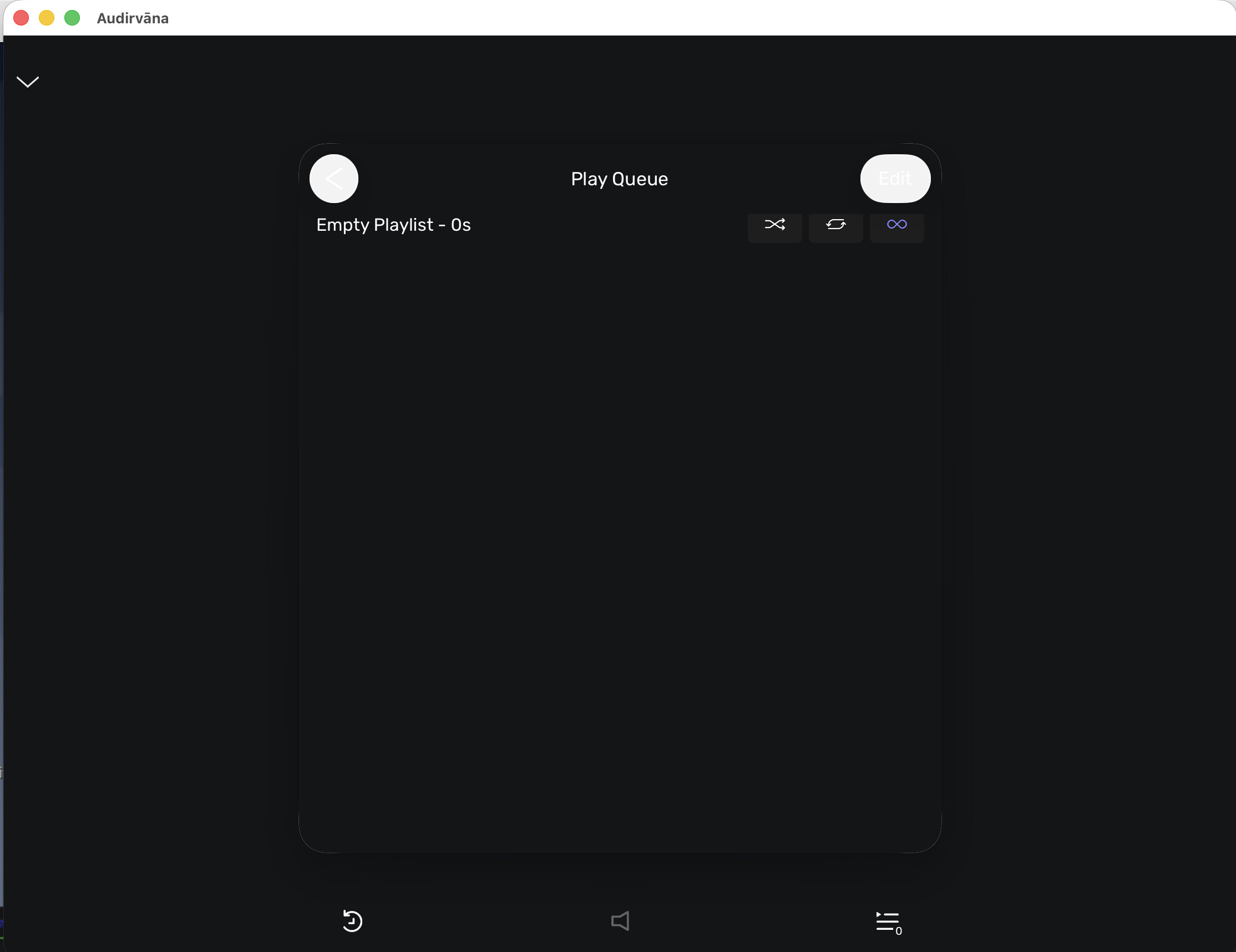
I’ve noticed one more thing – in Audirvana v. 6.0.1 for macOS (client), the text on the buttons is barely visible: