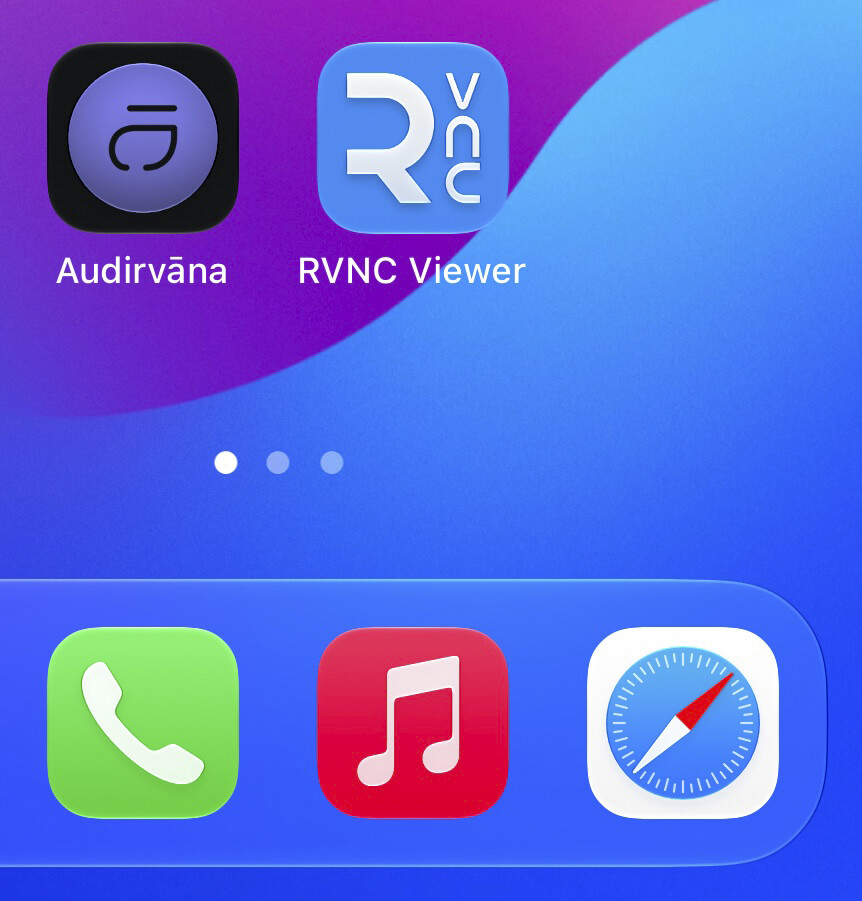
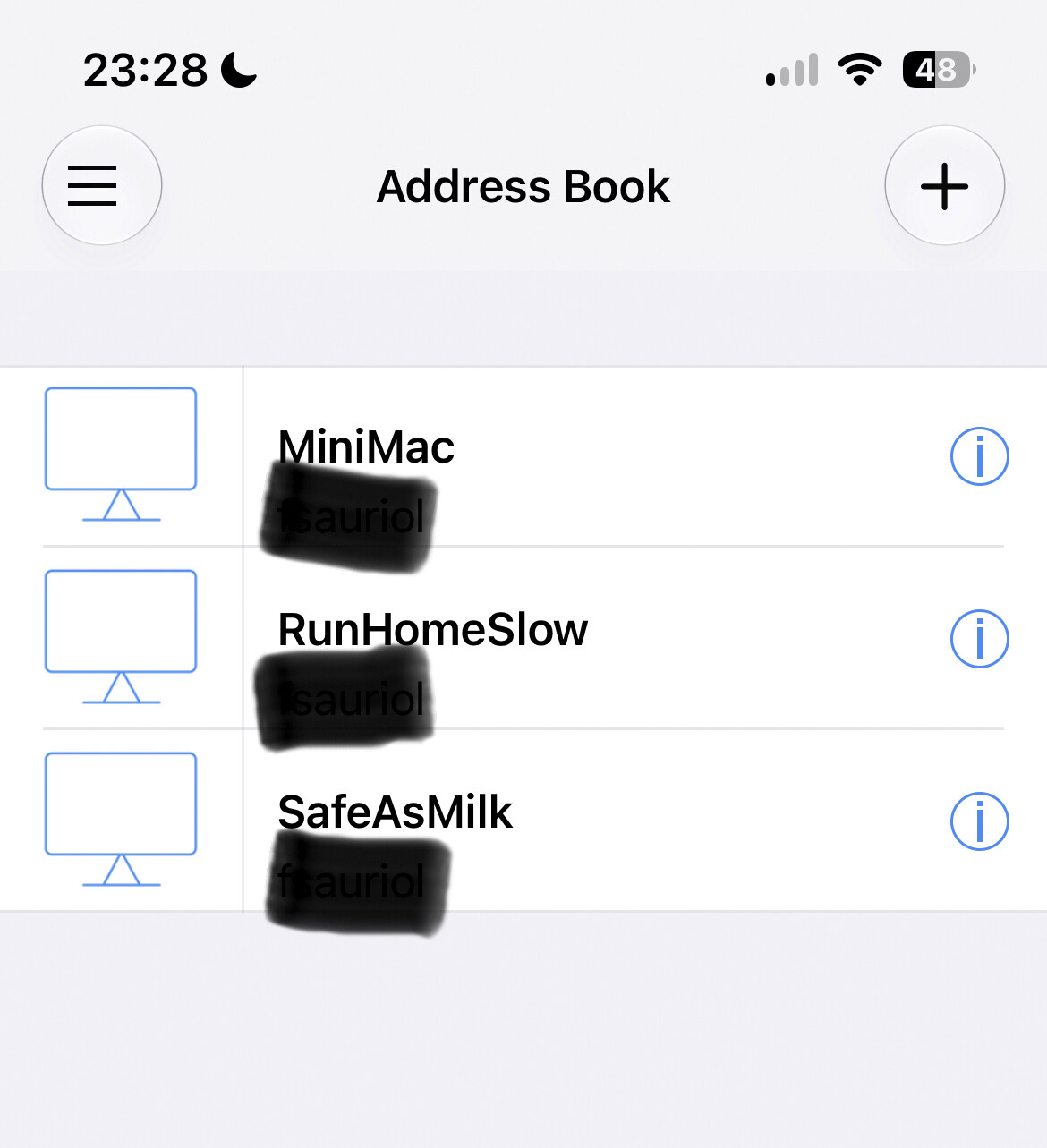
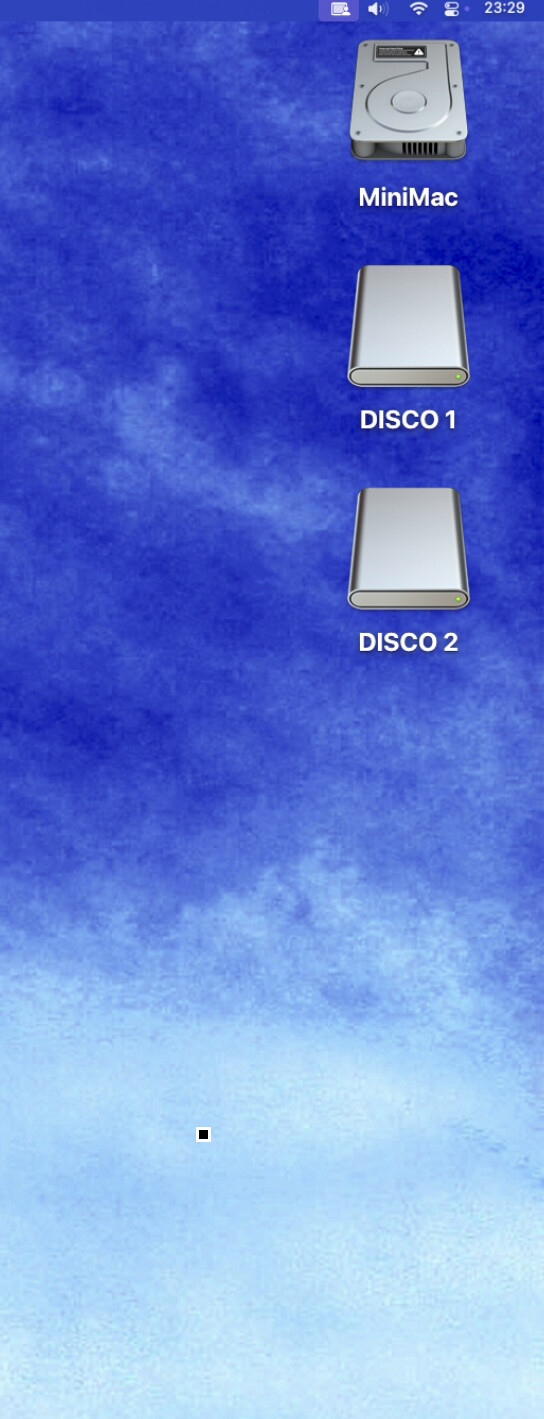
“I’m currently using a temporary MacBook Pro connected via USB to my Ayre QB-9 Twenty DAC. It sounds great, and using the Audirvana app on my iPhone as a remote makes it really easy to control.
I’m thinking about switching to a dedicated M2 Mac Mini. I can do the initial setup using my TV over HDMI, but I want to run it completely ‘headless’ long-term—no TV, monitor, keyboard, or mouse. I just want the Mac Mini to act as a network server, controlled entirely by my iPhone.
What is the best way to set this up so I never have to turn on the TV just to manage or start up the Mac?”
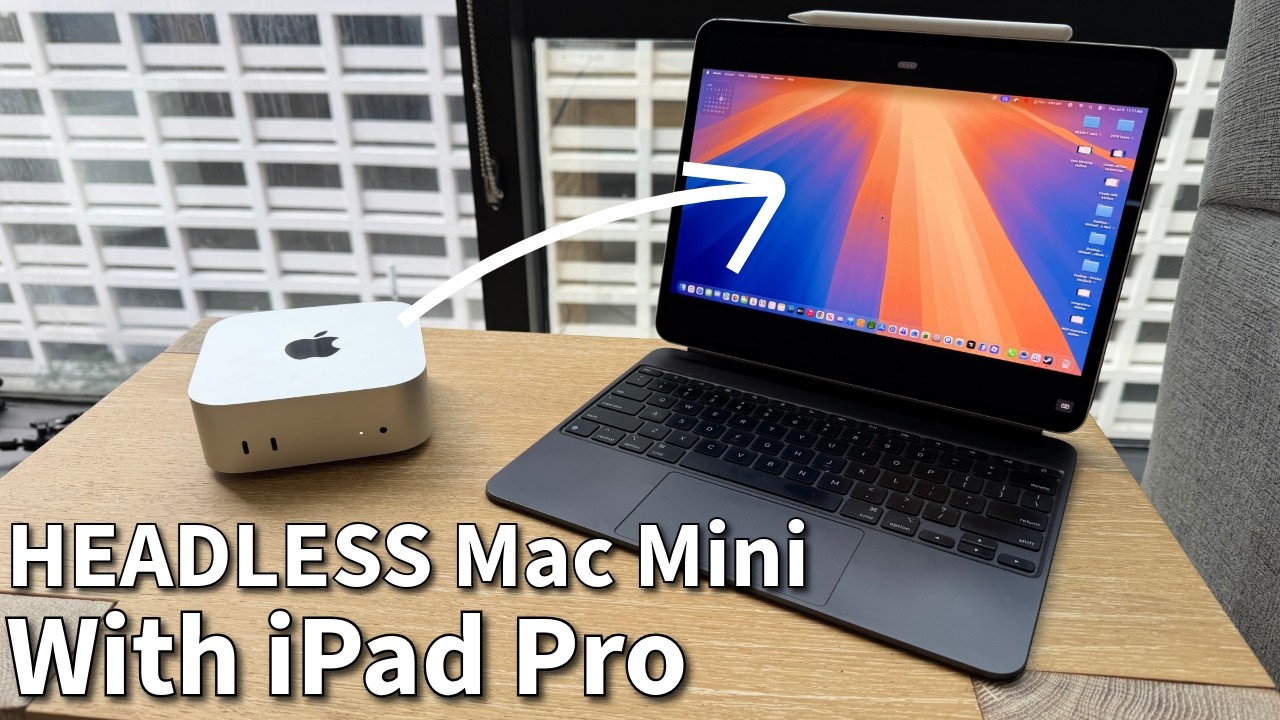
Offlode the video processing from the CPU… If no display attached, the video sub-system is not engaged, and the CPU gets burdened with video processing.