I’m at work so just trying to play music on my mac book pro. only not connected to anything. But it just says “ loading first track “ what do i need to do?
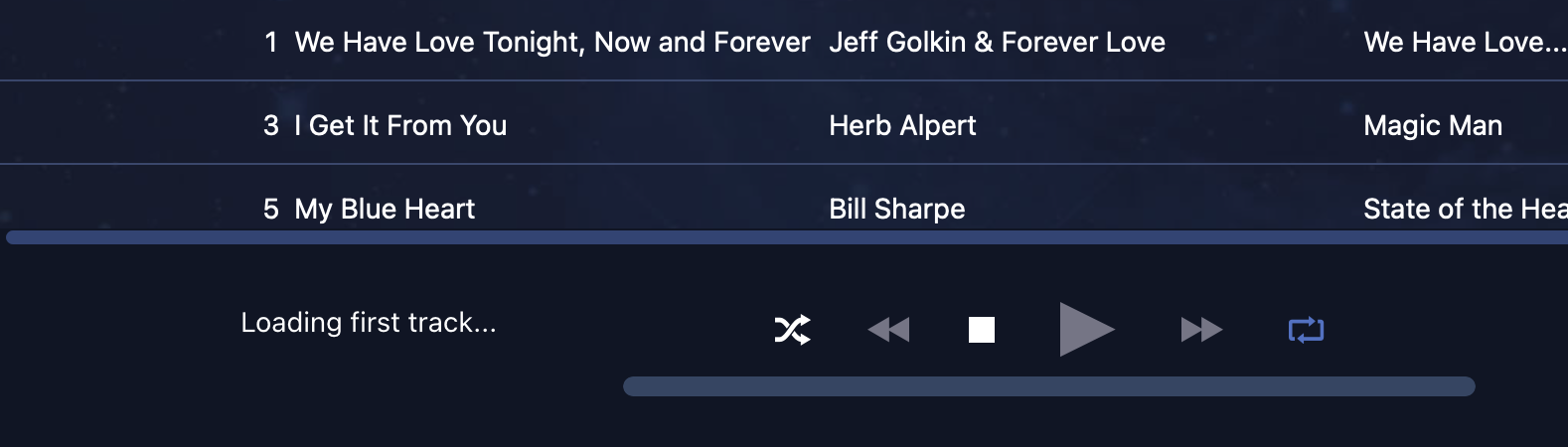
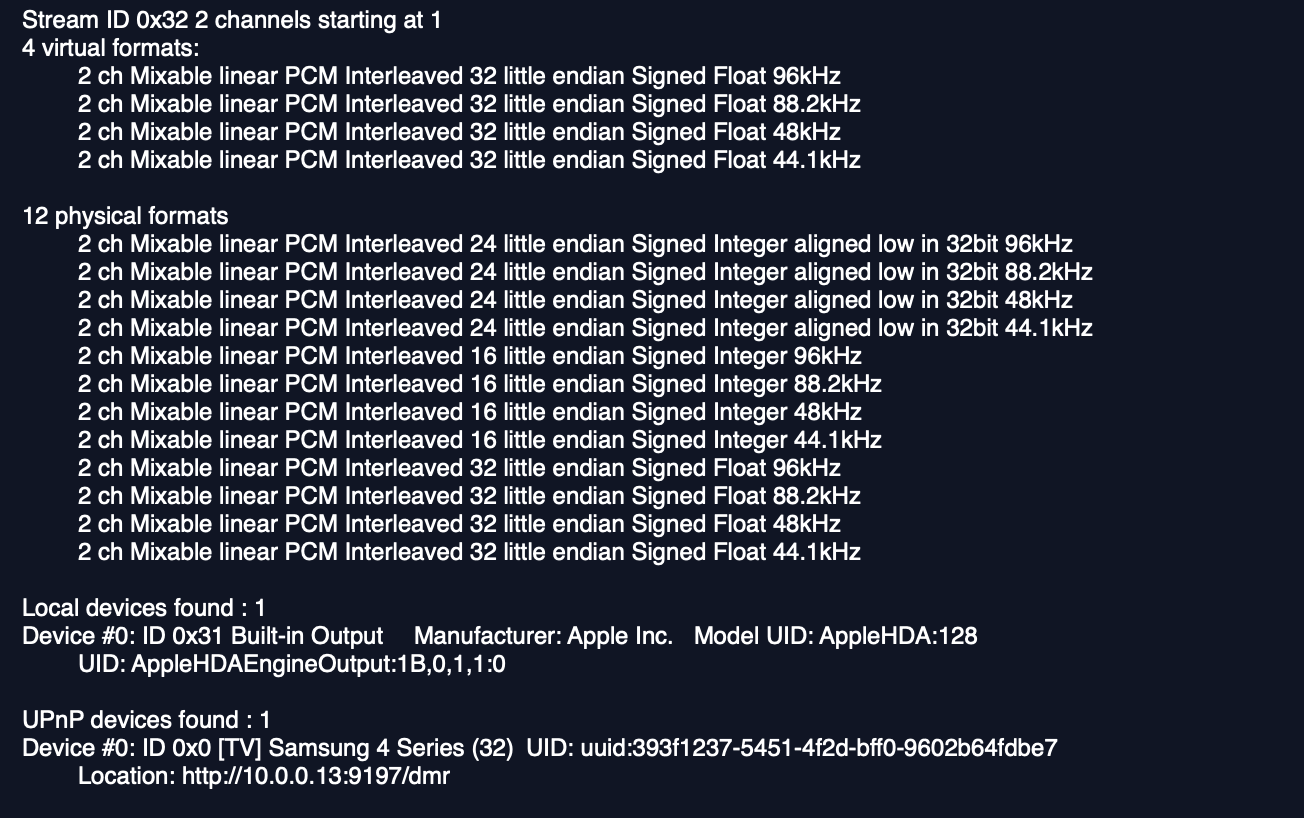
You must be connected to your library drive and synchronized… It looks like you have not synchronized with your iTunesMusic library


how do i do that?
and whats weird is i’ve been using it very well for about a year without any problems until last night
ok I just deleted and re sync it again.. hopefully it works.
It really is not the best practice to put your music library on the System drive…
like what do you mean? use an external one?
ok so it works now.. its playing but it deleted all my playlist. : (
and what could be the reason why my music was not sync with Audirvana?
Yes… that allows for more System resources for operational memory bus throughput, and reducing potentials for memory swaps because of a lack of System memory resources..
ah got it thank you..
I don’t know… obviously something changed… maybe all you needed to do was to reboot your computer…
I did reboot multiple times.. but had the same result even cleared my cache
Maybe need to use Disk Utility to repair the drive…
ah.. that i did not think of.. now is there a way to re do my playlist? lol Its gonna be a pain to do it one by one again.
(Edited) Time Machine, if you did not save your .sqlite to your desktop…
Also, in your Audirvāna ‘Local’ settings there is a maintenance section, that you can also employ to keep your files in-order…
hmm never seen the maintenance section in audirvana. where can i find that? : )
Settings → Local → Maintenance
The same window where you re-sychronized your folder.