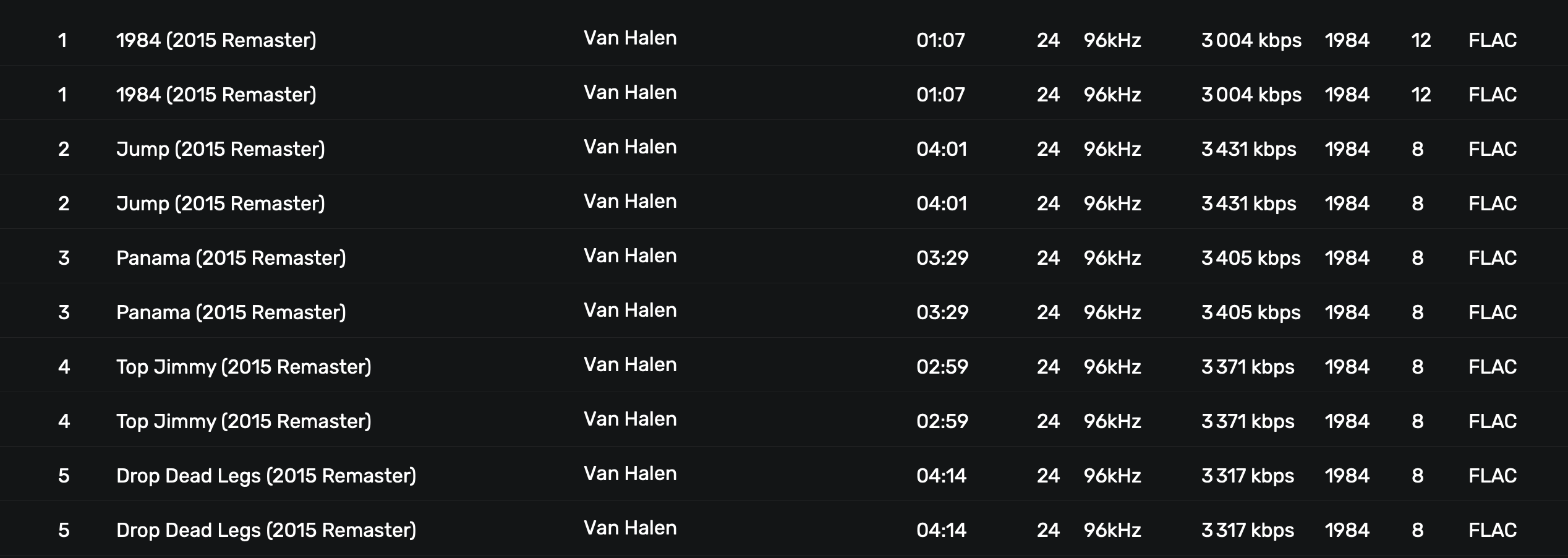
Because of duplicates in DB, I trashed hundred of references in Audirvana recycle bin. But then we can only delete tracks. Originals are moved to system bin. And we have to import again in Audirvana. It’s so time consuming..
Could we have an option to delete links in DB without moving tracks in system bin ?
I used DB Browser for SQLite to browse AudirvanaDatabase, found TRASHED_TRACKS table and deleted all records in this table. It seems fine for what I was searching for. I have several backups in case something went wrong.
I don’t understand why you did not manually rescan the library and/or used the database maintenance options in Audirvana. I had double entries in the past, but either a rescan or a rebuild fixed this.
Audirvana’s DB tools have already been used several times. DB is OK. All files are OK (I use regularly YATE “Audio File Health Check”). I don’t have .cue or .ape files. Folders are automatically synced.
There’s no error in Audirvana’s log except some “[warning]: FLAC decoder: unexpected end of stream”.
I’ve already had to delete the database after migrating from 3.5. so those duplicates are created with Studio. I think they appear when I change one of my disks (moving files from an old disk to a new and bigger one).
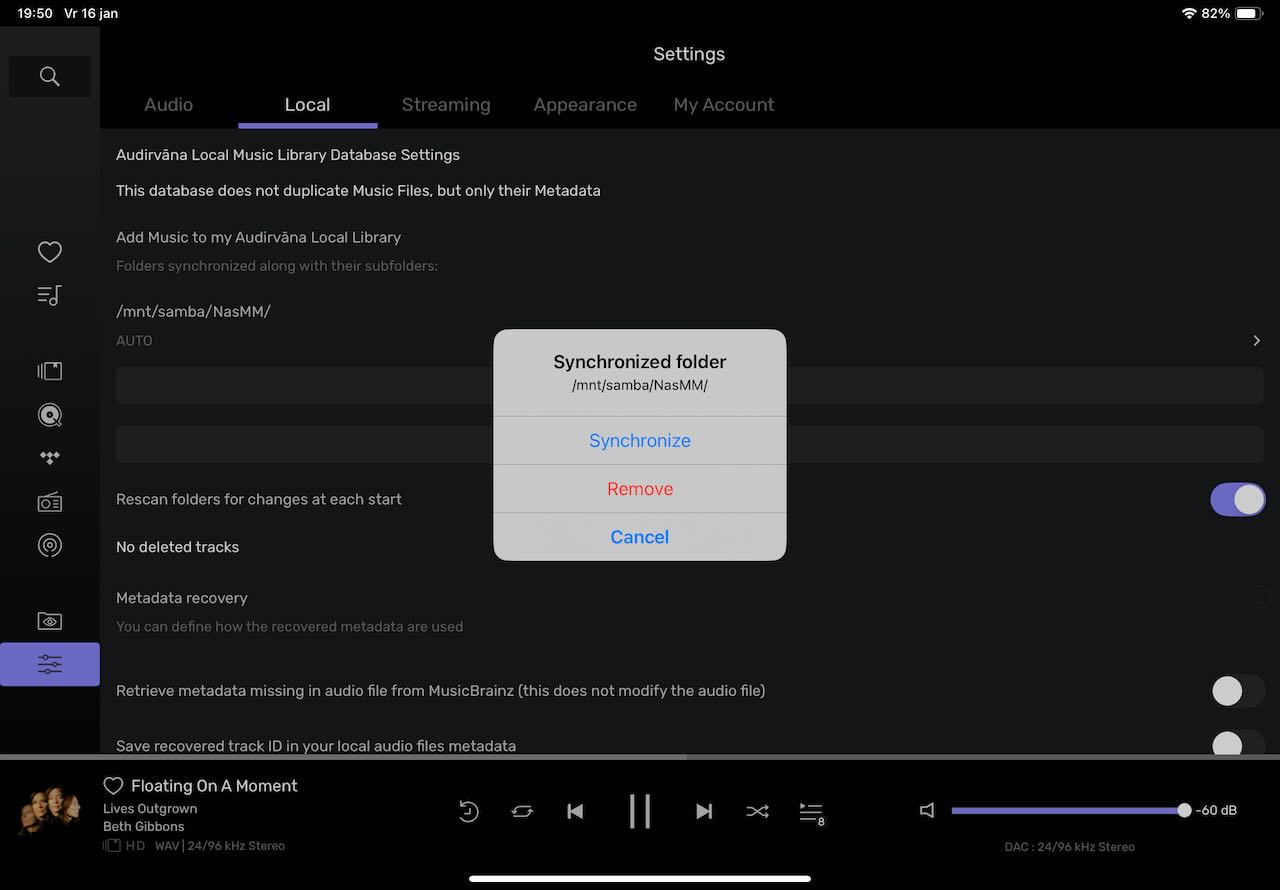
If you go to the path of the disk that you mounted, you can initiate the scan (‘Synchronize’) manually. The disk should be connected. Audirvana should detect that the wrong duplicates are ‘deleted’ and clean it up.
If not, removing the disk and add it again, rescan the volume, should get you started with a new database.
If the problems persist, send an e-mail to support.
I removed the disk concerned from my library then add it again. It’s ok now : I don’t have anymore files in DB with full path (with disk) instead of just folder/music. Thank you, everyone.