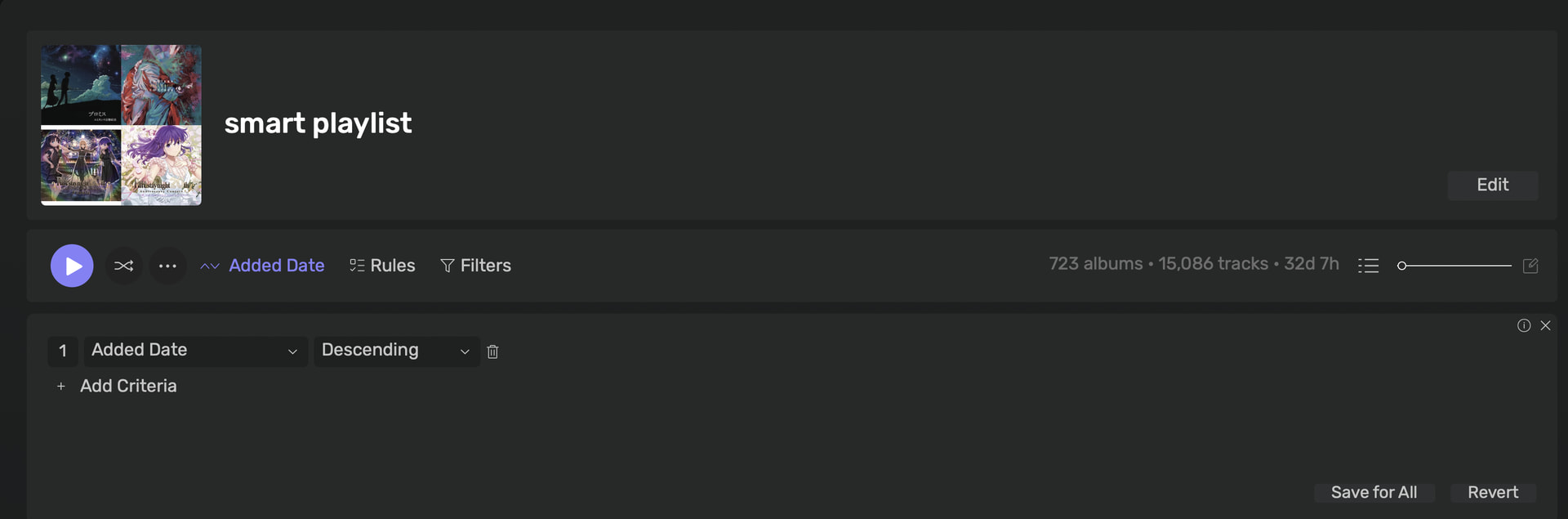
Currently, the Recently Added tab only shows albums added in the last 15 days. This limit feels quite restrictive.
Coming from apps like Apple Music, I’d like to have a dedicated, separate section where albums are continuously displayed in chronological order based on when they were added—without a strict 15-day cutoff.
Right now, if I want to see all my albums ordered by added date, I have to change the global sorting in the main Albums view. However, this overrides the default Artist/Album Name sorting that I prefer to keep for my main library.
It would be great if Audirvāna could either:
Allow users to customize the time range for “Recently Added” (e.g., 30 days, 90 days, or unlimited).
Allow “Recently Added” to display the entire library sorted by added date as a standalone view, so we don’t have to keep switching the sort order in the main Albums view.
Yes, it can display as Albums, but there is still an issue.
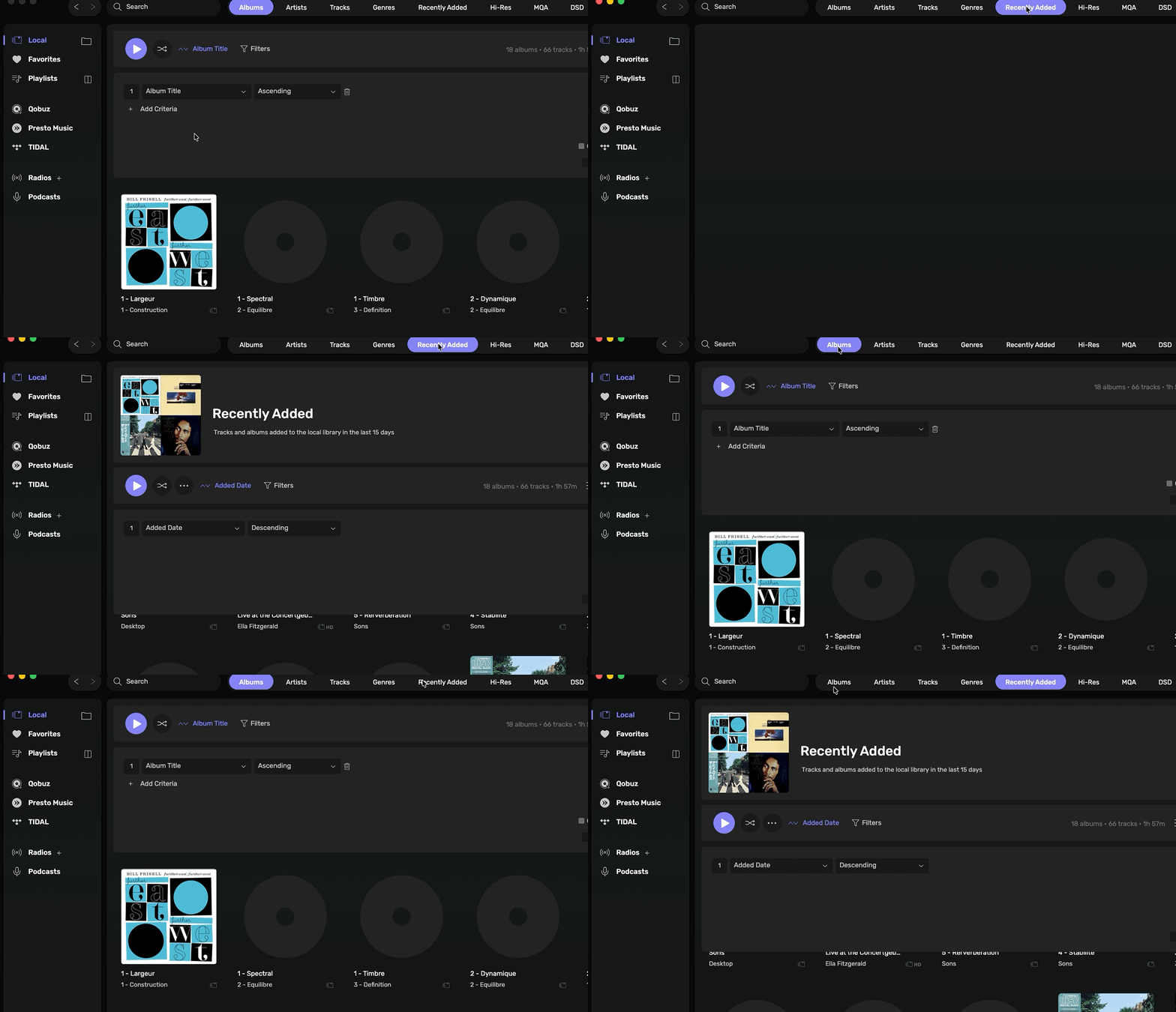
When I set the sorting to Added Date inside the Smart Playlist, the sort order in my main Albums view changes at the same time. The sorting state seems to be globally linked across all Album views.
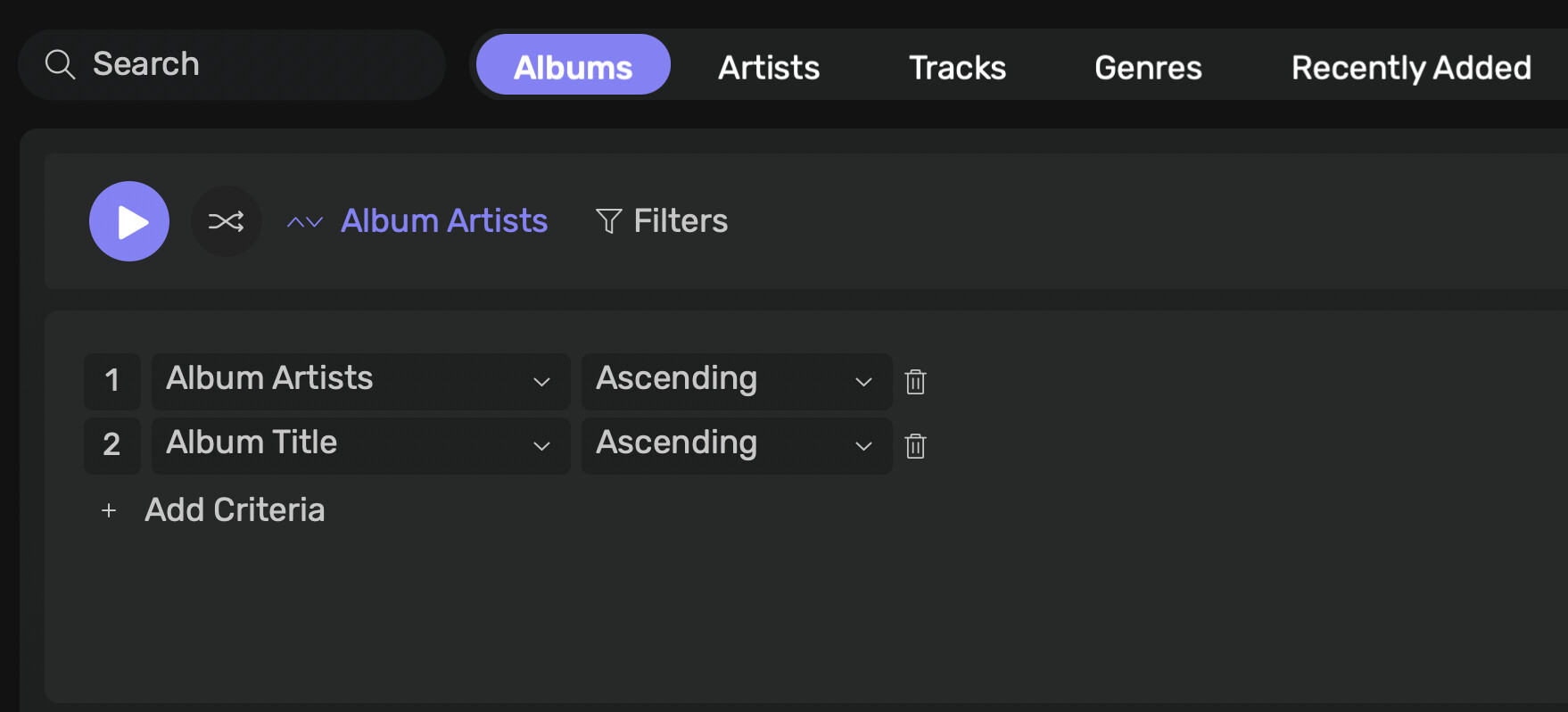
I want my main Albums view sorted by Artist/Title, while keeping the Smart Playlist sorted by Added Date.
Is there a way to unlink these sorting preferences, or achieve this setup?
IMHO, Audirvana should “out of the box” at least offer the standard assortment of sorting methods computer users are accustomed to, including "by added date.”
Personally, I only listen to albums, and I am nearly always looking for the most recent additions. I have zero interest in jukeboxes, playlists or having to fiddle with the latter to make it present a standard view such as “by added date”, etc.
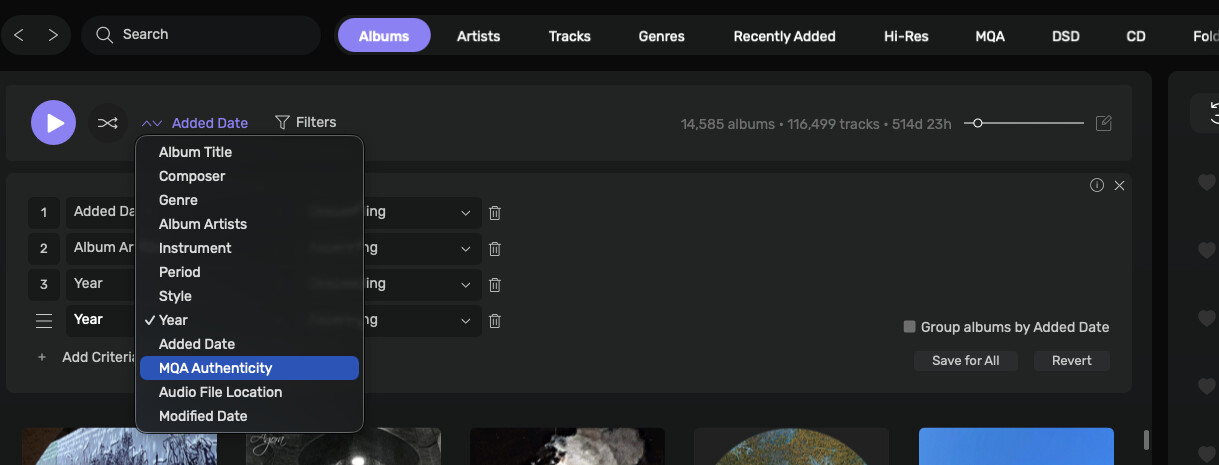
By Added Date is already available in the system, along with numerous others and works quite well and even better if your Metadata is spot on. Place your mouse over the number till you get the 3 lines on the left and you can drag it into any order in the options. Remember to save it if you want to keep that sorting. as otherwise it will jump back to the previous criteria you had. This can be accessed thru the app on IOS and can change the way you sort Playlists etc as well.
here it is, but the thing is, the sorting system can’t be separated from “smart playlist” and others, just like I mentioned above, smart playlist do work as a “unlimited Recently added” playlist when you set the sorting properly, but it will synced the sorting setting to others including “Albums”.
I want my “Albums” sorting remain at current setting from Artist & Title, that’s the problem.
When I created a smart playlist and set the sorting to “added date” and press “Save for all”, it will globally change all the sorting to “added date”, including the “Albums” section.
The problem is when I save the sorting, it will changed “ALL” the others sorting including “Local - Albums”, I tried over 10 times and it all end up this way, I don’t understand which part of my setting went wrong.