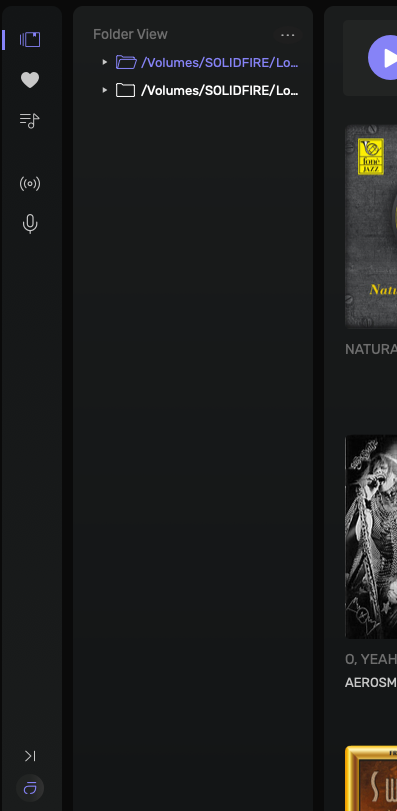
I just tried this… Opened the Folder View and then minimized the sidebar… the folder view stays visible… I don’t steam content, so, don’t know if that gets you to what you want to see…
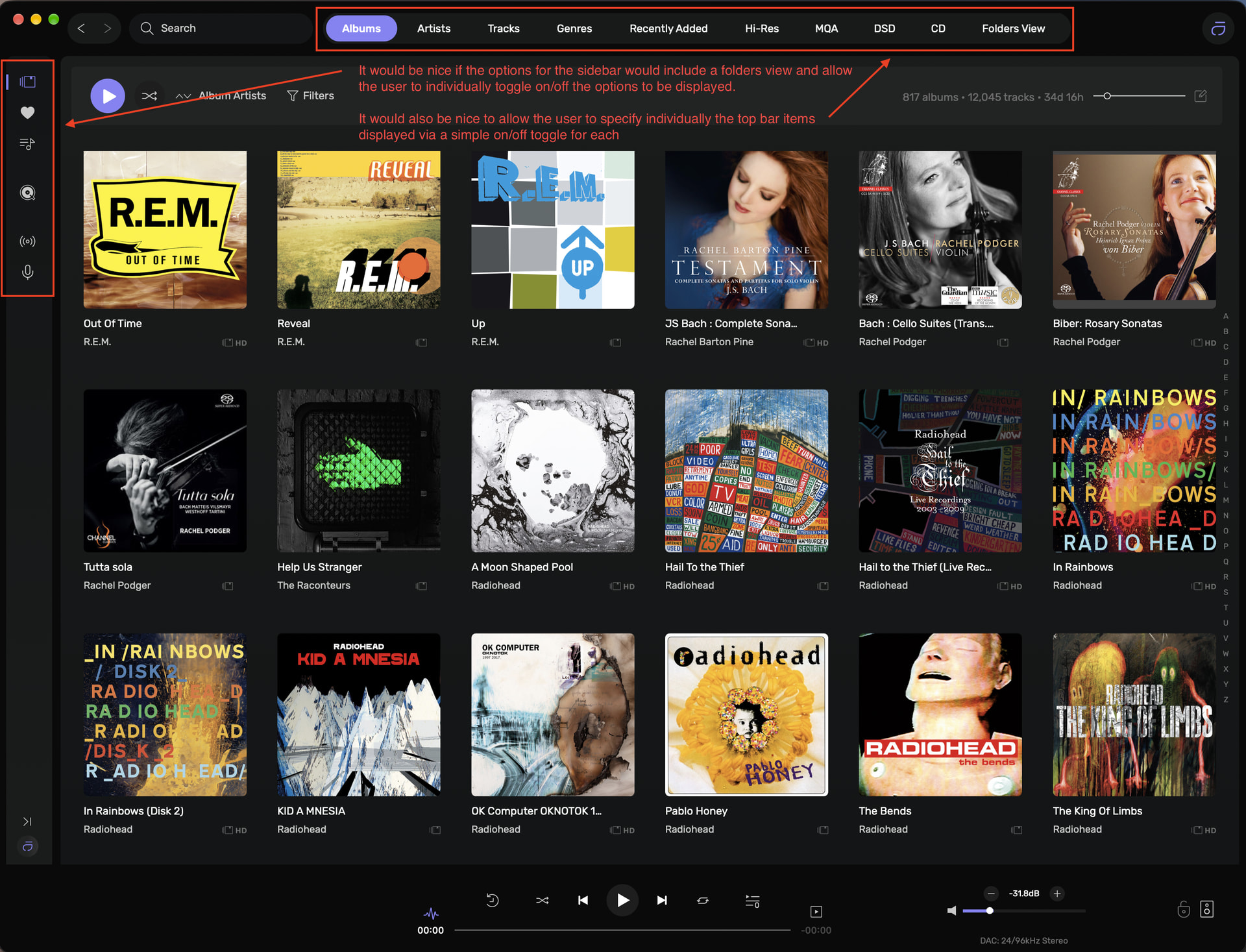
Audirvana already lets you show or hide DSD, Hi-Res, CD and MQA quality tracks in the top bar options, it would not be a significant change to allow a user to toggle on or off each of the top bar and sidebar options. I agree with @Ironz , I don’t use favourites, radios or podcasts. Having an option to show or hide these for both the sidebar and the options in the top bar would be nice, allowing the user to customise the display of options is only ever a positive step to my mind.
Yes you can do that but having a sidebar icon to allow folder view would be nice, and all the options in the sidebar should have a toggle for on/off so the user can choose what is displayed in the sidebar.
Same goes for the top bar. allowing the user to specify what is shown in appearance settings for each of the options is a good thing. The user can then choose to display only those options that he uses, allowing for a cleaner user focussed interface.
So, the advantage is two-clicks versus four-clicks to view and completely hide the folder view… ?(I don’t know how this will function with a Streaming service engaged)
(Audirvāna application)
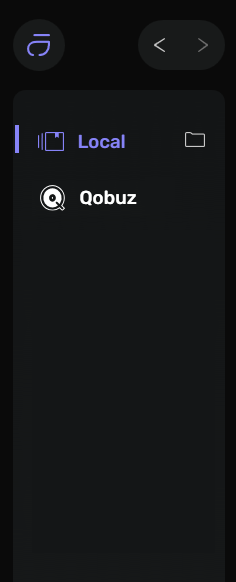
(1) With the sidebar minimized, expand the sidebar
(2) Open Folder View
(3) Minimize the sidebar (Folder View stays open)
(4) Select Local View and the Folder View is closed (sidebar stays minimized)
Before the days of Audirvana (early to mid 00’s, pre JRiver), I made use of XBMC for music and film playback, which had an interface that was TOTALLY customisable.
Oh, the fun I had ripping that interface down to the bare bones
I don’t use playlist, genres (as Audirvana only accept one genre and i have incrusted more than one so there is not Post-Punk and Dub for Gang Of Four, there is only Post-Punk Dub), I don’t have any MQA (does anyone have this?)