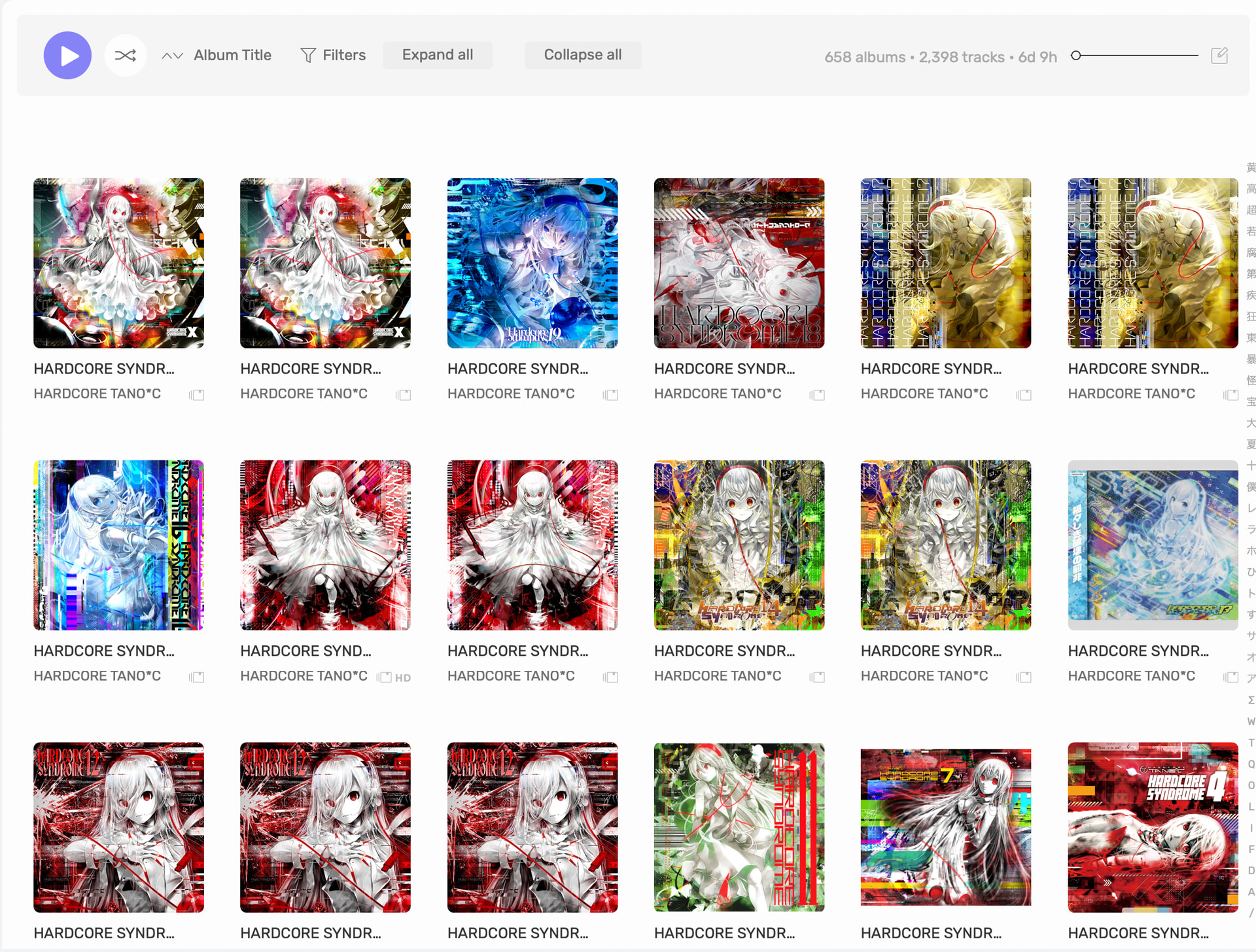
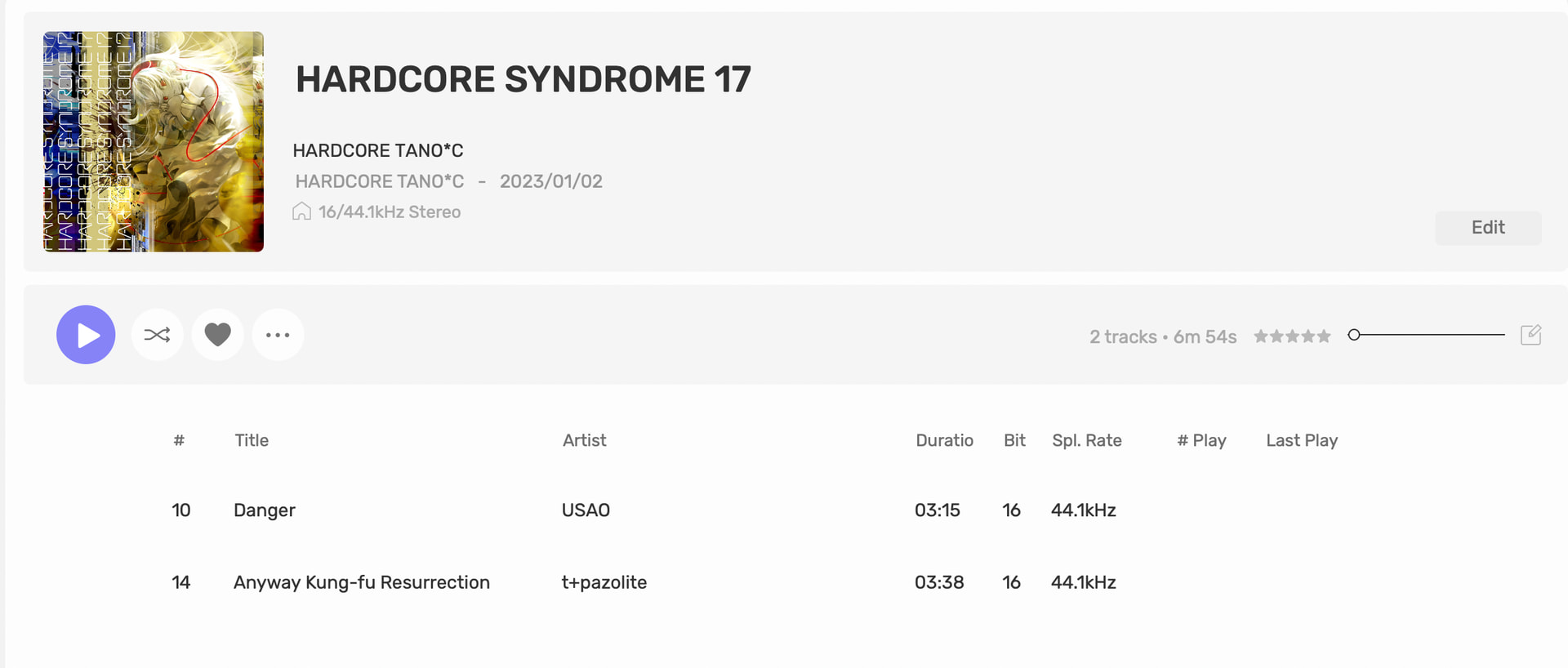
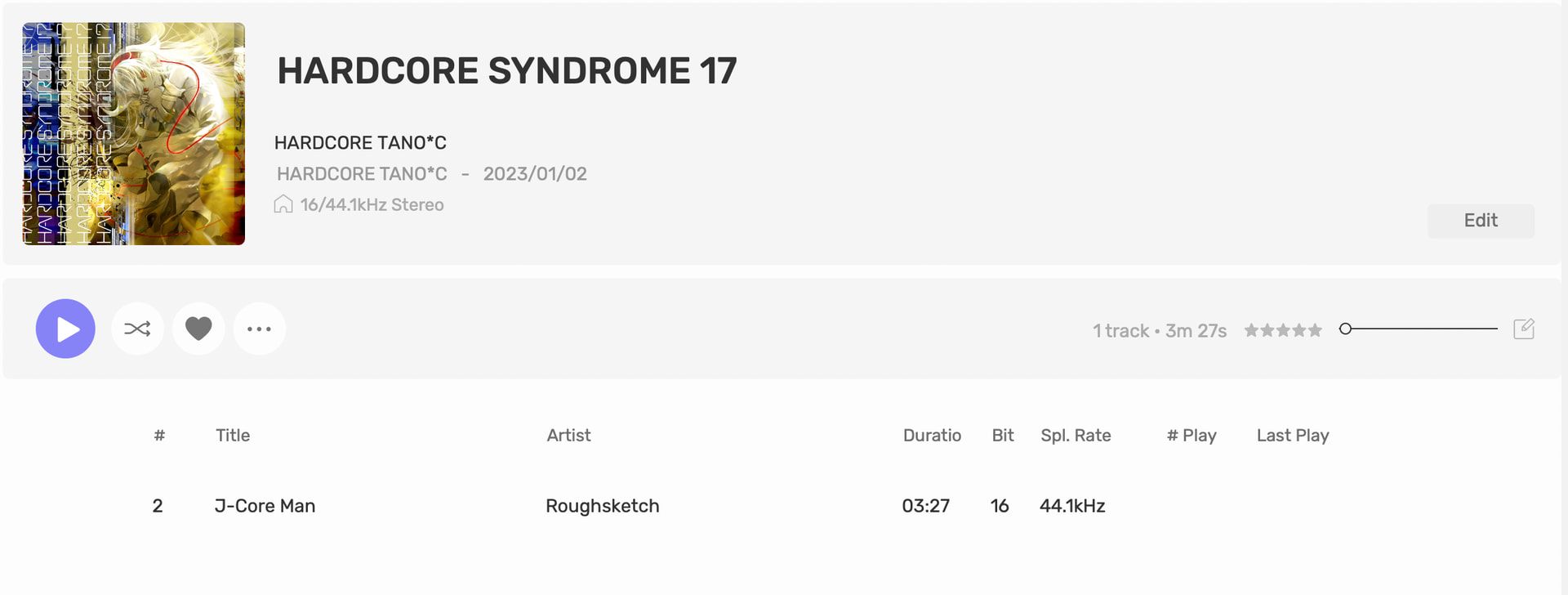
Hi, I have an issue with what looks like duplicate albums in album view, but actually has 1-3 songs from the same album split into different listings. I believe this is because I have songs from the same album located in several different folders. (I have verified that this happens even if all metadata is consistent, and only happens to tracks that are in different folders.)
It does combine the album listings if I move the tracks all into the same folder. However, I keep a large chunk of my library organized by which rhythm game it came from, for example “game/arcaea/sidestory/song1.flac” and “game/phigros/mainchapters/song2.flac”, and I do not want to change that.
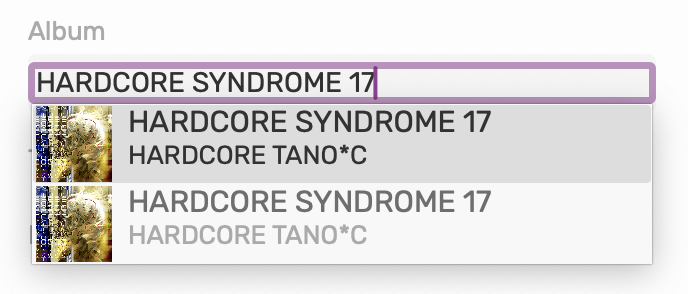
I found out that editing the metadata in AS and selecting the same album listing for each track can make it recognize them all as one album. But it’s not a permanent solution, and there are way too many involved tracks to edit them individually. Is there a way to get it to recognize these as one album despite their separate locations?
I have this issue on and off after importing a newly purchased album.
Mac 27.0
Audirvana 3.0.2
This has happened to nefor years. I find editing Metadata in Audirvana does often not correct. However. Some times deleting and reinstalling album might correct it.
I correct all metadata in both inatances of doubled / split albums including all titles and sorting data. Track and disc attributions especially. Close and reopen Audirvana and sometimes it automatically corrects
Otherwise, how to fix this is something I’d like to know,