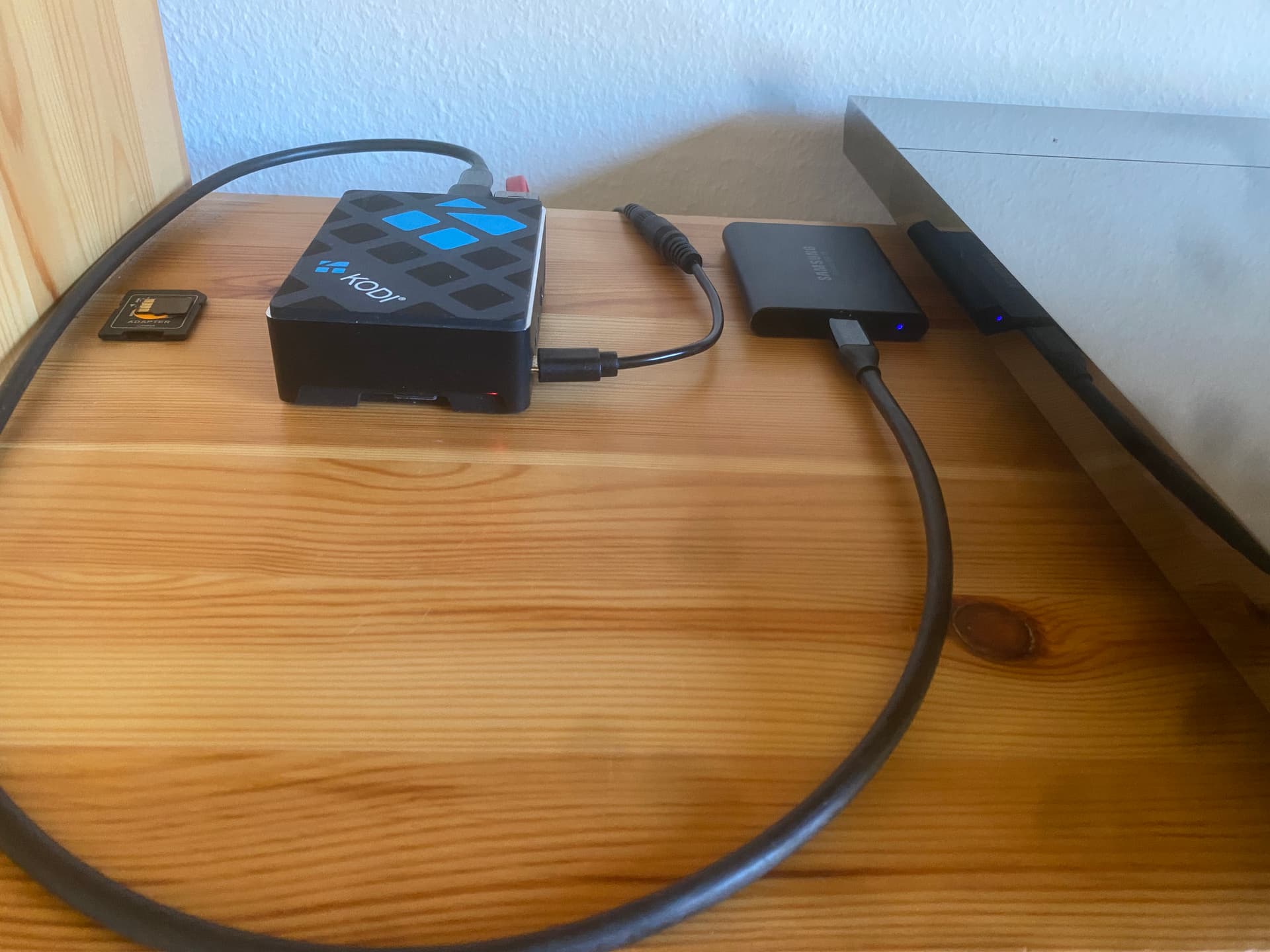
I have Mano Ultra RPi5 on GentooPlayer.
After corrections in GentooPlayer, the AS installation went smoothly. Mano is connected to the DAC via I2S.
However, I have a lot of comments about the lack of functionality and errors in the work of Audirvana Remote with AS on Linux. It is very unstable, often loses connection when other solutions like BubbleUPnP or ROON are stable. The applications still require a lot of work.
Just now AR suddenly lost connection to the server again. Restarting AR or resetting paired devices doesn’t help. The only thing that helped so far was disabling and enabling AS in GentooPlayer, or restarting GP.
Audirvāna Remote is just as unstable when running AS on Linux Mint and Ubuntu. To the point hat it becomes almost unusable. I often resort to other applications that run absolutely stably on my system.
There is some unknown in Audirvāna Remote that causes these problems while others seem to experience a perfectly well functioning remote.
That sounds to me as network issues. Not meaning that your network is unstable, but the App is communicating with the server on the Bonjour network protocol. The protocol is doing something called Multicasting. There are (very technical stuff) things going and something called IGMP Snooping settings can be the resolve. Don’t ask me what that is, I’m not a network expert.
It depends a lot on network configuration, switches and routers used and you might be digging around in some deep down settings of your router or other network equipment.
Bonjour is Apple’s branding of multicast DNS (mDNS). The protocol is used for device discovery, in this instance for Audirvana Remote to find the computer running Audirvana Studio/Origin. Bonjour is not used after device discovery.
So if your Audirvana Remote is not able to find AS/AO, that could be a Bonjour issue. If the problem occurs in actually using Remote, it is not a Bonjour issue.
I use Audirvana Remote on both Android and iPadOS. When I do run into issues, fwiw, they are almost always resolved by force closing Remote and restarting.
Thanks @Press250, I gathered that much about the Bonjour Service.
I am running AS on the latest Linux Mint version. I take it that the corresponding service in Linux is Avahi. There‘s no problem whatsoever in connecting the remote (iPad) to the Computer, but during operation, there are numerous ,Request errors‘ popping up, to the point that Audirvāna Remote becomes unresponsive.
I’ve experienced the “Request Errors” with Remote on iPad, tho’ not with Remote on Android. In my case, the root cause was not enough physical memory for Audirvana Studio … happily, I was able to bump that up and it fixed the issue completely.
How much physical memory does your Linux Mint machine have?
I am in the mountains right now, far away, so unable to check how much RAM the machine has. It‘s an old MacBook Air and my suspicion is anyway that it should be replaced by a more recent computer. It could well be only 4 GB, but I have to check once I‘m back.
sudo mount -t cifs //[library-ip-address]/[share-name] /home/[username]/Music -o username=,password=[share-password]
I am using a local music collection that is on a hard drive (also on my iCloud). Is the ‘library-ip-address’ the address when connected to the Pi? For example my music collection on the hard drive is; /media/chris/MUSIC. Is this what I should enter there?
Also what is [share-name]? The Pi username?
[username][share-password] - Is this my Audirvana username and password?
Hi @Chris6699, the line in question mounts your music library hosted on a different machine. If your music library is on the machine running Audirvana, skip it.
After successfully installing Origin I now have the following problem;
Audirvana doesn’t recognise my external hard drive with all my music there. So I cannot assign the folder for my Library.
Can anyone help me with this?
My other source for listening to Audirvana is my MacBook Air with my files located on my iCloud.
Is it possible to completely bypass my external hard drive and give the Pi access to my library on iCloud?
Hope someone can help, I feel I am very close to success!
Audirvana will very happily recognize your external drive once you mount it on Linux. That is a multi-step process, so i suggest you Google the model of your drive and “mount on Linux.” Once you can see the drive in Linux all you need to do is tell Audirvana the mount point.
Just installed Audirvana Studio on a Raspberry Pi 4B. It went smoothly by flashing Raspberry Pi OS with balenaEtcher onto a micro SD card. During installation, the Raspberry Pi was connected to a screen via HDMI, mouse and keyboard. Then I downloaded Audirvana Studio for Debian ARM64 and installed it with the sudo dpkg -i command. All went well to this point. Next, I had to fiddle around with the etc/fstab file to have my 2 TB Samsung SSD mounted upon startup. This took a bit time, but eventually I managed by defining UUID and type of drive. After that, all OK.
As I am relying at the moment on WiFi, streaming via Qobuz is a bit flaky, with occasional interrupts. If anyone has ideas of improving WiFi connection with the Raspberry Pi, I’d appreciate. But the locally stored files play well with Audirvana Remote on iPad/iPhone (except the unnerving ‘Request Error’ messages).