I’ve installed the Audirvana Core Player on my QNAP TS-451A NAS and wanted to access it via the Remote app. However, the NAS doesn’t appear under ‘Computers’ in the app.
I’m running the Studio Classic version of Audirvana on my PC.
I can connect to that version via the app without any problems.
What am I doing wrong?
Hi @1070er ,
Can you please open Audirvāna Studio on your NAS and check what you see in the logs?
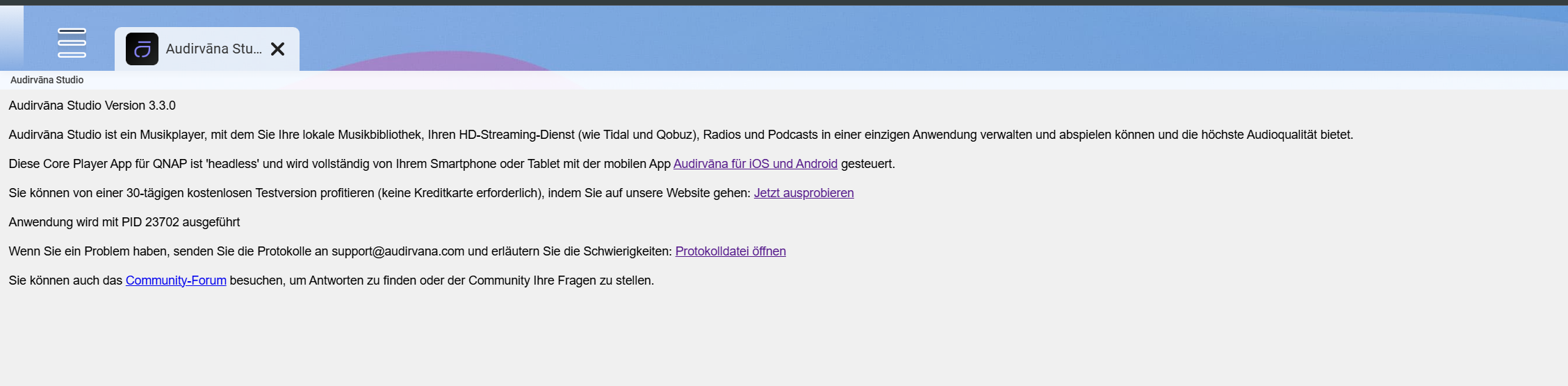
Sometimes this happens to me also, though not if I wait a little while after starting the OS to check the app. But what do you see if you check the status of the Audirvana process? Can you connect if you tap “Other” in the app and use Audirvana’s port and the IP address for the NAS?
Apparently that was the key clue. After a bit of a wait, I managed to access the NAS. Thanks for the tip JUD