Sometimes when I need to discover UPnP devices I use ‘Search for new devices’ button in the DAC Input page on the IOS remote app. I cannot seem to find an equivalent button in the AS Windows app?
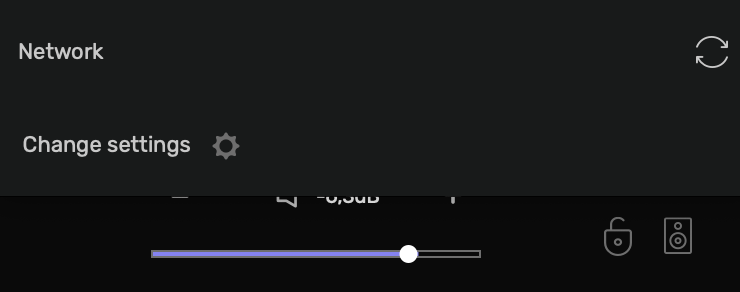
Hi @Antoine, thanks I thought so too, but I never see this “Network” refresh button on my AS GUI before I select any UPnP device. This button only becomes available after a refresh through the IOS app and AS selects an UPnP device.
I know what you are talking about, it’s something we are currently working on.
Ok thanks for the info. I’ll use the IOS app to refresh.