You should take you time to do it, because macOS upgrades are long to download and then to install.
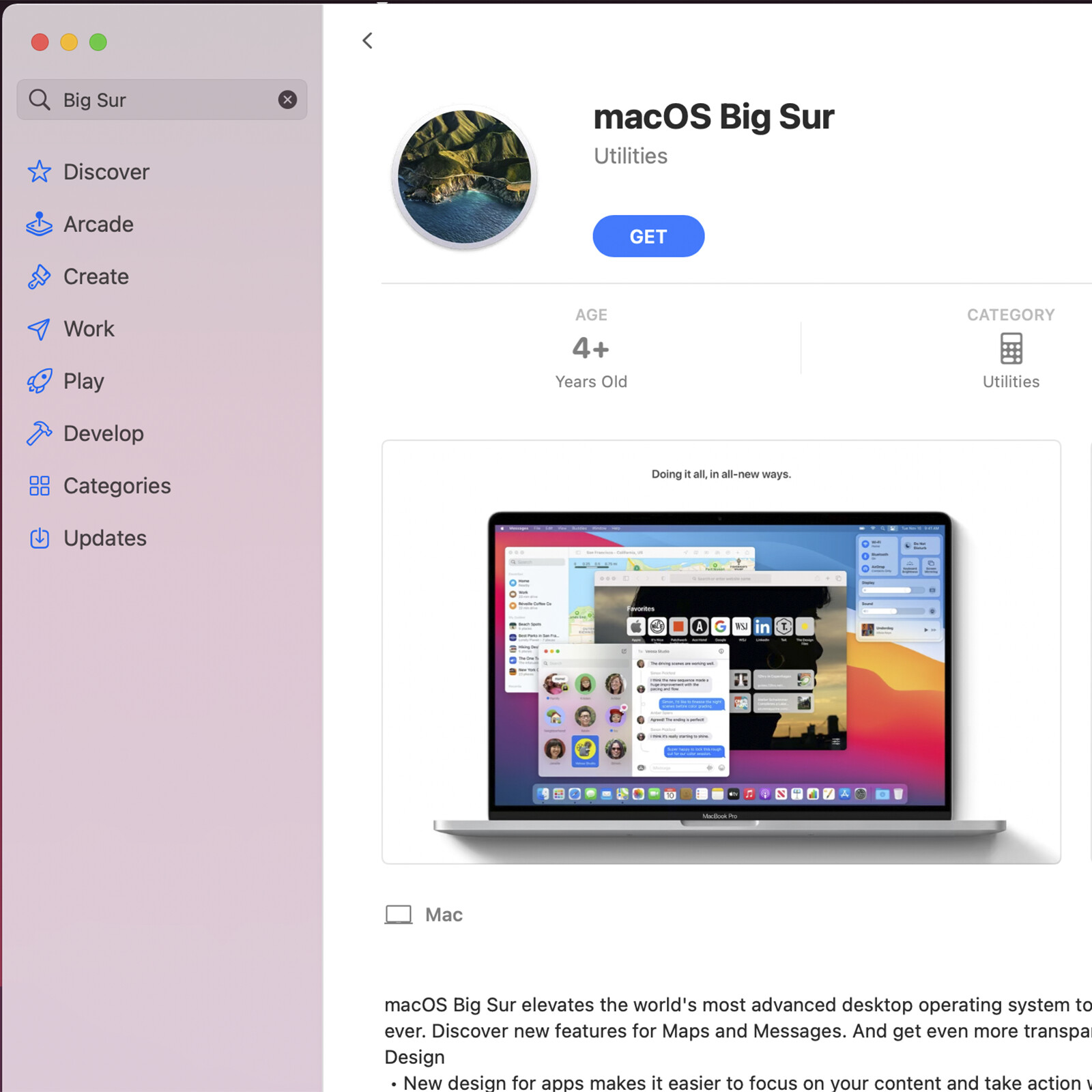
You can also like in @Doudou first picture, select App Store just under…
then when the App Store is open, just type in the search bar: Big Sur
then click: Get
it will download automatically in your Applications folder.
In Your System High Sierra, i can’t remember if the App Store is in the Apple Menu
or in the System Preferences in that same drop down menu…
Apple changed it back if i remember…
When it will be finished, it will open the installer.
Then quit the installer, yes  quit the installer.
After, just drag the installer icon to an external hard drive, usb 16gb key
or just to the desktop while maintaining the Option Key on the keyboard while dragging,
that will make a copy of the installer, keep it somewhere,
if you have to reinstall macOS for whatever reason, then you’ll have it as a backup 
If you don’t drag it out with Option Key, it will be erased after the installation process…
That installer will be macOS Big Sur 11.4
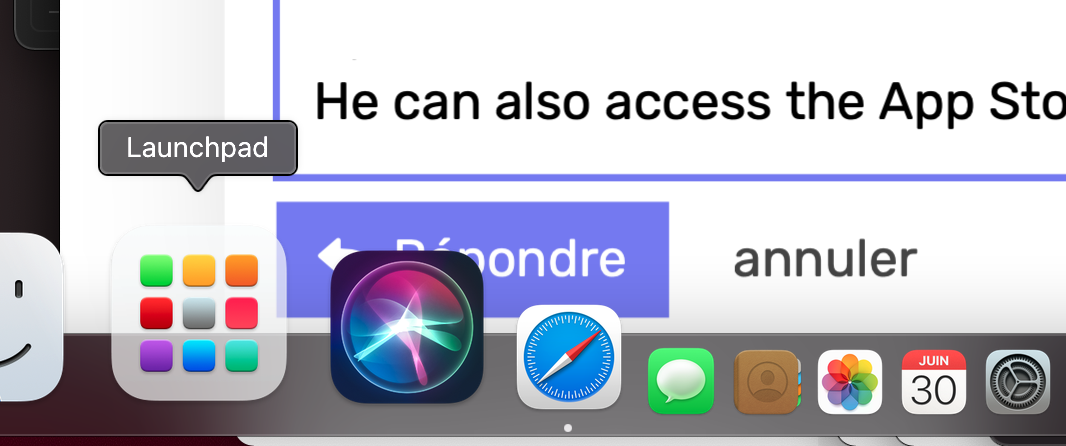
He can also access the App Store by launching its application from Launchpad.
- Click on Launchpad on the Dock
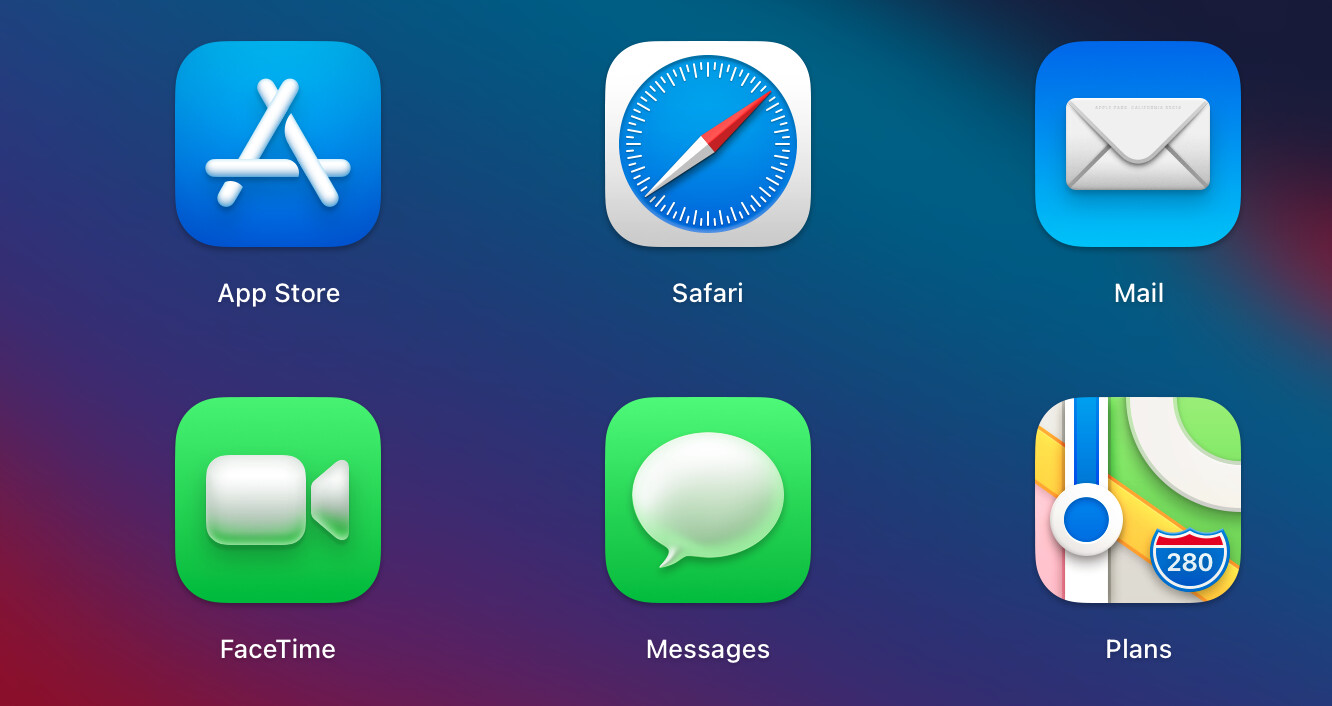
- Click on the App Store application in Launchpad.
Thanks, I am just trying this now. Big Sur is currently downloading from Appstore and still has about 15 mins to go before complete. As you may have read earlier I am a total Apple virgin so even the basics are unknown to me at this stage.
I am unclear about a few things when it completes the download. Where will the installer icon be visible after I quit it? If I drag it to desktop what does “maintaining the Option Key on the keyboard while dragging” mean?
Is it easier to drag to external hard drive?
Thanks
First, when the Mac says that the download will take “15 mins”, it may take only five. Don’t rely on the Mac’s indications about the durations during downloads and during the installation of the OS. These indications are never reliable.
You’re a beginner, and RunHomeSlow complicates a bit. It’s doubtful that you’ll need this installer anytime soon to reinstall Big Sur. So, I’ll advise you to not worry about keeping a copy of it. And if you’ll need this installer again in the future, you’ll always be able to download it from Apple’s servers.
When the download will finish, the installer will launch, and you’ll be able to install Big Sur.
As for your Mac user education, if you drag and drop a file or an app in macOS from one registry to another on the same drive, while holding the option key, you are not moving the file to a new registry, but you’re making a copy of the file in the new registry.
1 Like
Thanks it has completed now so will go ahead with install.
Remain online with your PC, so we can help you if needed.
There is not enough space to do install. Only 4.81GB available, an additional 23.45 is required.
Your daughter does not use her Mac properly. She probably loaded its laptop’s SSD with a lot of media files (music, vids). A boot drive should never be loaded more than 80-85% of its capacity. A free space is neccessary for a smooth Mac, because the applications need this space on the SSD to run their virtual memory. Otherwise, the Mac is slow.
Now, you should remove from the boot drive media files in order to have free space and make the upgrade to Big Sur possible.
Do you have an external drive to which you can copy some of your daughter’s music and vids?
Yes I’ve had a look and she has Documents totalling 33GB. Movies are 23GB and pictures 22.25GB. I have an external drive I can copy the files to but dont want to touch anything until I speak to her tomorrow. She backs stuff up to the cloud. I dont really know how the cloud works but does this mean she can view pictures on this mac from her iPad using the cloud, and if so and I remove from SSD does this mean they are no longer in cloud?
There was an option to install Big Sur on the external drive rather than SSD, but that presumably means the external drive always needs to be attached to mac book for it to run, and that would not be desirable.
i make not things complicated, safer…
since Audirvana works with High Sierra and that is not your computer, just play with it
many softwares on it might not be working from High Sierra after Big Sur update…
but, i let you with @Doudou
1 Like
RunHomeSlow,
What you say does not make sens.
How keeping a copy of the installer of Big Sur will help him downgrade to High Sierra?
Heu… He is on high Sierra… old system… Big Sur = big changes…
example: Office (word) might be too old after… this is just an example…
the copying of the installer is easy and take 30 seconds…
if he fuck up the computer, he doesn’t have to re download 12gb, that is it…
i have all my installers kept on external hard drive…
You have your 1.0 Audirvana Studio saved some place? me, yes.
you keep a copy of your Audirvana 3.5.46 and Studio .sqlite somewhere in case… i do
You should speak indeed with your daughter to understand how its data is backed up to the cloud. It’s important to understand it, before going forward.
You should also explain to your daughter that overloading her Mac is not a good thing. People are doing such mistakes by ignorance, and their Mac becomes then very slow. They think that it’s too old and buy a new computer, though it could have continued to serve their needs perfectly.
Ok thank you, I’ll get in touch with her tomorrow and then let you know what she says about the files on this macbook, and how she accesses stuff on the cloud.
It’s good to keep a copy of the installer. But it won’t allow him to downgrade to High Sierra.
I also keep a copy of all the macOS installers. I have a copy of AS V1.0, because I downloaded its DMG image. I did not keep systematically a copy of all the buggy versions of AS, because I’ll never downgrade to them.
The best thing to do is to clown the boot drive of the Mac before upgrading. But he is a beginner, and his daughter’s Mac probably does not the applications to clown it.
He doesn’t want to downgrade… he wants to upgrade to Big Sur…
Ok… je te laisse Doudou… amusez-vous ensemble 
When I upgraded to Big Sur, all my apps, even very old, continued to function, except Little Snitch. And the reason was that Big Sur did not allow it anymore to install extensions in the System.
I doubt his daughter, with her 2017 MBA, runs a 10 y/o version of Word.
Si vous parlez français, c’est plus simple.
Il y a deux problèmes.
- Une bonne habitude de garder les installateurs. On s’en fout, il ne fait que débuter. Au cas de besoin, il pourra toujours le télécharger à nouveau.
- Des incompatibilités pour certaines applications avec Big Sur. Je crois que le risque est minime dans ce cas.
i will reply to you in private just to leave that thread…
on dérape là…