Dear all,
I finally post here a message regarding a scenario I observed not systematically but frequently.
Brief summary: AS seems (as seen from the remote AND the app Interface) to point to the right UpnP device but finally goes back to the default one (Mac mini Loudspeaker) when I try to play an album.
Let’s look at the scenario through pictures:
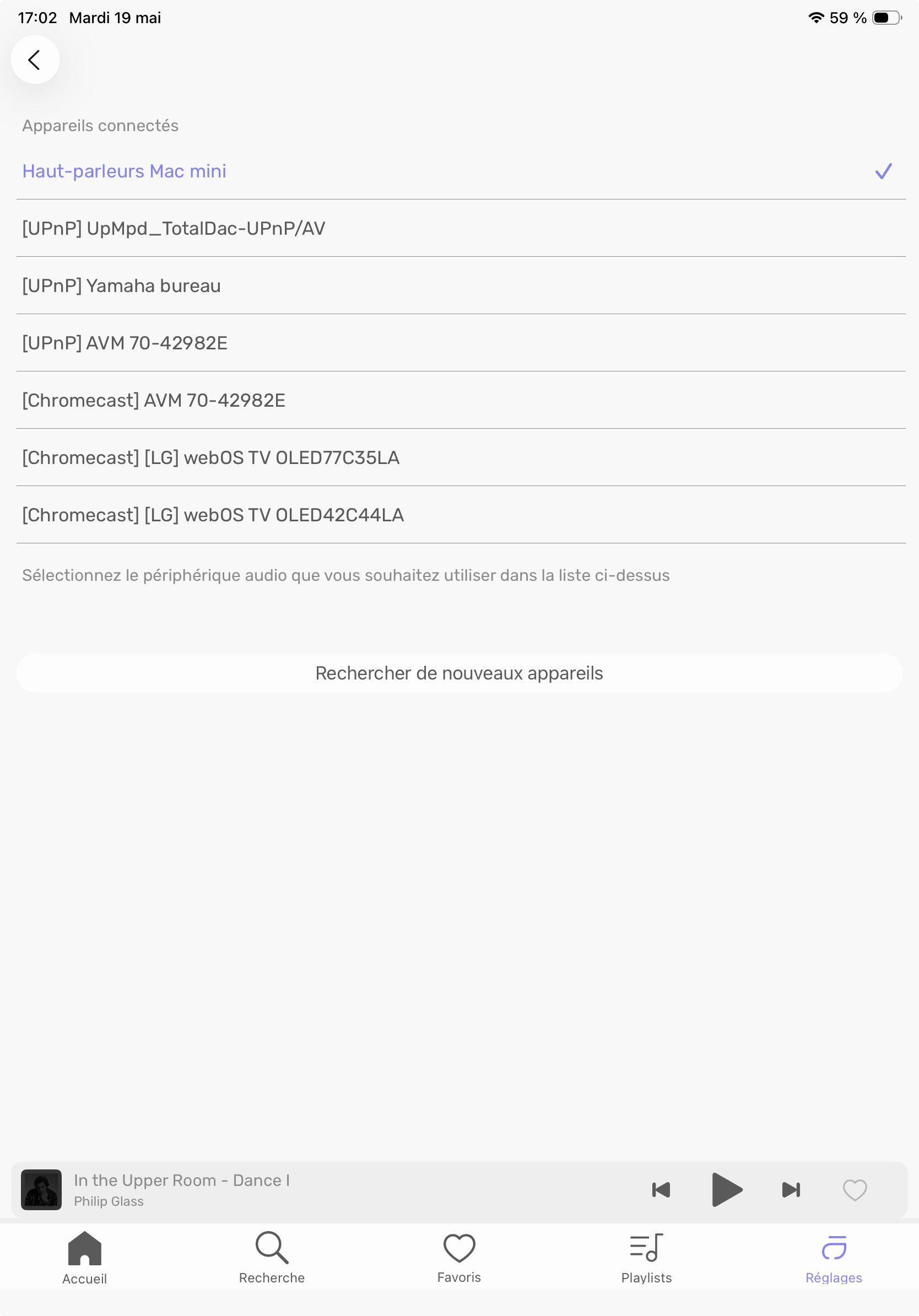
Mac mini is selected as the device when I list them:

But, When I look at audio parameters (Same thing on the AS Interface), I see TotalDac as the device in use.
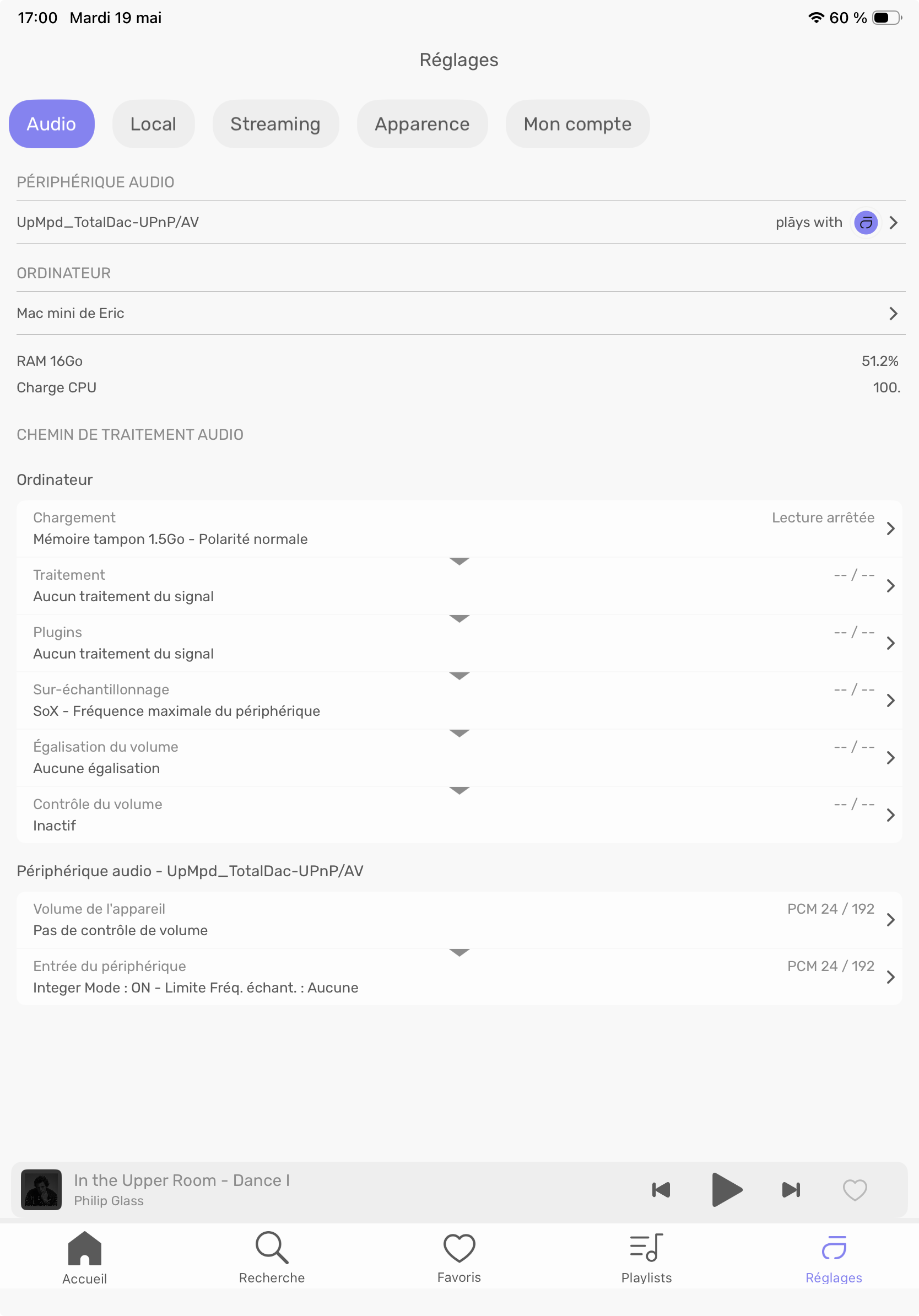
I tried to play an album: sound comes from the Mac Mini.
I tried to change Mac Mini LS to TotalDac: not possible! I cannot move from Mac Mini LS to any other devices.
I started a search for new devices: boum, TotalDac disappeared.
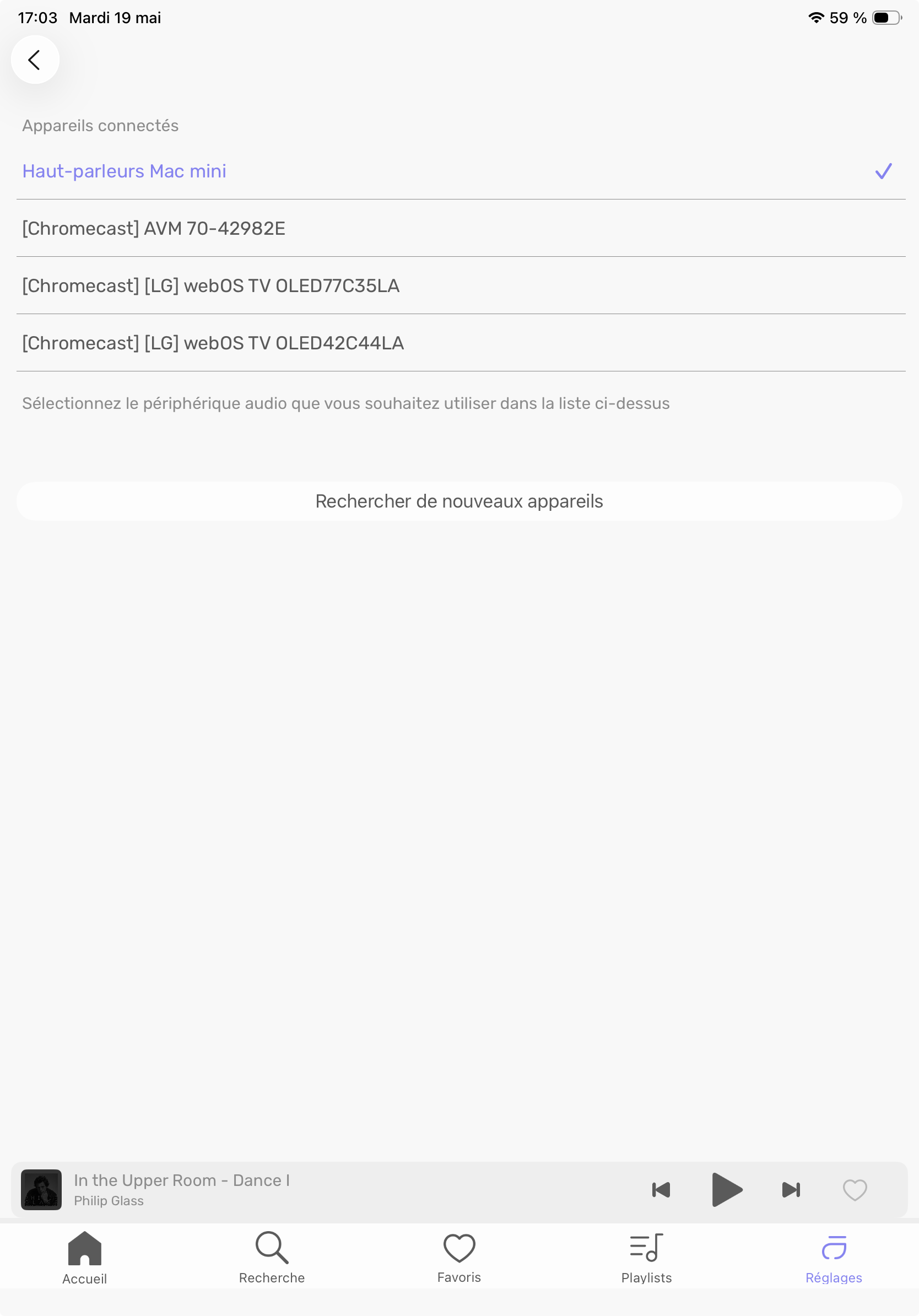
Only one solution: restart AS from the Interface (Restarting the Remote does not help).
I’m curious to know if anybody else found the same problem…