I get the wrong startup view (see below) in both Android and iOS Remote apps. Startup view is set to Library > Artists. Thanks for the help solving this!
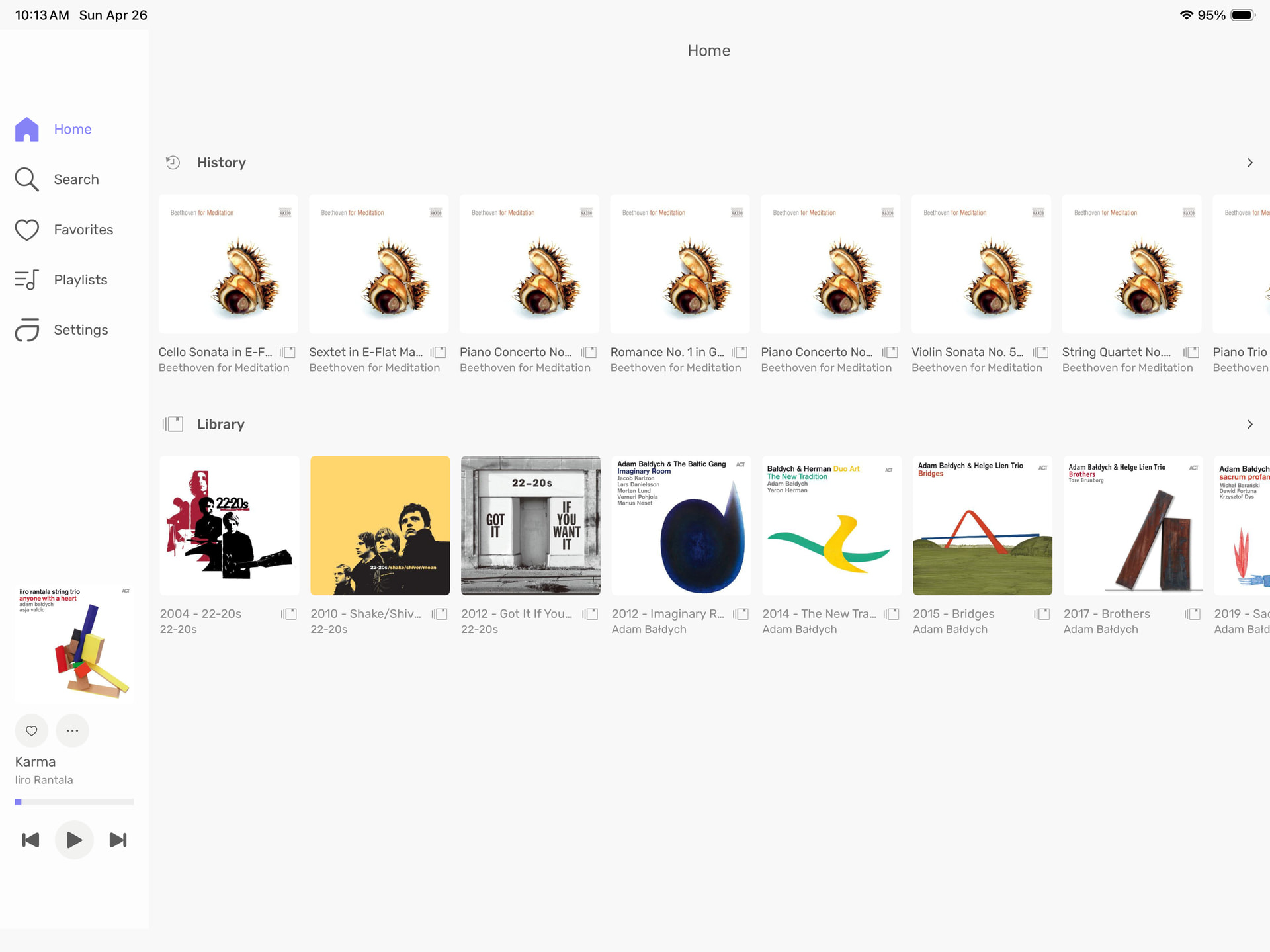
Do you mean that history is showing first? Afaik know that’s a default setting that can’t be changed.
Which OS version with Audirvāna Studio are you using?
Origin 2.6.5 on Windows
I know it can be confusing, but the startup view you see in the Remote settings is for changing the one you have on the desktop; it’s not affecting the Remote itself, sorry.
yes on the remote i want to see my library first on Home page… like artist tab… not again a clicking option to see it or having half the screen showing you History??