Actually, nothing’s changed. I’m able to work around the constantly changing window size. But it just logged me out after an hour of playing. I guess I’ll wait for an update, or if nothing changes I’ll cancel my subscription in June and find another player.
I’d try to find out what’s going on first. I think @Antoine would be very grateful if you’d record a log session and send the results to support.
Step 5: Get logs from Audirvāna
The logs of Audirvāna are the best way to understand what is going on when any of the above troubleshooting steps you made in this article work.
To activate logs:
Once you click ‘Stop Log Session’, click ‘Open Log folder’ and send us the audirvana_studio.log or audirvana_origin.log file as an attachment to your ticket, which you can open using the link below.
Note: if the above steps didn’t worked, please create a ticket and send us your log file.

I’ll see if I can. It shuts itself down after an hour of use, so I don’t know if it will preserve the log. But I’ll try.
1 Like
It’s the old Mac Mini. I have a brand new one that we use for other media stuff and it works fine on that. Unfortunately my old Mac has an Uptone Audio DC supply powered by a very good LPS. The new Mac sounds a little harsh by comparison. I’ll decide whether I want to switch over or not. Version 3 has a lot of features that I simply don’t use. Anyway, thank you everyone for the help.
Hi @zackthedog ,
Can you disconnect and then reconnect your account? To do this you need to go to Audirvāna settings, My Account section.
Yes, I’ve tried that, thanks. I’ll try to run a log session tonight.
It’s happening to me also and I never had any issues at all in all the previous versions. I’ve removed previous licenses, checked my wifi and changed ethernet cables, plus reinstalled twice. The “cannot verify the license 13” warning pops up still and is sperratic. Touching the ok button in the warning immediately shuts down Audirvana. I haven’t found a solution yet. If I do I will post the solution.
Thank you! What operating system are you running?
OS 12.7.6 on a 2017 Mac Mini.
I’m listening again but running a debug log and going from there.
Monterey, same as me. I hope you turn up something!
I opened a ticket and hopefully we will get this working properly again. I will post once it’s solved.
I’m having the same issues - needing to login everytime, same error about not connecting to the license and closing every 20-60 minutes. I’m using an older MacBook Air with Big Sur 11.7.11
Also, is there a way to scroll through your favourited albums/tracks on the laptop? This seems to have disappeared on this new version. When I open Favourites I can briefly see the scroll bar on the right hand side, but then it disappears. I can only scroll on the app using the touchscreen.
Hi @adamwatson ,
Do you still have your issue today? We made a change earlier today, and I wanted to know if you still experience the issue.
Yes, you can, if you go to the Favorites section, you should be.
I haven’t had a chance to use it yet today. I need at least 20 minutes of playing time to see if it will show that error and kick me off again.
However, I did quickly open it on my laptop and it made me login again and there’s no scroll option showing.
Should I restart the computer to see if that fixes anything?
Please try this out.
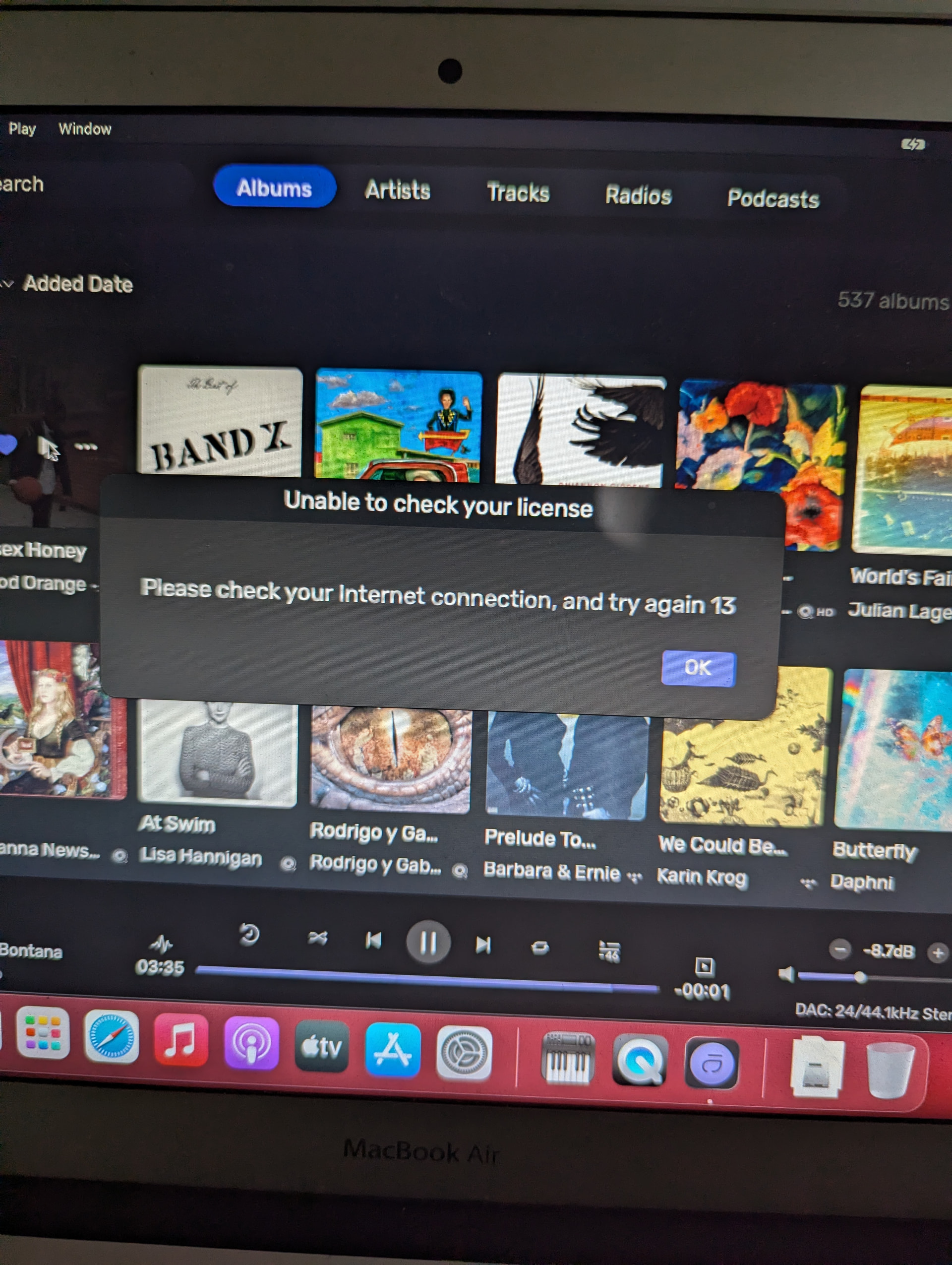
I restarted and tried playing and it did the same thing - played for about 45 minutes, then stopped and the “Unable to check your license” error popped up.
And it makes me login again when I reopen, and still no scroll bar available.
Can you please send a screenshot?
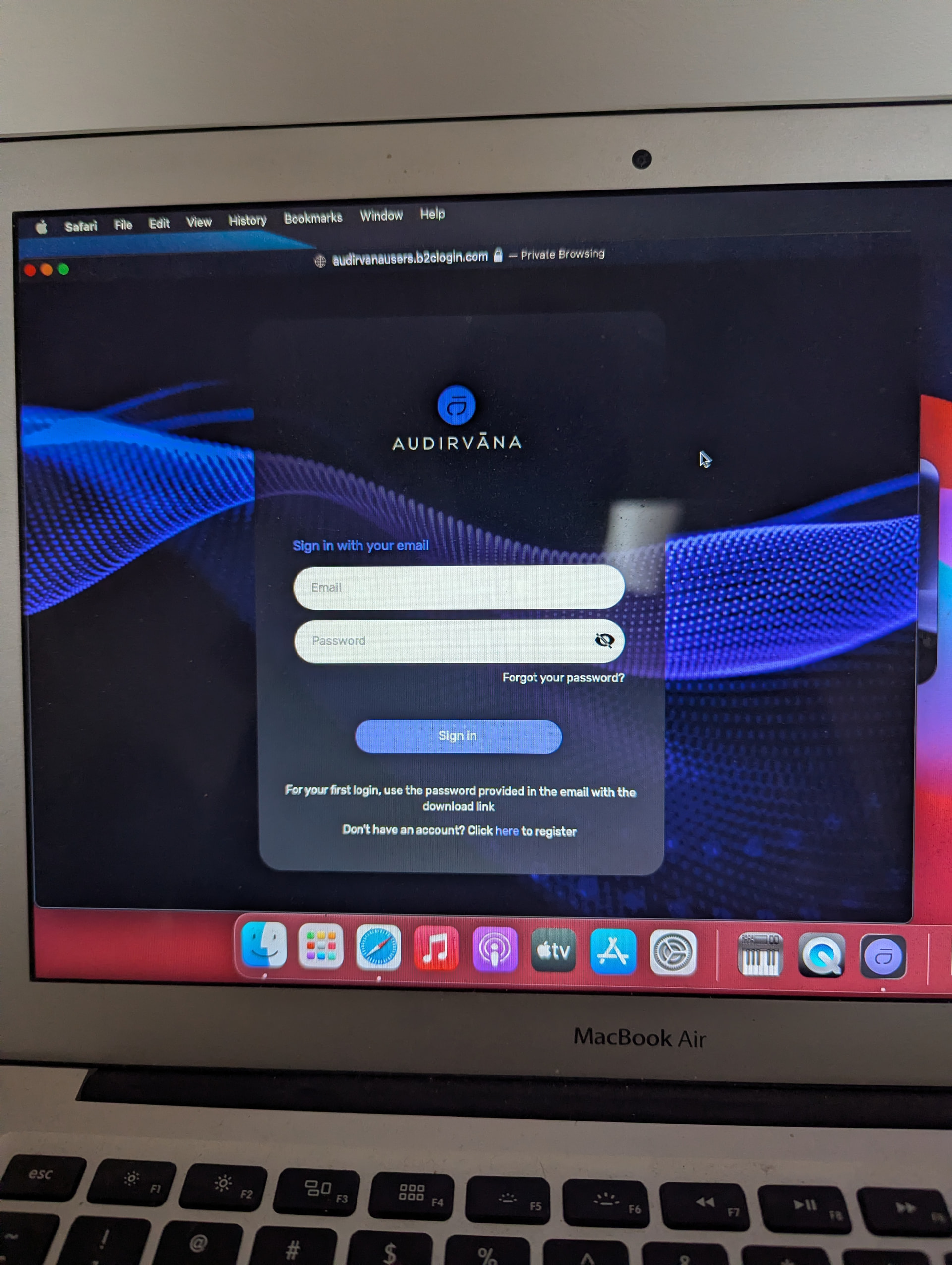
Sorry, I clicked “ok” on the message and it automatically closes the program. I’ll have to restart and run it for another 45min to get the error message to pop back up. Here’s the messages from when you open it.