This is also exactly what I get.
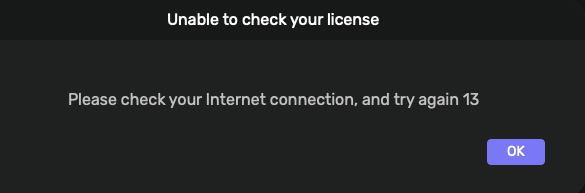
Hi, I’m getting the same “unable to check your license” error since updating to studio 3.0.
Im using:
Running on Macmini7,1
macOS 12.7.6 x86_64 with 8GB physical RAM
Hi guys, we are on it. We need to find out what is going on in this scenario.
1 Like
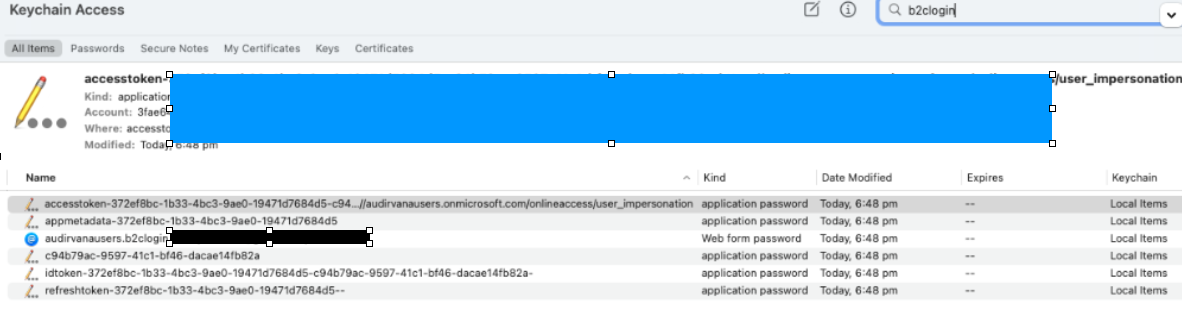
Ok, for those having the issue, please close Audirvāna Studio, open macOS Keychain, and go under Local Items
You will then need to use the search at the top right and type “b2clogin”
It should bring you five items, remove all of them, and then restart Audirvāna Studio and log in.
After doing so, please let me know if the issue is still there.
Thanks Antoine, have deleted the 5 keychain items below (not the web form password) and restarted studio now…. will let you know how it goes (note the error can take an hour or so…)
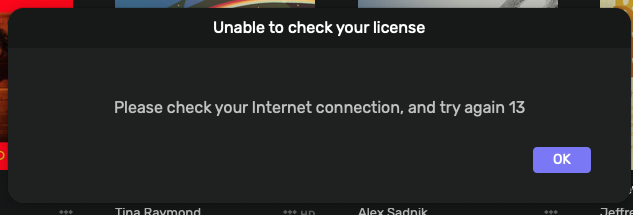
Thank you for trying. From what I see, it’s only for people with macOS 12 and 11 
Didn’t work for me either, on 12.7.6. 
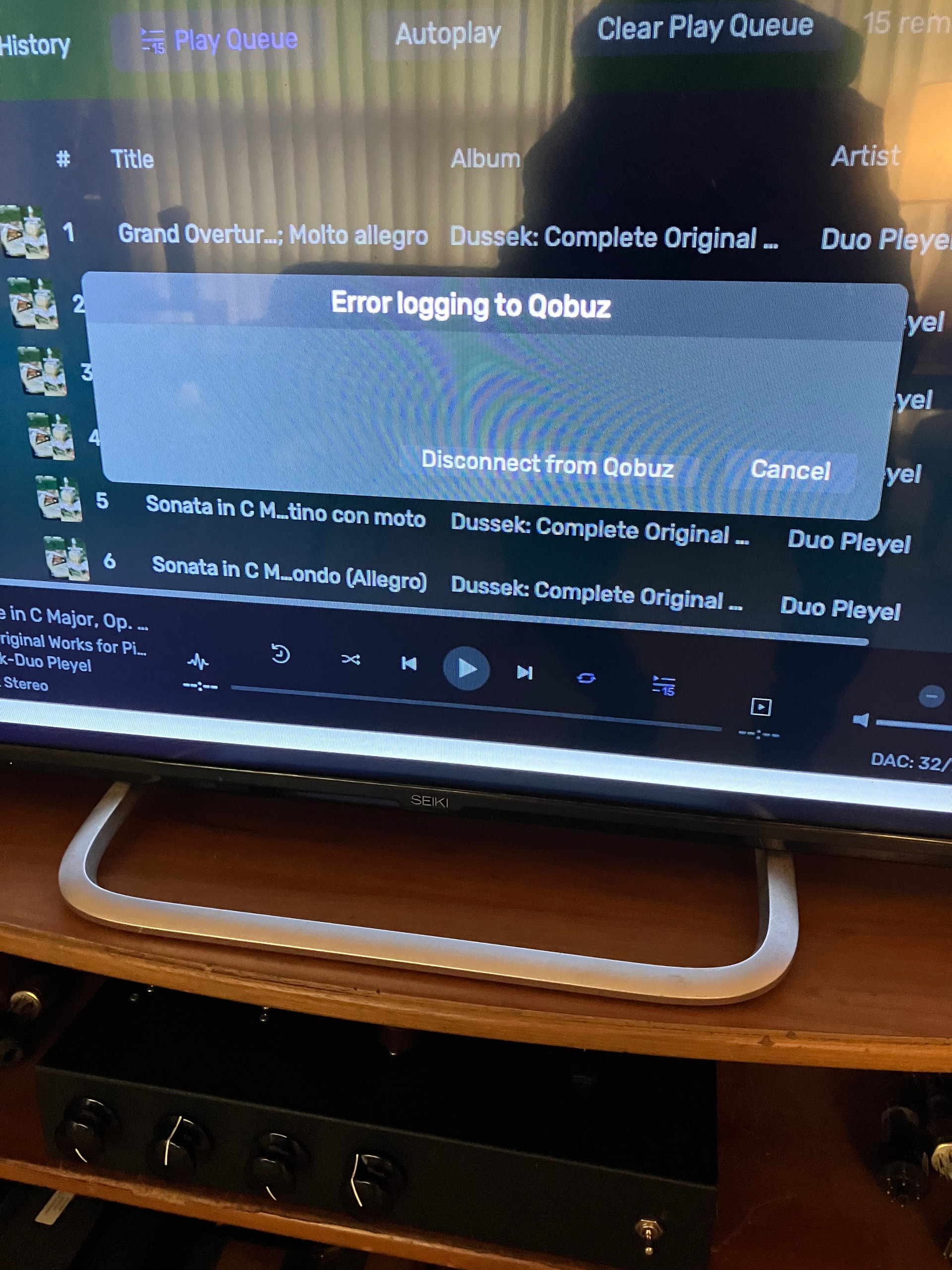
Test version installed. Now I can’t log in to Qobuz. HTTP error 500. 2.11 still sees Qobuz with no problem.
At startup:
In settings:

Yes same here but I can play my own files. I will see if I at least do not get the dreaded license warning.
Antoine this seems promising as I have listened for close to three hours using my album files with no issues showing up! Now if the streaming connection issue is fixed maybe the solution might have been found, fingers crossed 
It is now 4 hours and playing just fine, I just keep getting a warning that it can’t connect to Qobuz.
One last observation, I quit Audirvana from computer menu and it started without having to sign in.
Test version seems to be working without problem for me. I only have Tidal for streaming but has connected, and play back has been fine. And I think it’s almost 2 hours now with out the license error…
Has been playing for over 3 hours now without license error, so test version is looking good…
Hi @zackthedog and @graphiccanuk1 , do you always get the Error 500 when you try to log in to Qobuz?
Hi guys, this time it will work 
Can you please install this version of Audirvāna Studio and try again?
Installed the version and yes, it’s working as it should it seems. Loads Qobuz and is behaving properly. Thanks Antoine for getting this working so quickly!
3 Likes
Everything’s working here as well. Thank you!
4 Likes
Thanks Antoine, this latest test version is working for me too. Also, this hiccup aside, I must say, I do really like the new layout and features of studio 3 - very nice!
3 Likes