What’s in this new Beta version of Audirvāna Studio?
We have added a lot of features on all OS (macOS, Windows & Linux), which also impact the Audirvāna Remote app. Make sure you are using version 6.2 of the Remote app.
Here is a wrap-up of this version:
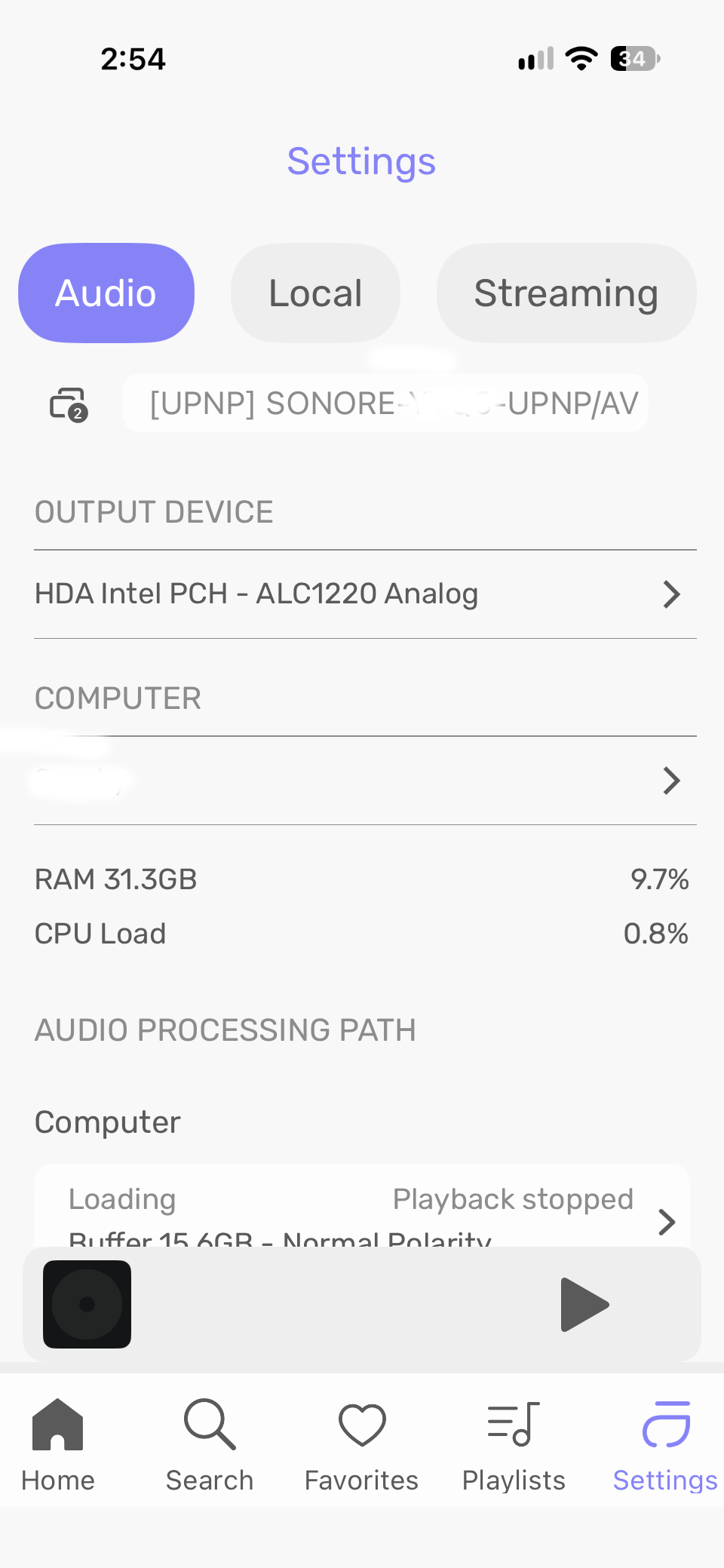
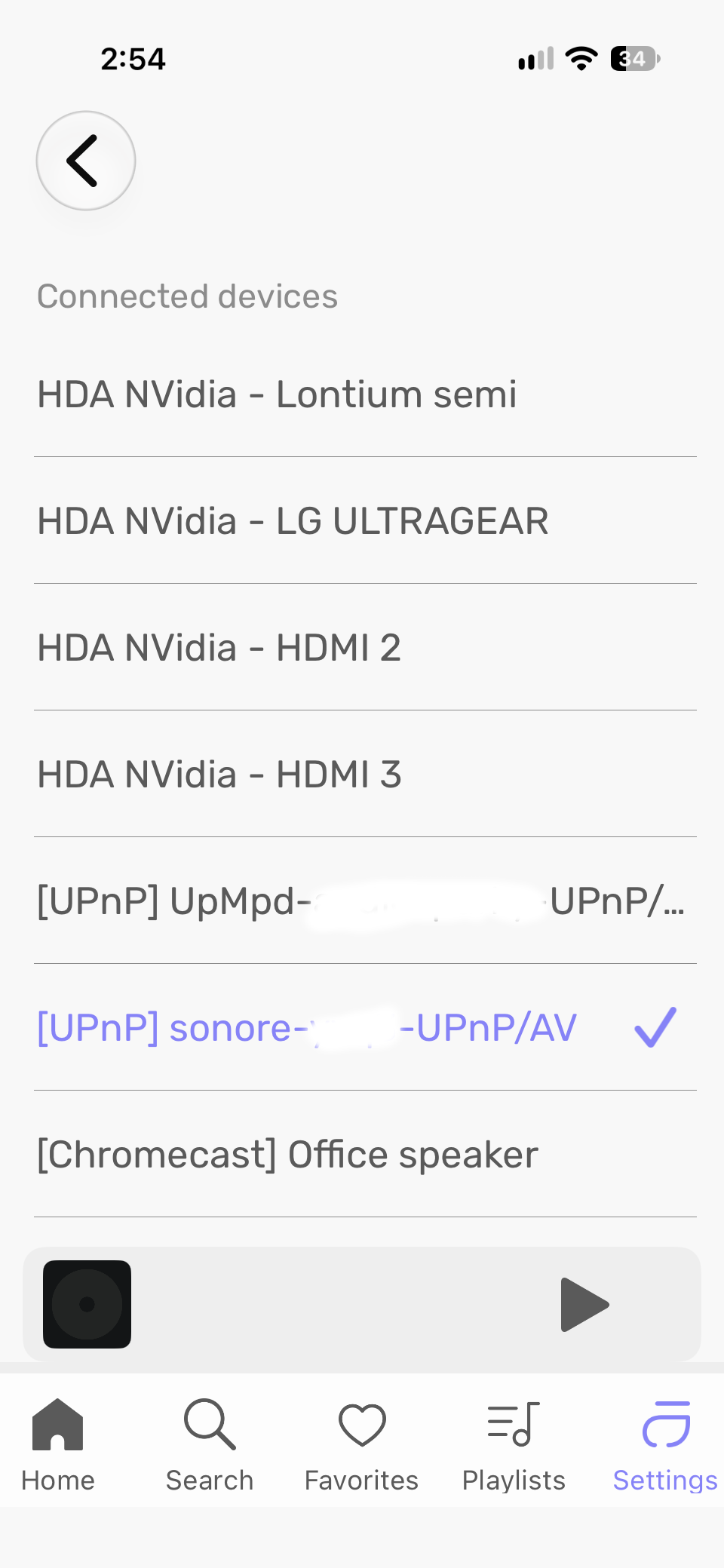
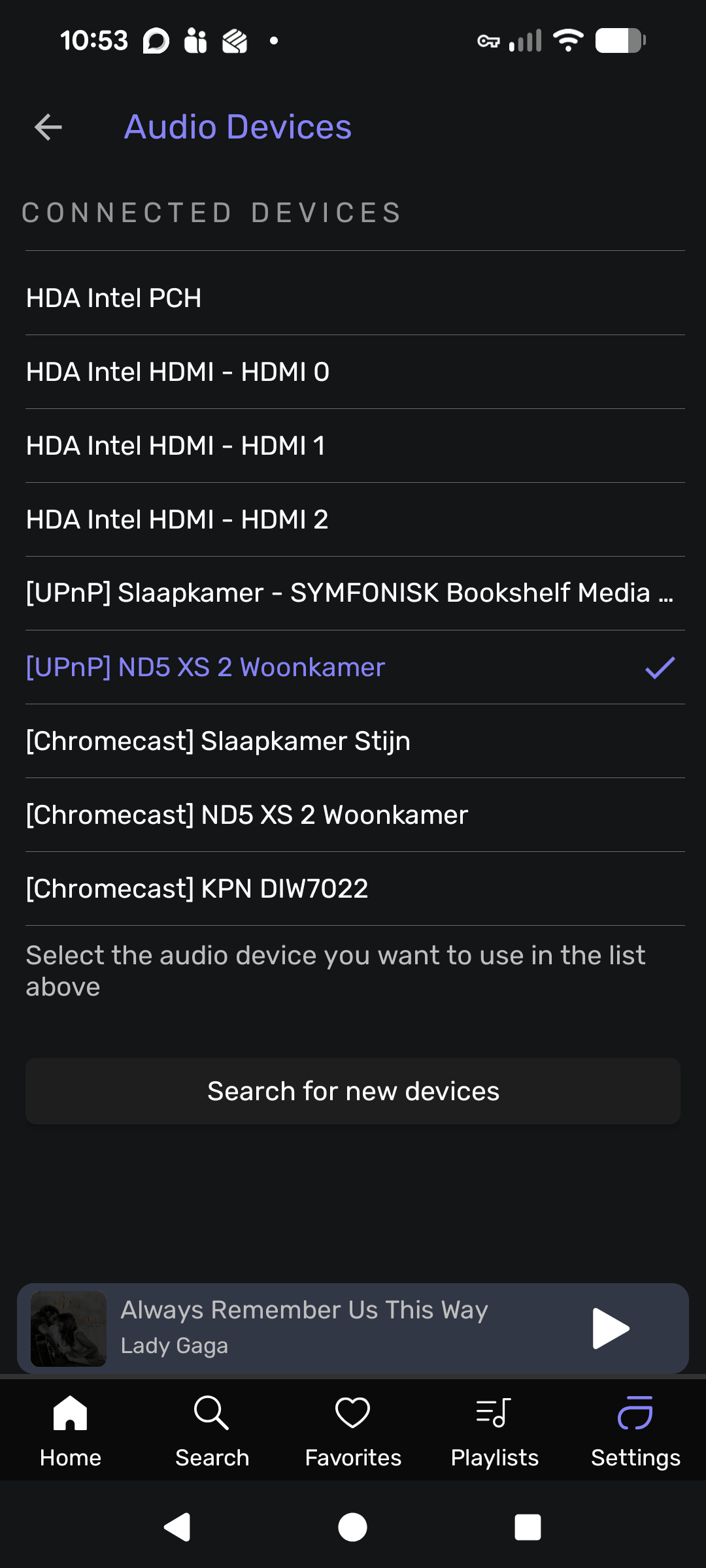
Multizone playback: play different music simultaneously on several audio devices, each zone with its own play queue, audio device, and settings. Zones are created and switched from the zone button in the player and from the Remote app.
UPnP renderer: Audirvāna can now be driven as a UPnP renderer from another app on the network, with cover art and full transport controls.
DSP effects and plugins are no longer restarted when the sample rate changes: plugin windows stay open, and their settings are preserved from one track to the next.
Effect plugins now run in a separate process(Windows only): a plugin crash no longer stops Audirvāna, and the faulty plugin is reported and excluded from further loading.
Added playback support for RF64/BW64 wav files, PLS and M3U internet radio stream playlists, and fixed playback of DASH radio streams.
Library sync: folders that cannot be read (access denied, offline network share) no longer cause their tracks to be removed from the library.
Network shares: fixed access to files with very long paths (Windows only), WAV file playback, and automatic recovery of folder change monitoring (Linux only) .
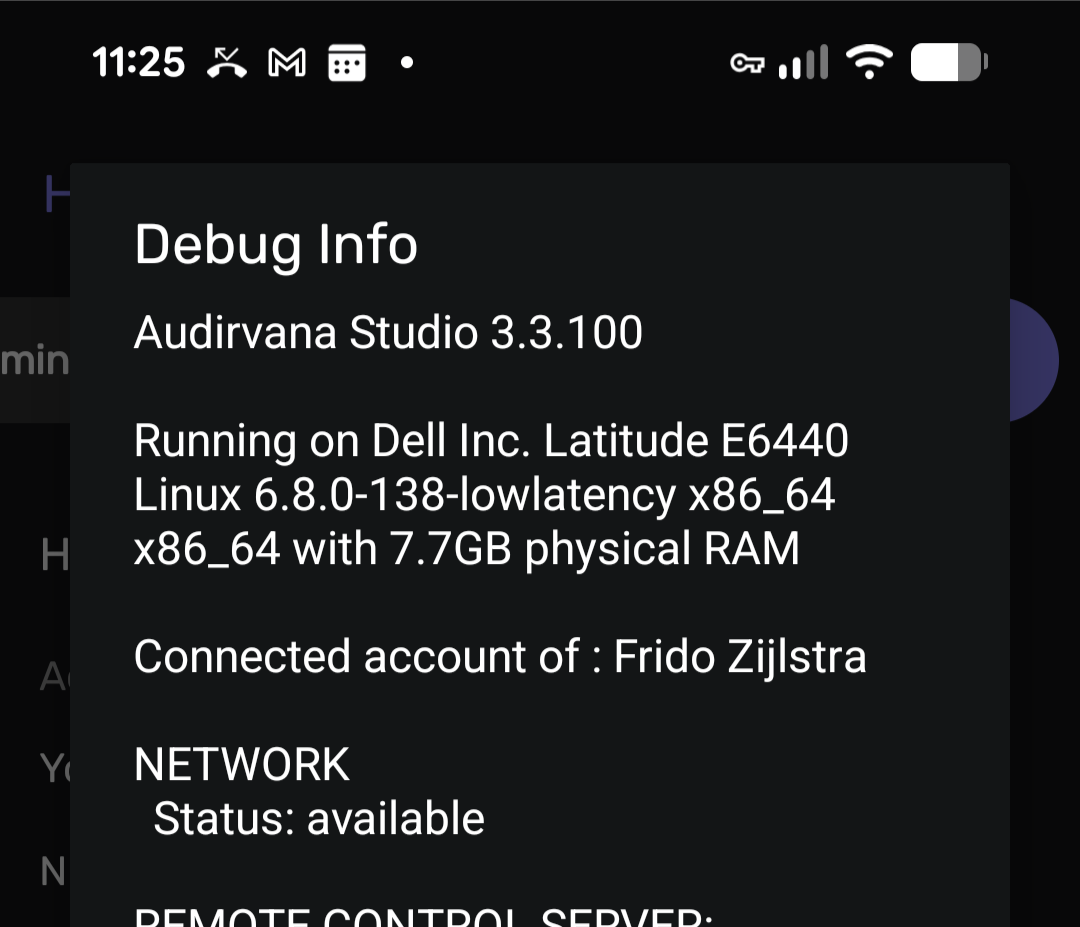
Remote app: a support request including logs and device information can now be sent directly from the My Account page.
Qobuz and HighResAudio: reduced the number of requests sent when browsing large catalogs, and fixed a startup crash on the Qobuz Discover page.
Fixed scroll position restore in lists, search results pagination, and column sorting, and added keyboard arrow navigation in the playlists panel (macOS only ).
Where can I get it?
Please use the links below according to your OS and follow the process in this article:
Once downloaded, install it on top of the beta version. In the case of macOS, select “Replace” when you are asked by the system.
If you want to uninstall the beta before reverting to the public version, please follow the process in this article.
How long will the beta run?
We want to make sure everything works as expected; we think about running this beta until October 2026
Where should I send feedback?
Please respond to this thread. If there are any technical difficulties, we will come back to you as soon as possible on the thread or with a private message.
Expanding into Multizone network casting moves Audirvana away from its primary raison d’être: exclusive, low-overhead, hardware-level control of the audio pipeline. Broadcaster-style streaming over local network stacks relinquishes clock/buffer control to downstream receivers and adds background network activity on the host—negating the very principles that brought audiophiles to Audirvana in the first place.
Rather than turning Audirvana into a multi-room network server, development priority should go toward fixing local session mobility:
1 - Seamless Core Handoff: Replace the current clunky mechanism—which force-kills active playback on machine A and demands a full authentication cycle on machine B—with a fluid handoff or session-transfer protocol.
2 - Multi-Station Usability: Users with a main listening system and an office desktop stack need to transition between local endpoints cleanly without fighting single-device license revocation loops.
Please @Antoine@Damien stick to the “shortest signal path” philosophy for sound quality, and make the desktop ecosystem flexible enough to support multi-room households naturally.
Edit:
From the looks of it… it appears that multi-room requires additional Audirvana clients. OK… that way audio core control can be preserved. I suppose the new UPnP renderer feature is for that. I hope that renderer is open to other UPnP beacons to cast streams to an Audirvana client.
I still encourage Audirvana to streamline 2-client usage in a quick seamless way that doesn’t require repeated authentication.
I’m assuming there’s still a limit of one Audirvāna instance at a time, so Audirvāna the UPnP control point can’t send music to Audirvāna the UPnP renderer running on another computer. Is this assumption correct, or is this a scenario I should test?
Still quite a few rough edges in the new beta capabilities.
I was not able to get Audirvana to show up as a UPnP renderer in BubbleUPnP, mConnect, or Lumin (the last was expected because Lumin only works with OpenHome). The only app that would recognize it as a UPnP renderer was another Audirvana instance. Trying UPnP playback from Audirvana to Audirvana gave an odd result - I didn’t expect it to work at all, but in fact it did for a couple of seconds once every minute or two, then stopped.
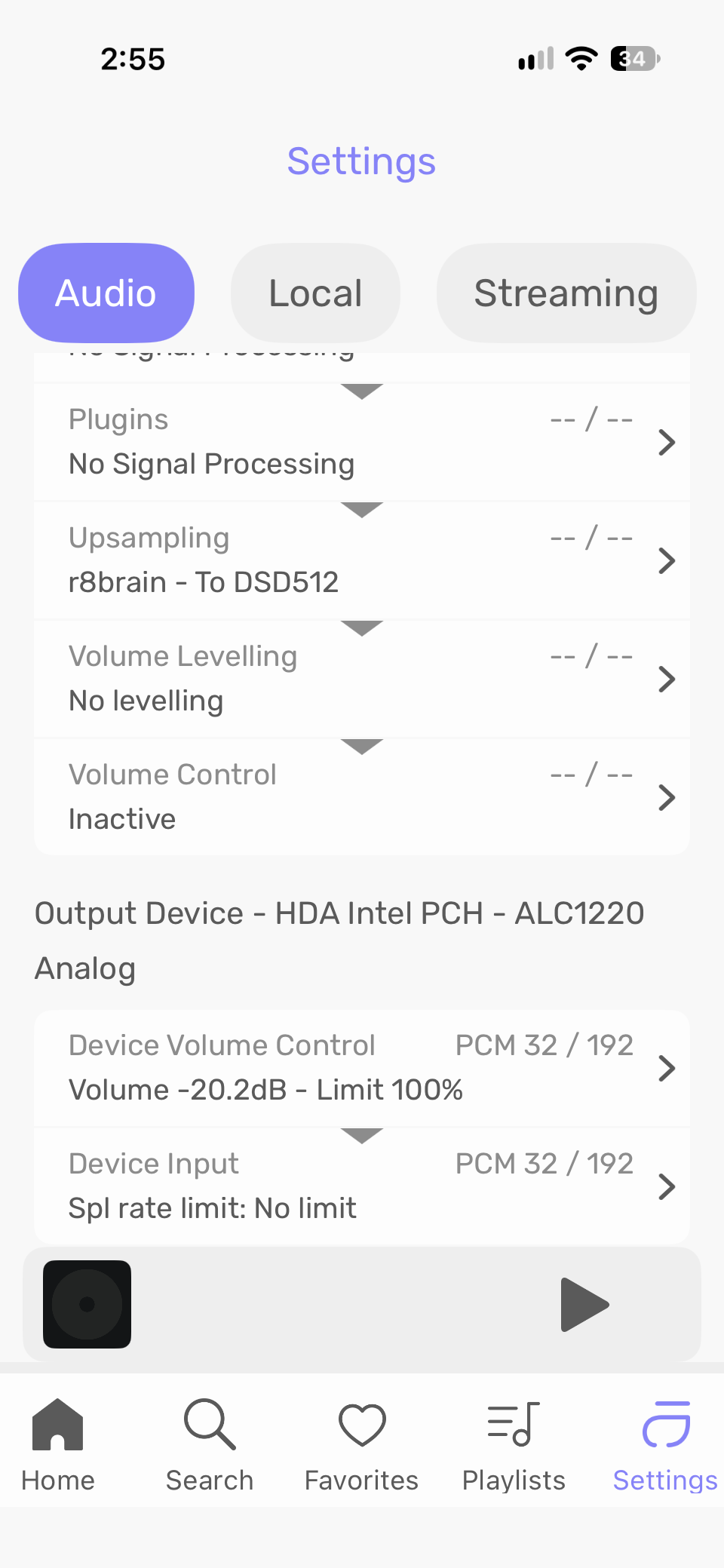
Zones are on the way to being nice, and the functionality works, but there are the following UI hiccups: (1) You have to choose the DAC/streamer from a list each time you play back to a zone. The only time a DAC/streamer is not included in the list is if it has been added to a different zone. Rather than having to choose from a list, I feel it would be more convenient if one DAC/streamer was “locked” to a zone and would automatically be selected for playback when that zone was used, with the capability to quickly edit/change the sole DAC/streamer for that zone if wanted. (2) When using zones, the UI shows a different playback device than the selected one in some places. I’ve attached screenshots from the remote where my Sonore microRendu was selected for playback in that zone in all cases but various parts of the UI show other devices or resolution settings.
found a bug, release new update… found another, release new update… man… work faster not on releasing new beta on top of already released beta software
If you have x accounts, you can have x Audirvāna running at the same time, meaning you can have x Audirvāna outputs. You then need to multiply that by the number of zones you have in each Audirvāna running.
So yes, Audirvāna, the UPNP control point, can send audio to Audirvāna, the UPNP renderer, running on another computer
The audio scan was never perfect, and it still has flaws, even in version 2 of Audirvāna. When people are in this situation, I either do not get a response, or I get the track, and we figure out the root cause of the issue. Usually, it tends to be tracks from the 80s that are detected this way because some parts of it are not detected in CD quality or higher.
Glad to hear about the Year of albums, waiting for update
All was good in Audio Scan until version Origin 2.6.5 where you put the new version Audio Scan… Now in v3 as well… When it was released, it said that now it can scan songs over 176/192 (but no so much 352/384 and over recordings) and is faster to scan… maybe it scan too fast and gives errors for nothing??
Imagine people buying albums and by checking them in Audirvana and it says you bought mp3 instead of FLAC! Calling the company, saying Audirvana software tell me that in his feature Audio Scan, that you sold me mp3… Not good for Audirvana…
Been using the beta for a day. Works well for me. My issues with windows glitching on Qobuz has been fixed in the beta. Tried setting up several zones and played different music to each simultaneously without any issues. Cant say I will use this option often……
Only issue I came across is the first time folder view is opened the library folder does not show. Have to click the three dots and select one of the options then it is displayed. After doing so the folder view is displayed on re-opening…. A really non-consequential issue.
Very happy….. there are benefits to my rather basic macOS bit perfect use case……