Cannot delete album and other strange things

Dear all,

This morning I ordered at ‘TheLostRecordings’ an HD (24 bit) version of the concert performed by Ella FitzGerald at the ConcertGebouw in 1961.

Usually, the import of an album was fast and simple but this time it was a nightmare.

I don’t want to enter into details but, in summary, here what we have:

  • Album is located in a folder named 24bit (Not a super name I would say)
  • Tracks are within files in AIFF format and with cryptic names such as 24bit-FR4Y21727014.AIFF.
  • Anyway, the album seems to be correctly tagged
  • But, I found that album # was always 0 (I’m not sure it’s a big deal for AS but if you try to put 0 in the field with the AS tag editor, it does not seem to like it).

Anyway, with all those characteristics, I started the sync:

  • First of all, the album appeared under the name ‘24Bit’,
  • Only the first track was imported with the name being the file name (Not the name part of Metadata)
  • I copied the folder again, and this time I got 3 tracks of which one of them cannot be played (No play button)
  • I erased everything and restarted: same results.

After a couple of trials and errrors, I finally discovered that the album existed in the AS library with the correct name but without the tracks put under the album “24Bit’. I used the tag editor to change the track metadata and finally the track was attached to the right album.

But, what remains strange to me:

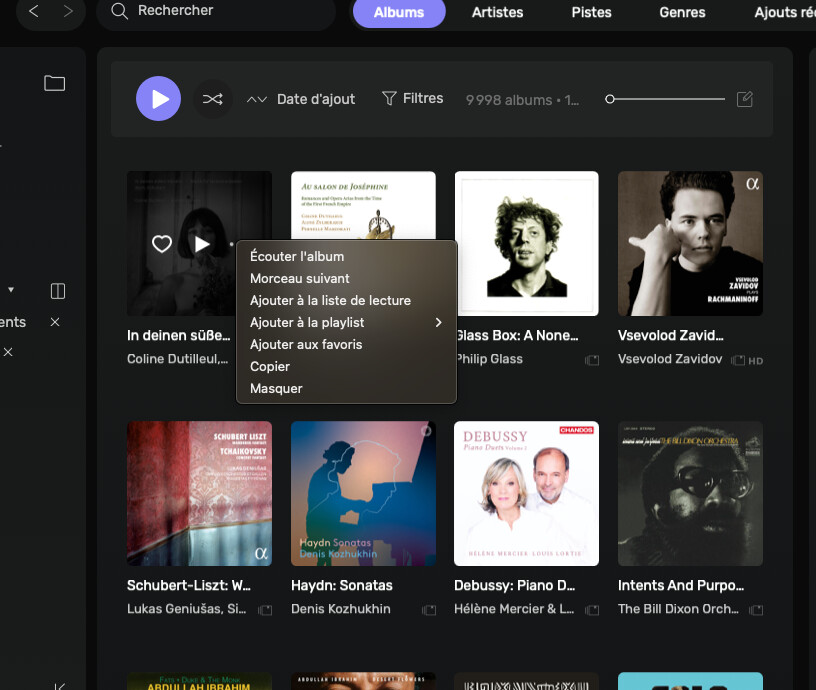
  • I cannot delete the album from AS (No ‘delete’ option in the three dot menu: is the function still existing in the last version or has it been removed?
  • Altough the album was imported this morning it does not appear in the first place in the list of albums ranked by import date. But the wrong album “24Bit’ appears correctly in the first place.
  • But if I look at 'last imports’ (Not sure if it is named that way in the english version), the album is there, at the first place. Is there a way to change the import date?

Thanks for any advice or tip.

Hi @patifr ,

Can you send a screenshot when you get this?

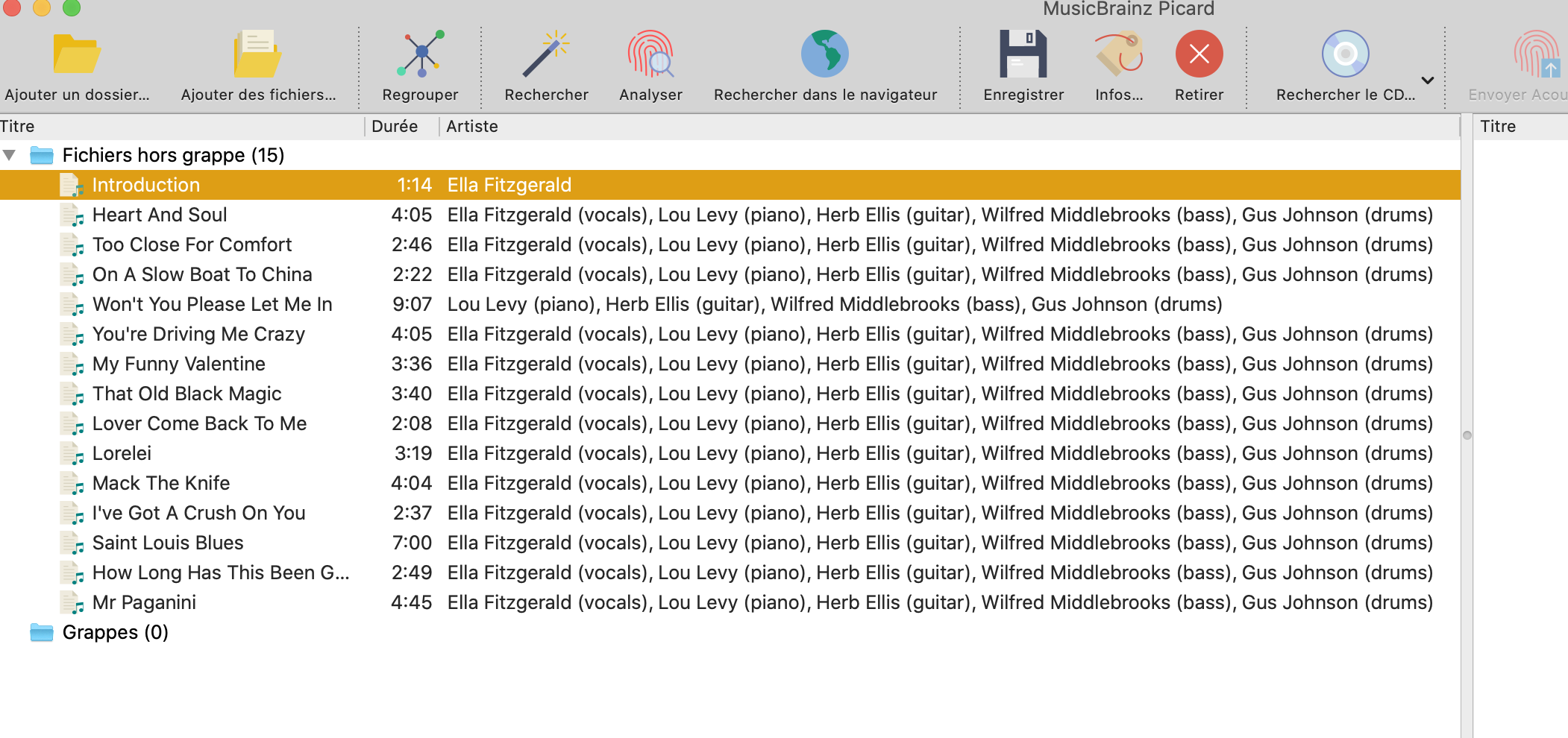
When you look at the metadata of each track using MusicBrainz Picard, do you see the metadata being filled properly?

Hi Antoine,

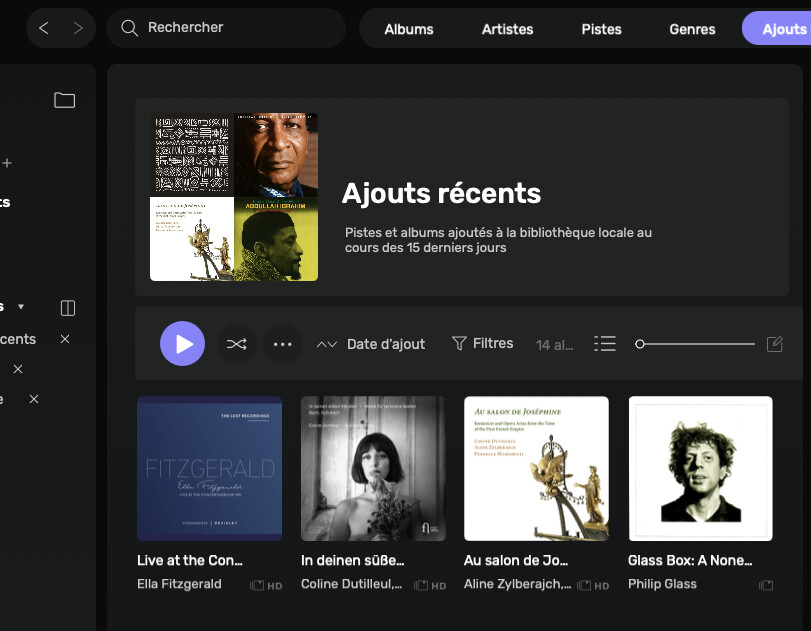
Here you are (I’m on the Local/Albums view) :

And, this is the view of Albums sorted by “Import date” (The album I mentionned in the post is not there):

And, when I look at ‘Last imports”, here it is (Ella Fitzgerald).

Thank you.
E.

You need to click on Hide and then remove it completely by going in the Hidden track list under Audirvāna setting/Local

image

Can you please open the album and look at the detected metadata?

And, here is what I got with Musicbrainz Picard on that album:

All seems OK, at first sight.

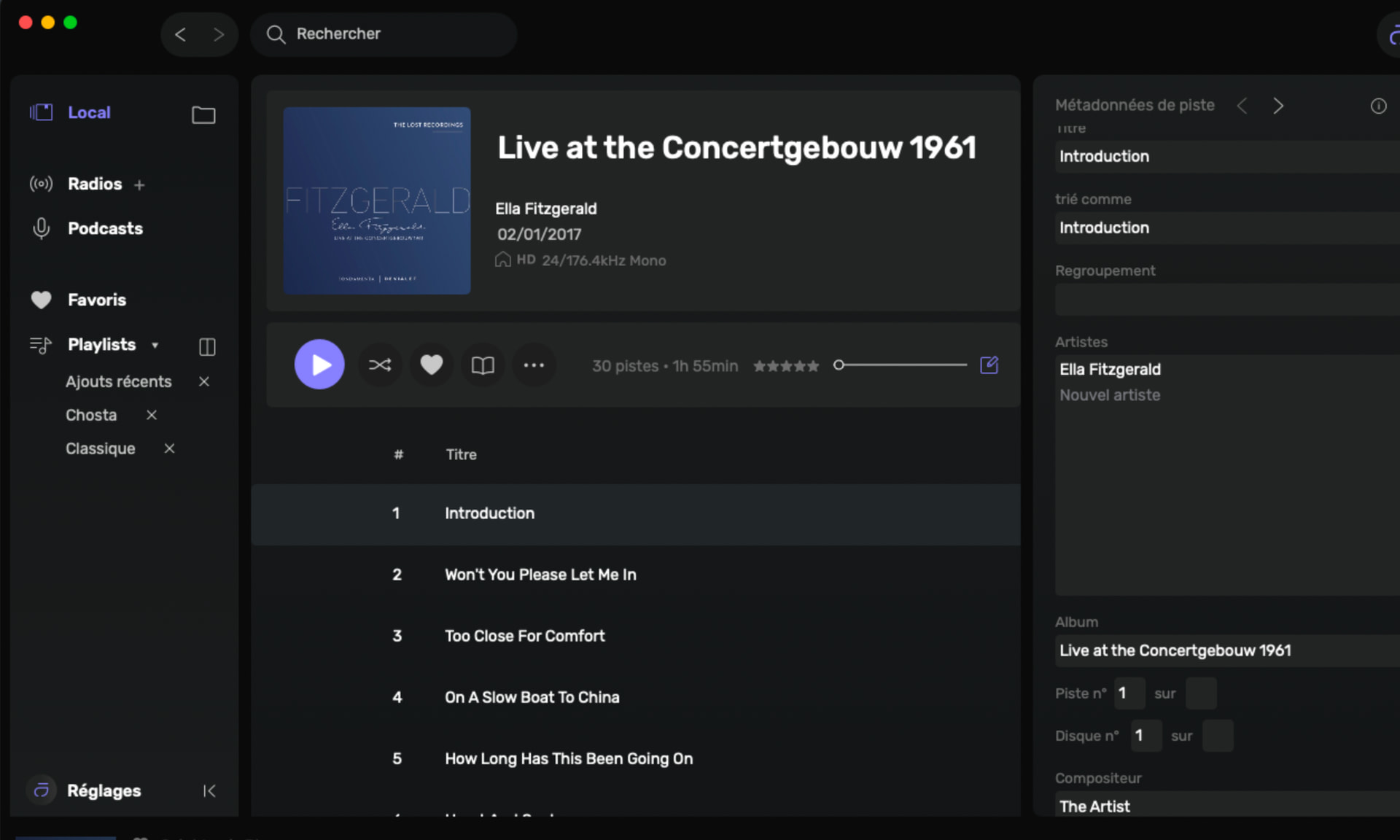
Here is what I get after opening the album and selecting the first track:

Can you send me the first track at [email protected]?

Oops! File too big (39MB) to be sent by email.

Can you use this? SwissTransfer - Envoi sécurisé et gratuit de gros fichiers

Done!

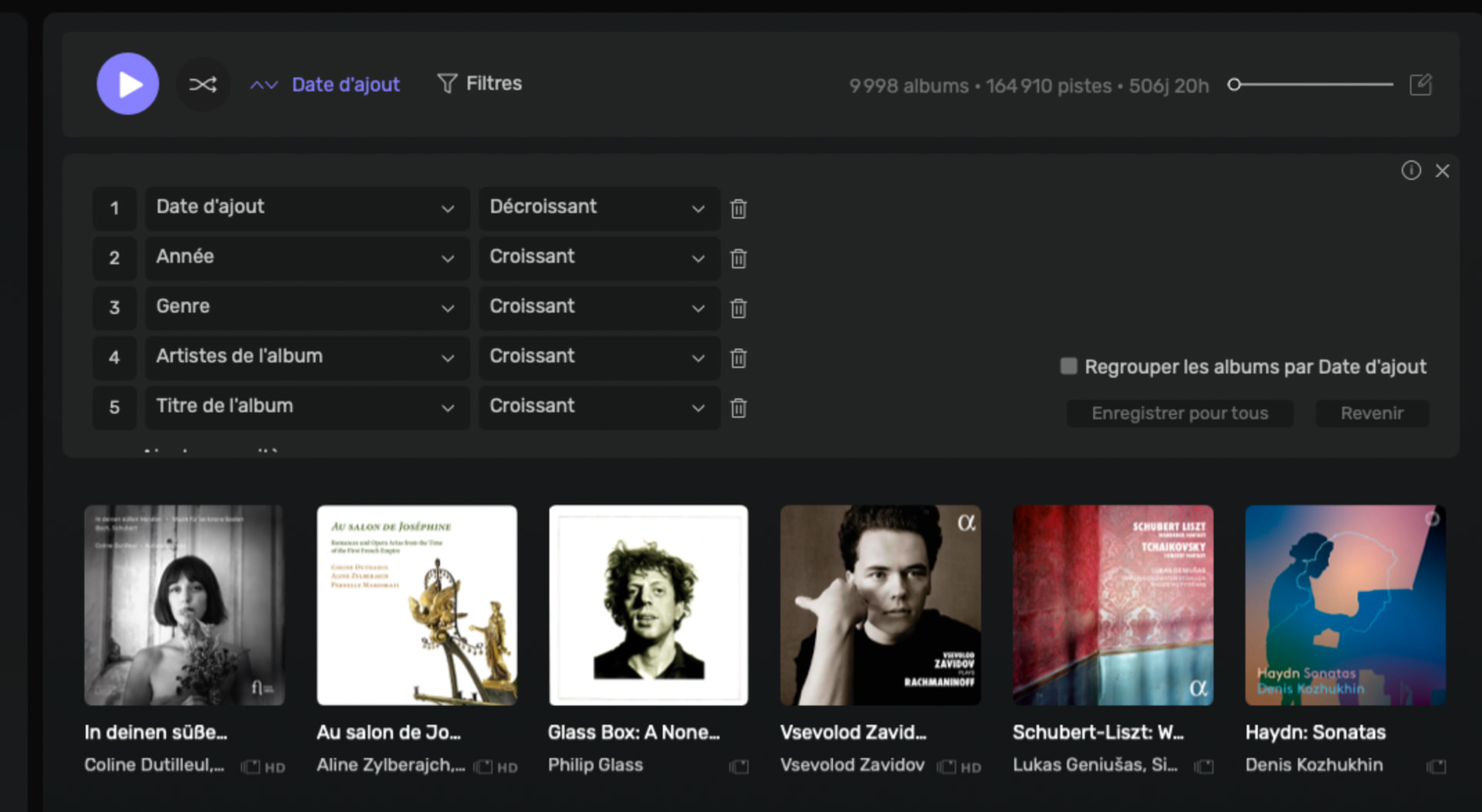
I got the file. Can you please show me all your sorting criteria?

Ok, where do I get this?

Click on the Added date in the album view

Ok, here are the sort criteria which I never changed I guess:

If you only have the added date criteria, do you see the album?

Apparently I do not see the album.

If you use the filter to only display Ella Fizgerlad, do you see it?

Yes, but not at the first position.

Any means to see the import date of that album? I guess it’s part of data inserted into the DB (At this stage

I cannot open the DB since AS is up and running).

What I could try is to remove the folder containing the album and try to redo the import. Too bad I cannot delete the album before

redoing the Sync.

By the way, the impossibility to delete an album is not limited to that album. It seems that the option to delete album does

not appear whatever album I choose…

You need to close Audirvāna and get this application to view the Added date in the AudirvanaDatabase.sqlite file: https://sqlitebrowser.org/.

Ok, I opened the DB using DB Browser for SQL lite.

I can see the album in the appropriate table (ALBUMS), it’s the last line in the table and album ID is the highest value of all (Line 10003, ID 63925).
I cannot see any import date in the attributes.