Hi all and @Antoine
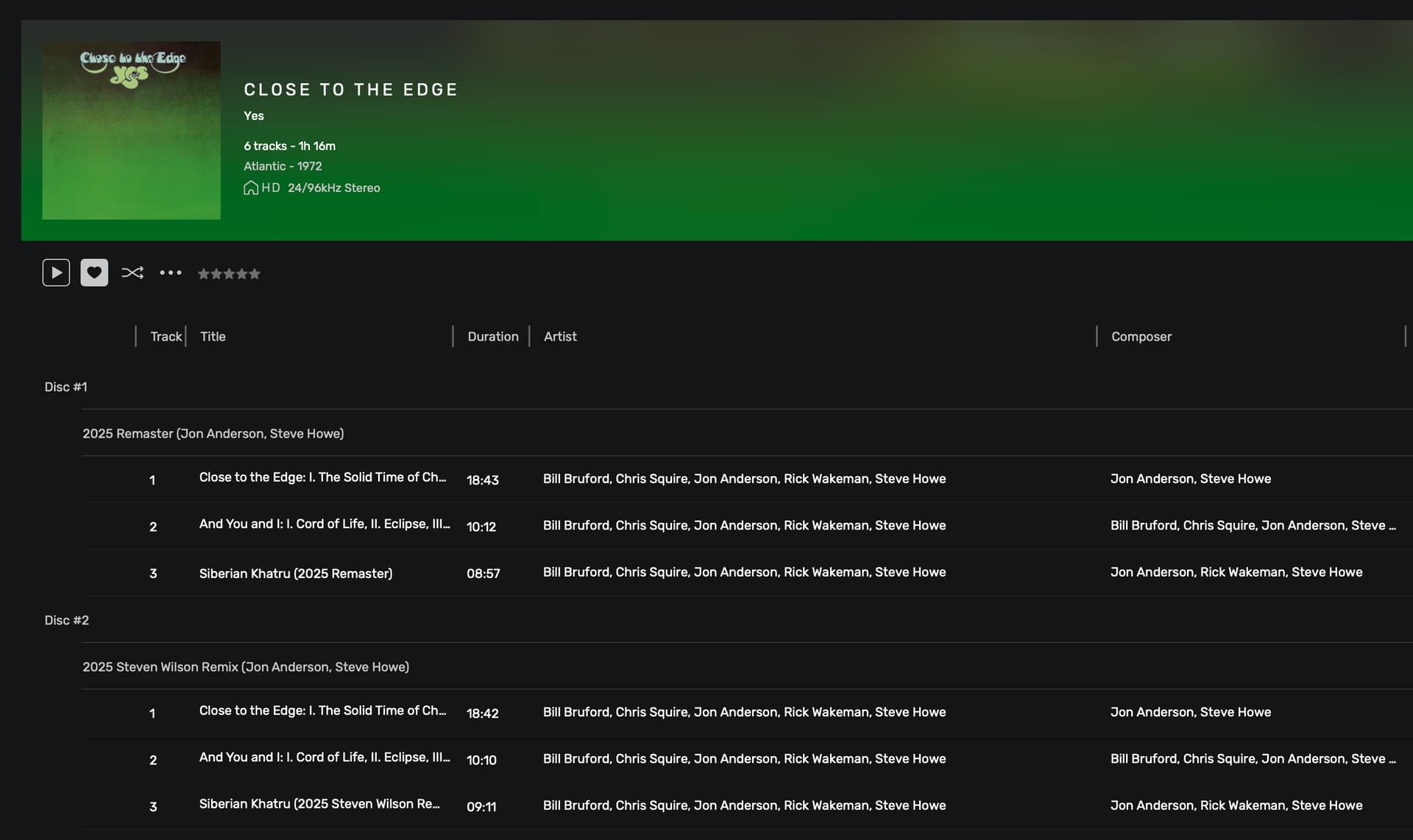
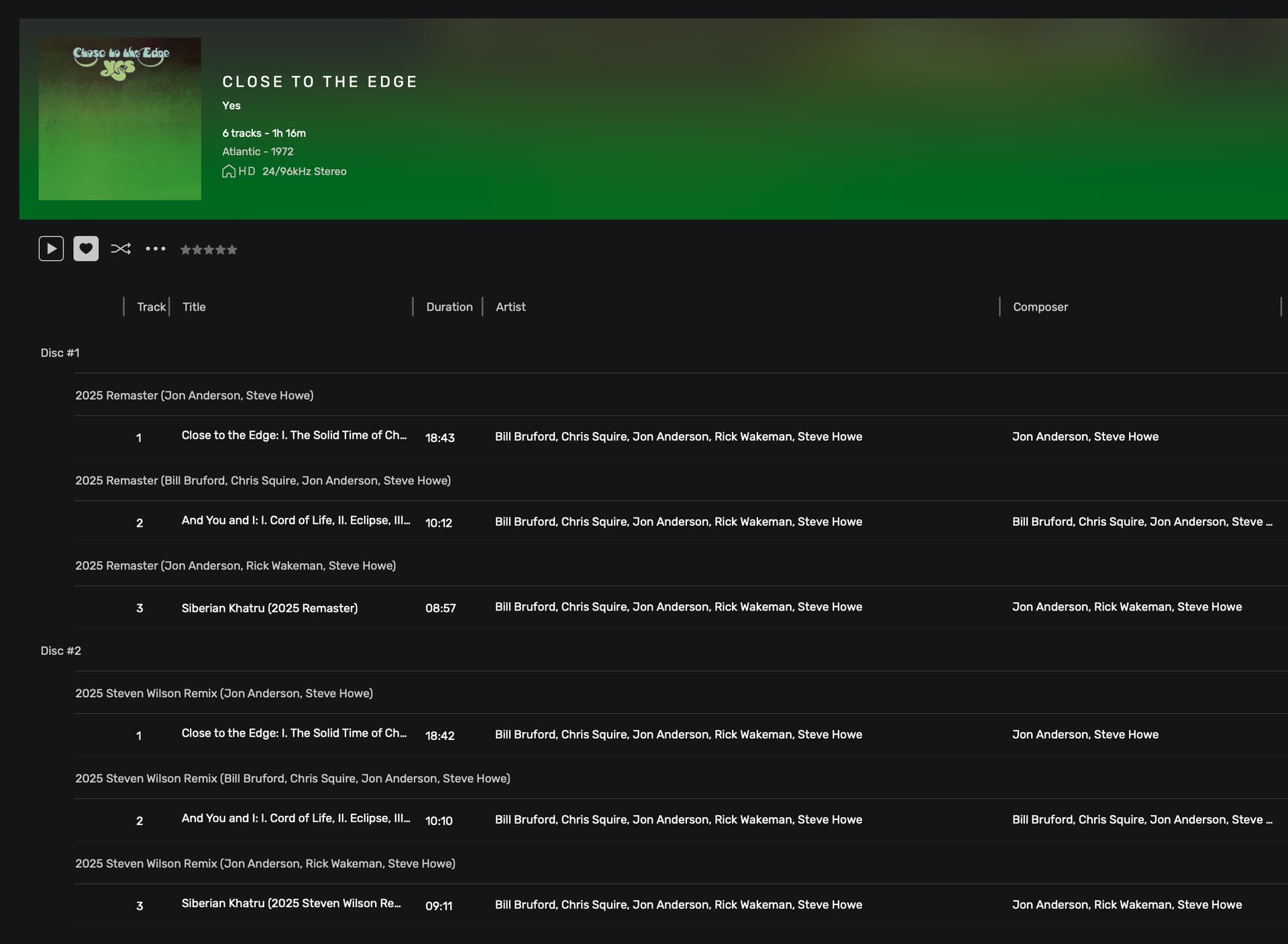
Long time user of Audirvana and lurker of these forums. I just had to signup to post this because my mind is boggled by the change made in the latest release of AO and how the info is displayed concerning the “grouping” metadata tag.
Hi @Antoine
No changes at all to the metadata.
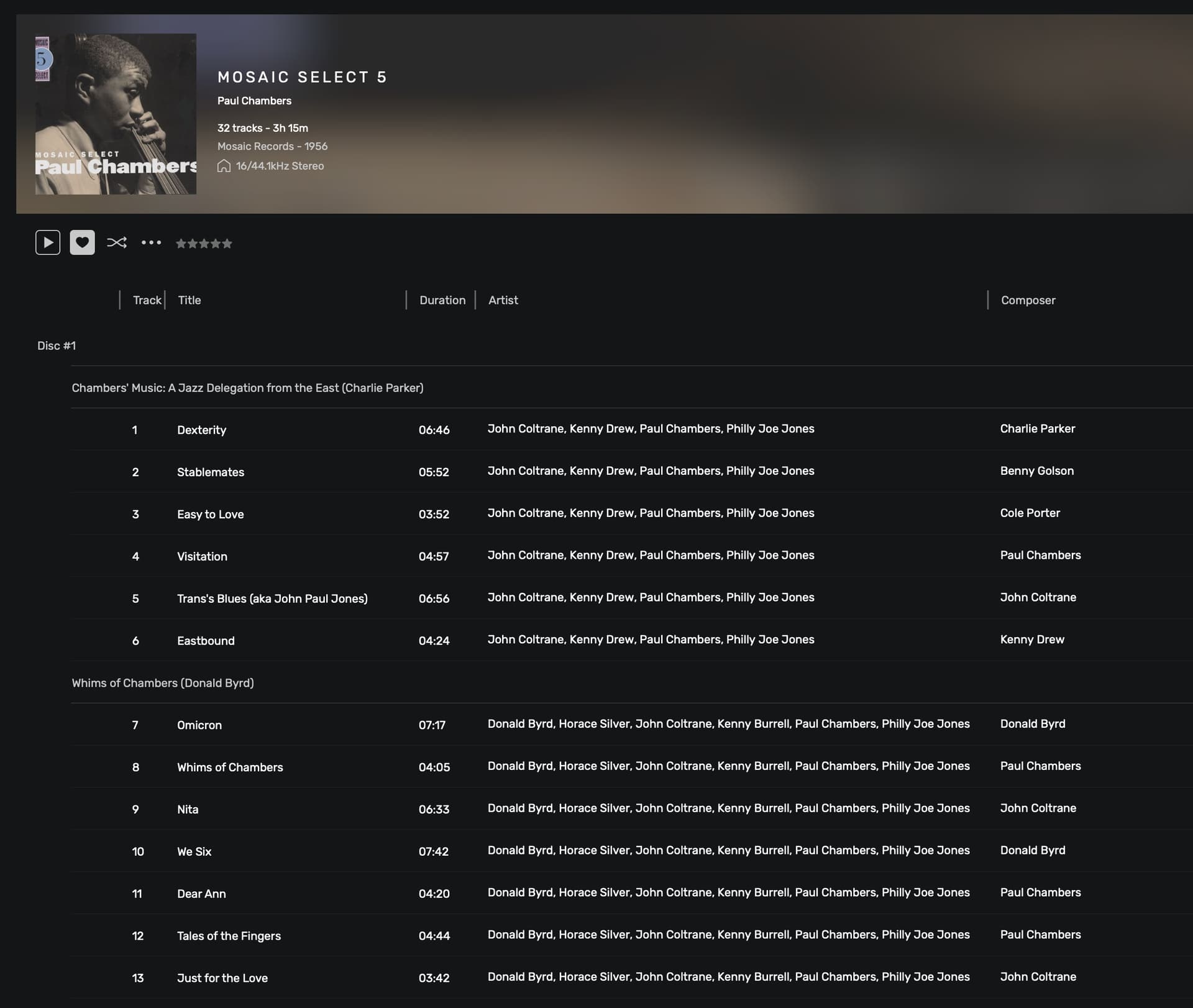
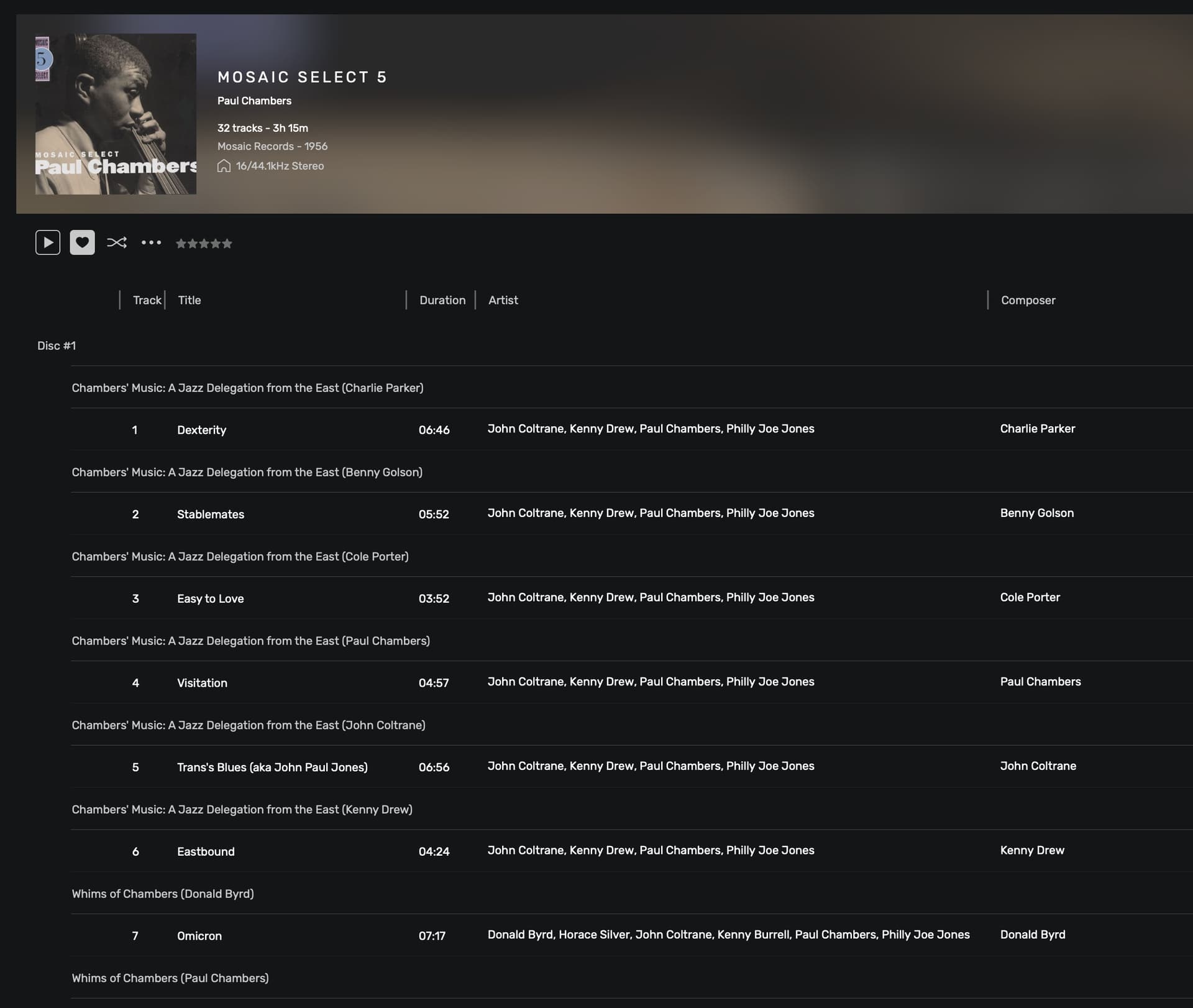
With v2.6.0, all albums in which the “grouping” tag is used, Audirvana breaks up each “grouped” tracks whenever the composer tag is different. Prior to this version, the “grouping” was displayed properly, showing either no composer (if all tracks in the group are tagged with same composer) or only the composer of the first track in the “grouping” (if composer varies per track(s).
I’m not sure why Audirvana should even show the composer next to the grouping… let alone act on it.
I can easily provide different screenshots for different albums showing this issue, by swapping between v2.5.21 and v2.6.0.
I can replicate this issue with any other album where I’ve used the “grouping” tag. As soon as the composer tag varies from track to track, the grouping gets messed up in v2.6.0. Never did that in previous versions of AO.
Can you explain why Audirvana even displays the composer next to the grouping?
When grouping is set, in the Audirvana interface when you hover over the text you get the Play icon enabling you to play that group of tracks as they are added to the play queue. With the change in v2.6.0, this becomes useless whenever the composer differs from track to track within the grouping.
If all this reliance on and displaying of the composer next to the grouping could at least be disabled via a setting (or buried somewhere in the database for users to alter) it would be better… in my opinion.
I notice that having the option had been requested a few years back already.
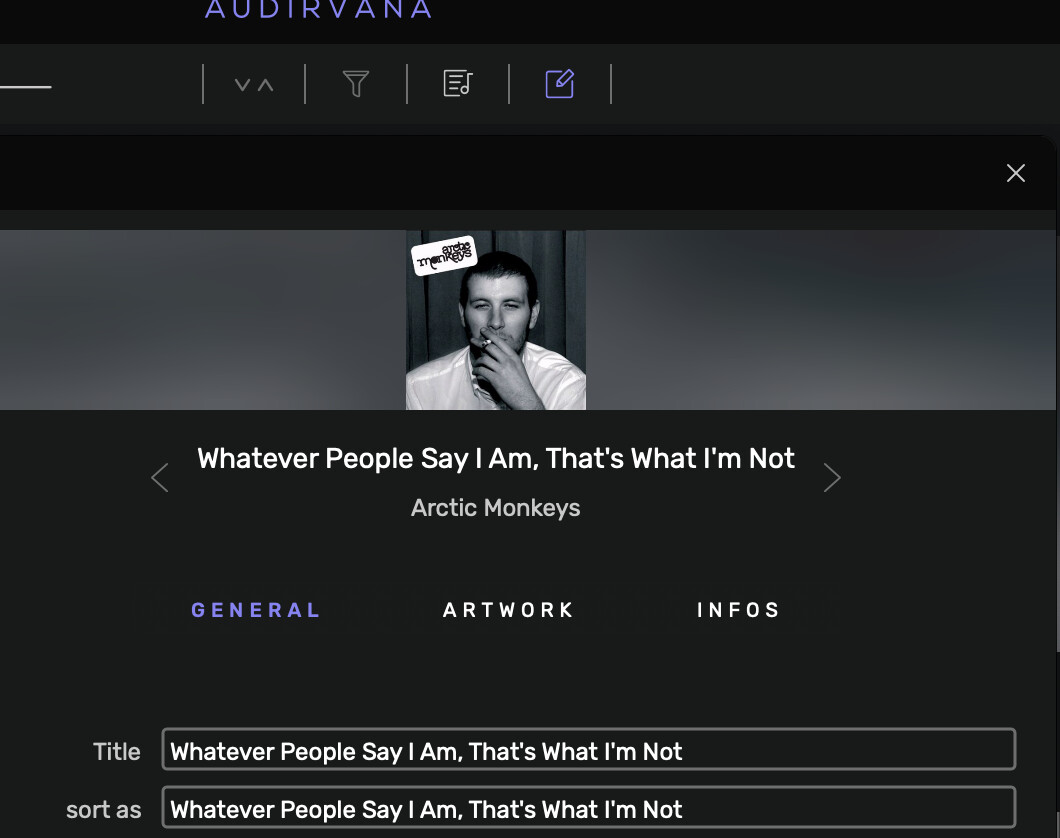
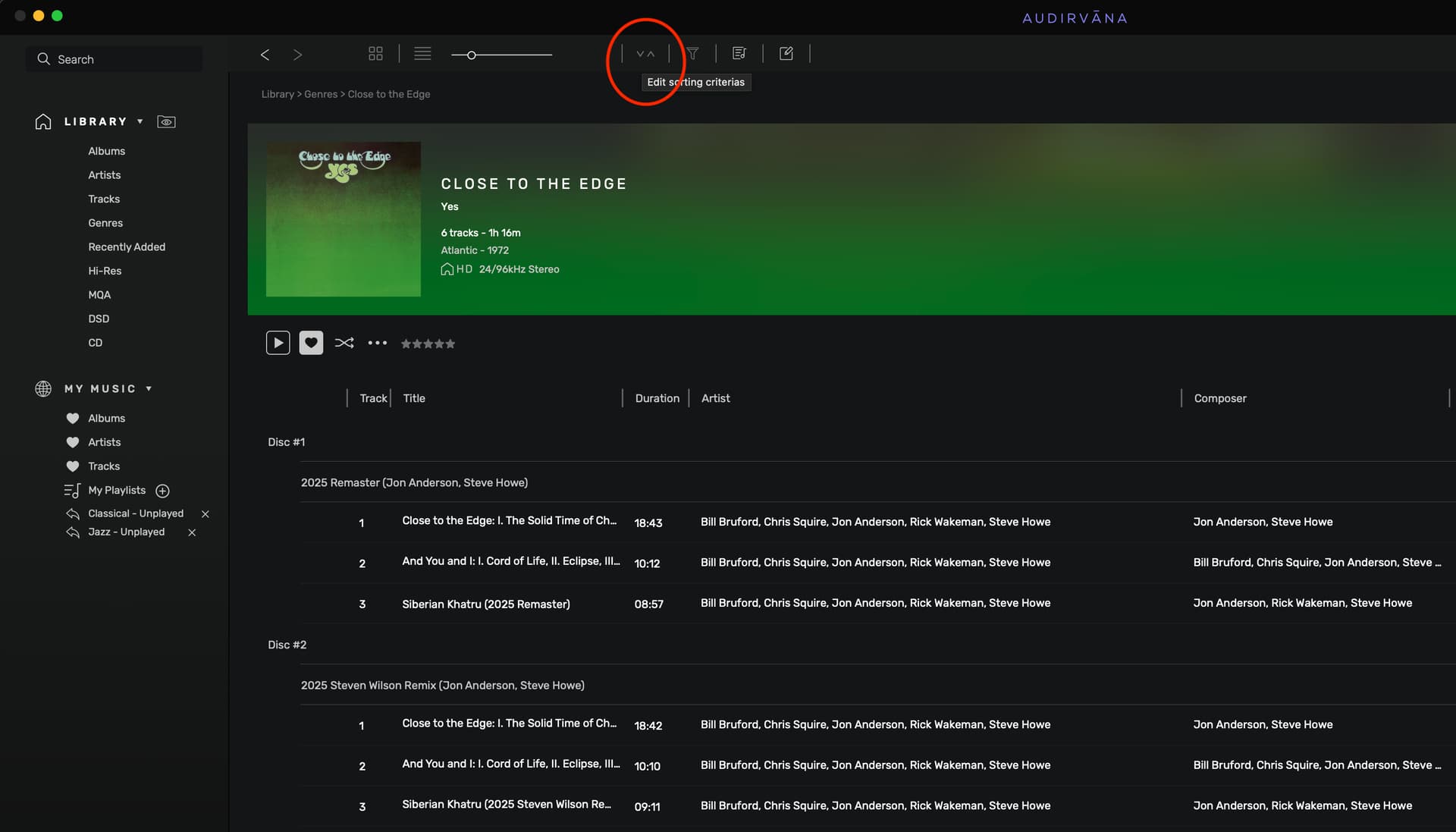
Something else that springs to mind would be to do away with the relationship between grouping and composer, and then implement the “Edit sorting criterias” panel “per album” in the individual album view. This way, users could fine tune the sorting for the displayed album if they so wish, and would apply to all other albums individually.
What I’m thinking is that this panel would also be enabled when in single album view, and appropriate criterias available: disc # / track # / grouping / composer / artist / …
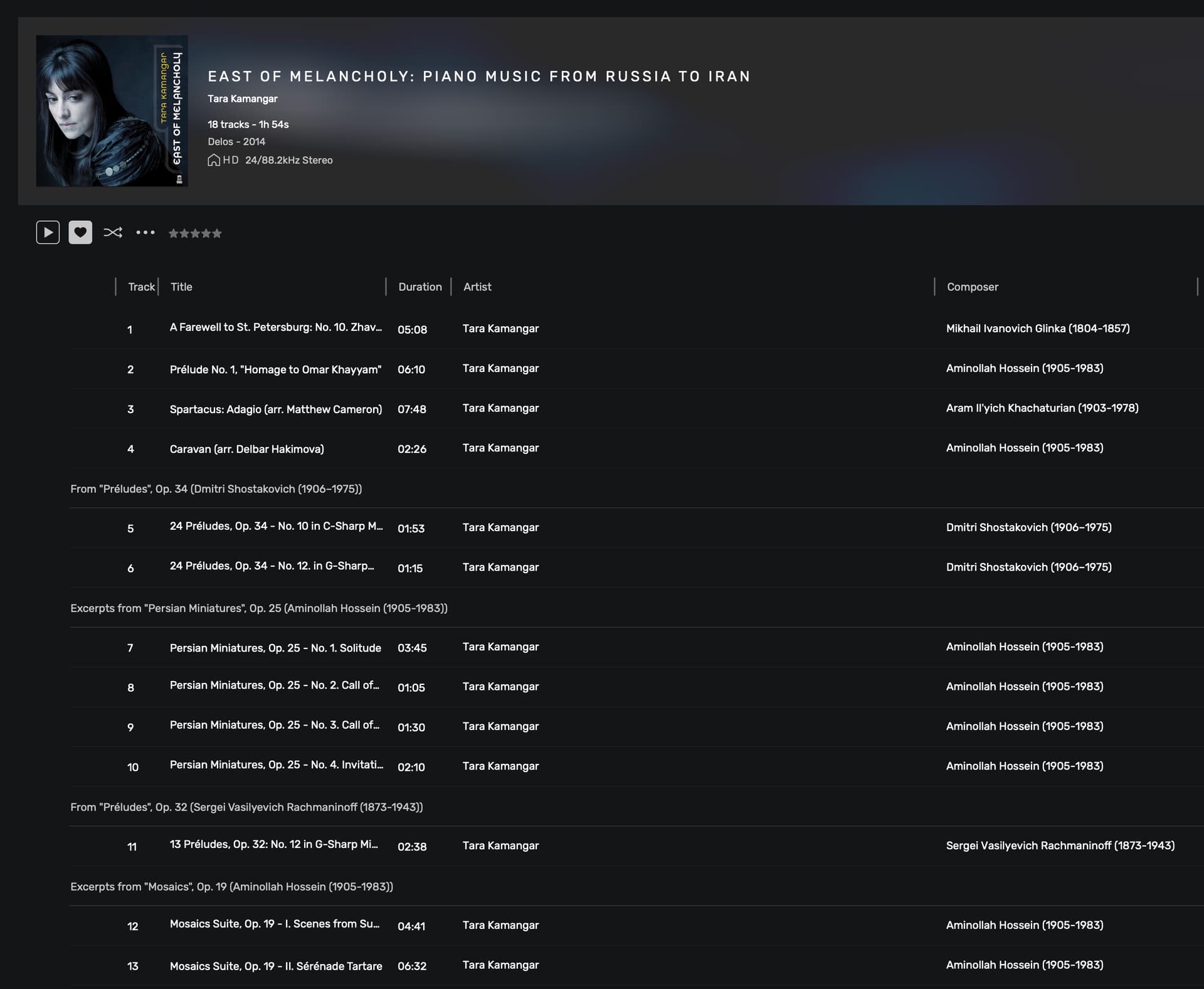
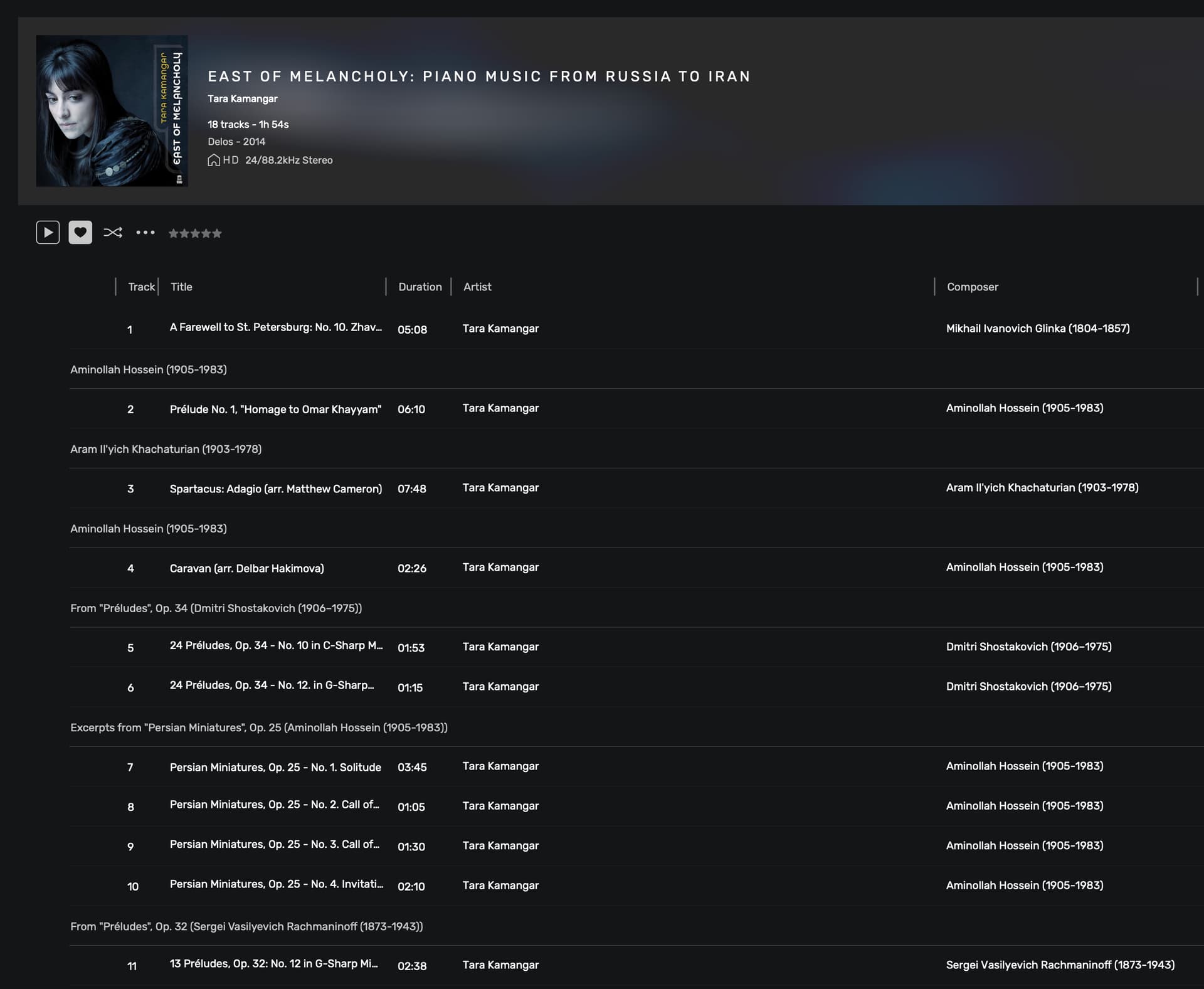
I have that issue as well, but only when there are MULTIPLE “Composers” as apposed to a SINGLE Composer.
I am not clear why the “Composer” data only shows up when data is entered in the “Grouping” tag. I’ve been asking for a while now but no answer so far.
I find that I end up eliminating the “Composer” data so that I don’t have the issue(mess) you are referring to. Not ideal, but the only solution I have come up with.
As discussed before, it’s the linking to the composer metadata that needs to go, so that all tracks with same grouping tag don’t get screwed up in the display… but stay… grouped!