 We’re thrilled to announce the start of our public beta for the Audirvāna Remote app on iOS, effective 2026-01-29T23:00:00Z !
 What’s New?
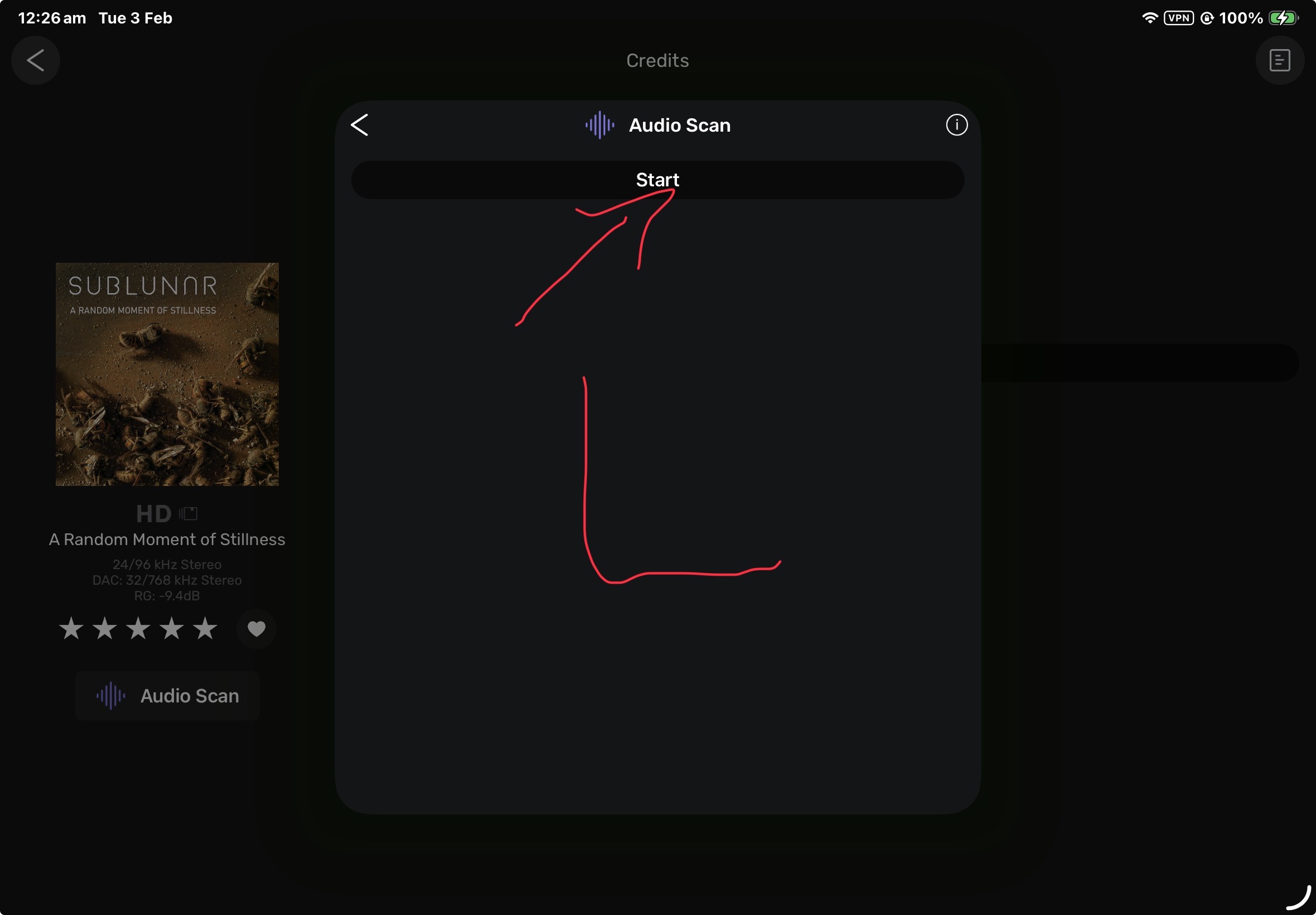
This update introduces exciting new features and significant improvements, including:
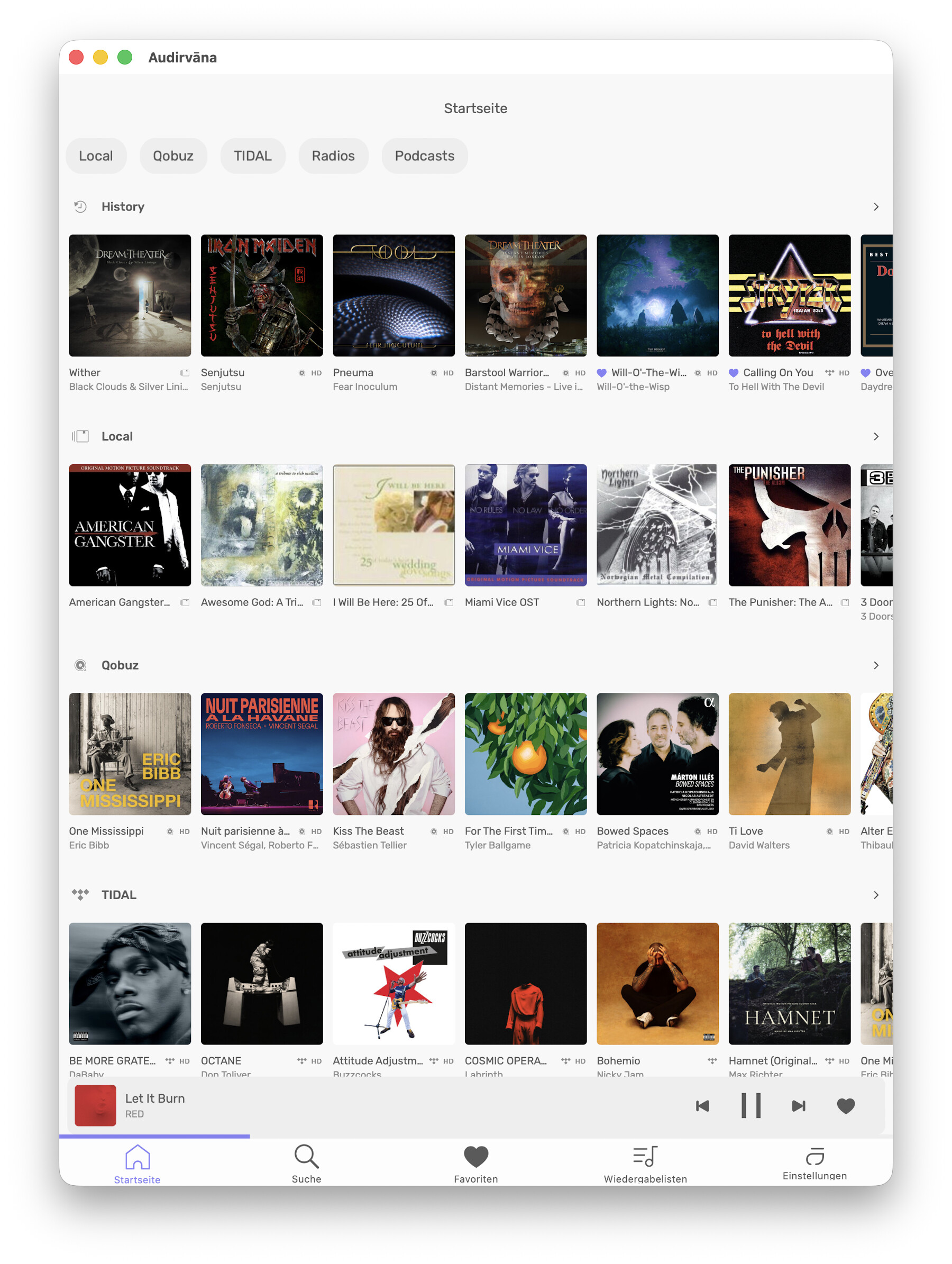
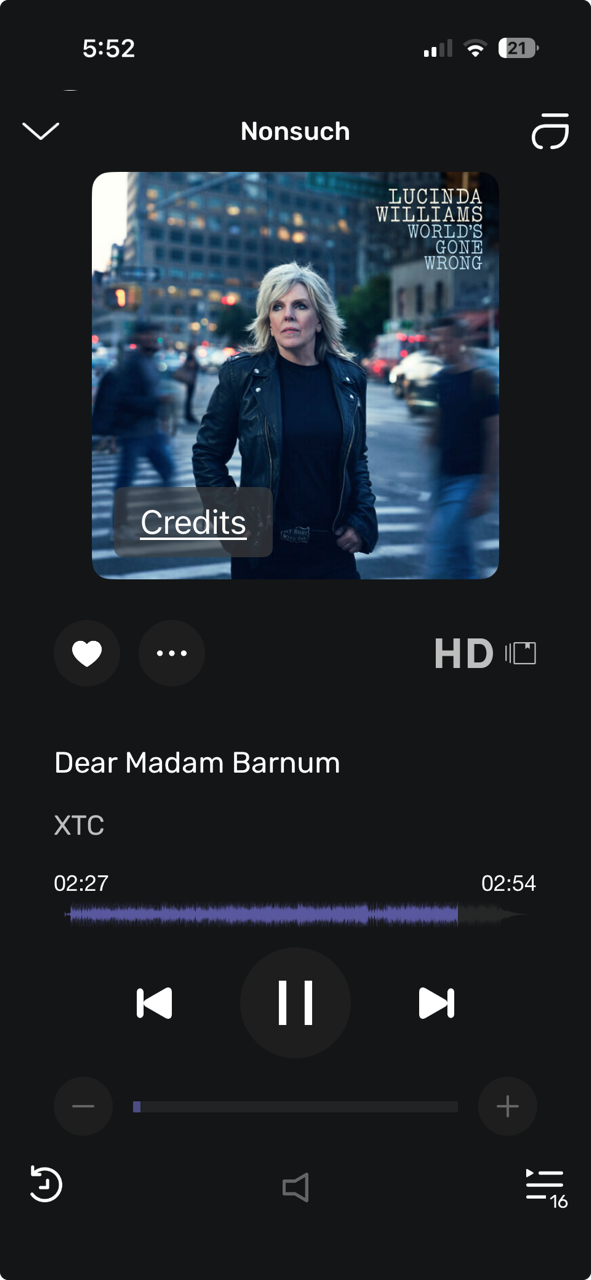
- New User Interface
- IP Connection to Your Computer
- Smart Playlist Creation
- Real-time Equalizer
During this beta period, we will continuously add features and enhance the app. Updates will be posted in the Release Notes category.
To track new posts, click the bell icon  and select “Watching” for notifications. You can also adjust your profile settings under the “BETA” category to receive updates.
 Part of the Remote has not been changed yet, like the Settings or Metadata editor, but it will during the Beta.
 What Should You Test?
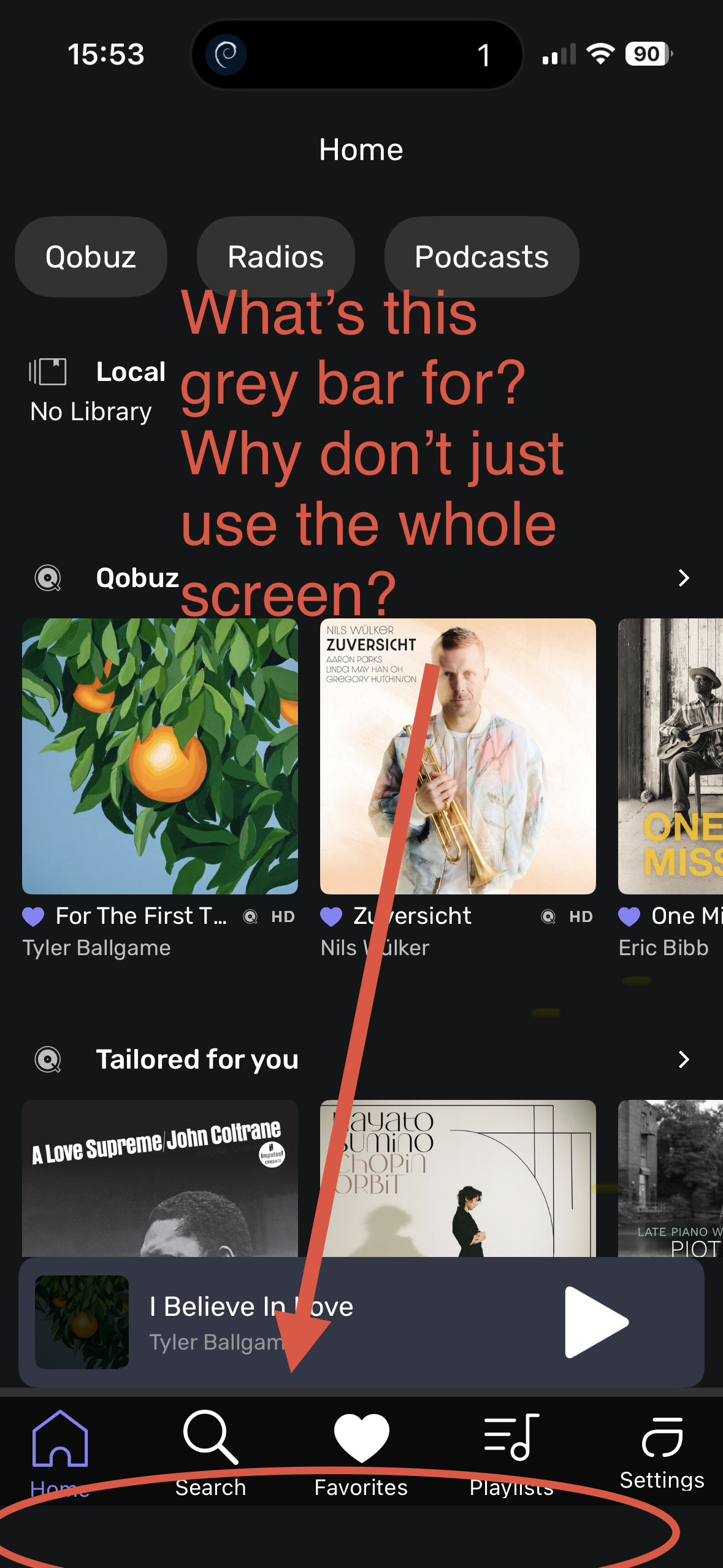
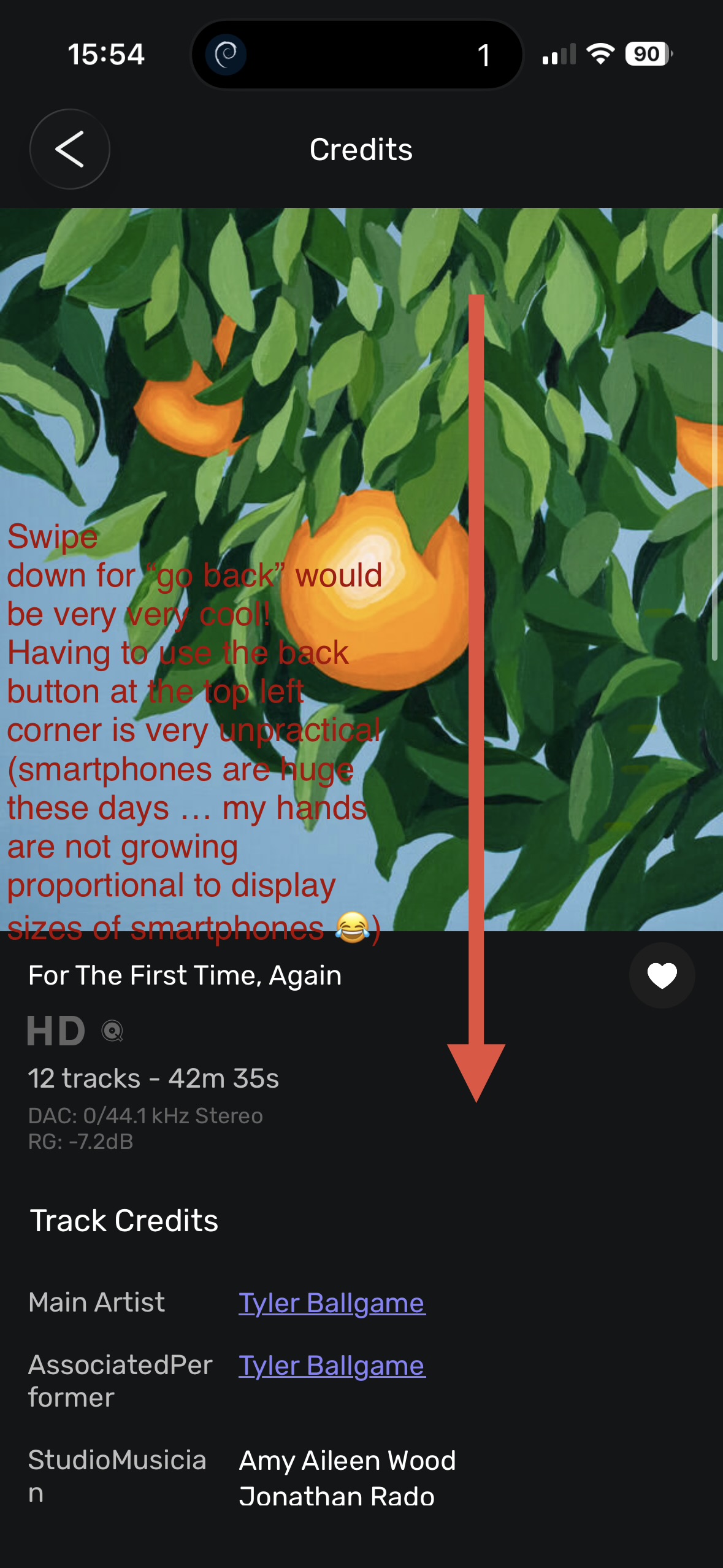
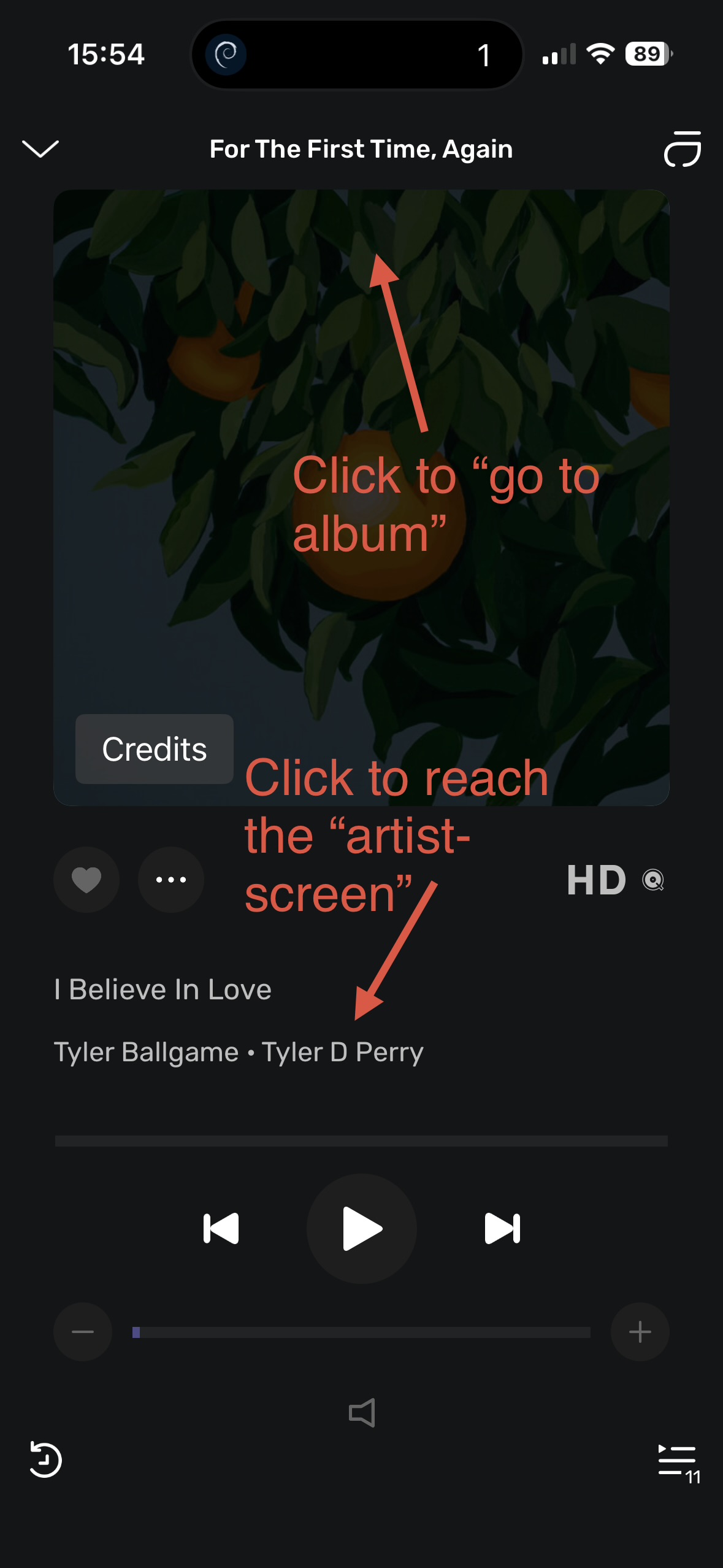
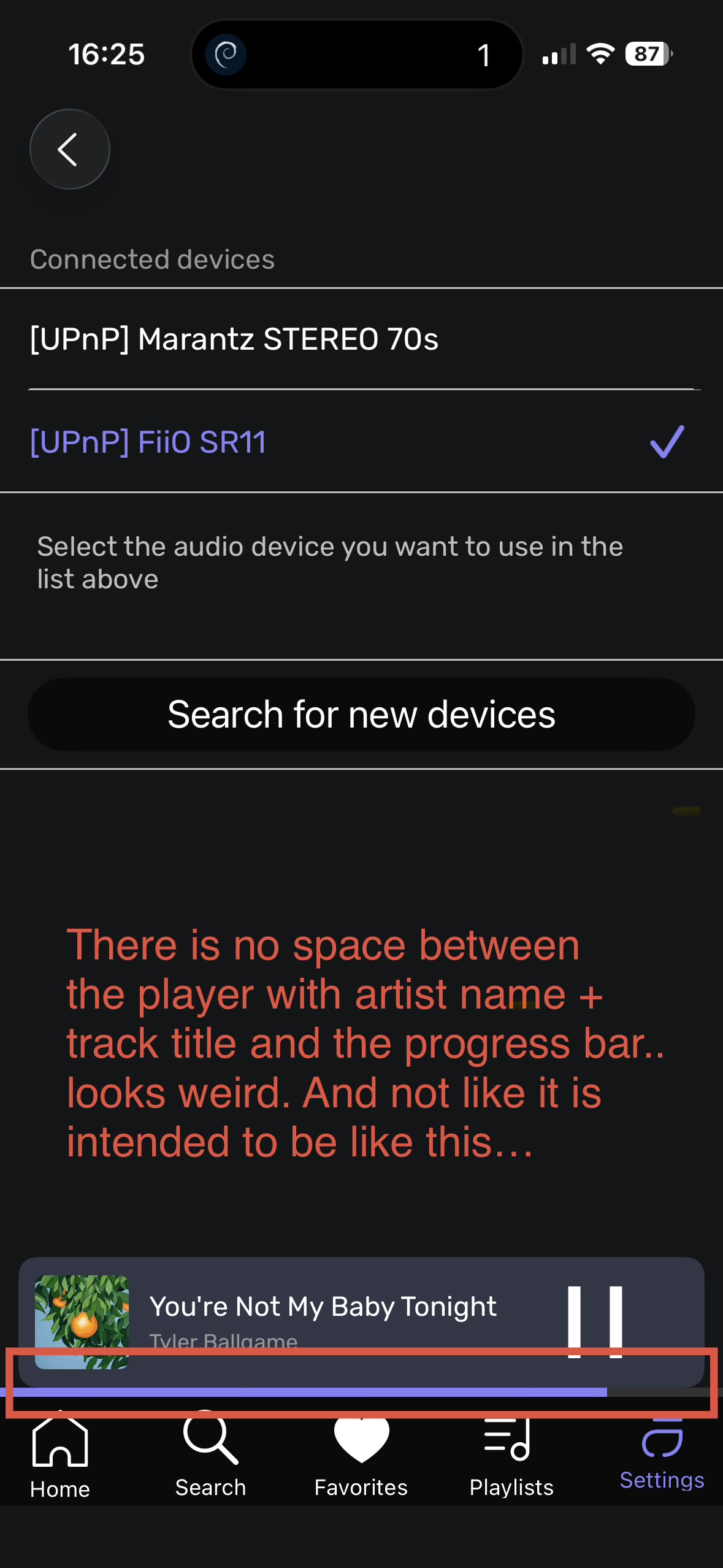
With the completely redesigned UI, we highly value your feedback on your overall experience.
A key feature to try will be the Real-time Equalizer. Please let us know if you encounter any issues while making adjustments.
To Activate the Equalizer:
1. Go to the Settings in the Remote app under the Processing section.
- Enable “Realtime control” (not available for DSD and UPNP playback)
2. Play a track, tap the three-button icon, and select Processing to view the equalizer in real-time.
How to Get Started with the Beta?
For iOS:
1. Install the Latest Version of Audirvāna Studio/Origin:
Access your account at My Audirvāna Account
2. Download the Audirvāna Remote Beta Version:
- Click the link below to enroll in the beta:
3. Download TestFlight App:
- If you haven’t already, download the TestFlight app from the App Store for beta testing.
Note: You can also try it on any macOS Apple Silicon Mac, open this link from your Mac and it will bring you to the App Store!
4. Open the Invitation:
- After signing up, you’ll receive an email invitation link or a direct download link.
5. Install the Beta App:
- Open the invitation link in TestFlight.
- Tap Install to download the beta version.
6. Provide Feedback:
- Use TestFlight to report bugs and share your thoughts in this thread.
For Android:
1. Join the Beta:
- Click the link on your device or go to the Audirvāna Remote page on the Google Play Store:
• [Google Play Store Link]
2. Download or Update the App:
- Open the Google Play Store, search for Audirvāna Remote, and tap Update or Install.
3. Test the App:
- Once installed, open the app and start using it.
4. Provide Feedback:
- Share your insights directly through the app or in the Google Play Store’s review section.
How to Revert to the Previous Version?
1. Uninstall the beta version.
2. Open the App Store, search for Audirvāna Remote, and tap Install.
How to Provide Feedback for the Beta?
You can respond to this thread to share your feedback. Please include:
- Operating System Type (iOS/Android)
- Operating System Version
- Screen Size
- Feedback Type (Like/Dislike/Bug/Slowness/Missing Feature)
 Thank you for being part of our beta program! We can’t wait to hear your thoughts!


 !
!