Good to hear the iPad Remote is working well overall. Hopefully the Credits links and AUDIO Scan issues get fixed soon, but it’s nice that most of it already feels smooth and stable.
when I try to scroll quickly through the list of folders, it “jams:” hits the end and bounces back, even though it’s not at the end of the folders. I have to wait for it to come to a complete stop, then scroll again. Very annoying and slows me down.
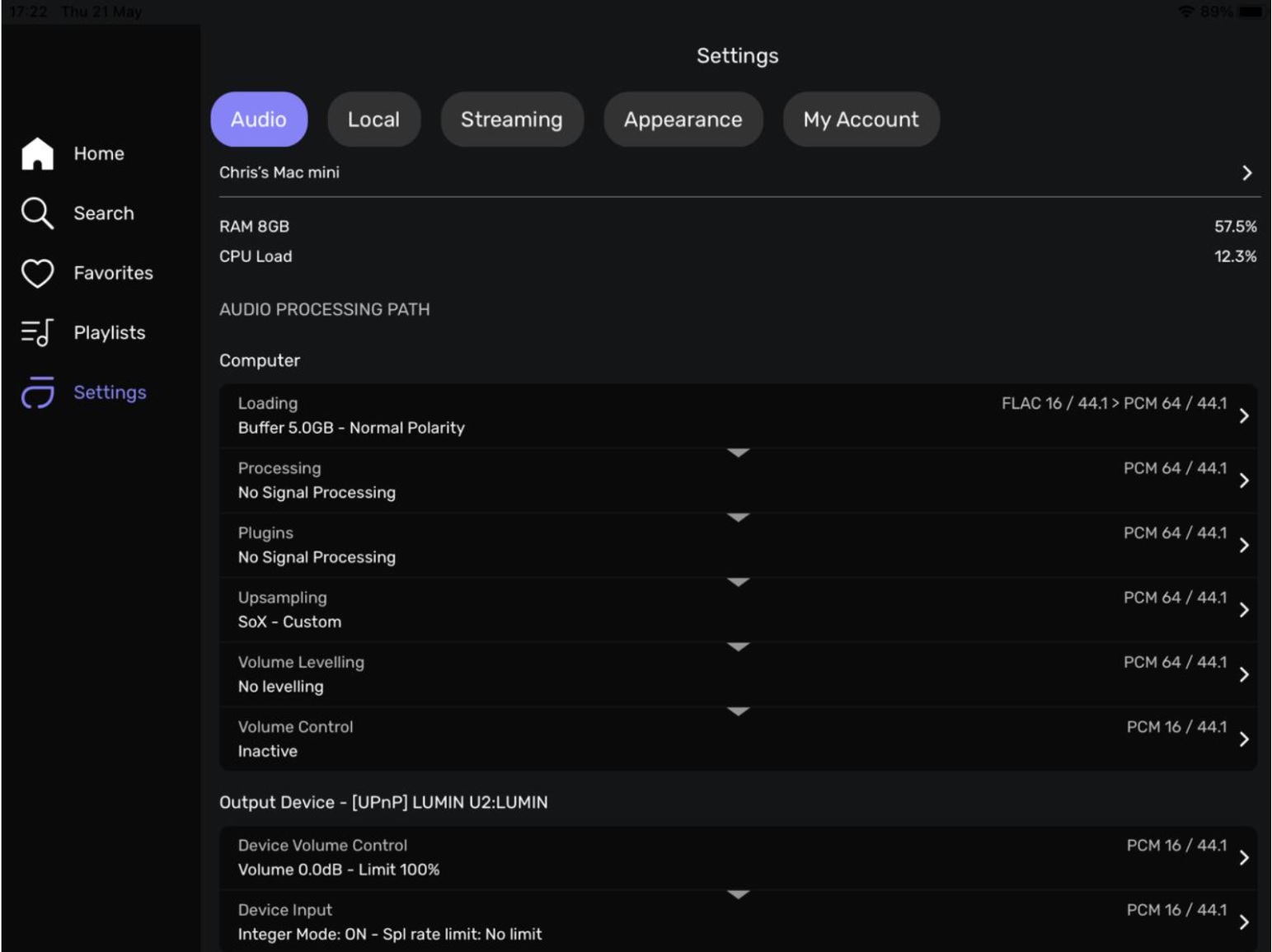
Cannot seem to activate the equalizer on the remote
The instruction states
Go to the Settings in the Remote app under the Processing section.
Enable “Realtime control” (not available for DSD and UPNP playback)
Play a track, tap the three-button icon, and select Processing to view the equalizer in real-time
Cannot see that specific instruction on this page. Please let me know what I have missed
Thanks
What is happening when you tap on Processing?