I am relieved to hear that you are continuing your work on the Remote app. Thank You
Some user experience for you;
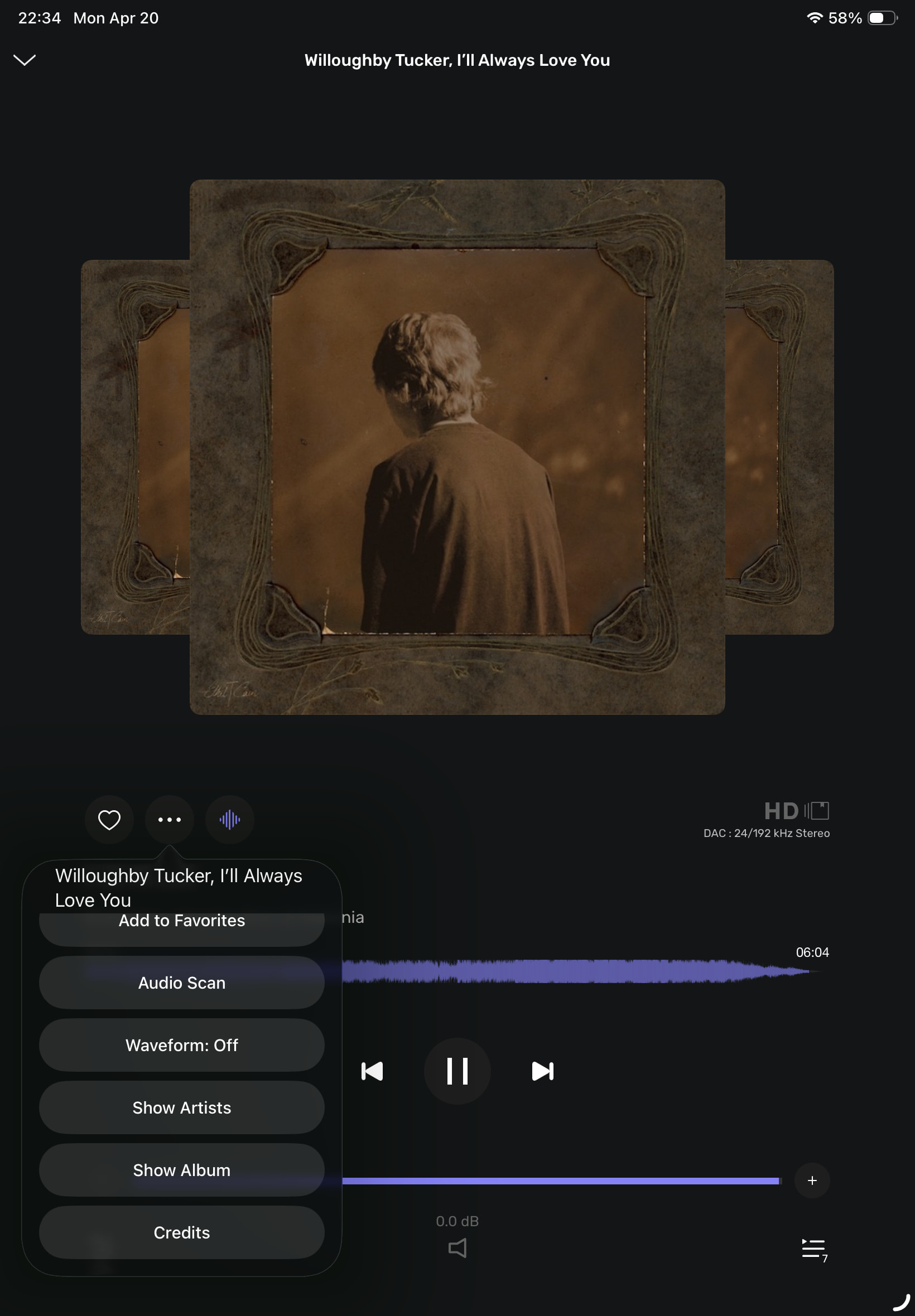
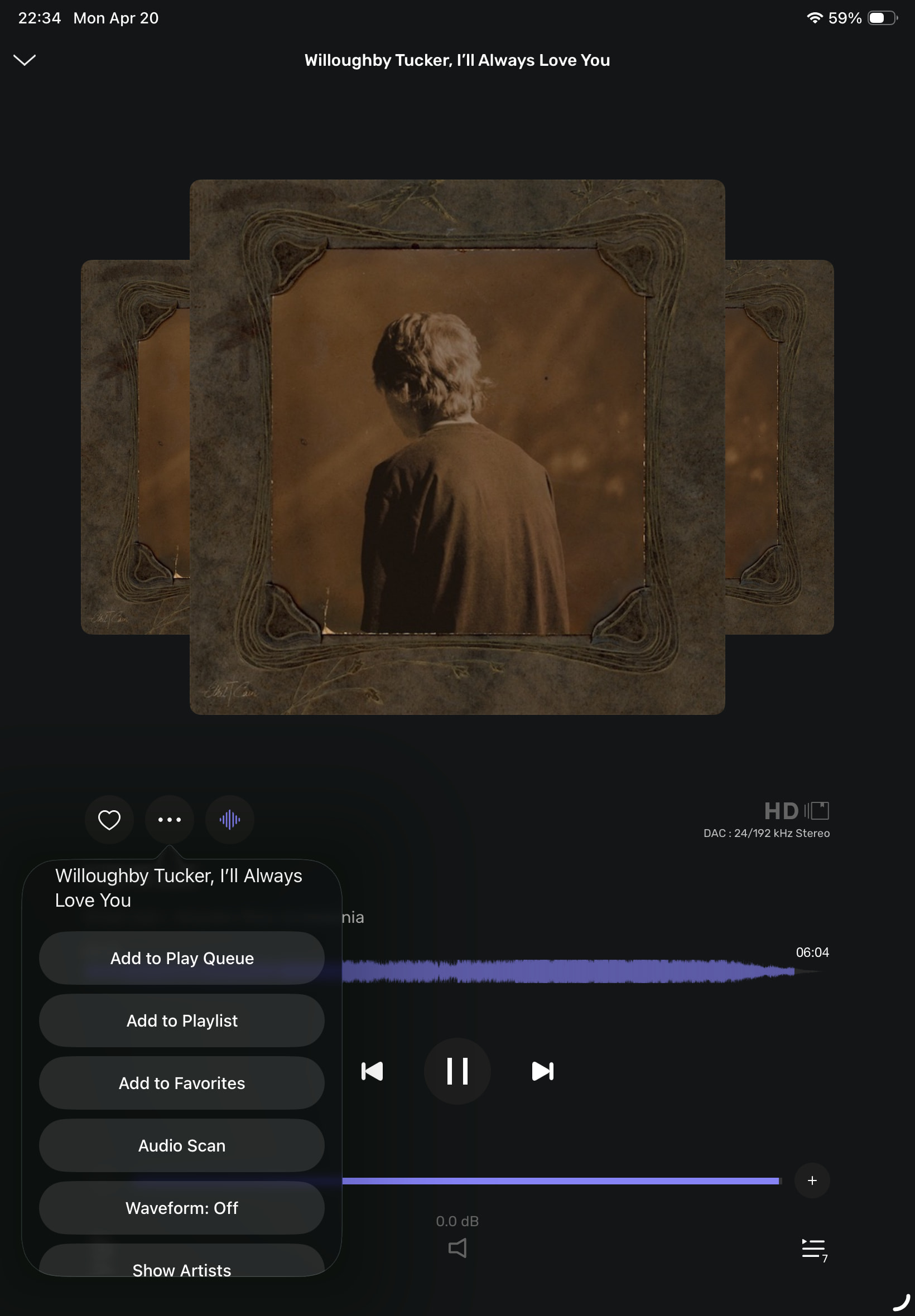
I do all the “Metadata” editing using the META program or the ORIGIN program on my MacMini. Not sure I would use this option on my iPAD or iPhone because it would all be done by then.
I also do the “AUDIO SCAN” function and the “REPLAY GAIN” calculations on the Mac Mini. Again, a nice option on the Remote, but for me it’s done and I have never used it in the Remote.
You have created this CREDITS page with very little credits. Maybe if it was linked to some data webpage like Discogs or MusicBranz it could be awesome.
No disrespect, it’s your baby. But some of the steps you are working on seem to be the “icing on the cake”, before the cake is finished baking.
I truly love playing my library through your software. There is nothing better. Thank You.
I used the Tidal music streamer for the first time yesterday in a HiFi store. Tidal’s “Search” function acts like your request, and as it should.
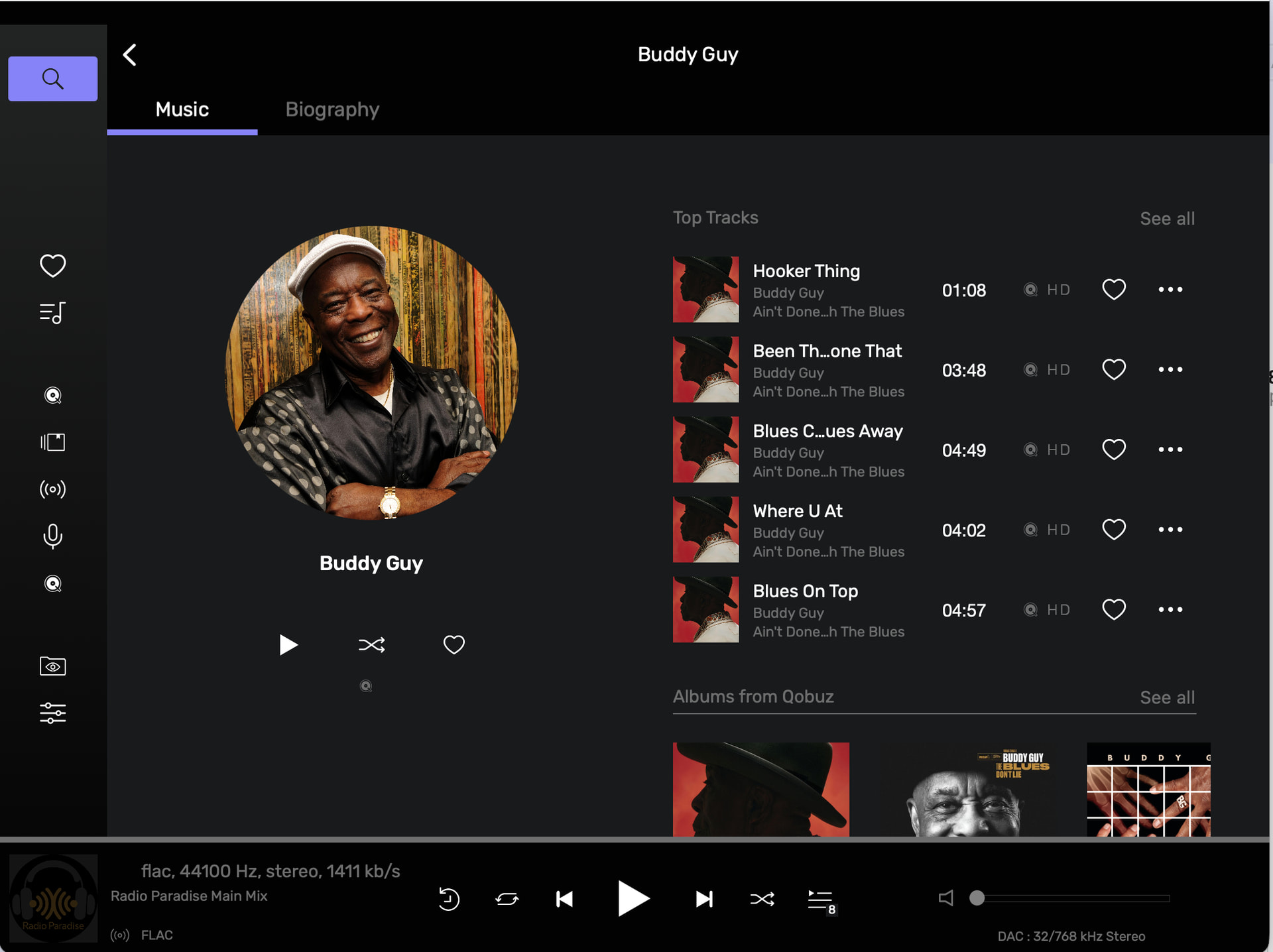
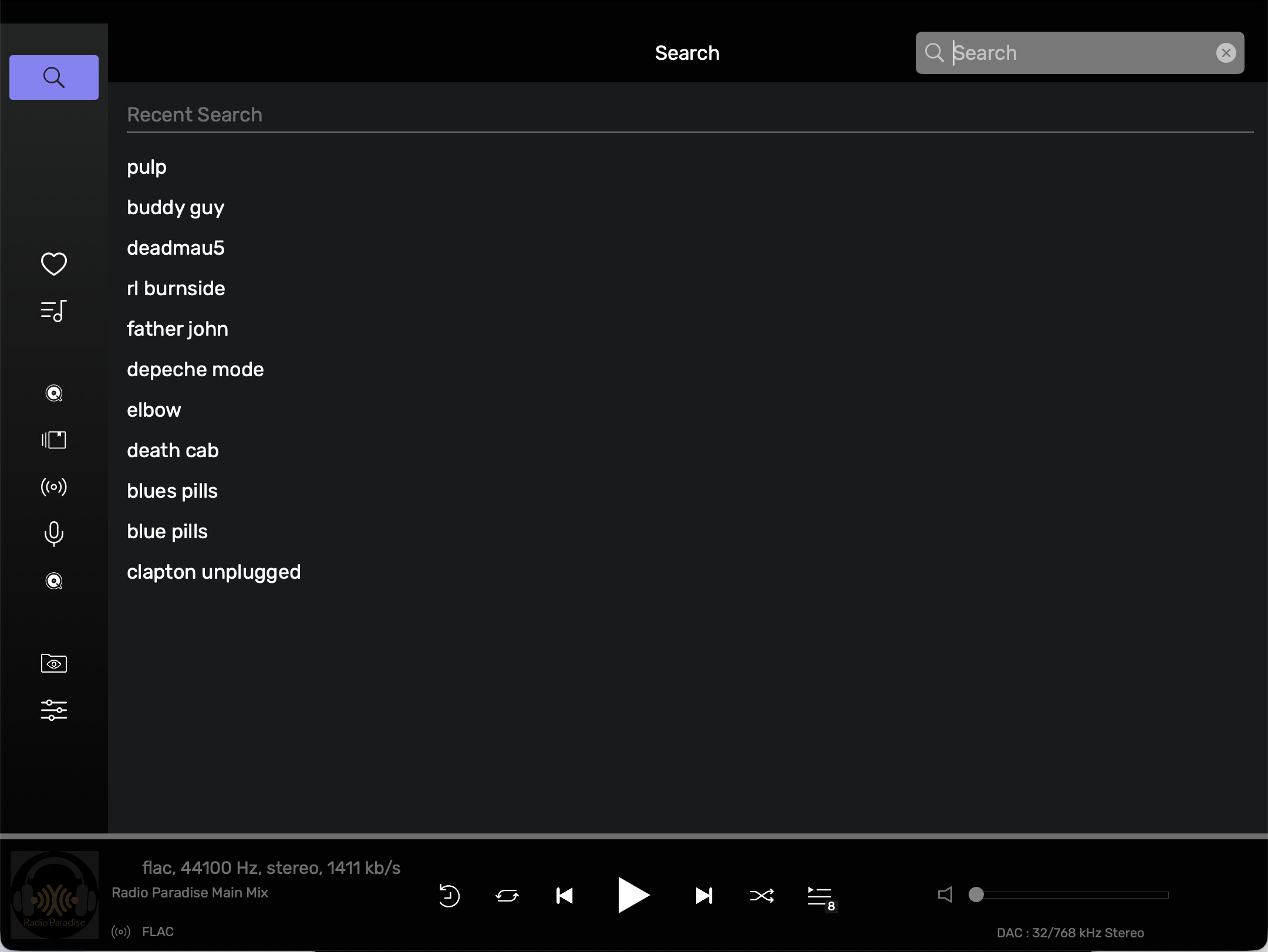
As I had mentioned previously in this post, Audirvana won’t let go of the “Search” function after you have moved onto the Artist…Album…Title. Therefore you need to hit the “Back” button many times depending on how far you had gone.
Antoine, maybe have a look at Tidal as an example,
For sure I missed something, but are the search results in Audirvana remote, in Albums selected, limited to 5? Or maybe is there a setting where I can select See All as in the computer Studio app?
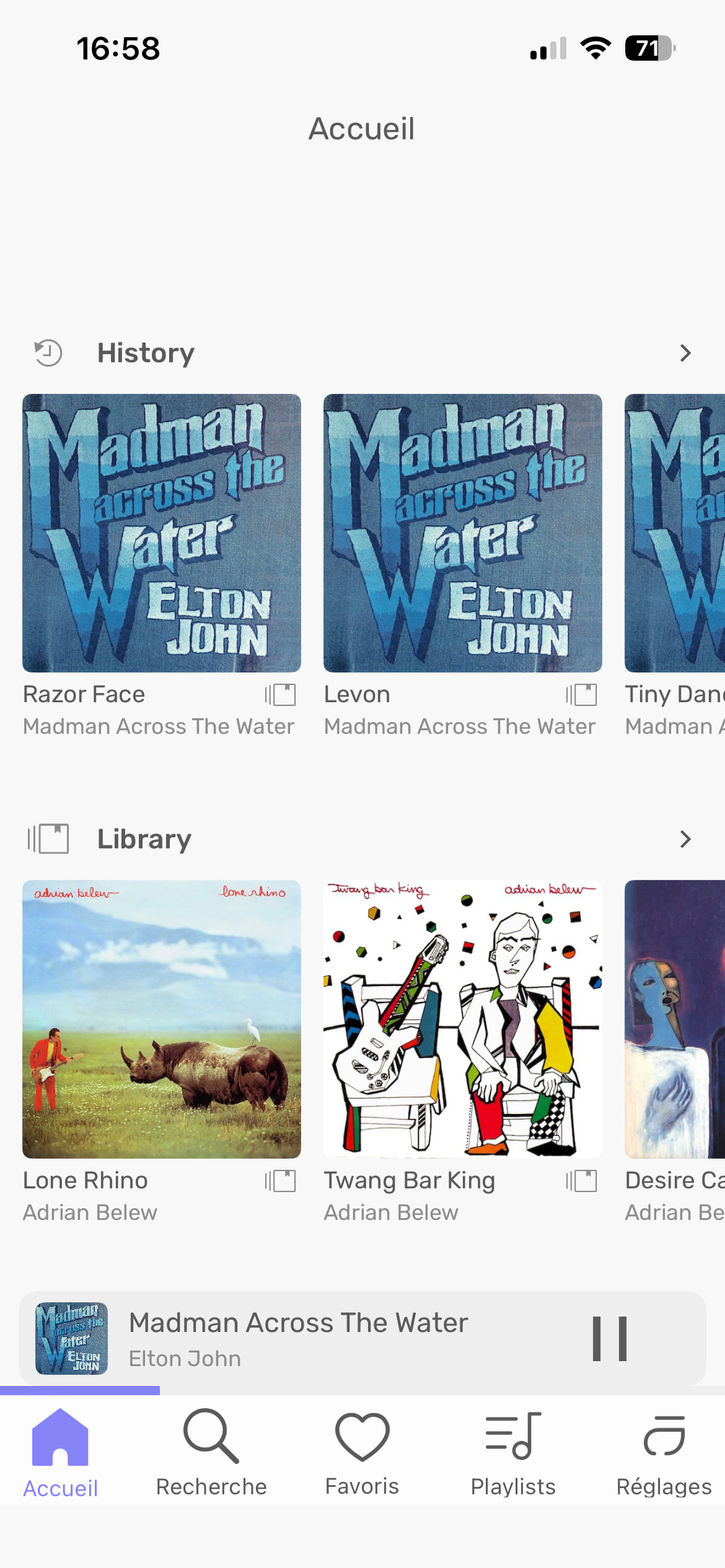
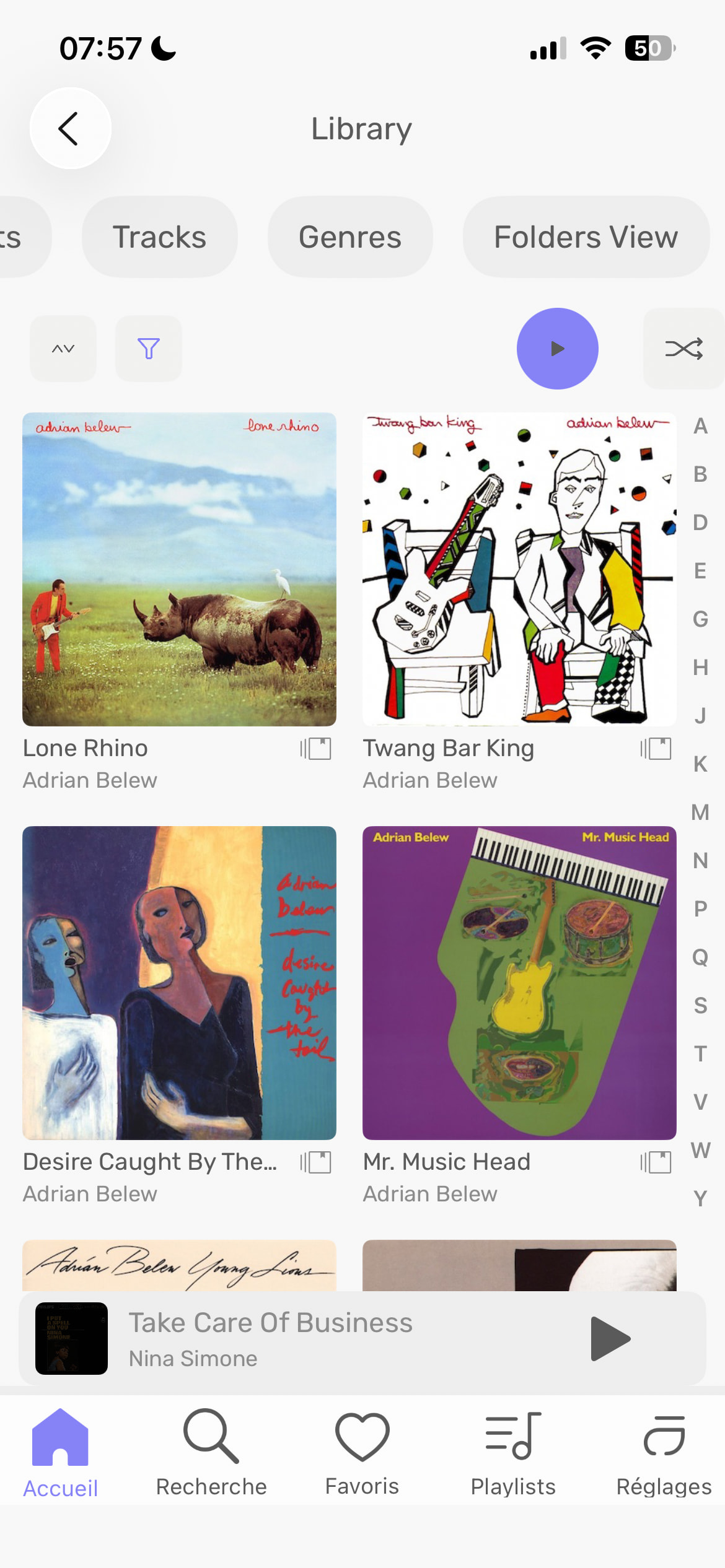
Just complicate for nothing navigating… Library should the easiest thing to get to. Seeing Artists, Albums… have the choice at least seeing that at first, not half the screen seeing History???
Anyone noticing when scrolling on a page such as “artists”, it’s not smooth. It has a tendency to jump forward or backward. Not sure if it’s a sensitivity setting with iPad, but this wasn’t happening before.
It’s frustrating when you are scrolling through “artists” and you lift your finger and when you place it back down, the page jumps backwards.
I am using Core and haven’t touched the desktop in a long time. It works fine for me. The search function is the only part which could get some additional attention, since initiating a new search after a previous one is a bit cumbersome.
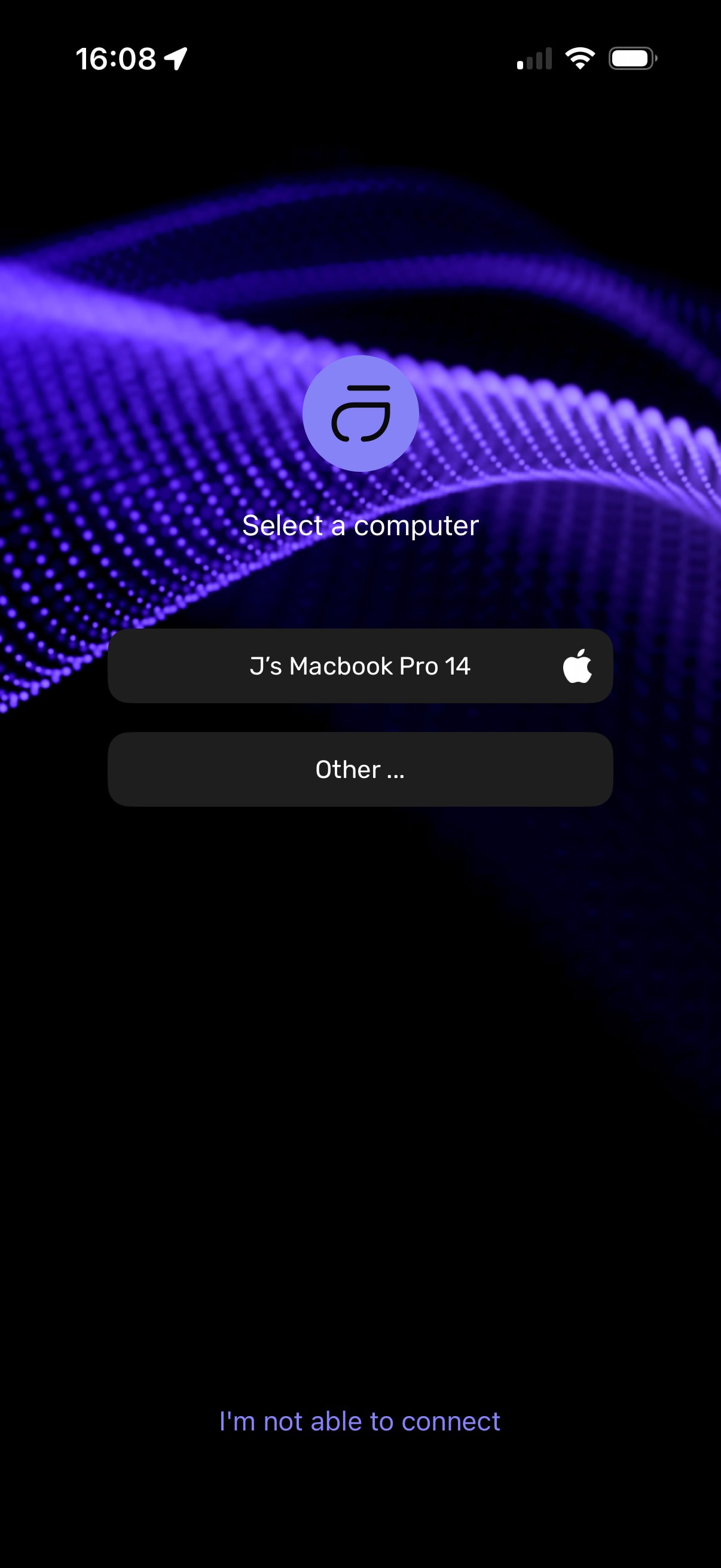
Sorry if this is the wrong thread to post this - I’ve just downloaded the remote app on both iPhone and iPad, they both list my computer but pressing the “button” does nothing on either, so I am unable to connect. Am I doing something wrong?


 so why include it in the list?)