Ha! Great. Thanx man. And I got processing to work now.
1 Like
-
Operating System Type macOS 15.7.2 - 2024 MacMini M4 / 16GB
-
Operating System Version macOS 15.7.2
-
Feedback Type Bug
Using Convolution filters I noticed some issues with wav files created with REW.
- cannot load zip files - wav files work
- when streaming via upnp with Qobuz I hear audible clicking sounds with the track “death row” from Chris Stapleton (96kHz) within the first minute and always repeatable.
Another problem with playlist.
When i add a new column in the playlist or change the position of a column then when i restart the program all modifications are forgotten so i have to reintroduce them again.
I hope this can be fixed.
BVDR
I’ve seen this kind of behavior… .Wav and .cfg files seem to work while zip seems to do nothing… I think that some sort of gain management and meters like in the EQ section has would be a world of help… If you think our FIRs are too hot then show us…
And BTY, for any devs listening… Please add an All-Pass filter to your EQ so we can stand a chance of managing phase here unless you show us that the entire signal chain is phase linear…
How do your put your plugins before your convolution small signal chain ?
I’m curious… Will you provide an implementation scenario where an ‘all-pass’ filter is of value, given the nature of the Studio EQ being a linked L/R stereo processor, utilized on pre-recorded master encodings…? Do you think there is phase-alignment distortion being created in the DSP before getting to the processing module(s) or created in the filter(s) themselves ? Am I missing something about the equalizer module where it can be configured to support multiple channels someway? Even if this is implemented, is it a good idea to provide gross Left/Right channel phase manipulation to a speaker array for most, outside of some more experienced rationale? Personally, I see implementing an all-pass filter is fairly esoteric and supurflous in the context of Audirvana playback… maybe I’m wrong, maybe this is something a lot of users see value in or enough to see value in the implementation to incorporate the filtering… Are we now thinking about extrapolating Audirvāna into the mastering domain? 
Unsuccessfully followed the FAQ for adjusting peq and crosstalk values. How do you incrementally adjust parameters? The only way that I have found to change a value is clicking the track pad while on the adjustment knob and sliding up or down with my finger. Almost impossible to get a tenth adjustment for example. Thanks!
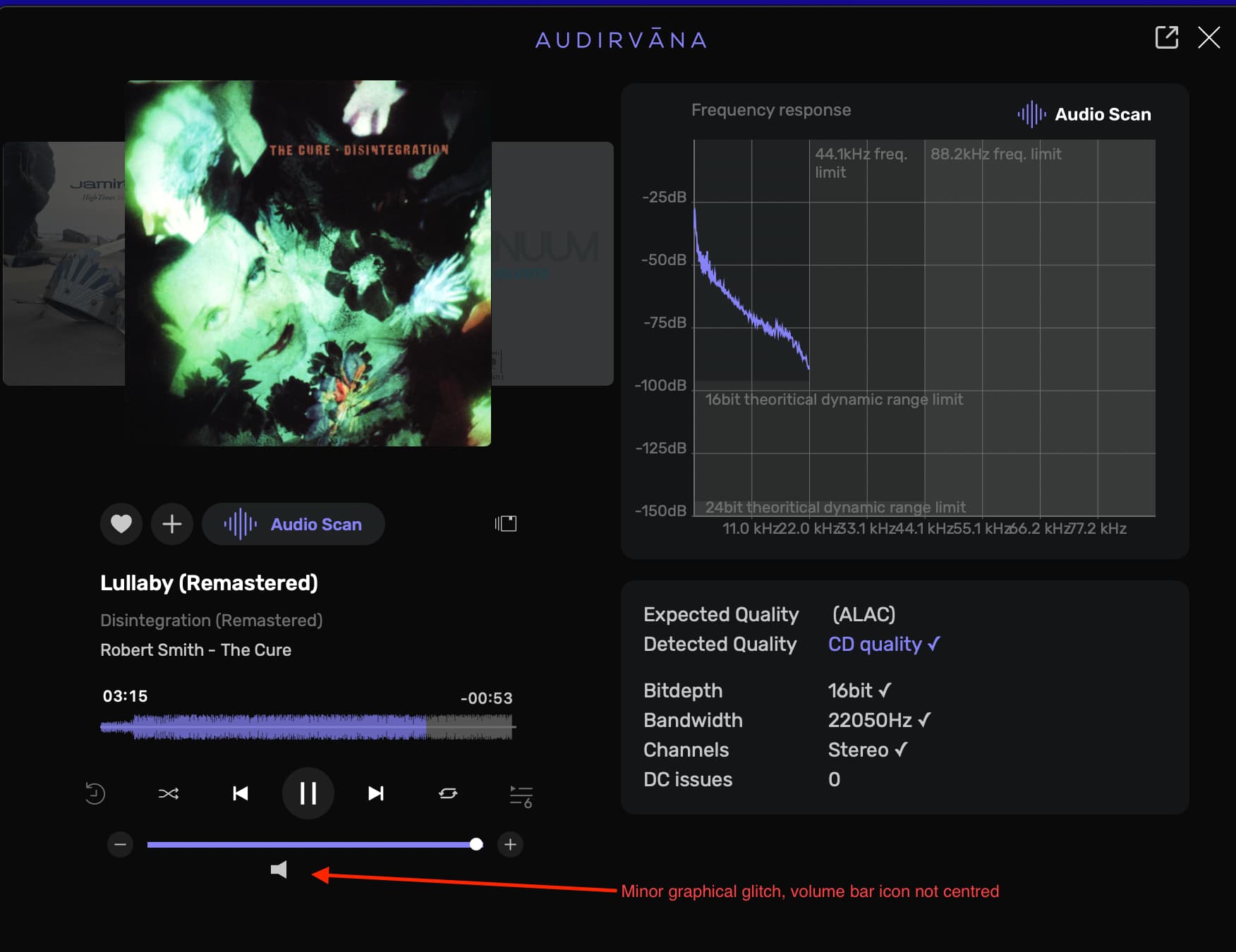
You can double-click in the text fields to enter the values.
I have an external drive that is accessible via either SMB or AFP (OSX), and if I leave access enabled on both (direct access via xx.xx.xx.xx and access via WDMyCloud), I end up with duplicate tracks…
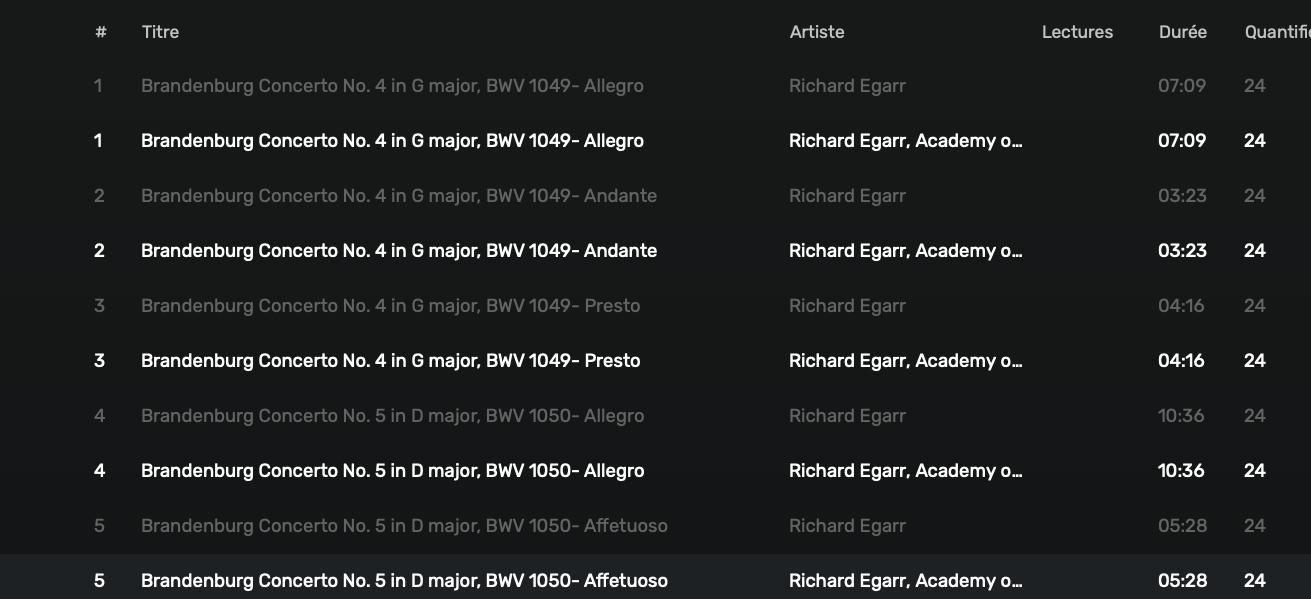
One more thing: it (the loop) is the last two to three seconds of the last song. The player jumps to the next song and plays the loop instead.
Any chance you could display more than one album cover on the screen?
Hi, Reducing the memory allocation before playback to 8 GB did not solve the problem. A loud popping sound is still heard when playing DSD files. This occurs less frequently after disabling “Mute during sample rate change” or “Use large ASIO buffer.”
Increase the sample-rate change latency.


Tried double clicking verbage, the value itself, and the knob. None of which allow me to change values.
You cannot make changes while a file is playing unless you have ‘Real-time’ enabled… and you cannot make changes when the player is paused… you must unlock the player before making any DSP changes when ‘Real-time’ is not enabled… You cannot make DSP changes when playing raw DSD files, no DSP is applied to DSD files by nature of the encoding format. You can apply EQ to a PCM file being modulated (up-sampled) to DSD for output, but not in real-time.
Step 1: Turning On the EQ
Without music playing, head to the Processing section in your audio settings.
- Click on the gear icon, which opens the Audio Units window.
- At the top, you’ll see a button titled “Use Audirvāna EQ”. Click this to activate the built-in parametric EQ.
If you want to tweak the EQ while music is playing , there’s one more switch to turn on:
- Enable “Realtime control (not for DSD playback)”
- You can still use the EQ on your DSD files or while playing using UPNP or Chromecast, but not in real time. To do so, disable “Realtime control” and press “Configure” under “Use Audirvāna EQ” to design your EQ before playing the track.
How to use the integrated Studio equalizer (EQ)?
I am still waiting for clarification… but I believe the statement in theKnowledge base article about using the EQ on DSD files is incorrect.
Thanks Agoldnear, much appreciated.
1 Like
Do you question the computational/programming adroitness of the Audirvāna team in the implementation of the Studio EQ filter design and the choice made in this scenario?
For folks interested in the subject…
From the FabFilter Learn article linked below:
Linear phase EQ
By Maarten de Boer
" When to use a linear phase EQ?"
Any type of filtering we apply with EQ, whether analog or digital, will introduce a short time-delay/phase shift to the signal. Most equalizers used today are called minimum phase filters and will only introduce slight phase shifts for specific frequencies depending on the filter settings. Luckily, the ear is not sensitive to absolute phase changes (whether the frequency is at its positive or negative part of the cycle) so if you’re applying moderate filtering the introduced phase shift won’t be very noticeable. As such, you can safely apply EQ changes without the fear of introducing artefacts that will dramatically change the sound. However, for steeper (i.e higher order) filters, the effect can become quite apparent as the phase shift introduced by the filter starts to affect the transients of your signal. This effect is called smearing.
FabFilter Learn - Equalization - Linear phase EQ
https://www.izotope.com/en/learn/what-is-linear-phase-eq.html


Sure, @Agoldnear I am asking the simple questions… Of the Devs… Why would a Tone and/or Color EQ box be Minimum Phase and a Mastering EQ box would be Linear Phase and where does DRC Convolution fit into the signal chain?
And, is the Audirvana EQ a Minimum Phase or Linear Phase EQ?
Very simple questions as there is no Audirvana documentation that informs us…
Origin user on a Mac Studio M2 Ultra 192GB running Tahoe 26.3. Based on this beta, I would not have any interest in switching to Studio 3.0 EVEN FOR FREE! Your changes to the interface are counter-intuitive. I am praying you don’t destroy the usability of Origin by porting them over. Do I sound harsh? Well, what user wants to have to click TWICE to get to their DSD or High-Res or Recently Added sections? The Album page no longer states the number of tracks nor the album length. It also seems confused by some DSDs and won’t state DSD64, DSD128, etc. when Origin has no issues here. I am also puzzled why you still have not added a “Multi-Channel” link to the LIBRARY (or LOCAL in Studio) section.
1 Like
When we think of Linear EQ being applied in the mastering process, we generally think of the 2 or 4 track pre-master mix (for the sake of being contextual) tracks being somewhat untethered to each other … where deficiencies in the production can be changed in the contextual relationships of the mix elements… These decisions are part of the mastering process and will be codified in the stereo encoding that we get… The Studio EQ is linked as a stereo filter so both the Left-channel and Right-channel are being affected identically… I can see where the Studio EQ may be a hybrid, but I really don’t see value in the addition of downstream phase manipulation… I don’t detect phase anomalies in the adjustments that I make, which are very minimal and harmonically specific relative to known equal-loudness contours, overlaid on an approximation of the frequency response contour of my headphones… (It’s an approximation because of my custom modifications to a known baseline design)… What matters in the end is whether or not the resulting output is grossly distorted… My personal assessment is one of general improved sound-quality in my particular playback scenario… In the application of the Processing in Audirvāna, my personal impression is that my playback experience has only been elevated… I have spent many hours tweaking the system DSP and every step of the way my expectations are being realized at a very high level of performance and aesthetic satisfaction. As I dig deeper, I get more out of the system… Equalization in Audirvāna for most, is not a tool for creative manipulation, it is a tool that can be employed to assist in bringing out the best of ones amalgamation of playback components and hearing customization, within reason… This is where I see the Convolver stepping-in to address more technical considerations in playback integrity.
So, where does Audirvāna stand, if we were to look at it from a mastering engineer perspective…? The Studio EQ does not provide enough flexibility for this production flow… It can be, if minimal changes in timbre are required, but as the final arbiter of a production 2-track pre-master mix, that may require phase manipulation due to anomalies in the 2 or 4 track pre-master, more flexibility is needed. But in the context of pre-recorded and codified master encodings being played-back through the Audirvāna audio-engine DSP, additional phase manipulation is supurflous… Just my viewpoint… If absolutely required, this would be best applied in the Convolver… So, I don’t think it matters if the equalizer filter is Linear Phase, Minimum Phase or some hybrid of both… It sounds very good and there should be no apprehension in anybody’s mind about applying Studio EQ to build a playback aesthetic that is subjectively pleasing, in any given playback scenario.