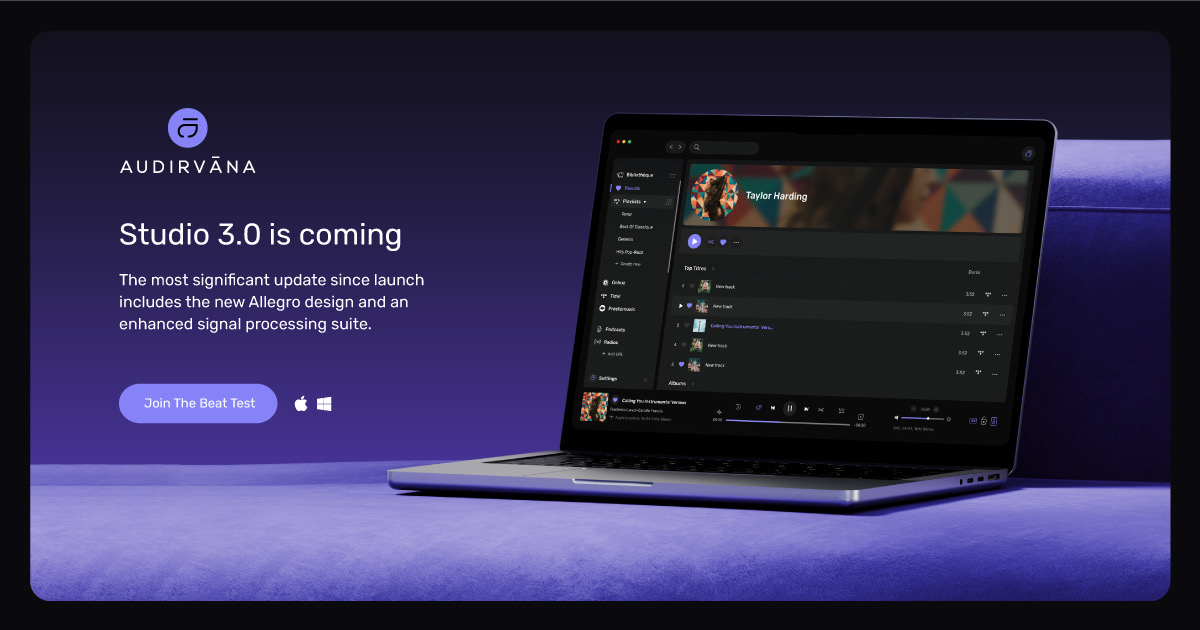
Exciting News: Public Beta Launch for Audirvāna Studio App!

:police_car_light: We’re thrilled to announce the start of our public Beta for Audirvāna Studio 3.0 on macOS and Windows, effective 2025-12-11T23:00:00Z!

:police_car_light: Linux version of the Beta is available starting 2026-01-22T23:00:00Z!

:police_car_light:We also started a public Beta for our Audirvāna Remote on Android! The iOS version will come very soon!

:new_button: What’s New?

This 3.0 update introduces exciting new features and significant improvements, including:

During this beta period, we will continuously add features and enhance the app. I will post updates in this thread.

To track new posts, click the bell icon :bell: and select “Watching” for notifications. You can also adjust your profile settings under the “BETA” category to receive updates.

:red_exclamation_mark: Part of the Audirvāna Studio has not been changed yet, such as the Settings, but it will be during the Beta.


:test_tube: What Should You Test?

:sparkles: With the completely redesigned UI, we highly value your feedback on your overall experience.

:hugs: We also value positive feedback. Don’t hesitate if you feel like it!

A key feature to try will be the Processing features (Convolution, EQ, Crossfeed, and Balance). Please let us know if you encounter any issues while using them or making adjustments.

To Activate Processing features:

  1. Go to the Settings in Audirvāna Studio under the Processing section.

  2. Enable “Realtime control” (not available for DSD and UPNP playback)

  3. Play a track, tap the three-button icon, and select Processing to view the equalizer in real-time.


How to Get Started with the Beta?

To access this Beta, you must have a subscription or an active trial to Audirvāna Studio.

You can check if you can still use Audirvāna Studio by going into your account

To get the beta version, please use the links below to download and install it:

Note: you can also get it from your account :grinning_face_with_smiling_eyes:

You can find how to install Audirvāna Studio using the link below:

https://help.audirvana.com/support/solutions/articles/202000051109

How to Revert to the Version 2?

:red_exclamation_mark: IMPORTANT FOR WINDOWS USERS

Do not uninstall the beta version to revert to the version 2!

When you reinstall the previous version, click “Reinstall” and it will revert to the non-beta version of the software.

If you don’t do this, you risk losing your local favourites and playlists when uninstalling the software.

MacOS: Install the previous version of the software you can find on your account and click “Replace” when you are being asked for.

Linux: Install the previous version of the software you can find on your account

How to Provide Feedback for the Beta?

You can respond to this thread to share your feedback. Please include:

  • Operating System Type (Windows/macOS)
  • Operating System Version
  • Screen Size
  • Feedback Type (Like/Dislike/Bug/Slowness/Missing Feature)

:hugs:Thank you for being part of our beta program! We can’t wait to hear your thoughts!

15 Likes

Hi @Antoine , is this soon due for release for the Headless Linux Core Player as well?

1 Like

It will, but we need a bit more time to do it, as the beta for the Remote app will be there nearly at the same time as the Linux version.

2 Likes

Are there minimal requirements or recommended minimal requirements for running the beta version to get validated feedback?

Processing often asks for (some) power. The question is how much or how little?

The requirements are almost the same as for the live version of the software, which you can find here:

https://help.audirvana.com/support/solutions/articles/202000050978

Note that the “incoming changes to macOS requirements” are for the beta version.

Regarding the processing, it shouldn’t require that much power. We ran some tests on our end and got good results with minimal performance impact, but the beta version is also here to check its limits.

3 Likes

@Antoine I like the new UI. Much easier to read. A few of the manipulations take some getting accustomed to, but it is definitely better.

Now, on to more serious testing…

Windows 11

25H2 26200.7462

27-inch 2560 x 1440p

1 Like

macOS 26.1
Screen Size: 19" 1280 x 1040

:+1:
As a headphone-centric user I just spent some time evaluating the “Crossfeed” processes… It is a beautiful sounding implementation with customization… I have been waiting for a vertically integrated HRTF process in Audirvāna and this is everything that I expect from the Audirvāna team… More to come regarding my experience :smiling_face_with_sunglasses:
:musical_notes: :eye: :nose: :eye: :musical_notes:

3 Likes

Audirvana on 16" MBP screen set at 2056 x 1329 resolution
Pro XDR display running at 4096 x 2304 resolution
macOS 26.2 (25C56)

There are several things I like in the new UI however there are some significant annoyances for me.

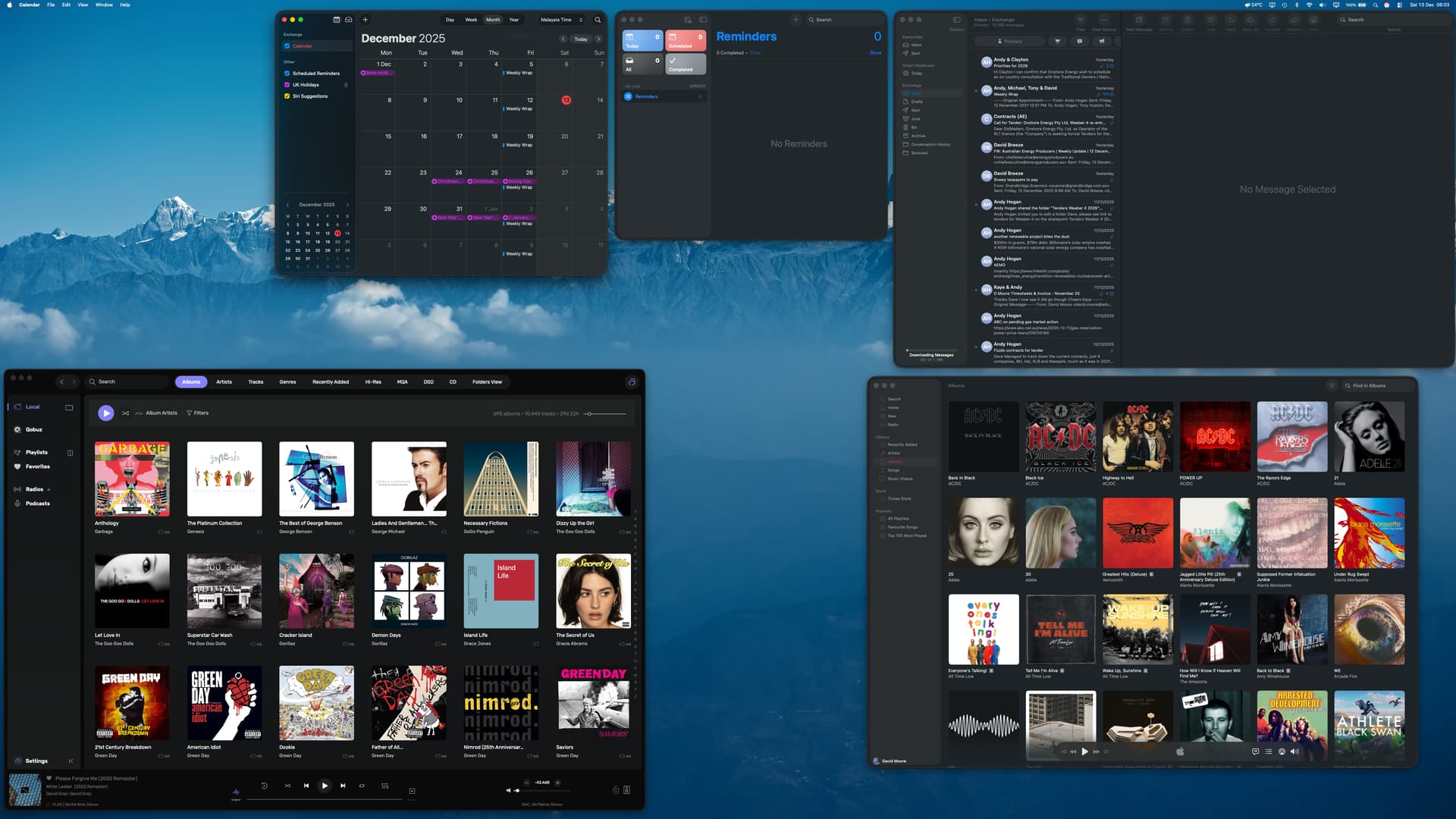
  1. The font size options are too limited. The current font size on a Mac OS screen is at odds with the system font sizes in macOS. When run in a multiple screen set up I typically run Audirvana as a windowed app alongside other open apps which I use during a typical workday. In this screen mode (see screenshot of Apple Pro XDR display 32" running at 4K resolution) Audirvana looks “out of place” (a polite term for awful) alongside other open applications. For those of us who like consistency across open applications this is somewhat jarring and unpleasant. This could be resolved by giving a third option in the font size settings in appearance of Default, Large and a new option “Small” which would have a font size the same as the system fonts in macOS. This would address everyones preferences, those who like larger fonts and run the app full screen and those like me who value seamless integration with the OS design.

  2. Whilst I like moving the sidebar sub-options to the top of the screen this makes the sidebar largely redundant and there is a large amount of wasted space occupied by the sidebar which serves no purpose. This results in more mouse usage to select local then albums/tracks etc which goes against basic concepts of UI design. Also the movement of the sub options to the top of the screen now means you can fit fewer lines of albums or artists which results in more scrolling. I would suggest having an option to have the traditional sidebar or running the sidebar in compressed “button” mode with the top screen selectivity of sub-options

  1. The current style of graphics for playlists etc looks messy with multiple albums art mashed into one graphic. Prefer the original grid pattern of albums in the graphic for each playlist.

Obviously these are my personal preferences and these may or may not be shared by many but for me the oversized fonts makes the app less seamless with macOS…

4 Likes

Hi @Antoine

Adding a file the program closes as I try to go to beginning of Recently Added in Studio Beta..

I went back to Origin. Detailed my added file and when I reopened Studio Beta all worked correctly.

Regards

Phil

macOS 11.7.10 (20G1427)

Unable to access metadata

Menu and keyboard shortcut

Some albums have tracks that are incorrectly classified (order, numbering).

1 Like

SYSTEM: Mac Studio - MacOS26.2 - 27” screen (2560x1440)

1 - Screen secondary font too dimmed.

2 - Looking forward to the new Remote app which hopefully will be able to switch playback from 2 running AS programs in 2 different machines, à la Qobuz Connect. That should also eliminate the constant login currently required when starting a session in one computer if a second computer is running another session.

3 - Hope for a more direct way to enter radio station links, replacing the current add to queue followed by adding to playlist.

4 - Found screen text line superimposing on previous line at the bottom of Device Input settings. Also perhaps the chosen device might be selectable/shown on that screen top.

Otherwise, it looks great! Félicitations!

1 Like

Follow-up to my prior post here on the integrated ‘Crossfeed’ processing that is new to Audirvāna…

I have been an advocate of Head Related Transfer Function (HRTF) and virtualization signal processing for a few decades and have been intimately involved with virtualization for headphones… I was instrumental in the development of the Lake TheaterPhone HSM6240 employing Dolby Headphone technology…

Until yesterday, I have been using HRTF plug-ins and have a long-term preference that I can reliably apply on my PCM files up-to 32 bit/352.8kHz. This HRTF algorithm is my reference for stereo playback… I say “Until yesterday…” because the vertically integrated ‘Crossfeed’ DSP implemented in the new Audirvāna Studio audio-engine, puts this very high-quality reference DSP on the shelf…

I modulate (up-sample) all PCM files (up-to 352.8kHz) to DSD256 using r8Brain in Audirvāna, after DSP processing for EQ and HRTF (cross-feed)… In my case I have several 24bit and 32 bit 352.8kHz files which I used for reference and evaluation of the cross-feed algorithms as-well-as my usual collection of 16/44.1kHz reference recordings.

The HRTF algorithms implemented here are the most transparent processing I have had the privilege of experiencing. BRAVO ! :clap: Nothing is diminished, not one single contextual micro harmonic detail or micro dynamic or spatial element… Panned elements effortlessly move across the sound-stage and depth of field and phantom-center imaging is solidly locked in… The reference recordings were fully revealed in every respect because of the transparency… I was enjoying these recordings like I have never, ever done-so, prior to yesterday.
After a few hours of assessing the different algorithms, I found a personal preference… This preference is the ‘Virtual LR’ with the following settings:

  • Distance - 2.O m
  • Angle - 90º
  • Low Cut Frequency - 4000 Hz

In my reference HRTF plug-in, I have distance processing disabled because of the coloring induced on the signal if employed… Here in this case, with the integrated ‘Crossfeed’ processing, the addition of the 2.0 m distance setting, transparently reveals the imbued sound-staging of the production(s). This was apparent in both ‘live’ and ‘studio’ recordings.

Technically, the inclusion of the ‘Low Cut Frequency’ filter is brilliant… and is integral to the transparency of the processing.

The integral HRTF algorithm options provide any given headphone listener playback scenario, a comprehensive (without being too complex) set of parameters for personalized customization.

There is something to be said about vertical integration of DSP in Audirvāna that translates transparently, the fundamental premise of providing the highest level of sound-quality available on any given computer/OS platform. Bravo!

:musical_notes: :eye: :nose: :eye: :musical_notes:

5 Likes

Congratulations on your Beta release including a convolution solution as well as an updated and enhanced EQ…

I am wondering if you can point me to some specific information on your convolution solution? Specifications maybe… Use instructions etc… The link to that video seems like a pretty generic description of what a convolver and convolution is… I didn’t see anything specific to using Audirvana’s convolution solution…

Cordially,

-DD-

Booklet not opening.

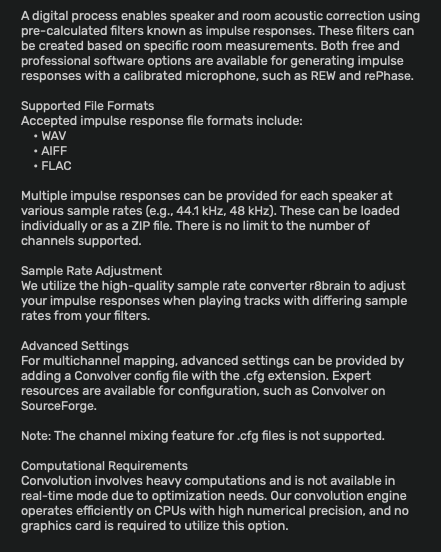
This is the description of the fundamental operational characteristics of the convolution algorithm… It is displayed when ‘Processing’ is enabled and ‘Convolution’ is selected as a process.

:musical_notes: :eye: :nose: :eye: :musical_notes:

1 Like

My exact experience.

macOS

15.7.2

Panasonic TV 3840 × 2160

Crashes every time it begins to scan 1st Library location. Apple crash log available if it helps.

David

1 Like

Windows 11 Pro
25H2 26200.7462
When change Level in Balance tab the volume of both channele does not change