So I have to download and run the Beta software, and explore around, to see if any user hints/documentation exist for the “exciting new features”…
I think I will again pass on the Beta testing…
So I have to download and run the Beta software, and explore around, to see if any user hints/documentation exist for the “exciting new features”…
I think I will again pass on the Beta testing…
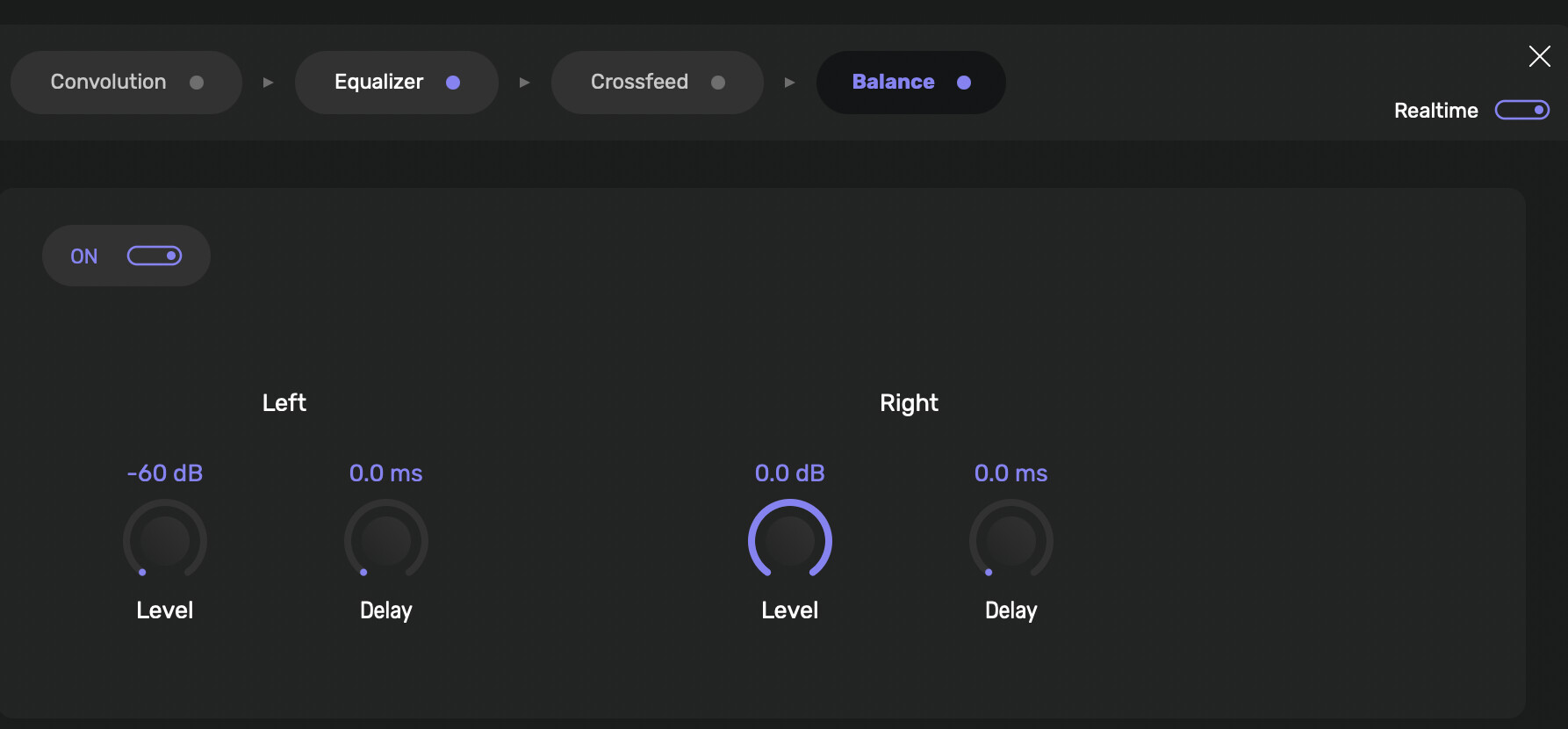
As far as technical information regarding ‘Convoution’ this is it… There is similar technical insight provided for ‘Crossfeed’ and ‘Balance’… Do you have any recommendations for multi-channel virtualization to headphone via convolution?
Otherwise the UI is way different and some nice play-queue improvements, like being able to just load a single-file without loading the whole album… For me this is a big plus especially when playing large DXD and DSD files. 
I think you will eventually find that the vertical integration of the DSP operations is appreciably audible.
I am no headphone expert and I do know that Mitch Barnett has some headphone EQ filter sets for various popular headphones as well as can create custom filter set(s) specifically for you and your peticular headphones… And if I am understanding what you are asking, I am pretty sure, using his Hang Loose Host and Hang Loose Convolver, one could arrange multi channel signal input to stereo signal output for your headphones… Best to contact Mitch at https://accuratesound.ca
You might also look into Liquid Sonics Cinematic Rooms… I used to use a Liquid Sonics plugin to do room correction DSP and additional EQ with good results back in the day…
Thanks… that was my plan if I find that Waves “Abbey Road Studio 3” HRTF surround monitoring virtualization plug-in doesn’t cut-it… Been lazy about testing… I was wondering if I have missed some potentials with convolution processes. I know there are plug-ins but most are limited to 96k and not sure they have the facility to down-sample DXD or DSD multi-channel files effectively… If Audirvāna can down-sample multi-channel signals before the virtualization processing, I would be happy to know… just been lazy about testing…
Hi @philipjohnson @davidp ,
Please follow the steps in this article to send me the crash log file:
https://help.audirvana.com/support/solutions/articles/202000051140
Hi @Antoine
I will do that however it is crash g many times. Especially when I’m scanning through Album Title
view or Recently Added.
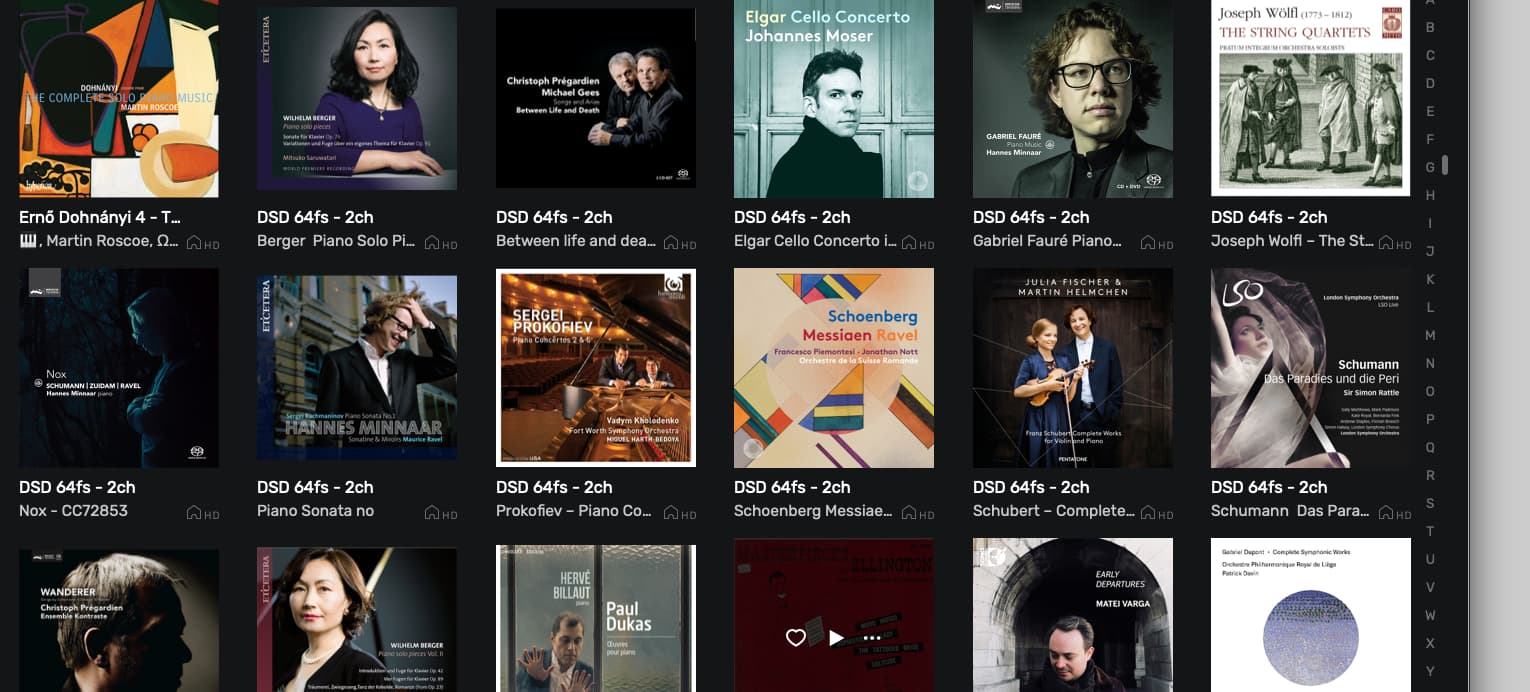
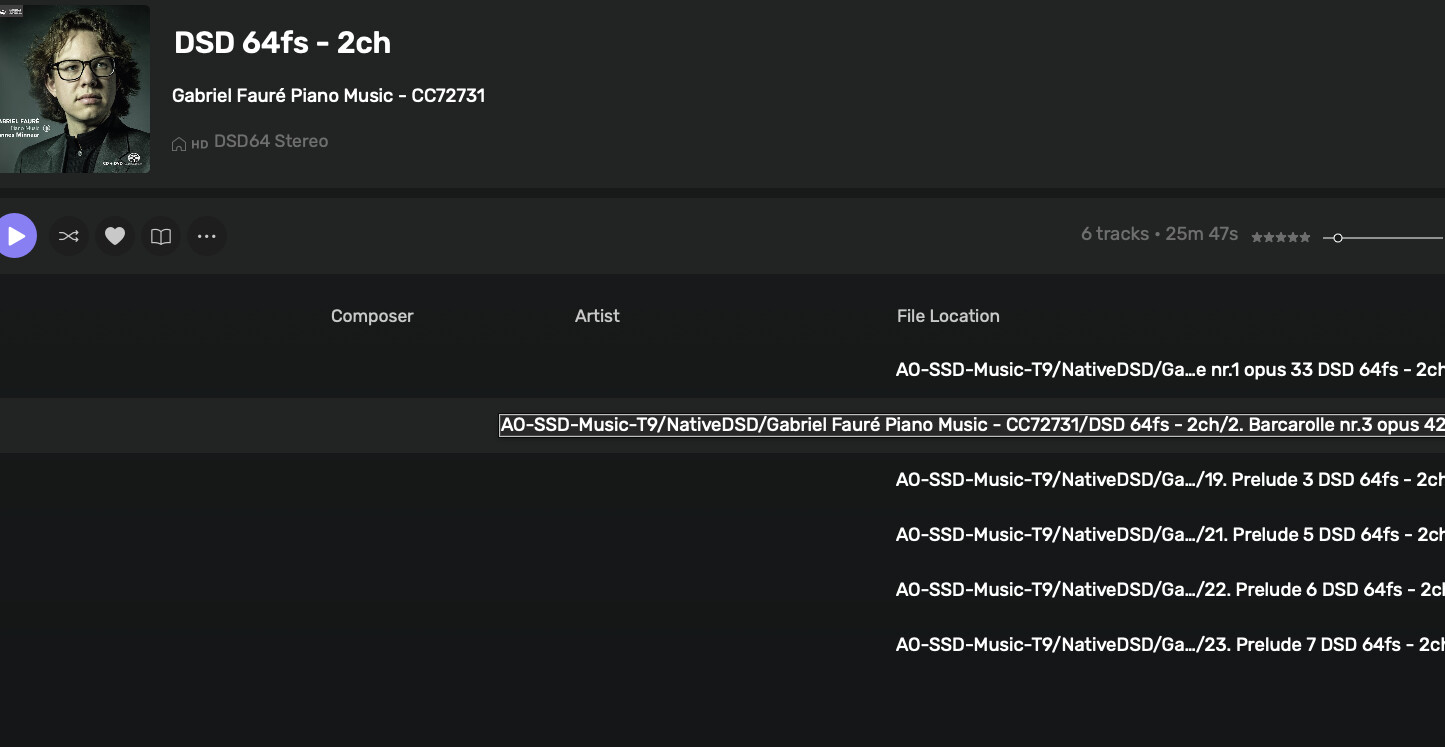
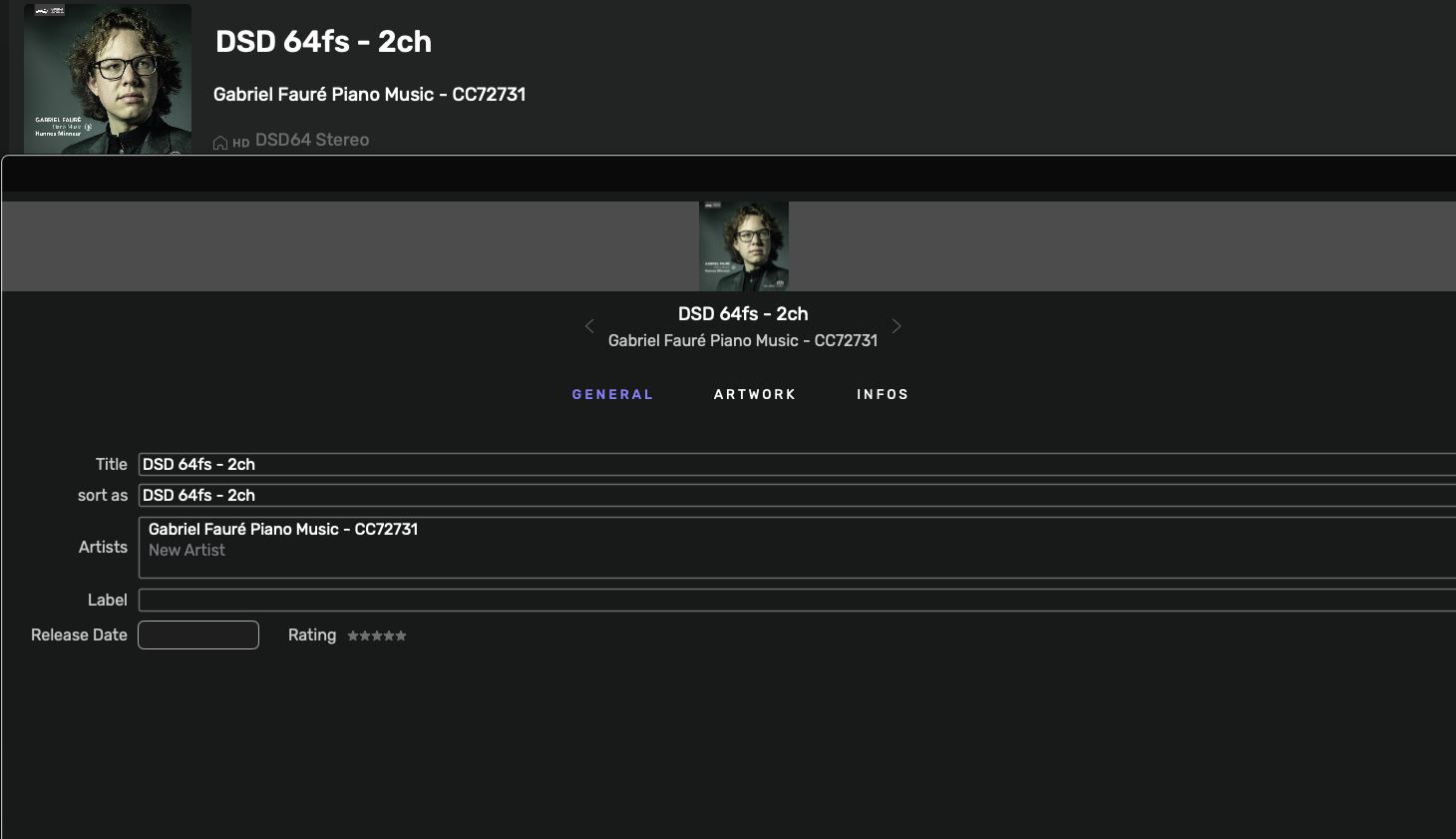
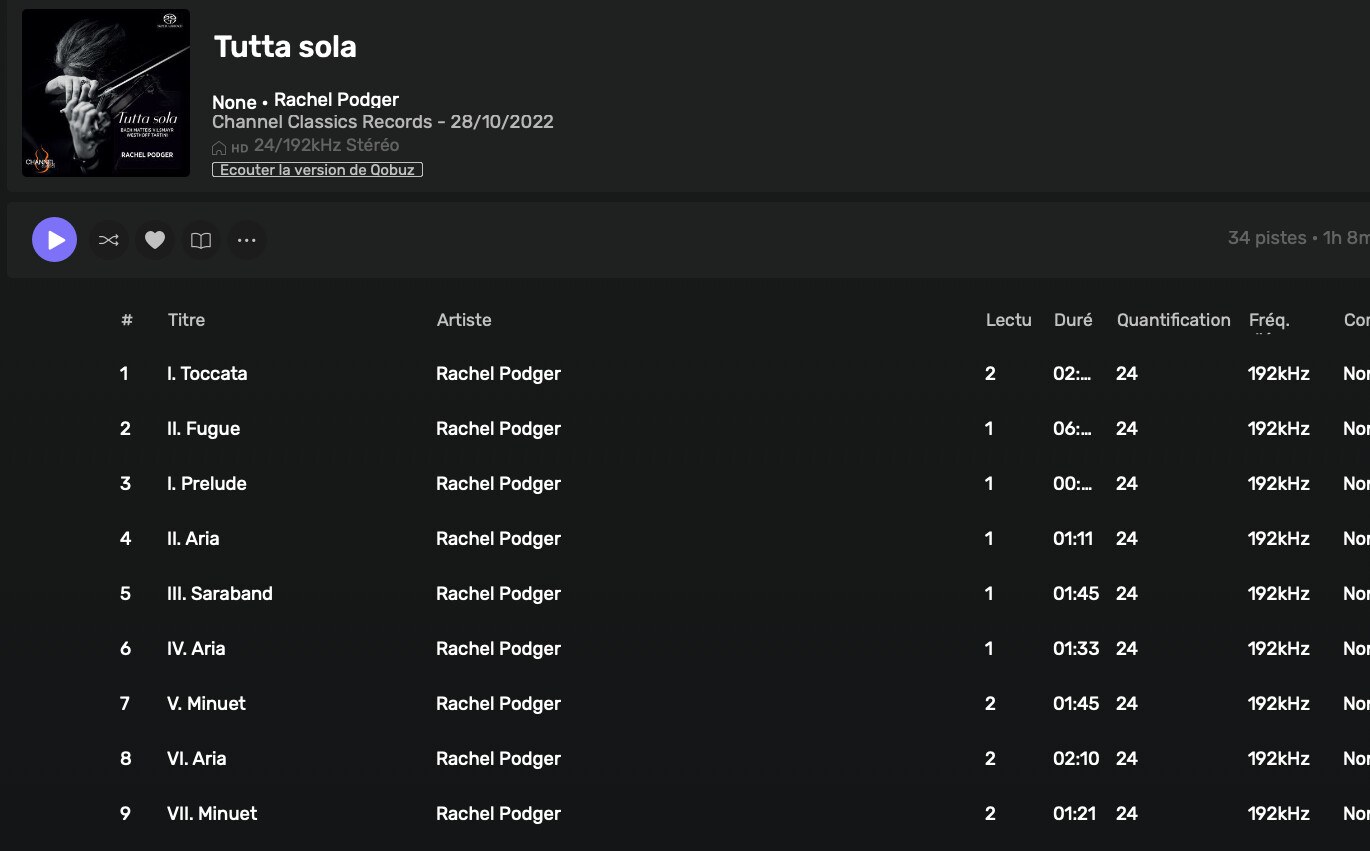
Also… having just corrected 50 or so metadata, on reopening many files are broken up into two or three files. All the metadata lost. Also, lost in Origin. Horror! What to do? This is especially apparent in Native DSD files. Image shows they change to Sort as DSD***
As well, half the images have changed to low resolution.
Regards
Phil
Is DSD 64fs-2ch the name of the folder?
Can you please send a screenshot of it?
1- Do you mean the default and Large font option?
2- That limitation is not tied to the software, but the Audirvāna account implementation. We do have some plans for it in 2026, but I can’t provide more information at the moment.
3- It’s planned
4- We have been able to fix it on our end, and it will be in the next update of the beta.
Ok, so you changed the album name, and instead of taking the change, it took the folder name?
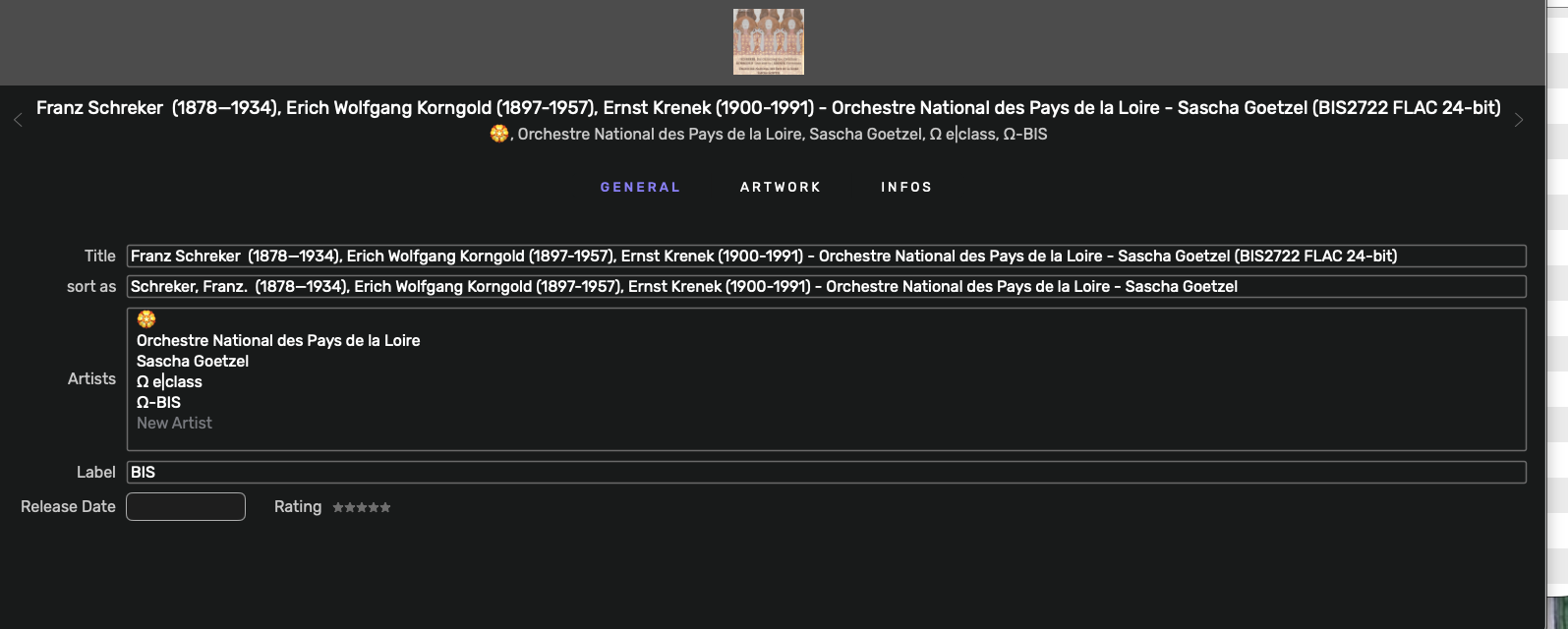
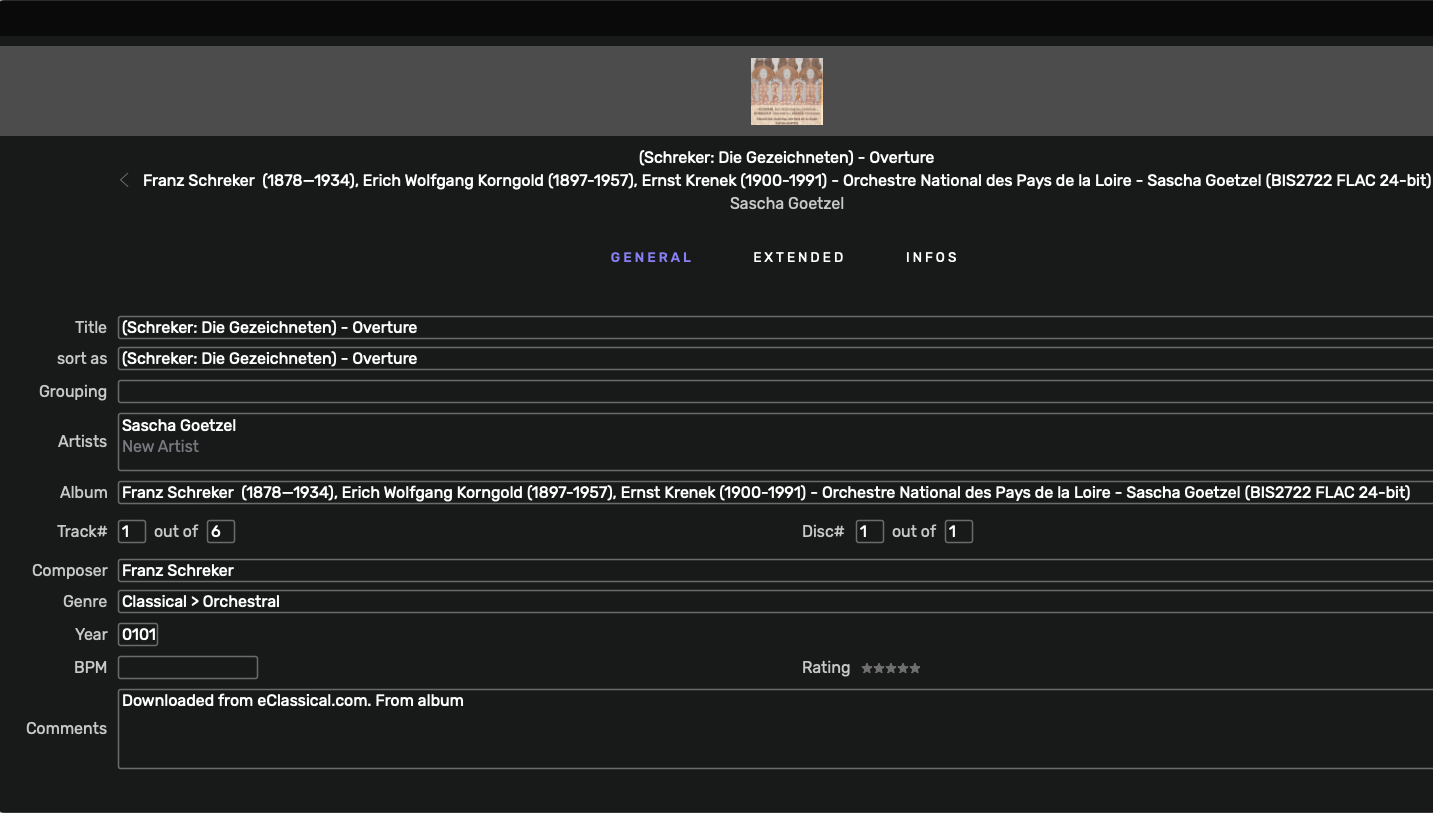
The change is global, splitting the file into two or sometimes three iterations. Sometimes it has the artwork;sometimes not. Here are my usual iterations I change in metadata for each new album. So you can see the changes are all over the place.
I must add those iterations are usually Native DSD Files. Here is my usual metadata look for my files…. You can see I am quite detailed with my metadata entries.
Regards
Phil (I have the flu so I’m going to bed now…I’ll follow up tomorrow.
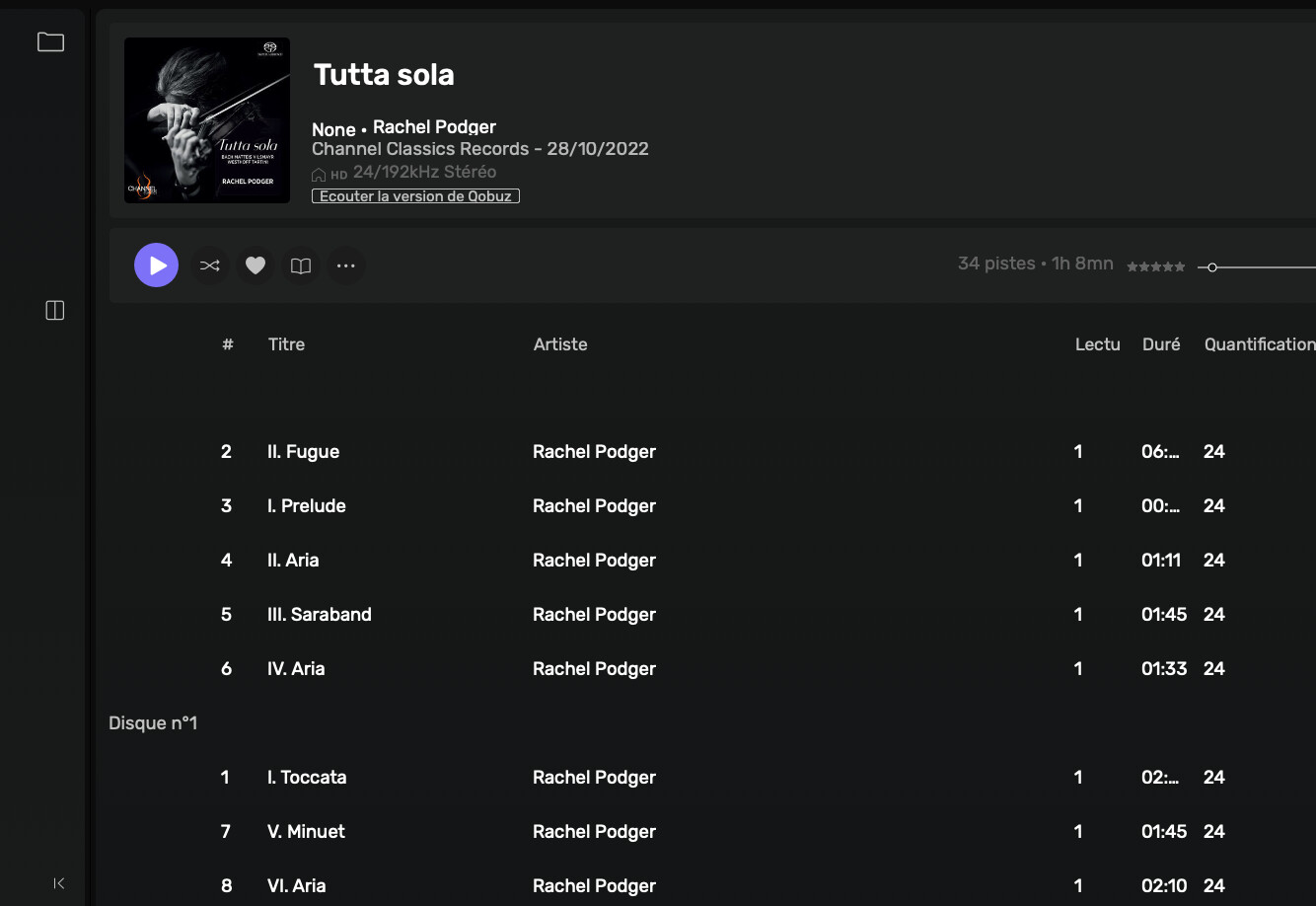
Well, I found that Audirvana does not support tracks with disc numbers entered and others (such as 0/0 and 1/1). I corrected the tracks, but I still cannot access the metadata with Command I or the menu at the top…
For the command I and the menu, it’s normal since we disabled it until we have finished the new metadata editor; however, if you click the icon to the right of the stars, it should open the metadata editor. Can you confirm it’s the case?
So, if you add the disc number for the five tracks below, are they correctly identified?
Ok, thank you for the confirmation.
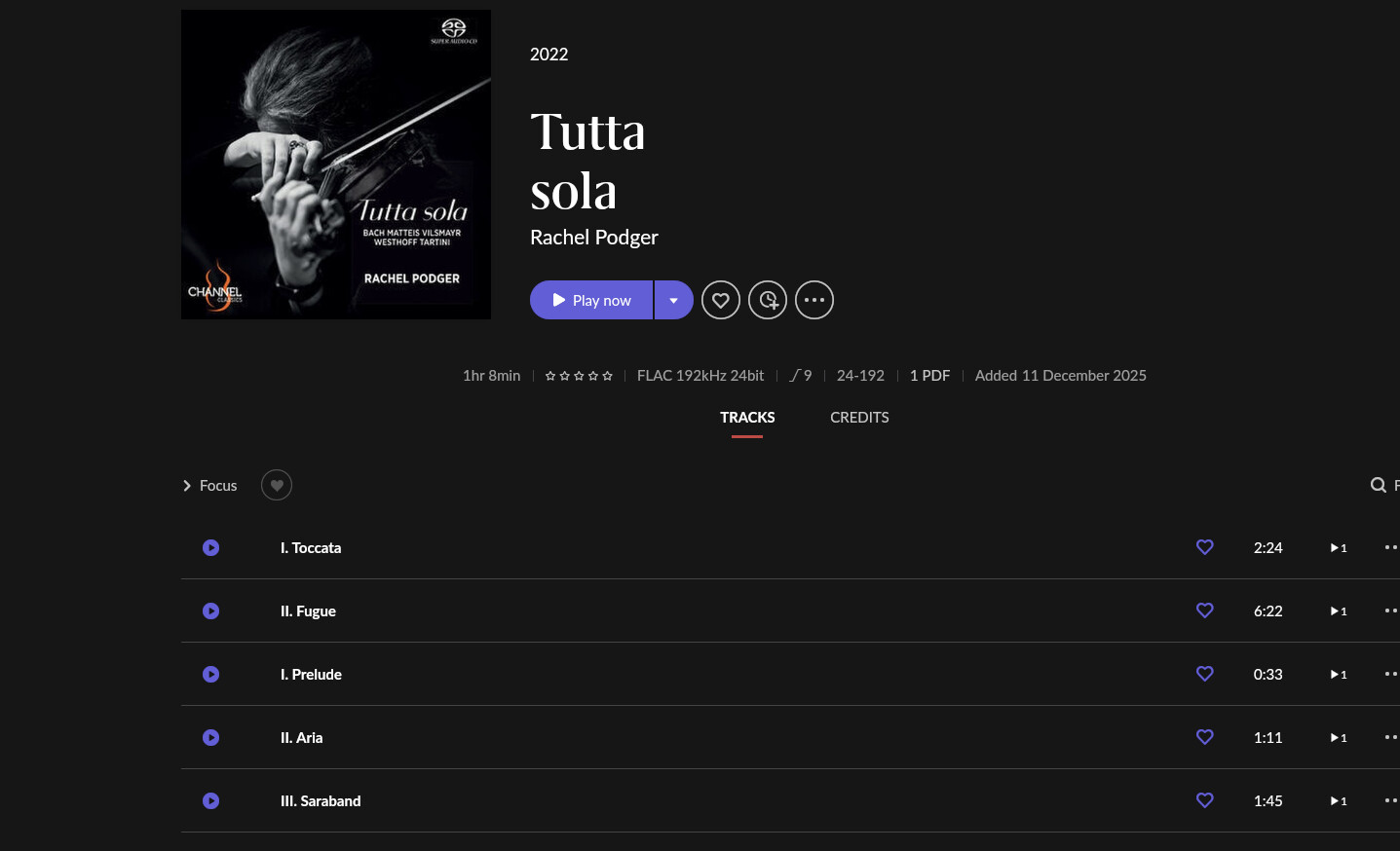
How is the rest of the album displayed in Roon?
What does that mean?