Tidal has switched but they still have a lot of MQA.
Well, interesting, and by interesting I mean puzzling. I decided to try lowering the volume with Audirvana’s software volume control while using convolution with my USB-connected DAC.
The first two or three tracks I played worked fine with oversampling to 768kHz, software volume set to -3dB or -2dB. No distortion with those settings. Then I played a rather loud (compressed) track from Qobuz, and there was distortion, even with a software volume setting of -10dB. (By the way, the distortion I get is not an entire loss of signal. It’s on top of the music, as if someone has used a fuzz pedal turned way up.) Tried another track, distortion. Went back to the original tracks that had played without distortion, and this time, with identical settings to the first play, there was distortion.
So apparently, at least from this run through, it is possible to reduce software volume and use convolution at 768kHz without distortion, but once any track distorts, they all do.
With the DAC concerned… What happens when the DAC is turned OFF and then turned ON? one test… the other would be to select the System DAC if available and then return to the DAC under test.
What happens when you up-sample to 352.8kHz and 384kHz with Volume control disabled?
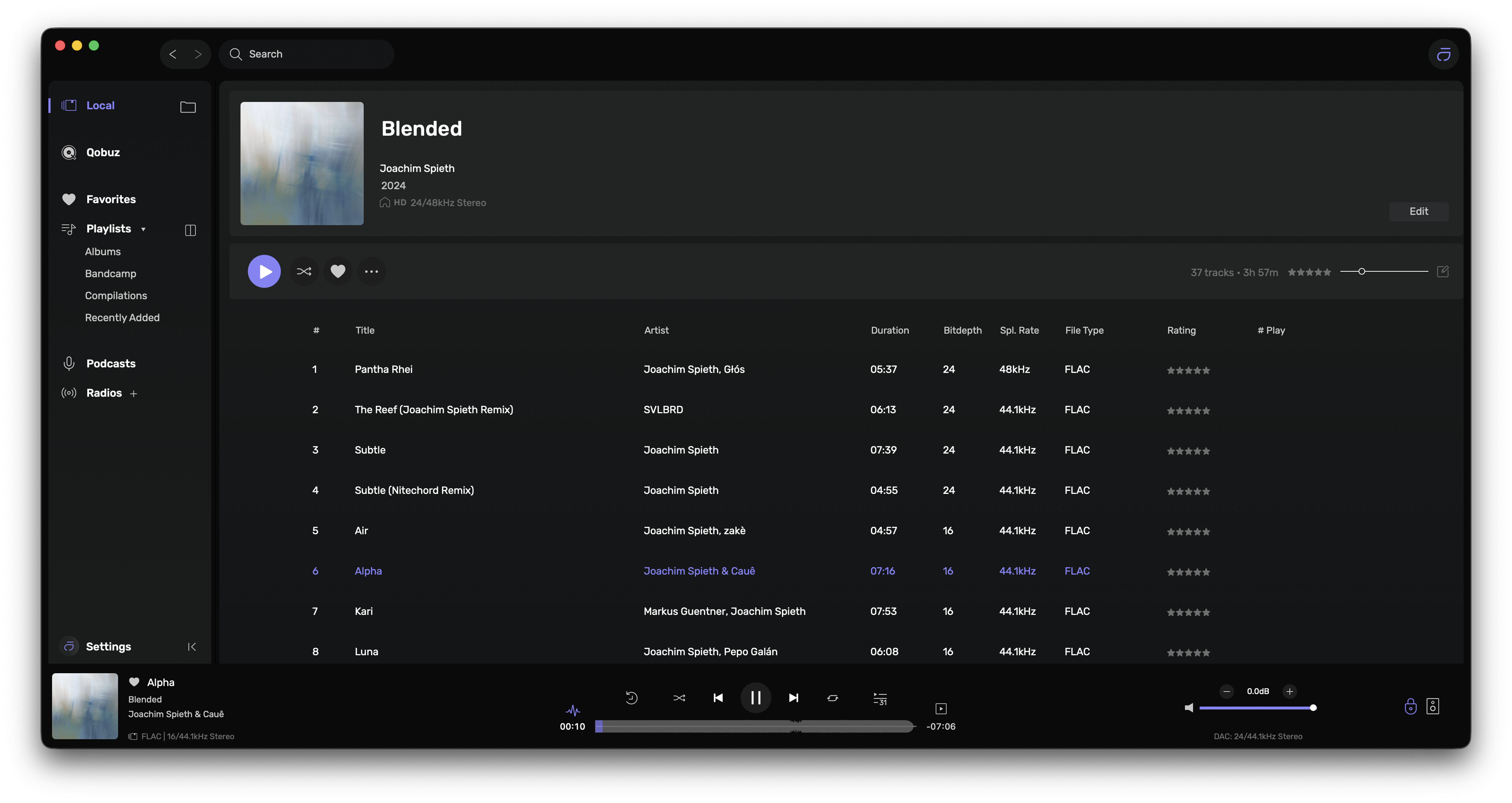
Yes, this is still happening with all local albums. In the screenshot below, I started playing the album at the first track. It’s now on track 6, yet the # Play column doesn’t show that tracks 1-5 have each been played once.

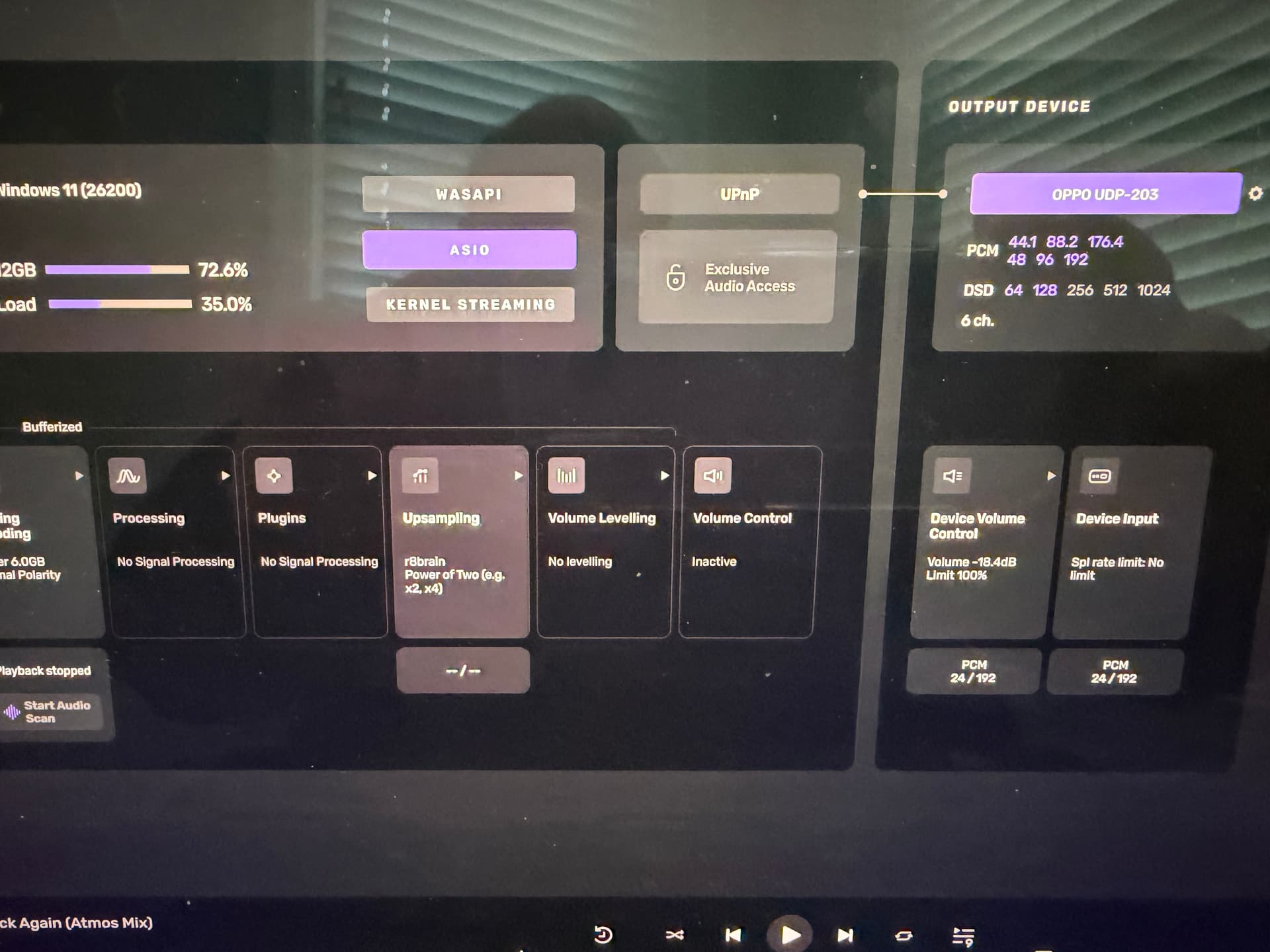
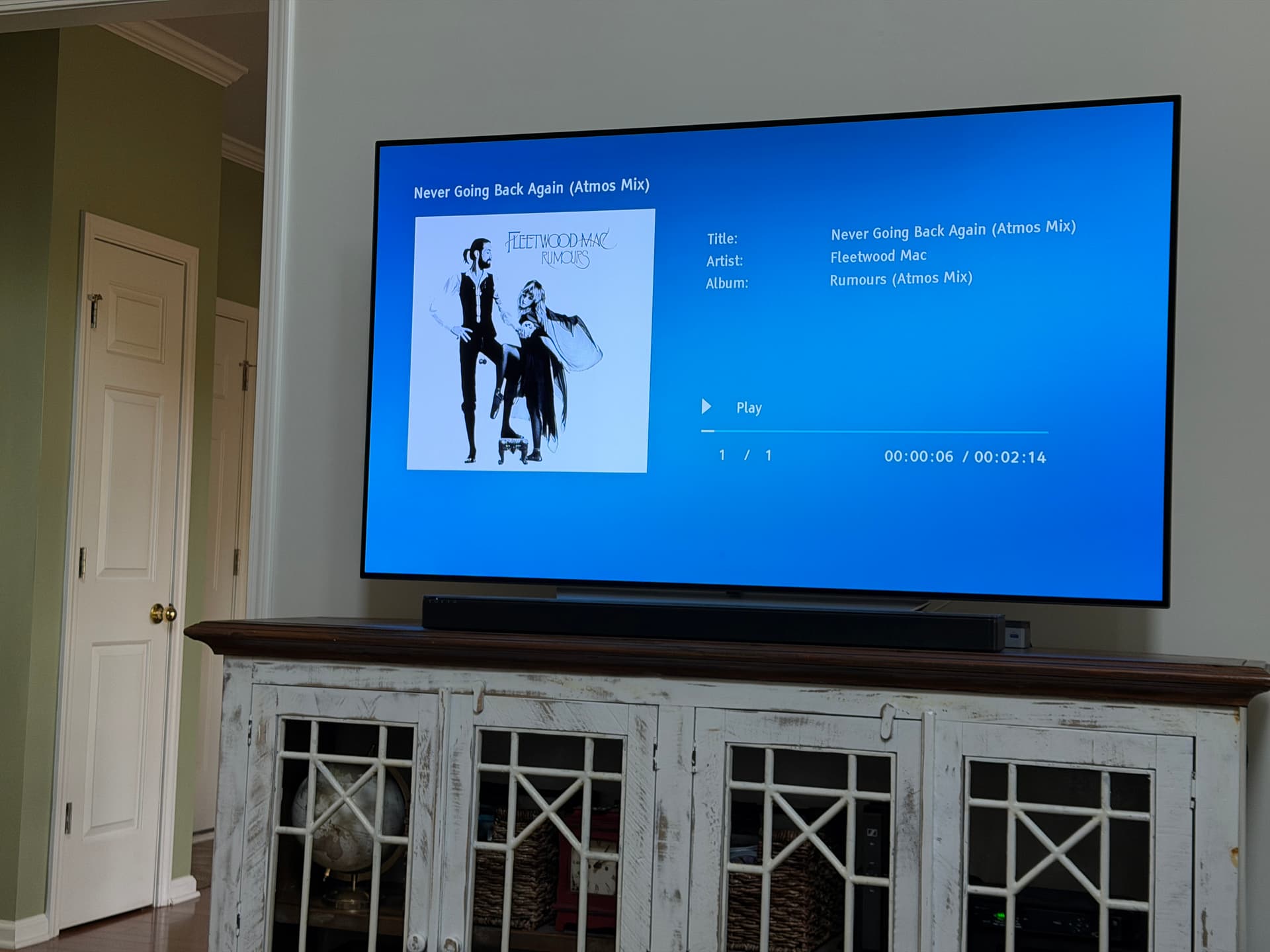
Using Audirvana Studio 3.0 beta to play Atmos album in 6 channel mix. I’m using Audirvana on NucBox G5 with HDMI to Oppo 203 then HDMI to Bose Soundtouch 300 5.1 surround. It works well and sounds good.
1 Like
How does one go about using the MQA tab when viewing Tidal content?
I would also love a tab for multichannel. The tabs are essentially filters and sorts, so it would be nice if we could define our own.
I think those tabs only apply to your local library.
Thus a good reason to get rid of the MQA tab.
I didn’t say anything about getting rid of the MQA tab. I responded to your comment that you doubt anyone uses MQA anymore.
It’s also possible that some here still have a lot of MQA in their local library but, who knows? I think it would be easy enough to add another tab for multichannel without removing the MQA tab.
Not me.
You’re right. Anyway…MQA is still around
Ok I got a new weird issue: Latest version & 26.2. So when I go into an album in my local library as below I get the album art to show but then when I back out to the main album list it appears to be lost. Anything I can do to fix this? I have several local albums doing this.

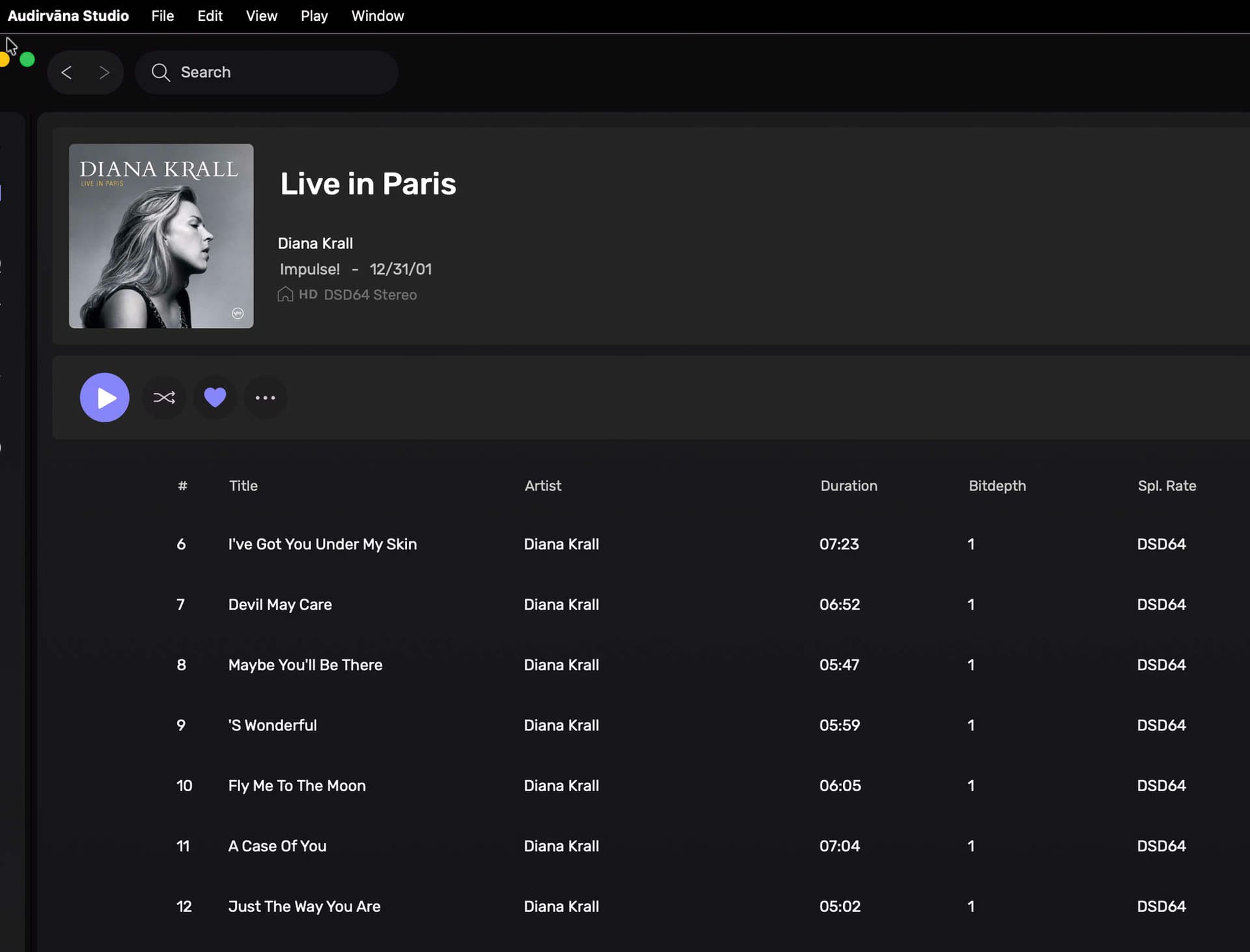
I’m seeing the same or similiar. I think it’s because it’s queued up to play and I can’t figure out how to clear it.
I find creating album playlists of my Binaural DSD and DXD content and 5.1 content/files makes direct access very simple and straight forward…


Thanks for this. I just created a playlist of my 10 Atmos albums.
1 Like
I guess I will never understand this stuff. Here I’m running on my MacMini (late 2014) with 8 Gb ram at power of 2 with convolution running and no problems so far. I have cut back to my custom “sweet spot” of 352.8 and 384 just for less stress and all is good.
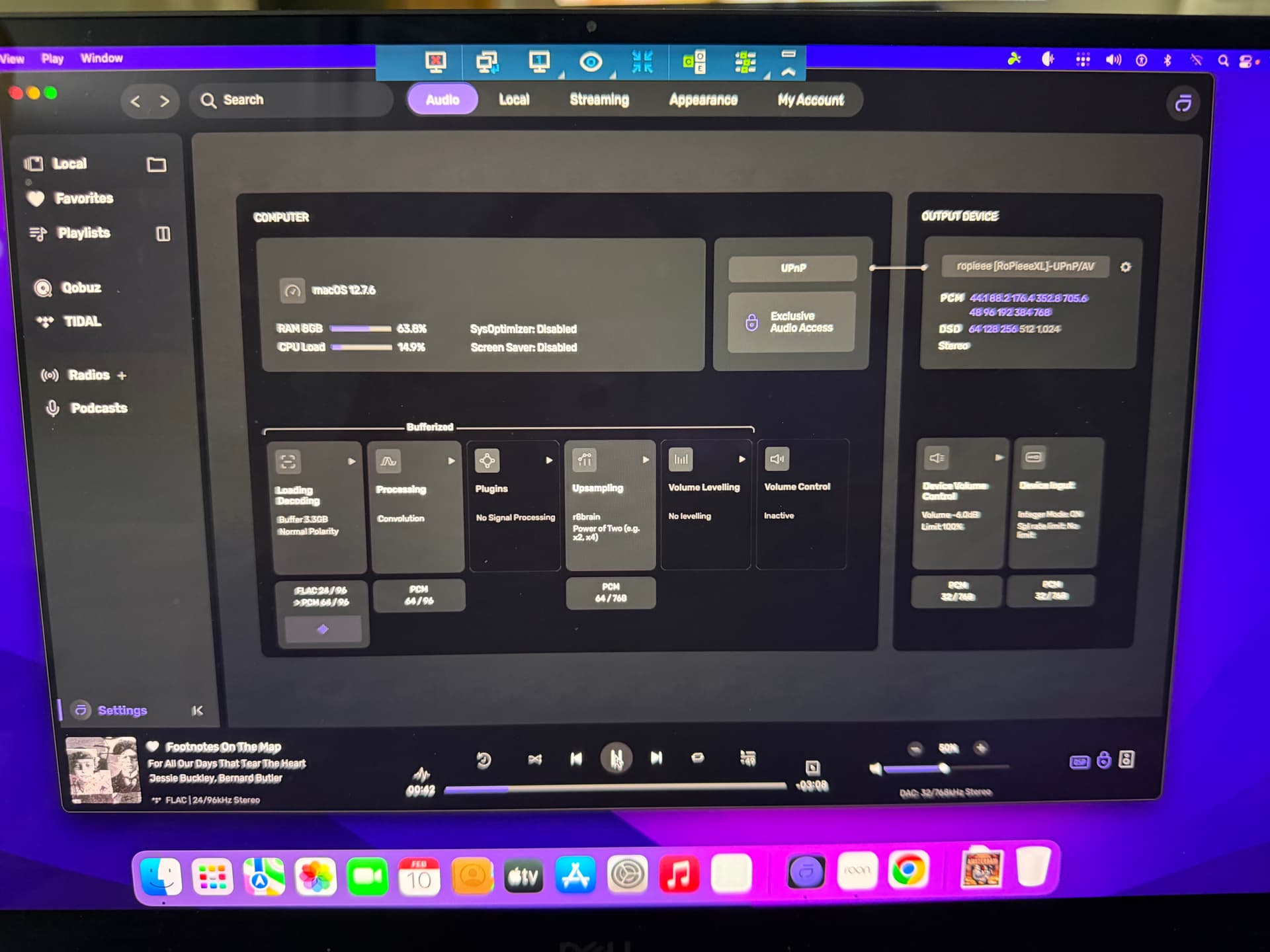
EDIT: It’s even playing DSD 256 with no issues. How can that be?
1 Like
Is your NUCbox running headless…?
It’s entirely possible that the macOS MacMini platform is more efficiently running Audirvāna and handling the I/O data-flow better… 
Edit: I suggest enabling the “System Optimizer” and disabling the “Screen Saver” on the macOS MacMini… or any platform…
Also, it appears that you are controlling the “Device Volume” from Audirvāna.
1 Like
Ok why am I getting this now?
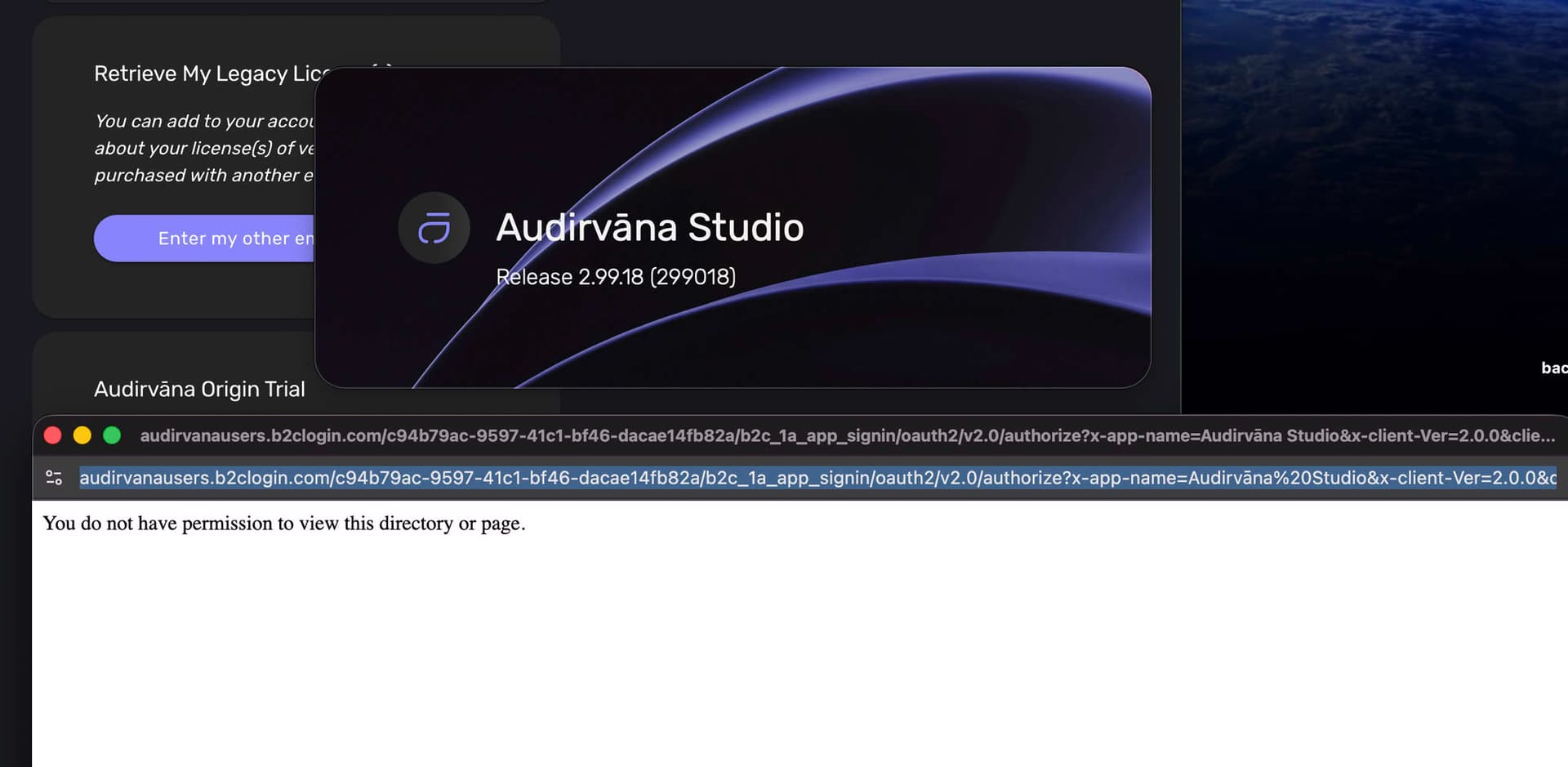
Edit: After 3 tries it finally got it together. I’m back in and all good.
