Can you please define the parameters by which we could preform an A/B test for ourselves, I would find this interesting if it doesn’t require purchasing expensive equipment or a major engineering project to my system.
Thanks for the help
Can you please define the parameters by which we could preform an A/B test for ourselves, I would find this interesting if it doesn’t require purchasing expensive equipment or a major engineering project to my system.
Thanks for the help
The problem is that you need equipment for that.
The cheapest option to hear a serious difference for a small expense was discussed in another thread.
Set an optical isolation to the endpoint in your LAN, and you’ll hear immediately a nice improvement. A basic implementation requires two TP-Link media converters, and costs less than $100.
You can get them from Amazon, and you can send them back and get a refund, if the result does not stand to your expectations.
Very good, yes I will spend some more time with the cat cable thing when I get back to my other home. So you think that the good bang for the buck is the fiber transmission technology, I’ve been following another forum topic on this and it seems like a fairly painless process to check out. I’ll think on this, thank you.
https://www.appelhoes.nl/HyperDrive-9-in-1-USB-C-hub-Grijs#
I’m using one of these. It has all the connections I need. 3x USB 3, 1x USB C, Ethernet, HDMI, SD card, sound output and it also charges my MBP. I’ve hooked up the charger to the USB C port.
The 3 USB 3 ports are used by the iFi, the Logitech receiver for my wireless keyboard and a second powered USB hub which connects the rest of my hardware to the MBP. (Printer, 2 external powered hard disks, mouse, gamepad and charging cable for the keyboard).
The SD card reader holds my music collection, while my UHD screen connects through the HDMI port.
This leaves the 2nd USB C port on my MBP free to use for other things, like the hard drive I’m using to transfer files between my Windows laptop and the MBP. Or watching movies using my Blu-ray drive.
The conversion of the electrical signal to fiber eliminates 100% of the electrical noise. And in a basic implementation, it’s a cheaper and more efficient solution than a good galvanic isolation that can only reduce this noise, but can not eliminate it completely.
To reduce jitter, you need a good reclocker.
For RPI based streamers, there are good and cheap solutions for this issue as well.
Our new home doesn’t have Ethernet cable runs but we have wall plates that are close to back to back that have coax cable, I’ve got tp-link mesh router 3 nodes, 1 downstairs 2 upstairs they each have 3 j46 outlets. I’ll have to decide whether to run cat or I could easily run fiber between the rooms and not have to have the node in close proximity, very tempting. I’m making the switch to everything on network no usb probably. Roon test is going pretty well, turns out most of my devices are Roon Ready as I have Sonos and not chromecast devices. 1 or two of the iFi streaming devices and I’m set. People seem to like them very much I see but I need to see for myself still.
My system is more complex than a direct USB output, and is based on a network solution. It’s also more expensive.
But the sonic benefit of the device of AfterDark should be similar to a major upgrade of your whole system! And IMO, for $1,000, it’s not expensive.
Take the Intona USB regenerator that Agnoldear recommanded.
The Intona device costs €450. For best efficiency, it needs a good LPS. At least a Shanti that costs €180. It already makes a bill of €630 for only a very partial improvement!
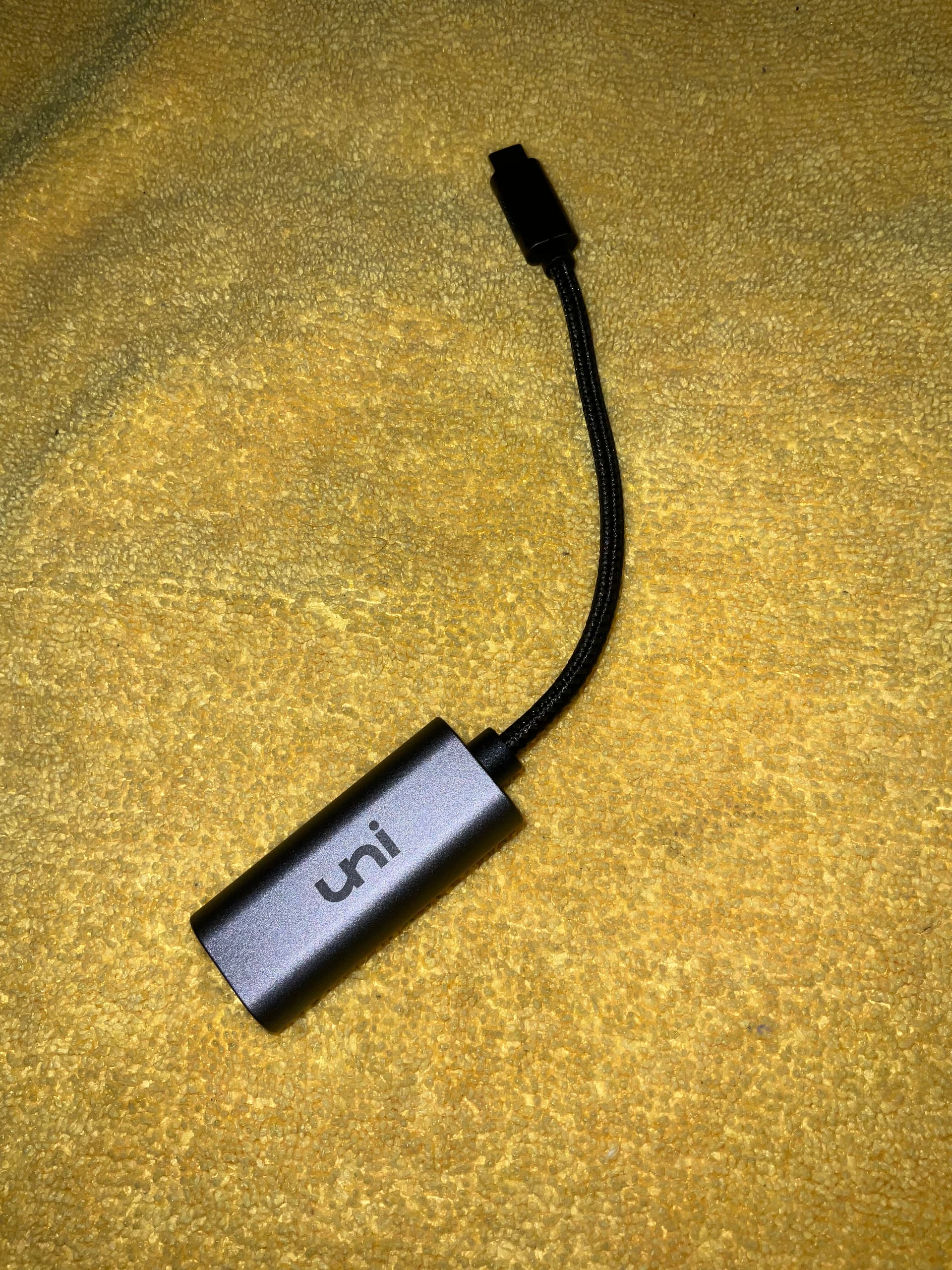
I’ll check out that hub, If anyone needs just a Ethernet to usb-c device I found this one on Amazon very reasonably priced.
In this case, use CPL to set a LAN all over your home. It works very well.
You only need to take care of the endpoint of the audio gear, like I explained to you.
I like the Wireworld approach, what I dislike is that they offer the Chroma and Starlight USB-C 3.1 only in lengths up to maximum 1 meter, I need 1,5 meter lenght…
Matt
@Cloclo … The Intona galvanic isolators don’t regenerate anything… They simply galvanically, isolate the 3.0 data and timing interrupt signals and power signals from the USB 2.0 output signals… There is no need to use a low-noise power-supply, however you can if you like… The primary function is to electrically isolate the DAC from the computer or digital-audio source… If a DAC requires 5v DC to operate, then maybe you would like to improve the power-signal…
The secondary side may be powered by an external power feed with up to 2000mA for energy-hungry devices via Micro-USB. The power switching between internal and external supply is done automatically.
I already said that this was a galvanic isolator.
iGalvanic is also a galvanic isolator, and yet people also call it a USB generator.
These are semantics in English.
You might find an audible difference in micro-dynamics and depth-of-field if you take the SSD (SD) card off of the same Thunderbolt connection and put both the DAC and the SD card on separate bus controllers… Call me crazy and over-the-edge, but I have my DAC and my library HDD on individual buss controllers, with the DAC having the highest priority on the Thunderbolt 3/4 bus > USB 3.0 bus controller in my PCIe expansion chassis and then the HDD below it on the USB 3.0 bus controller of the MBP connection port… This is to reduce error-correction interrupt noise from the USB 3.0 input from the HDD input controller being induced into the Thunderbolt 3/4 signal that is being output to my PCIe expansion chassis that hosts my USB 3.0 card and power filtering/conditioning and stabilization for the entire I/O power topology of both the USB 3.0 card and the Thunderbolt 3/4 bus architectures.
@Cloclo …Well you are partially correct… the iGalvanic 3 does data-signal re-clocking and power filtering as well… on both sides of the transformer… (before and after)
You can use the Intona without a PS, you can use it with a PS, and you can use it with a LPS.
Its efficiency is not at all the same. You need a LPS for best results.
I appreciate your advice. But to be honest. I don’t hear a difference here. I’ve tried it with my Audiotrak in the past. Same sound.
Besides. I don’t listen too much to my local collection. Most of the time I’m listening to the high-res versions of the tracks through either Qobuz or Tidal. I’ve reactivated Tidal to check out that whole MQA thing.
As I’ve said earlier. The setup that I currently have works for me. I’m not as fussed about all the semantics as you are. The biggest plus for me is that I can now play 24/96 and 24/192 tracks without any hiccups. 
I don’t care what ASR says.
Did you try an Intona?
I tried it without a PS, with a non regulated 5V PS, with an iFi iPower, and with an Allo Shanti.
There was a big difference in sound quality. And I tried it with more than one DAC.
@Cloclo … Look, we can all agree that opto-couplers and Ethernet switches provide isolation… you will not get an argument from me regarding this… The AfterDark configuration poses an relatively affordable potentially high-performance system for the transmission of USB born data-signal… I will not argue this either… My general approach is to reduce the number of digital-audio signal translations which can carry with it, data-signal quality distortions…
I use direct USB output from the computer to the DAC very little. I do it only for headphones listening when I travel with my laptop.
This was the reason for which I actually bought iGalvanic, and iPurifier.
But if you use the USB output of a computer for your main listening setup, you should seek for the best sound quality at a decent price. This is the only thing that matters.
This system of AfterDark seems to offer such a solution.
I have a more sophisticated and expensive system that probably improves the sound quality a bit more. But in all honesty, if I had to start a new, I would have tried seriously this system of AfterDark. It’s simple and affordable. If the difference of sound quality is about 5-10% with my system, I could have accepted it, and have used the money that I saved for other devices of the audio setup.