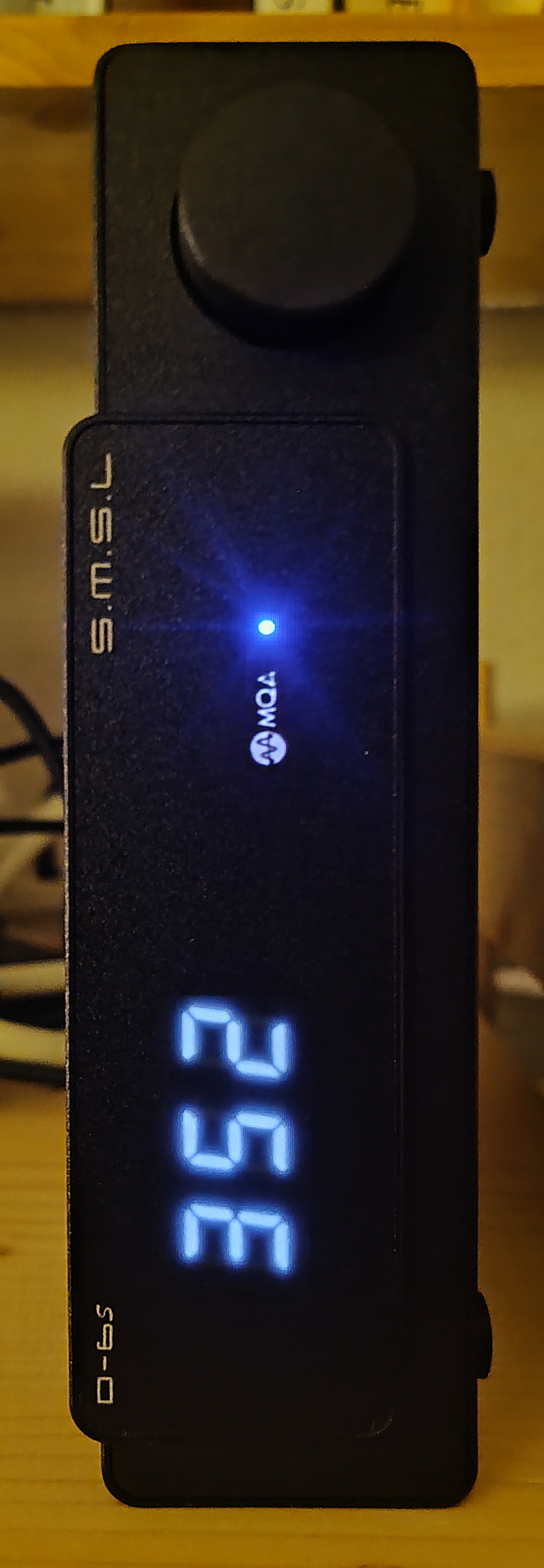
I went back to Studio version 2.9.6 temporarily – to check the MQA situation there once again:
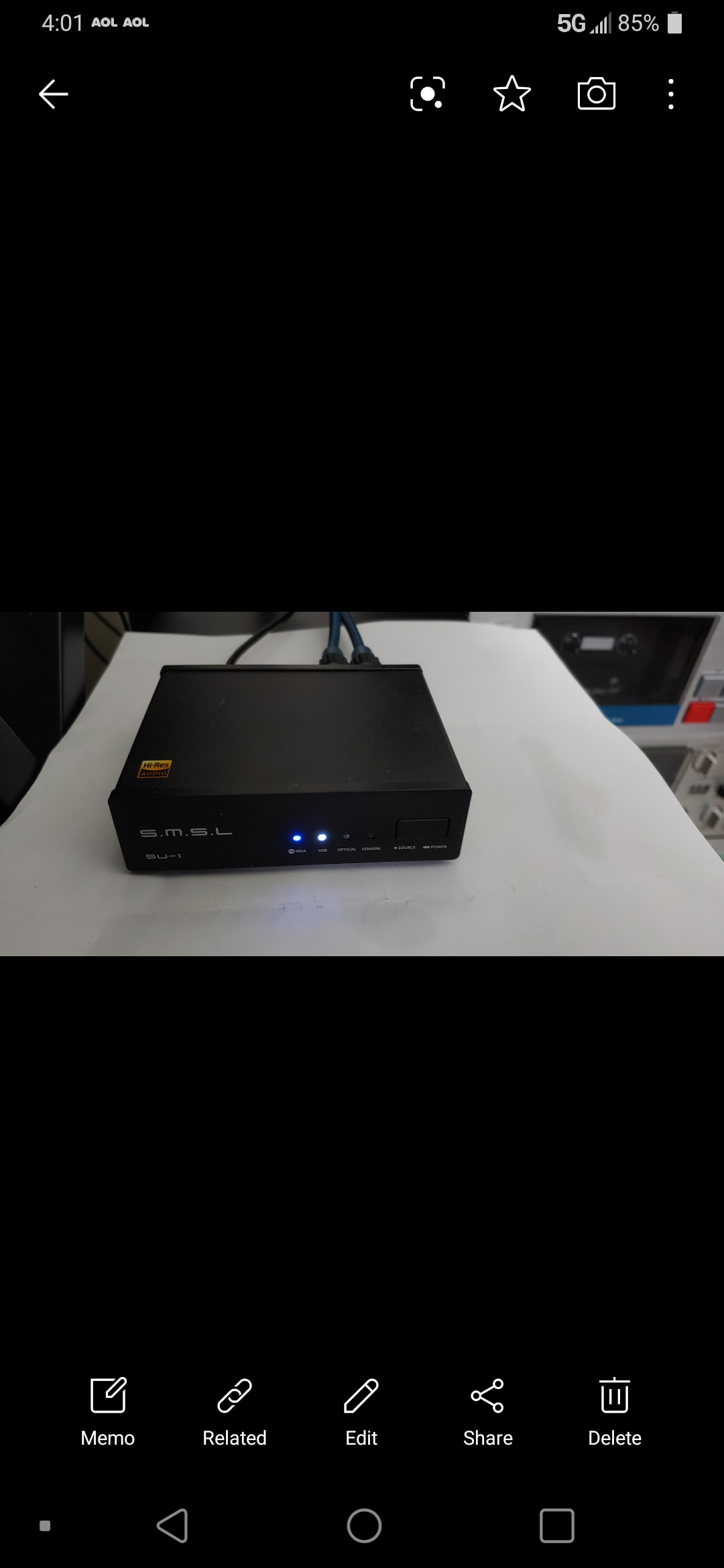
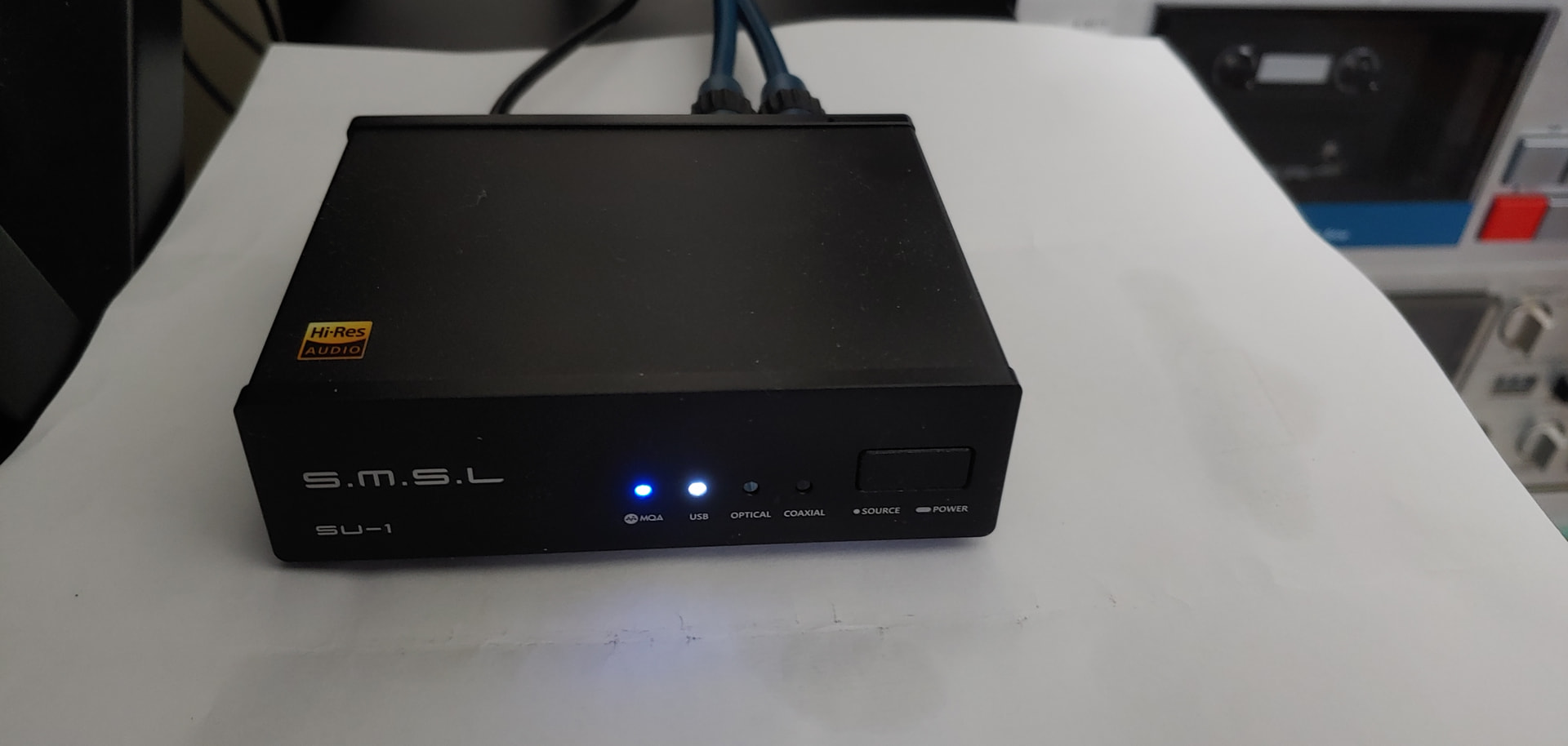
• Both my DACs show the blue MQA sign/logo!
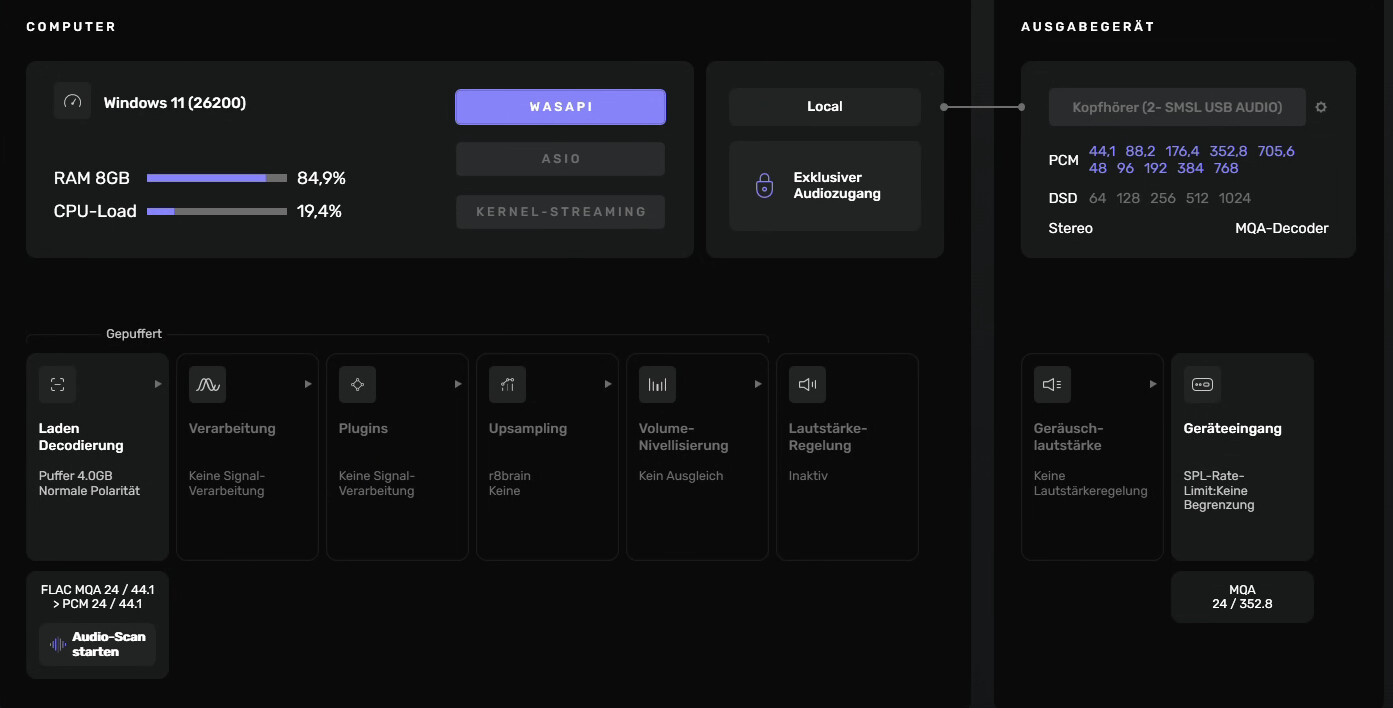
Settings screenshot looks like this:
Thank you for starting this topic !
Usually I am using Audirvana to play all kind of files but for MQA I was using to this time software that correctly is recognizing MQA files for convinience.
As far as I know there is only two programs that support MQA files and better or worse showing what kind of resolution is being played at the moment. One is Audirvana and other software that is doing good job with MQA but not supporting other files that Audirvana do support.
So I am using bunch of different programs depending on situation and just for fun.
I couldn’t agree with you more !
Would be nice to have again correct signaling of MQA files with Audirvana Studio.
My latest finding is that the MQA handling seems to be effected by certain Upsampling settings. Which should not be the case, I’d guess …
Ain’t MQA a locked format?
That’s what I thought.
In my case, selecting »Custom« as Forced upsamling type seems to alter MQA to Non-MQA somehow.
Of course it will alter the MQA algorithm… MQA is algortihmically designed to be fully unfolded at the DAC, as the metadata for the algorithm behavior is codified in the MQA mastering process, which is designed to deliver the “Master Quality Authenticated” file to a DAC that supports MQA unfolding as intended…
Read the link that I provided above, regarding how Audirvāna handles MQA files.
The DAC does the final unfolding of the MQA algorithm… This is because the MQA process depends on information about the playback DAC in-order to reproduce the file as intended in the MQA mastering process.. This information is intrinsic to the MQA Decoder as employed by the specific DAC platform architecture…
Therefore any DSP done on the file before it reaches the final unfolding process of the algorithm in the DAC, destroys the MQA algorithm metadata and the DAC no longer sees it as an MQA file, because it is no longer a MQA file… By the nature of applying DSP to the first unfolding of the file, it is now transmogrified into a fundamental PCM file based on the resulting bit-depth and sample-rate of the DSP applied to the first unfolding of the file, in Audirvāna.


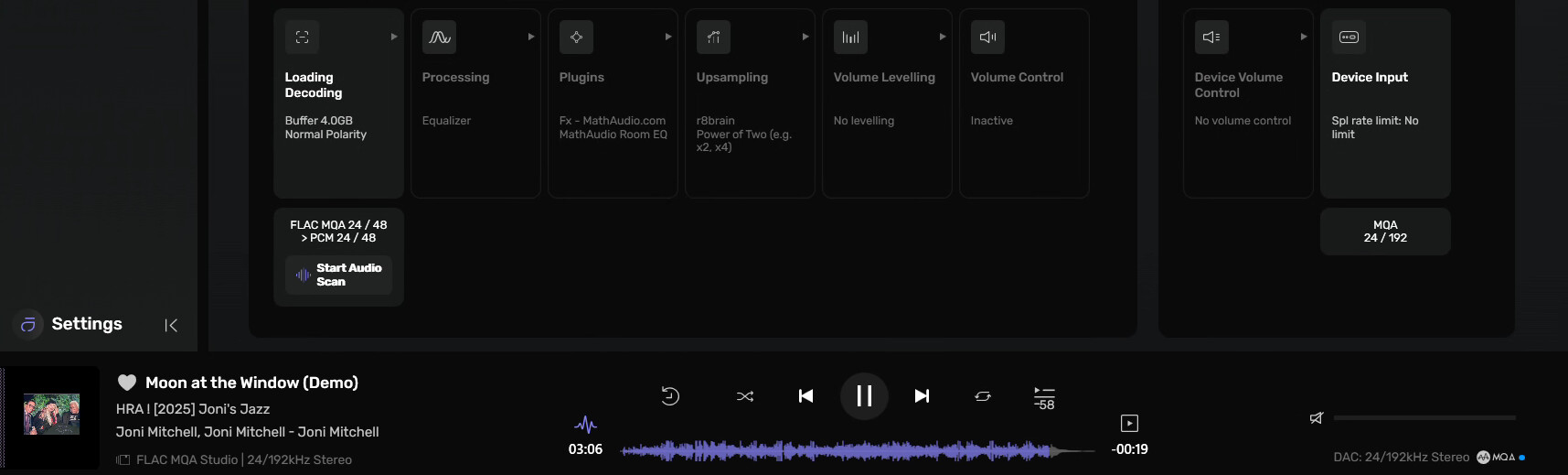
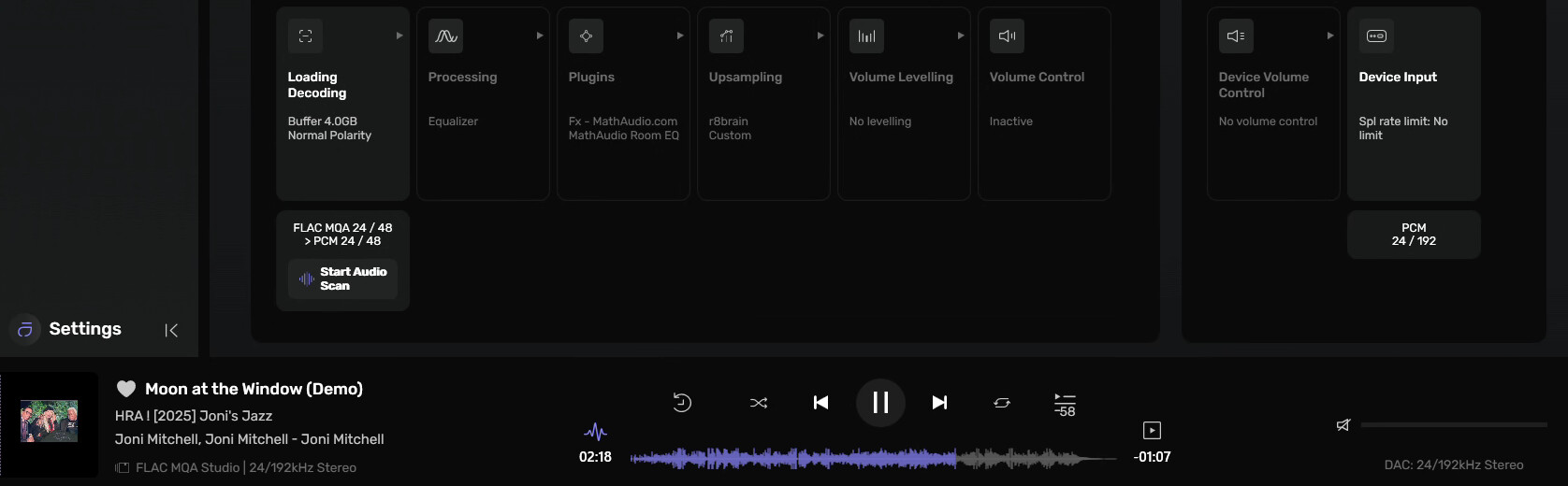
Audirvana’s settings panel clearly (and logically) insinuates that any MQA data stream is not going through »Processing«, »Plugins«, »Upsampling«, »Volume Levelling«, »Volume Control« and »Device Volume Control«. Therefore (it seems), those six stations are greyed out in the settings panel showed in this screenshot:
Interesting, you are using an MQA renderer, right? I will try with one as soon as I can.
@Antoine
You cannot modify the MQA data in any way, because this destroys the metadata used in the unfolding processes… Otherwise, the premise of “Master Quality Authenticated” mastering is ruined, because the MQA Decoder in the DAC has no information to operate upon…
My »first« screenshot shows greyed-out Upsampling setting »Power of Two«. Again – it is greyed-out! MQA handling works.
My »second« screenshot shows greyed-out Upsampling setting »Custom«. Again – it is greyed-out! MQA handling is not working.
Why is one Upsampling setting OK for MQA handling, but the other is not? Why has any Upsampling setting any impact on MQA handing at all – although displayed greyed-out?!