You’ll want to defragment your Audirvana database by using the “Defragment” command located in the Maintenance section of the preferences page.
This will help improving Audirvana data fetch performance.
Damien3 - Thanks for the defrag tip. But that does not solve the problem for me  It still takes over 5 Minutes to load the “Artists” list.
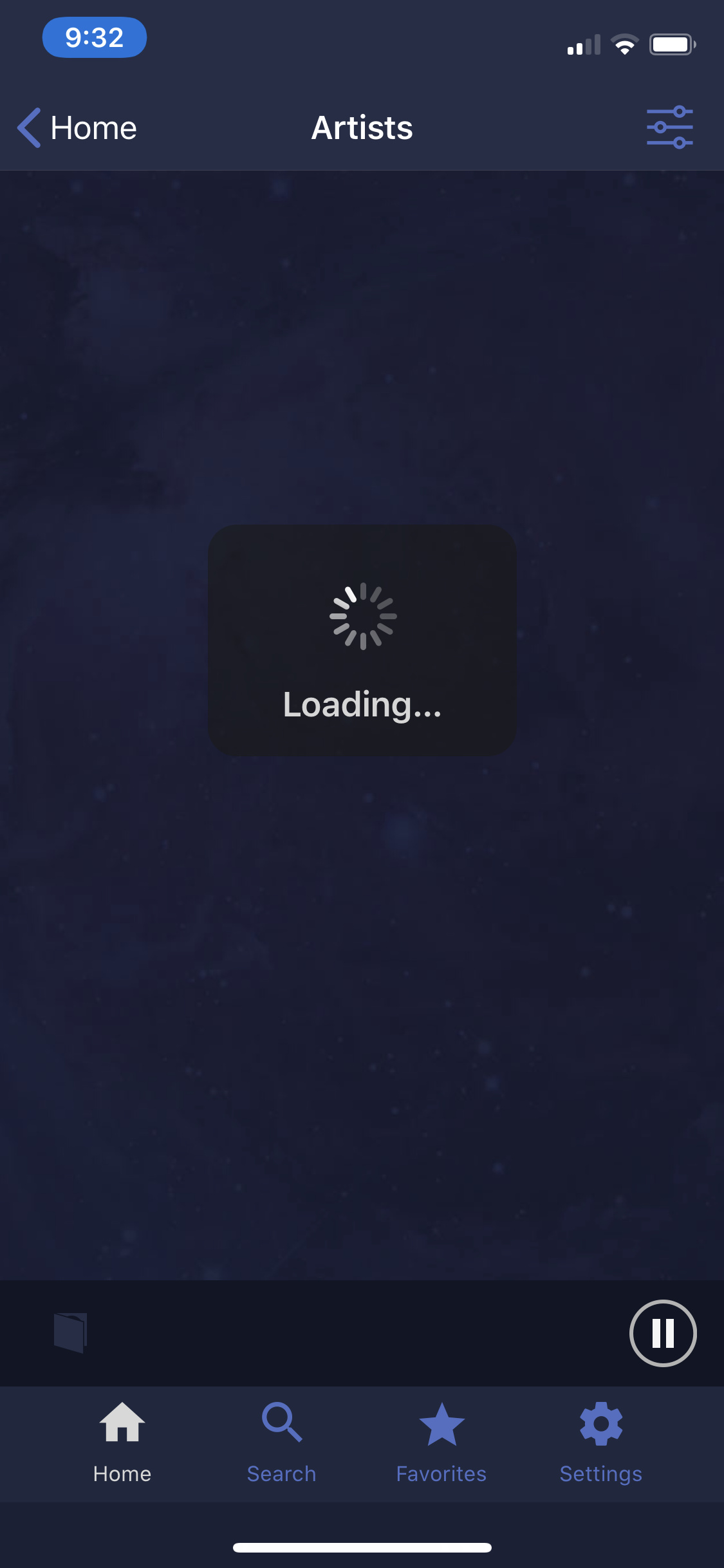
I also have to keep rebooting the router since the new app came in. Periodically have to turn off all devices and turn on again to clear confusion. Also have the library on the Mini load slowly (but that is okay). Is anyone else frustrated by disappeared track info? I no longer see as much info–for example, the singer. It was better before and also the track/play list came up on the side of the “now playing” rather than losing the page.
Me too several times a day😢
If only the rebooting of the router fixes the issue, then you have a networking problem. What kind of a router do you use?
Sounds reasonable but having not used the remote app or Audirvana in several days I have no problem. Screen sharing is stable; router is stable. Rebooting the router is because I lose connections and screen sharing with Mini. No other problem is there or is fixed by rebooting. Router is Luxul XWR-600. Is old, but no problems with other software. Having to reboot the router several times while playing music is not fun.
You could add an additional wireless router and have that subnet be dedicated for audio with separate SSID (network name).
You’ll have a double NAT-ing, but audio doesn’t require massive bandwidth.
Depending on your IT proficiency level, you could put that router in bridged mode a run a better router behind it. That would be the optimal setup.
Agree do not have a network problem. Only a A + remote problem
My IT proficiency is low–basically plugging things into other things–but I can probably muddle through anything with help. However, I need to be able to access the internet to use the booklets…
I have no trouble using the Qobuz app on the Mini via remote desktop to play music. I turn it off when using Audirvana. I was not having anything like this much trouble before the new remote app. I would just skip the remote app, but my husband really likes it, although the information is less. The stop button worked on the previous new remote app, but not the very most recent one. Possibly a system problem, but seems such a shame to go through changing everything when it all worked fine two months ago.
Forgot to say am not streaming only using purchased albums on Audirvana and imports on Qobuz, so situation is perhaps unusual. Likely the problem is due to the combination of the particular equipment I have. I’ll ask around.
@st.nsw it is time consuming to find a stable configuration and then we get it wrong again just because of a new version of something …
Personally I ended up with simplifying as much as possible.
I dropped the remote app, and I’m using a MacBook Air with screen sharing with my Mini running Audirvana, this works perfectly. Furthermore I enjoy doing web research on a particular piece of music that I am listening to and can do this easily on the MacBook …
I also dropped the NAS and installed a 2TB SSD in the Mini, the NAS is only used for files backup. I am happy to have returned to the basics 
1 Like