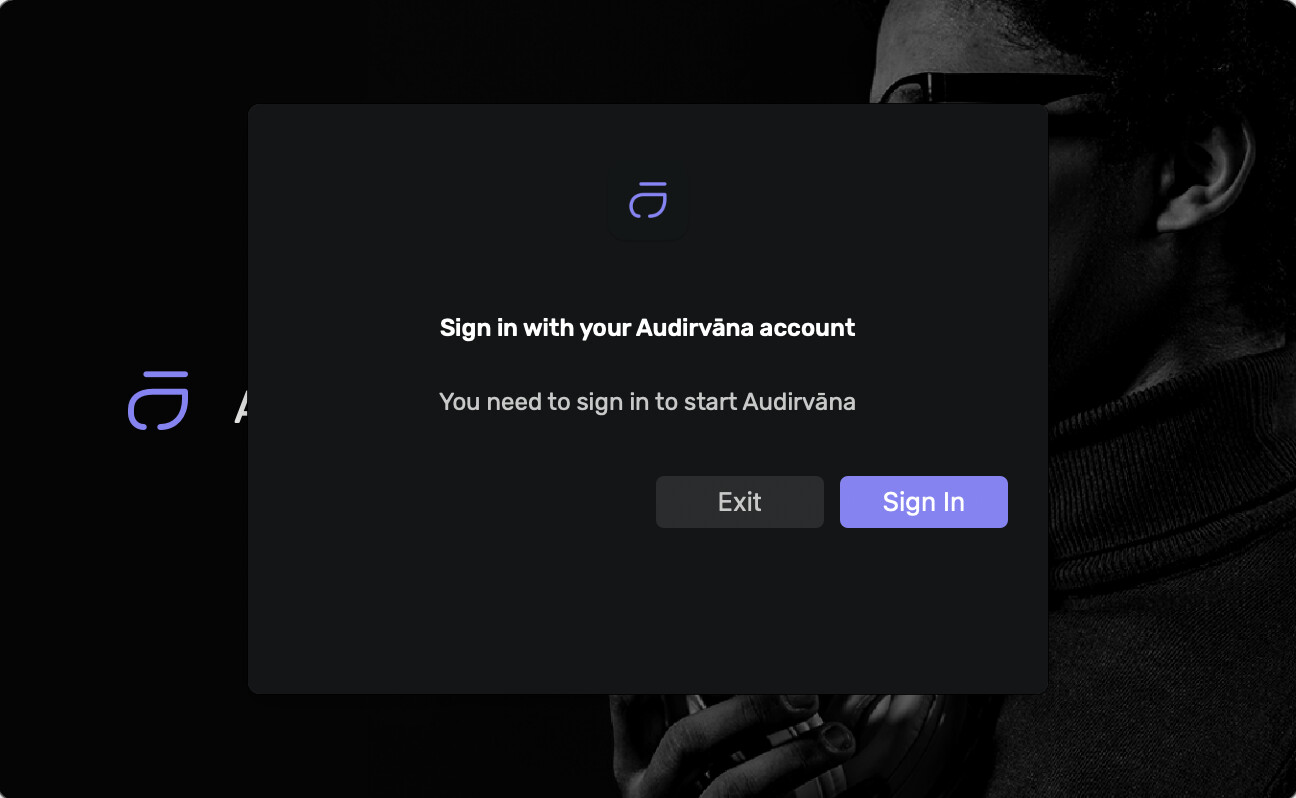
Just got a proper error message when trying to log in:
Runtime Error
Description: An application error occurred on the server. The current custom error settings for this application prevent the details of the application error from being viewed remotely (for security reasons). It could, however, be viewed by browsers running on the local server machine.
Details: To enable the details of this specific error message to be viewable on remote machines, please create a tag within a “web.config” configuration file located in the root directory of the current web application. This tag should then have its “mode” attribute set to “Off”.
`
`
Notes: The current error page you are seeing can be replaced by a custom error page by modifying the “defaultRedirect” attribute of the application’s configuration tag to point to a custom error page URL.
Login authentication is managed by Azure B2C whose server used by our tenant is currently down.
That’s why only offline mode works until this Azure is fixed.
Microsoft is aware of the incident and strongly working on it.
We are sorry for this strong issue of our cloud provider that is preventing you from enjoying your music.
We’ll keep you posted.
Damien Plisson
Audirvana
PS: Azure current health status
23:48 CET update from Microsoft:
Current Status: We have deployed a configuration change as a mitigation step, and we are seeing gradual recovery in service health. We continue to investigate the root cause and monitor the progress of the mitigation. The next update will be provided in 60 minutes, or as events warrant.
Update 21:40 CET from Microsoft who is deploying the mitigation
Current Status: We have identified the root cause of this issue. We are deploying a configuration change as a potential mitigation step which is in progress. The next update will be provided in 60 minutes, or as events warrant.
Update from 20:40 CET:
We have identified the root cause of this issue and we have a potential mitigation plan in-progress. The next update will be provided in 60 minutes, or as events warrant.
Status as of 18:00 CET:
Azure Active Directory B2C - Europe - Investigating
Impact Statement
Starting at 13:40 UTC on 05 May 2024, you have been identified among a subset of customers using Azure Active Directory B2C in Europe who may experience failures when trying to sign-up or sign-in to B2C applications. Password resets by end users may also experience failures. Retries may be successful.
Current Status
We are actively working to Identify the root cause and determine the mitigation work streams. The next update will be provided in 120 minutes, or as events warrant.
Mention of offline mode??? Cannot even get the software to run to see what this is. That Audirvana is clearly constantly checking some remote server when playing locally stored music, this is bad. Really, really bad
I am very sad to have so much dependence on the outside to listen to music in Audirvana. Or in many other programs, almost all of them, and not only music.
Offline mode enables to play your local music when there is no connection to the authentication server.
The issue is when the server replies but the wrong answer, as this is now the case.
Such outage has never happened since Audirvana is using this service (for more than 3 years now).
I fully understand your frustration, and apologies for this.
But unfortunately there is not much I (and the many other companies impacted) can do to unlock this in a few minutes.
And of course I’ll work with Microsoft to understand how to recognise such outage and enable offline mode in this case. If this (hopefully not) ever happens again in the future.
Thanks for clarifying your previous comment that offline mode is in fact not working, Hopefully going forward you can make a change as you suggested to make offline mode truly an offline mode which is not the case currently as offline mode requires online login to work.
I wasn’t aware of this online/offline situation. I just thought after I bought the software, I was free to use it at will. Not governed by an online authentication??? Can’t play my own Library, really!