How do i get everything removed?
It is a 2021 M1 Pro with 8 CPU Cores, 14 GPU Cores
Try to trash it first. It should also remove sysoptimizer. Reboot and re-install.
Plenty of horsepower, 49% seems wrong
Is Audirvana scanning the added music folders?
1 Like
When you re-install, don’t add any folders. Just check the situation first.
@bitracer, what’s the path to the data SQLite file?
Trash the files from your applications in finder, and the preferences that bitracer will guide you to
I’m not in front of the computer. Search the forums, you’ll find it quickly.
ok trashed the file from applications
and the database from Application Support
Delete audirvana plist file from Preferences too
Freshly installed without any library folder or Tidal connected, I do not have the high CPU usage, but still the throttled internet from this machine.
Try with the Ookla app, or a different browser.
1 Like
- Open the Go menu of Finder.
- Pressing the option (or alt) key, and maintain it pressed. This reveals the Library command in this Go menu.
- Click on this Library command
- In the Finder window that opens, navigate into Application Support, then Audirvana
- You’ll find there the file AudirvanaDatabase.sqlite
For future use if needed
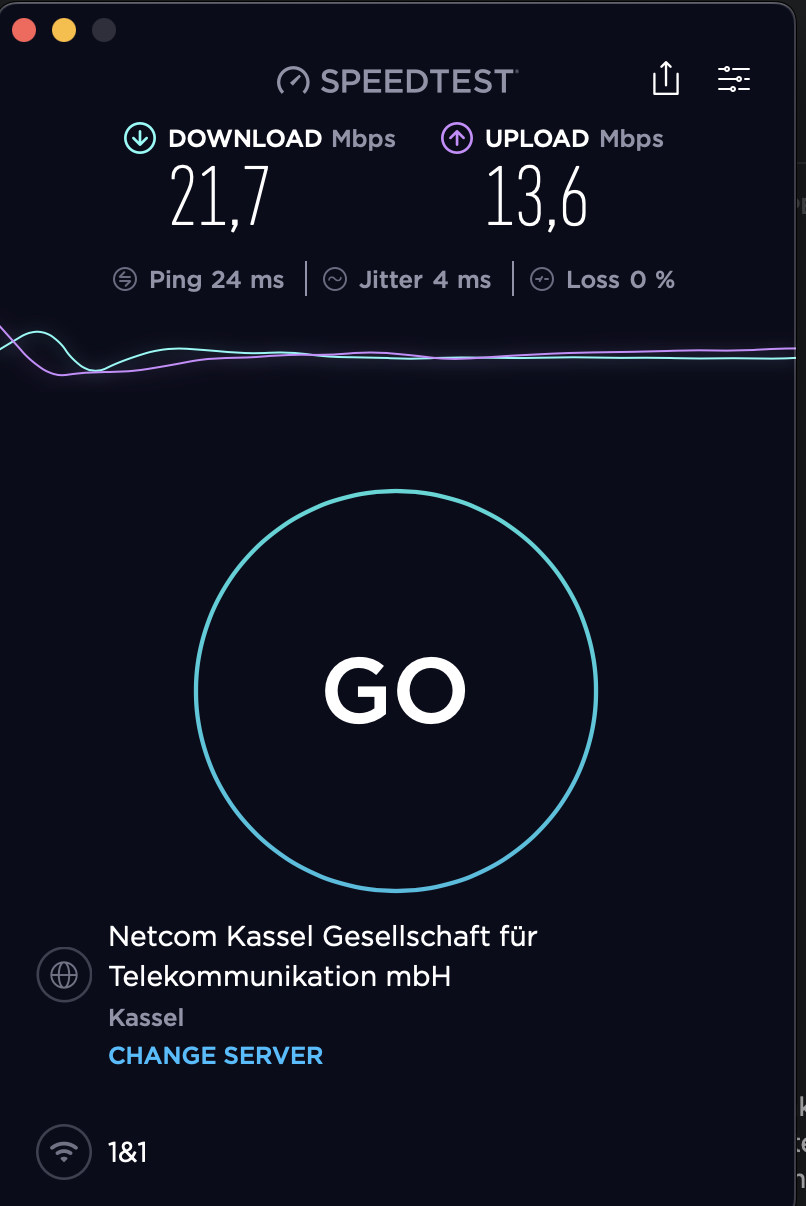
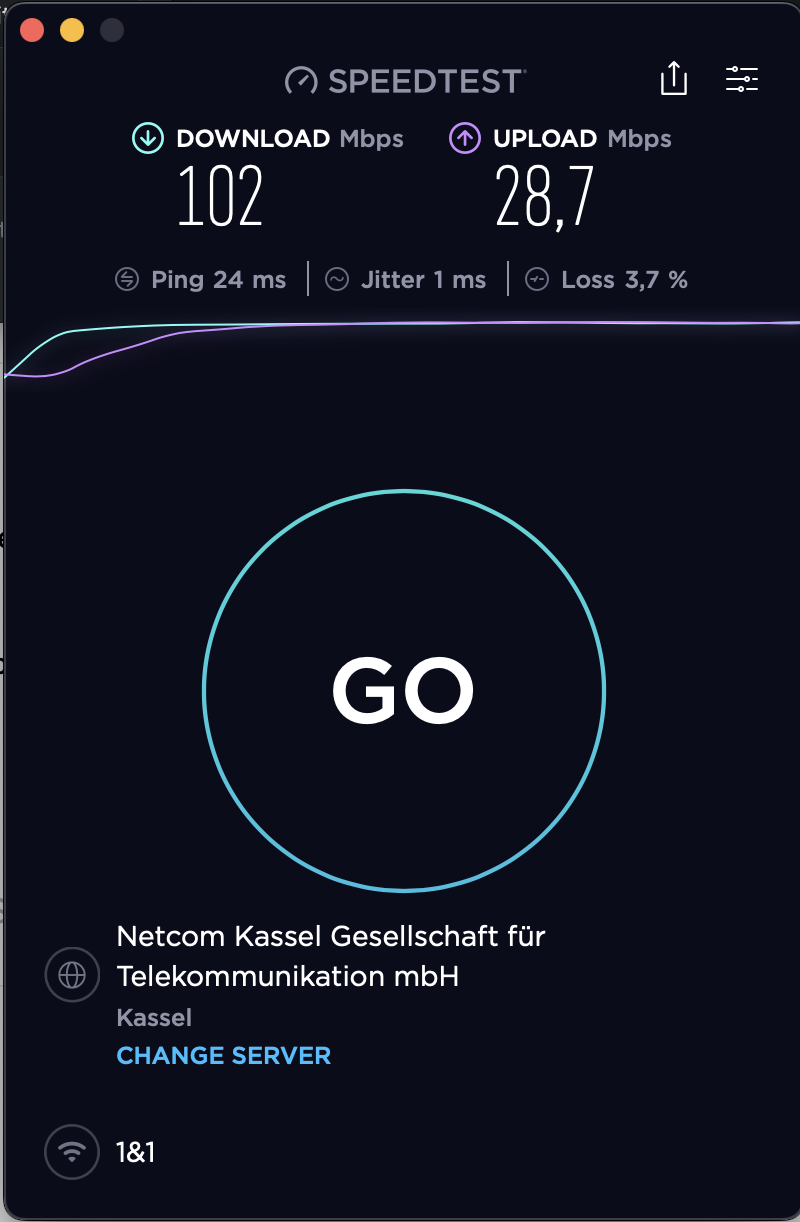
That’s very weird. Maybe it really is a new bug. Who knows, maybe related to Ventura. I haven’t upgraded yet.
I mentioned that pref in another thread…
You can check that preference in Ventura… didn’t change nothing for me turning it off…
but when turned off, Origin will always ask to install SysOpt 
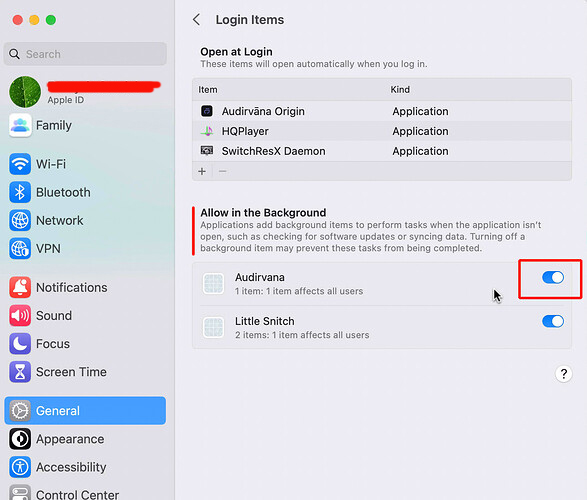
we should wait for Ventura 3.1 release and see.
I don’t like Origin running around in the background 
He’s on dsl also so it’s a bit apple and orange comparison with most of the rest of us as well. @JuleSonnenschein Is this the only choice of isp in your area?
Yes, the only IPS here. It is a weird problem, somehow even funny
The weird thing is, if I hook my Mac to my mobile phone to use the LTE, it doesn’t do that. This makes it even weirder. As an added info, my ISP uses DS-Lite.