Audirvana 3.5.50 doesn’t do that either…
When you tether through your phone and at home you use WiFi?
When i tether through my phone it doesn’t happen, when I use WiFi it happens. With Audirvana 3.5.50 it doesn’t happen in either case
I think, it is a super odd bug.
At this point Antoine will need to look deeper into this. Try to reproduce it.
I will try here using Origin with OS Ventura.
Just came home from late shift at work. I’ll try my 2017 MacBook Air tomorrow. It’s running AS 2.1.0 on macOS 13.6.1 Monterey. Also through wifi on the same network.
If that one turns out to be normal, then it has to be a bug in Ventura.
Good work gentlemen, few more experiments and get Antoine back involved.
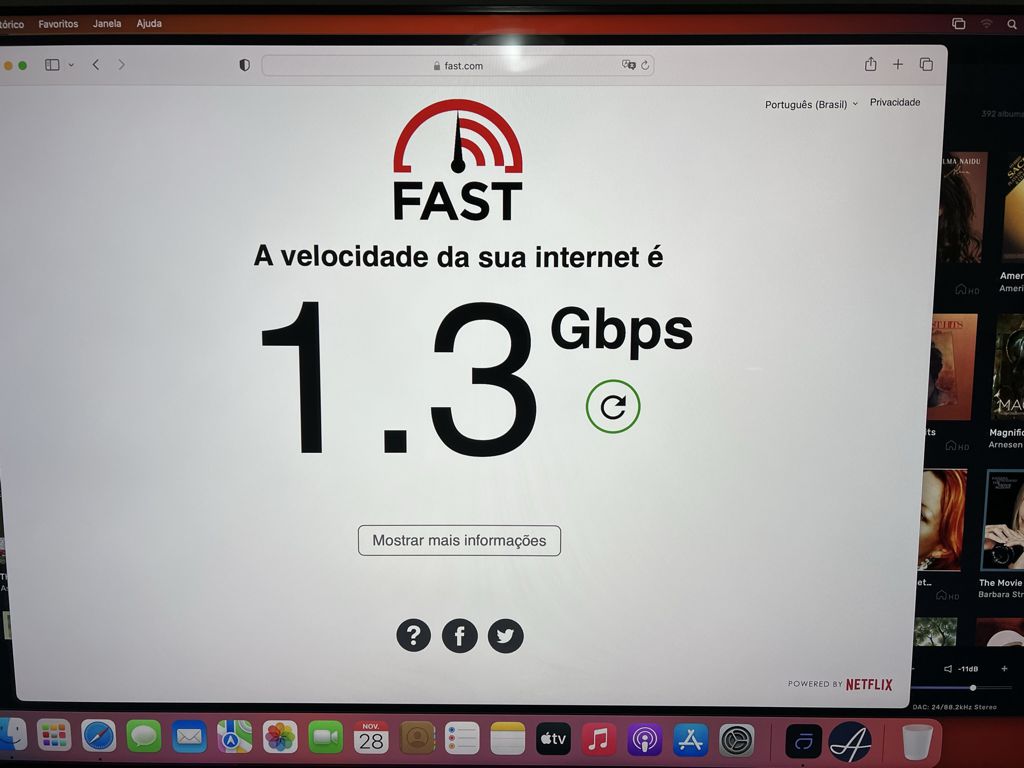
Here the speed was maintained with Origin running on OS Ventura.
SystemOptimizer On
Without Origin
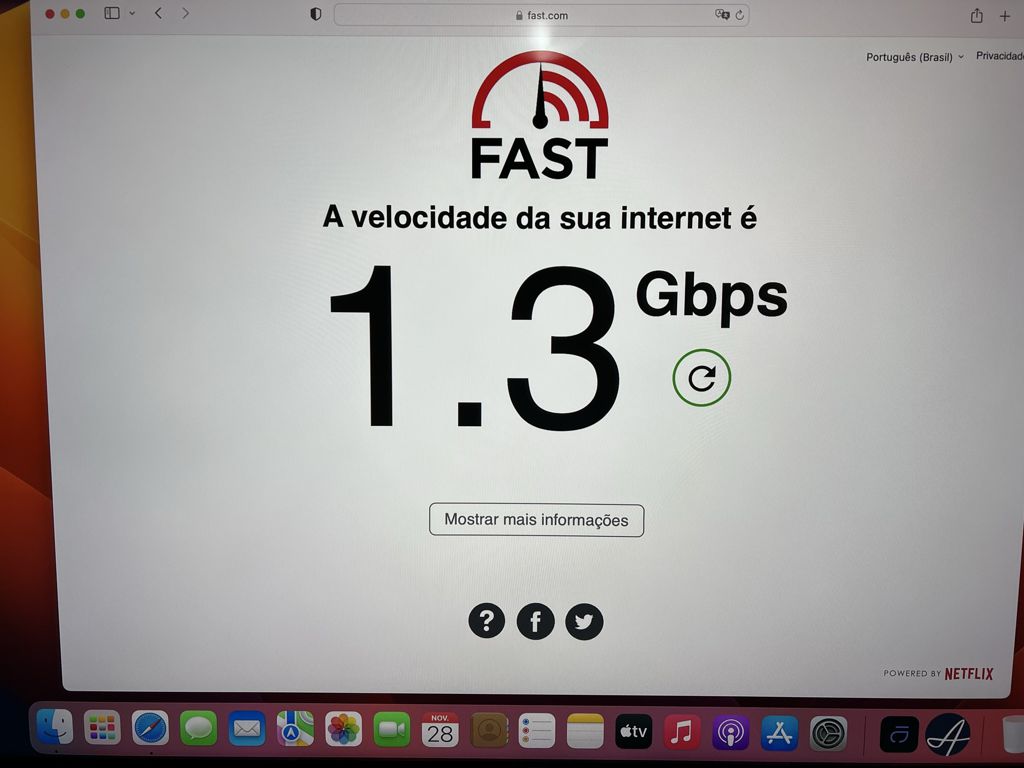
With Origin
Forget about speed tests for the moment. Download something from a powerful server, for example a linux distribution. Or something big from Google Drive. Or a torrent with 50+ seeders if you use torrents. Wait few minutes. It’s the same situation? If not, as I said, forget about speed tests. Advanced: try to set your IP as DMZ in router’s settings. Some will say in insecure but I use my main comp as DMZ for 10+ years. Try to deactivate QoS just to see if things are better. If not don’t forget to reactivate because usually helps. If you don’t know how to do this check your router manual / google. I also never had this problem (3.5 and now Studio). Note that a fixed connection is always more reliable than a wireless setup.
Is your Mac M1 based?
No, it’s a Mac mini 2018 Intel I5
@DGrigorescu
The problem is accessing Studio.
I don’t understand why you wrote this.
Because I thought these workarounds may help. Also to be sure if it’s really a constant speed downgrade or just a problem with the speedtest functionality. I wrote because this is what I’d do. Check for Mac OS updates (if any). Eh, sorry if didn’t help 
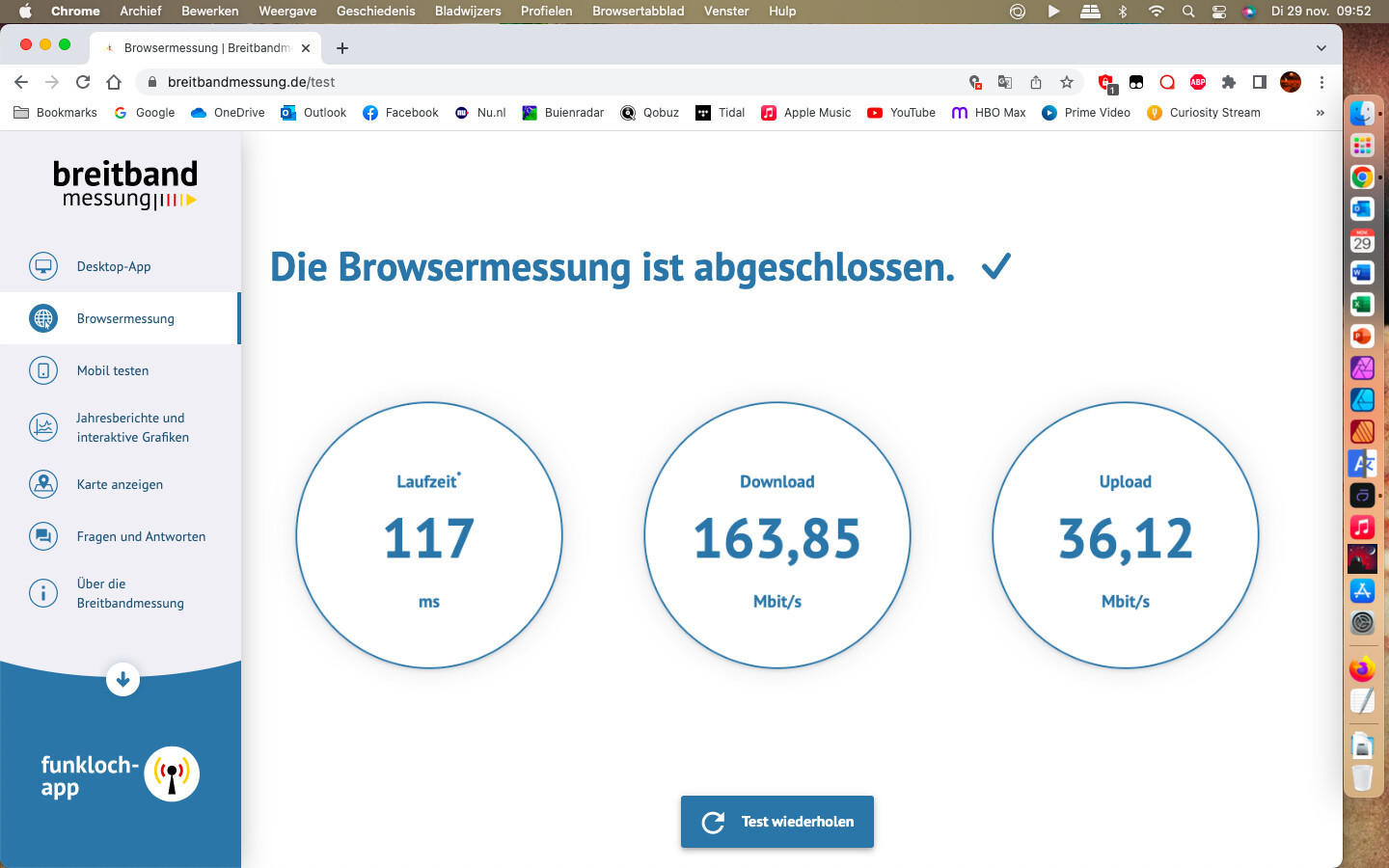
My 2017 MacBook Air with AS off. Screen shotted after completing the test and starting AS afterwards.
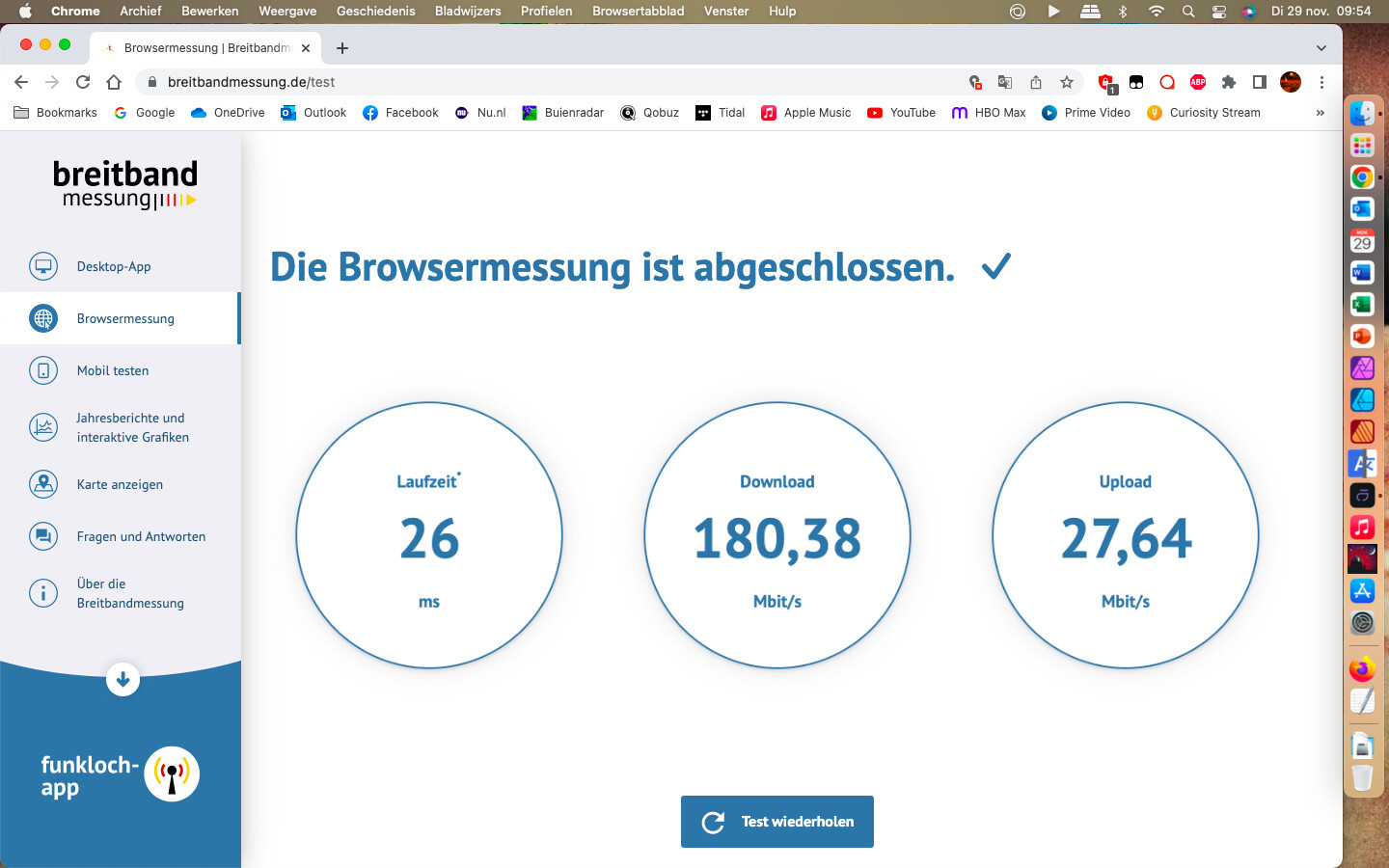
With AS running.
Download speed is very similar, but upload is much lower with each test compared to without AS running. My guess of the overal speed being lower compared to my M1 MacBook Pro, is that the Air is much further away from the router. The upload speed is pretty much the same though.
2017 MacBook Air, macOS 13.6.1 Monterey, AS 2.1.0, wifi connection.
I’ve run through the settings on both my Mac’s AS installations. And on both they are the default settings, so no system optimizer etc.
So it would seem AS and Ventura do interfere for some reason.
Not a big issue for me, to be honest. On both systems AS runs fine, and no issues with the sound or other use of the systems while using AS.
Is there a chance to get the problem solved?
Hmmm
So this ends like my other question, I once had. Thank you for nothing.
I get significantly slower wifi speed when having Audivana Studio opened on my Macbook Air M2. I am running Ventura 13.1 using version 2.2.2 (20202). When I close Audirvana everything goes back to normal in terms of speed.
Since updating to AS 2.2.2 and Ventura 13.1 on an very late Intel MacMini (used headless) I have had nothing but problems with broadband speeds - Internet radio through anyhting but AS constantly buffers; catchup TV is almost unwatchable as the connection to the various servers (for ads, channel ident and programme content) times out. This may well be the same bug reported above.
[Slightly later]
Can confirm AS/Ventura behind this - catch-up TV and Internet radio work fine with AS not running; with AS running loading and buffering issues on Broadband return (both wi-fi and Ethernet connections)