IPhone 13
1 Like
I’m on the case with our developer.
1 Like
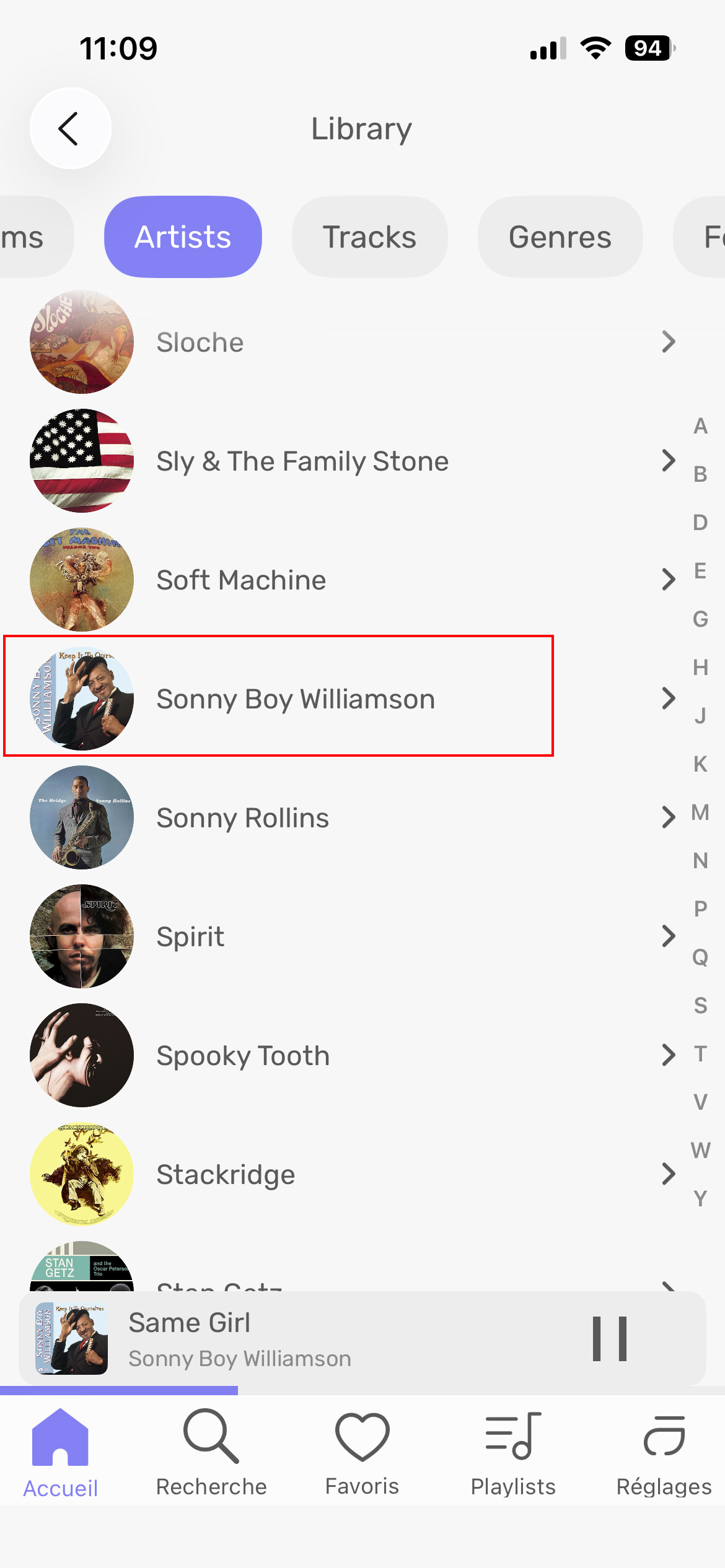
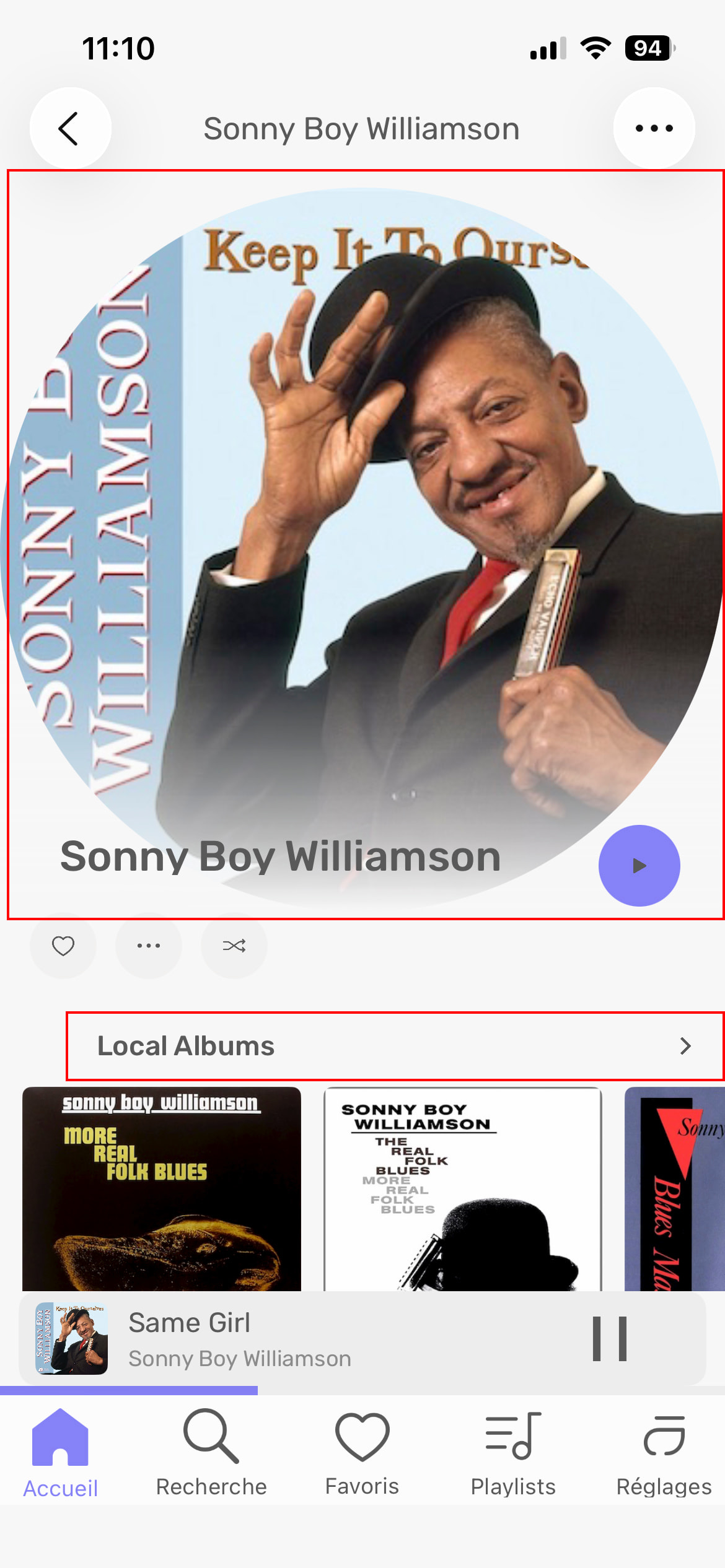
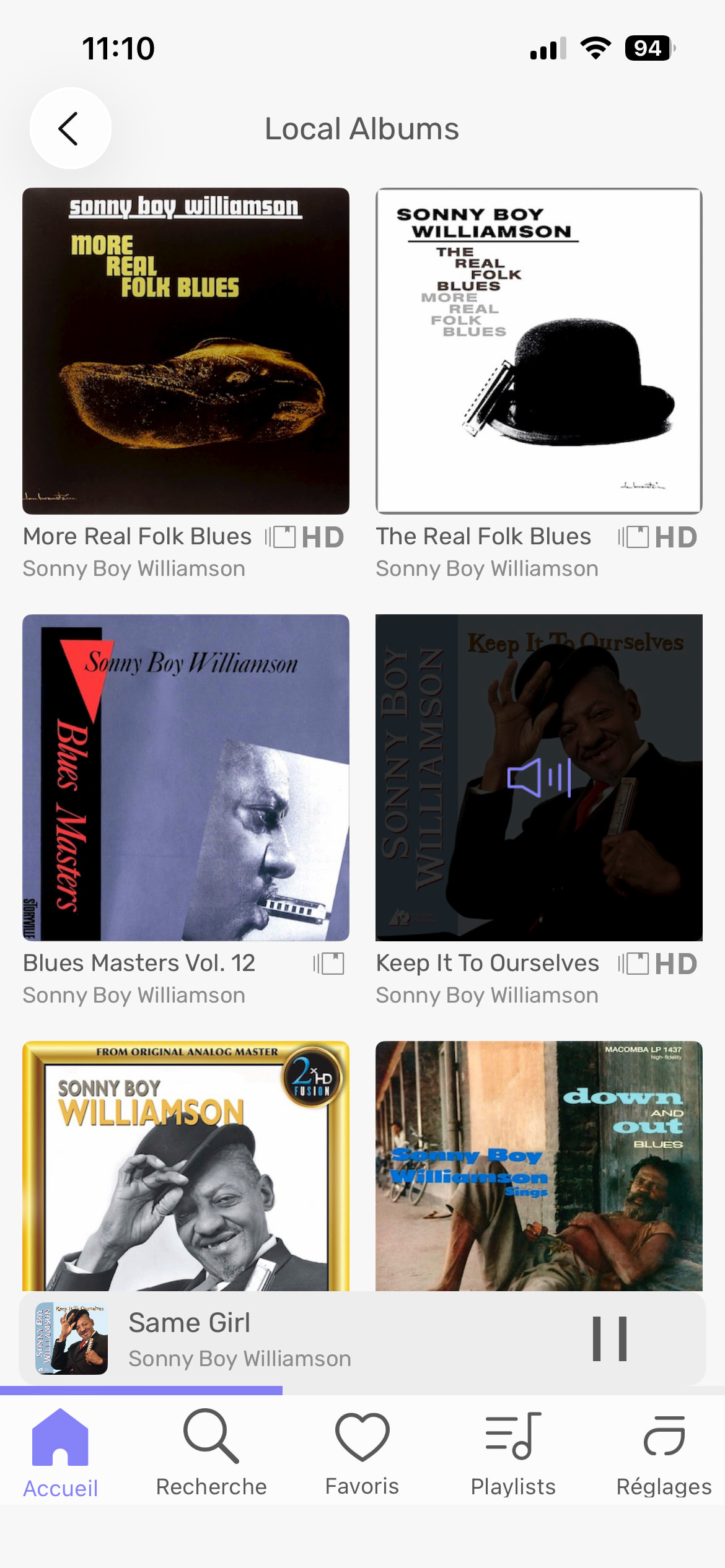
Another clicking for nothing or too big design… do people really want to see that big artist picture instead of the Artist Albums??
1 Like
When playing files being modulated to DSD, and choosing ‘Signal Processing’ from the (…) options menu, the screen on my iPhone goes black and nothing is available but an empty screen… I must open the last used application window display view and then trash the Remote application window and then relaunch the Remote to regain the GUI. A pretty bad failure.
- iPhone SE (3rd gen)
- iOS version 26.3.1 (a)
- A15 Bionic chip
- 6-core CPU with 2 performance and 4 efficiency cores
- 4-core GPU
- 16-core Neural Engine


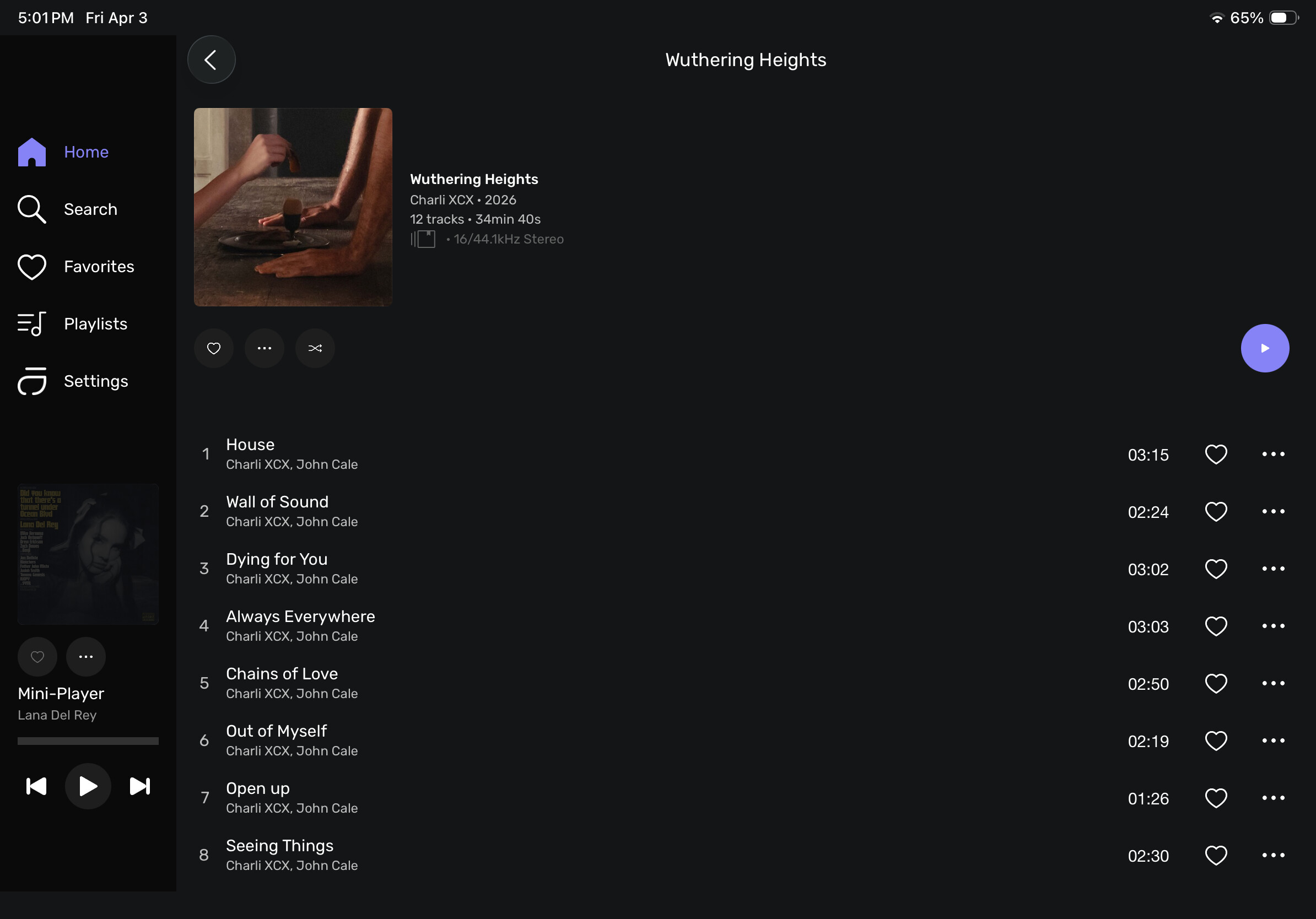
With the iPad app the album release date is 1 year behind unless you have your timezone set to Paris, France then it’s correct. I’ve tried Central, Eastern, Pacific and all are 1 year behind. This was also an issue with the previous remote app. The desktop app is correct and not a problem.
Personnellement j’aime bien ^^
I’m aware of such behavior, and you should have to be blocked in that manner. We have not addressed this for the moment, but it will be done.
Do you mean the timezone on your iPad?
That image can be clickable to make it big if people like to see it that way..
My point is,
try to queue 10 songs from anywhere in your library that you want to play one after the others next. See how many clicks and scroll and clicks and arrow back clicks for nothing, Saving time is my goal with the remote 
Yes.
Ok, I will do some tests on my end 
Here are 2 screen caps. When set to Eastern Standard Time the year says 2025 (off by 1 year) and when set to Central European Summer Time the year says 2026 (correct year)

In a way it’s rather funny, as if the world isn’t turning in a day but it lasts a year… Guess that time is relative after all 
In the settings “Prevent screen from going to sleep” toggle it does not work, is this setting meant for the iPad? Roon has this option for their remote and it does work.
So… this is the update?
Still no  rating display on the ALBUM page. I see them on the new CREDITS page, but that’s a long way to go and defeats the purpose in my opinion.
The SEARCH function is so frustrating. Why do I have to scroll back, and back, and back, to just enter a different search. Once you have selected the initial search, the program should “let go” of the SEARCH function to be available again. Simple, no?
Oh but wait, you can AUDIO SCAN from your remote…
Disappointingly, the remote for me is still just an elaborate “play/pause/skip” device.
A long wait for very little. Sadly, I’m starting to believe that STUDIO is the focus, and all the rest is a second thought.
What is your focus?
My focus is on listening to the music…
Personally, I don’t need anything more than “… an elaborate play/pause/skip device.” that gives me access to my music Library… As long as I can access and play the file(s) that I want to play with relative ease, that is all that matters in the context of remote control for me… the rest is superfluous.
- macOS 26.4
- Audirvāna Studio 3.0.1
3 Likes
Happy Easter…
1 Like
It is a given that your ‘desires’ are different than mine or others… Your disappointment is yours, but not mine… I find much of the remote functionality to be superfluous… My use case is different than what it appears others require in their use case… I don’t reject attributes that support the basic functionality of the Remote as I use it… Keep it Simple…
It appears to me that the Remot App is being developed as a GUI for scenarios employing Audirvāna Core.
1 Like
Oh, I can tell you the Remote is something we are focusing on. We have a LOT to do on it, and the album rating is one of them. Note that metadata tagging is on in the Remot app; it’s the next major step we need to move on to.
1 Like