Thank you for your feedback 
What do you mean by this? Can you please send a screenshot?
Hmmm, imagine we do this, how can we go to Playlists, Favorties and purchases?
Please post a screenshot of it 
Thank you for your feedback
What do you mean by this? Can you please send a screenshot?
Hmmm, imagine we do this, how can we go to Playlists, Favorties and purchases?
Please post a screenshot of it
About labels:
Strange things that happen from time to time. The prompt in the search bar disappears and what you type in is not displayed.
Closing the app and reopen it seems to correct the issue. Sometimes just switching to another app and going back to Remote solves the problem too.
From what I see, it’s a misconfiguration on our end. I will see with our developer


Hi Antoine -
The debug log is a text file not authorized as an attachment to a PM in the forum, so I have sent the log to the Audirvana customer support email address.
Jud
Thank you @Antoine, let me know when labels will be fixed in order to test it.
Just some additional observations/comments. Food for thought.
Old App on iPad mini.
Beta App on iPad Air.
I experienced another crash today. iOS 26.3
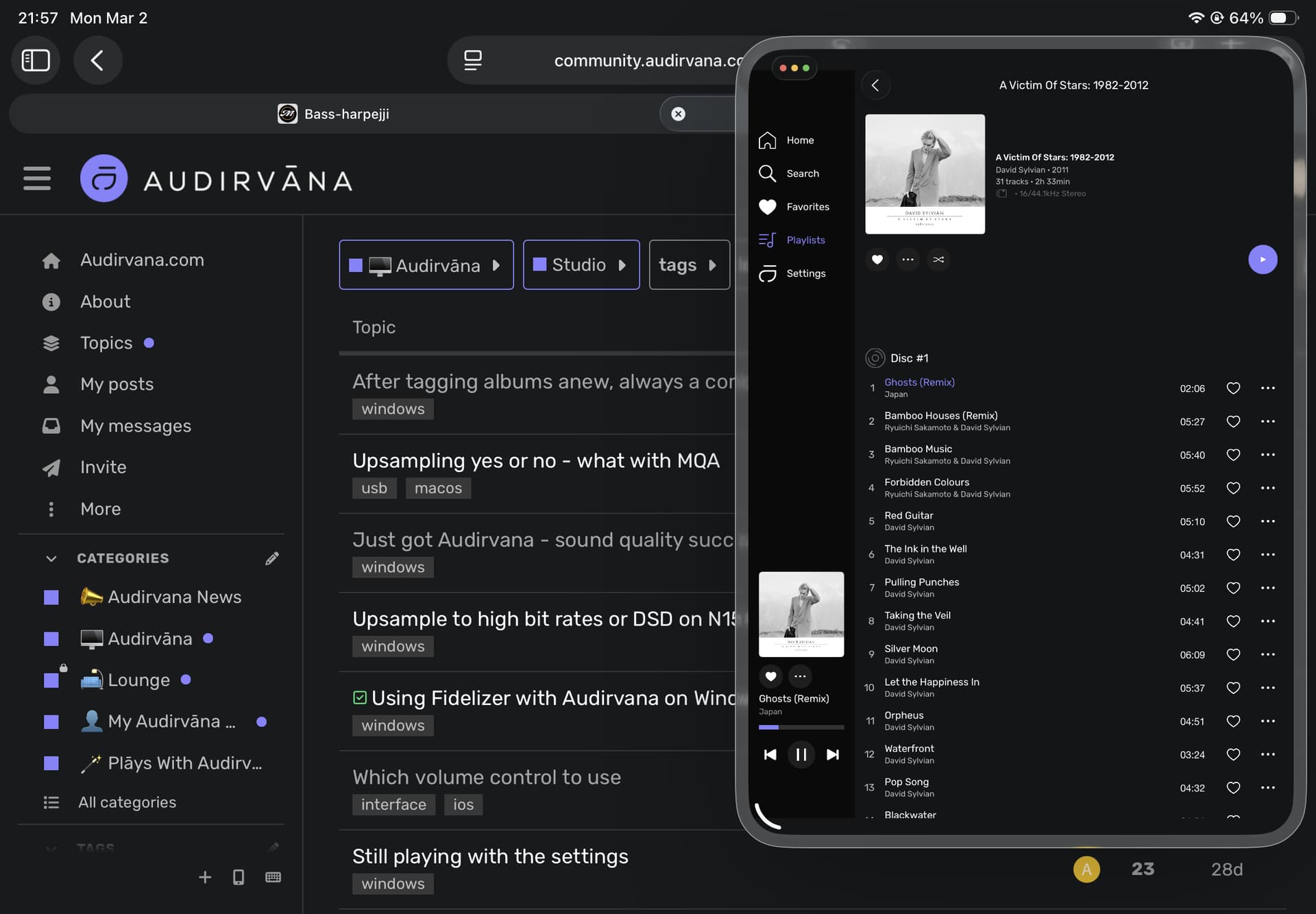
Is there any plan to have a “floating” Mini Player? Something that works right now is Apple’s “Slide Over” feature but you can only shrink it so much.
Apple’s “Slide Over” option.
Audirvana’s “Slide Over” Mini Player
Not an issue here, takes less than a couple of seconds to touch the cover, move the volume, touch the drop down arrow at top left screen and you are back in the Album View. 
I was not aware of this feature on iPad
We need to discuss this as I don’t know how it can be made at the moment.
I wasn’t either. There are many “how-to” videos for Apple’s “Slide Over” on YouTube.
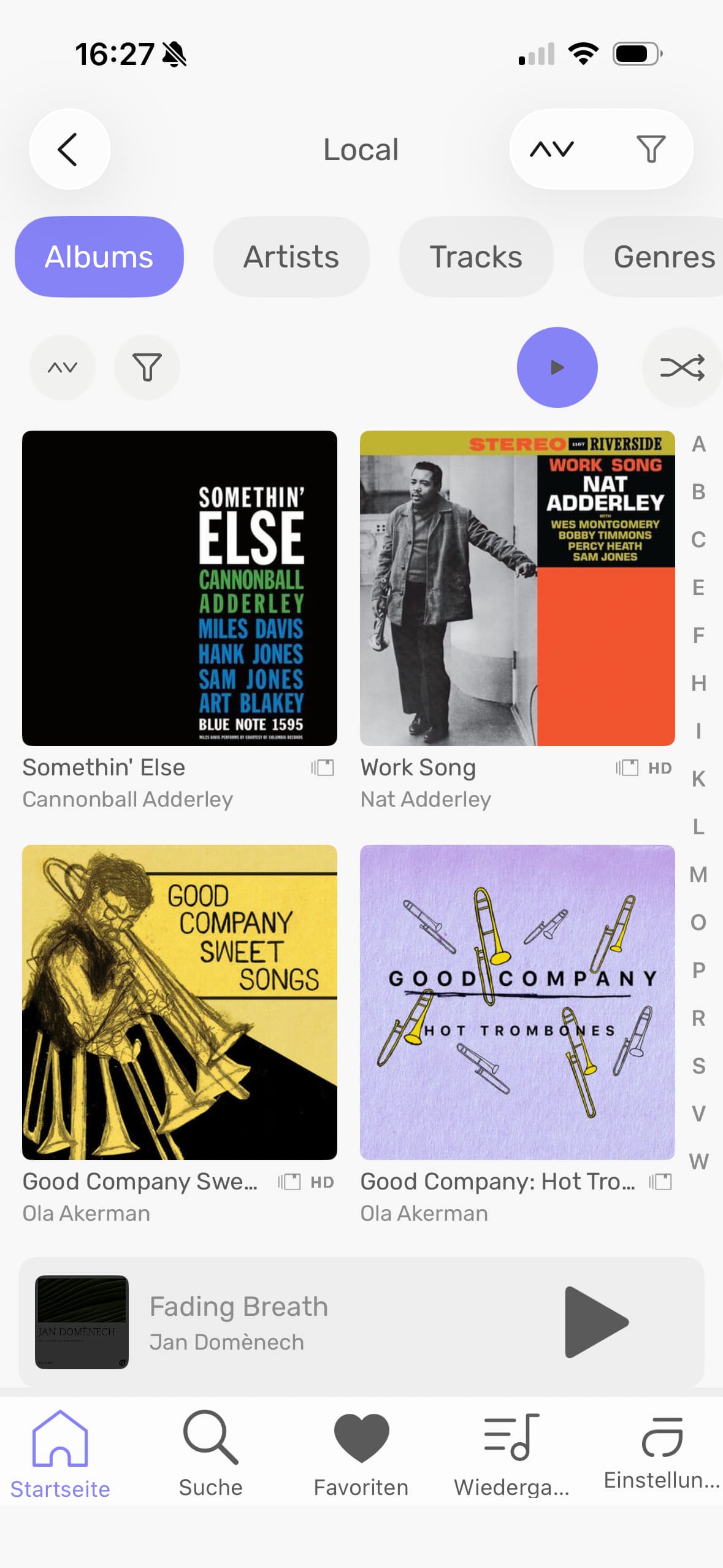
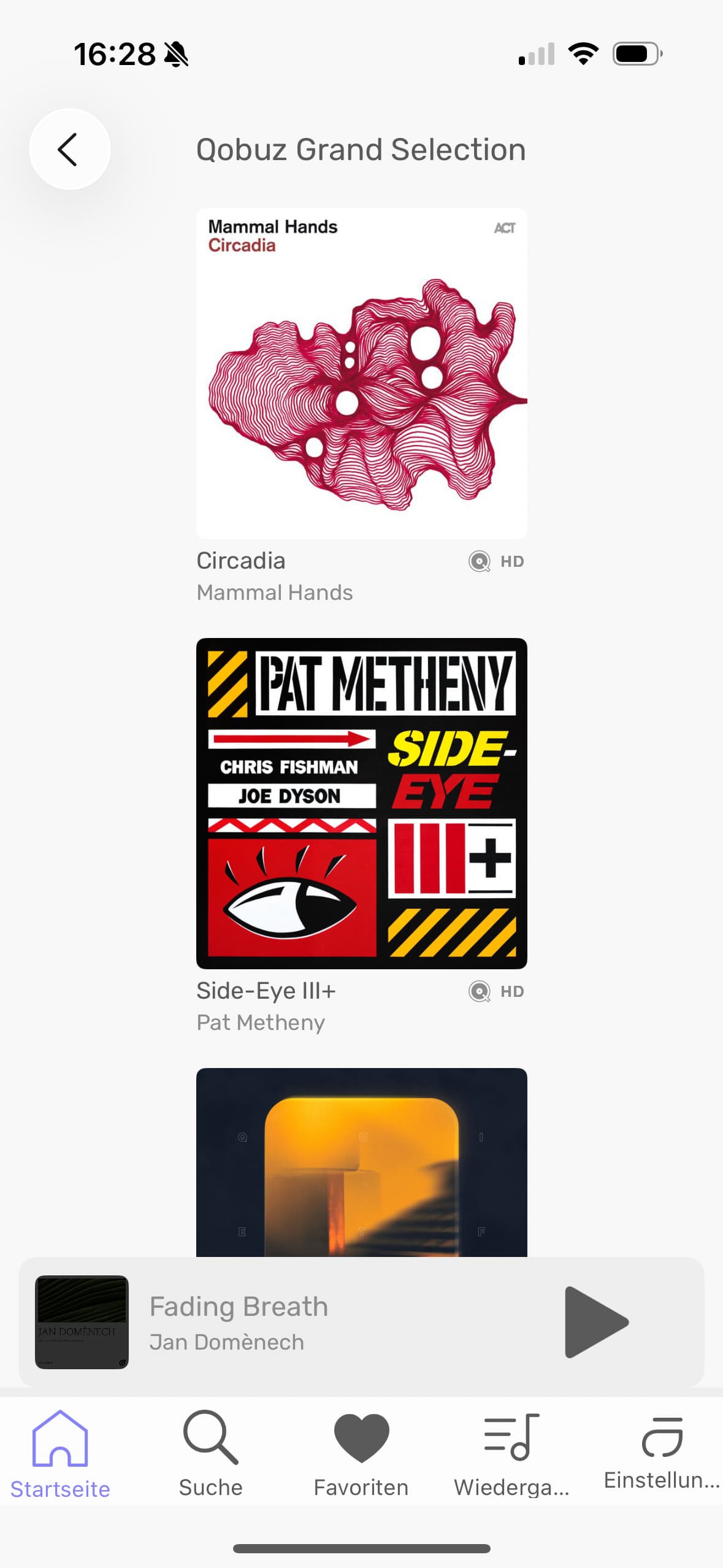
Something that strucks me odd when scrolling through albums in Qobuz or Presto Music: while the albums from the local library are nicely arranged side by side (at least two in a row), the albums in Qobus/Presto Music are arranged underneath each other, and are very small in appearance. Can this be changed to organise the album display the same way as in the local library? The Qobuz/Presto albums would be much nicer to look at.
Album display from local library
Album display from Qobuz/Presto
Which iPhone are you using?
iPhone 16, iOS 26.3
Feature Request:
When in the Mini-Player, it would be great to be able to tap the album cover image and have it expand to fill the width (or height) of the screen. Then to update in this minimalist style each time a new song begins. This would allow the user to have their iPhone or iPad double as a decorative “Now Playing” display, without the other visual clutter.
Some new observations;
Latest beta (.20) on Windows 11 Pro (latest Insider build) and Xubuntu 24.04 LTS.
I got a new DAC (Topping E30 II), directly connected via USB. I used the USB cable that came with the DAC, changing from the one I had been using, to ensure there were no problems with that. Two days ago with the new DAC on Linux I got a small pop, a very slight hiss, and no sound, either on Linux or Windows. I waited overnight and tried again with Windows, and this time got it to play. Then I went back to Linux, and small pop, slight hiss, and no more sound on either OS.
I wondered if the DAC was perhaps being starved of power through the USB connection, so today I connected both the DAC power and also the USB power for a KVM switch I’m using to wall adapters rather than the computer’s USB ports (the E30 II DAC uses separate connections for power and signal, so the USB signal cable was connected to the computer).
Booted into Windows and could play music from YouTube videos on the web, so that was a good sign. Opened the beta Studio desktop and music played just fine, both when operating Studio directly from the desktop and when using the beta remote.
Rebooted into Xubuntu this time and set the remote to have Audirvana play the same track I had been playing in Windows. Heard a small pop or tick sound, then a slight hiss, then nothing. Got no sound from Audirvana, or from another player. Booted back into Windows, and this time no sound there either, from the Web or from Audirvana.
@Antoine , I do wonder if something is going on with Audirvana Core for me in Linux. (I note the various reports of bursts of noise, tics, pops, etc., from other users.) I have a pci-e USB card coming on Saturday, just to try to eliminate any problems with the USB signal connection from the computer as a cause. Will let you know what happens.