Is the new DAC operational at this point in any scenario? 
“I waited overnight and tried again with Windows, and this time got it to play.”
“Booted into Windows and could play music from YouTube videos on the web, so that was a good sign. Opened the beta Studio desktop and music played just fine, both when operating Studio directly from the desktop and when using the beta remote.”
Quoted from my previous comment, so the answer is yes.
Is the DAC working or not after this?
My question above, is about connecting the DAC to a different computer or other USB audio device/player/phone, etc…
The DAC works if I simply let it sit overnight. (Note from my second-last comment that I have had my DAC 3 days, and each of the two times I have let it sit overnight it has worked fine on Windows the following day. Note from the same comment that when I have then switched to the Linux beta, no more sound for the evening, whether on Linux or Windows.)
The pci-e board with the USB ports will be here Saturday; meanwhile, on Friday, I will try the stable (non-beta) Studio release with the regular (non-beta) remote on Linux, and see what result I get.
Can anyone tell me how to save my play queue to a new or existing playlist? I can see how I can edit the now playing queue but not how to select all and save it as a playlist. I know there is a way but it’s not obvious to me.
Hi @BobSilver Highlight what you want from your play queue ( just click on first track, hold shift key and then click on the last track) you will get opaque cover to show what has been selected. right mouse click and select the top option “Save to playlist”
Sorry, that is for the Main App. No i don’t believe i have found a way on the IOS Apps, other than creating the playlist and adding each as you play or individually. But it is much quicker to do thru the main app. 
Thanks. I’m aware of the main application ability. Unfortunately I use the remote app exclusively. I know it can be done. Because I once stumbled on it. But can’t remember how 
Everything works now.
I installed the USB card, nothing. Tried each OS, some with the beta remote and app, some with the stable release remote and app, some with the remote and app mixed, nothing. Changed the cables between my DAC and amp just to be sure it wasn’t them, nothing. Removed the KVM switch in case it was interfering, nothing. Looked for the twentieth time at the manual and specs for my amp, and at my DAC manual and specs, and noticed something for the first time: At some point during all my changes, I’d set my amp to high gain. The specs say when the amp is set to high gain, input is limited to 1.2V; my DAC puts out 2.1V. So I changed the amp setting to low gain. Still no joy.
I turned the volume up on the amp just to see whether I could hear any slight sound. The amp chose that moment to come on at full volume, nearly blowing out my speakers and my ears!  Since then everything has worked perfectly in all OSs in all scenarios, including when I added back the KVM switch.
Because I made so many changes without success before everything suddenly worked, I have no idea what the problem or solution actually was. I only know the problem wasn’t Audirvana. 
2 Likes
If the amp is a Topping MX3s… It appears you may have had the wrong input selected and/or the wrong output selected… Also, make sure the power-supply output voltage/amperage is correct for the amp (DC26V)… Intermittent power supply? They state in the manual, to turn-off the MX3s before cutting the AC power.
What you are reading about the amp input, is the sensitivity relative to the ‘Gain’ setting choice. This would only affect the output volume relative to the volume control setting… It appears you are using the single-ended output of the DAC to feed the amp… 2.1Vrms is typical level for single-ended output signals … It also appears that you are reading the input sensitivity of the headphone amplifier, which is 4.2Vrms (Low-Gain) and 1.2Vrms (High-Gain)… The ‘AUX’ input sensitivity of the amp is 1.0Vrms (Low-Gain) and 0.5Vrms (High-Gain)…
It appears the DAC/Amp/HPA remembers the settings for each input/output scenario… Also has an automatic ‘Stand by’ function… I presume the original DAC works now.
Merci pour cette beta.
iOS version - dark mode
UI feedback
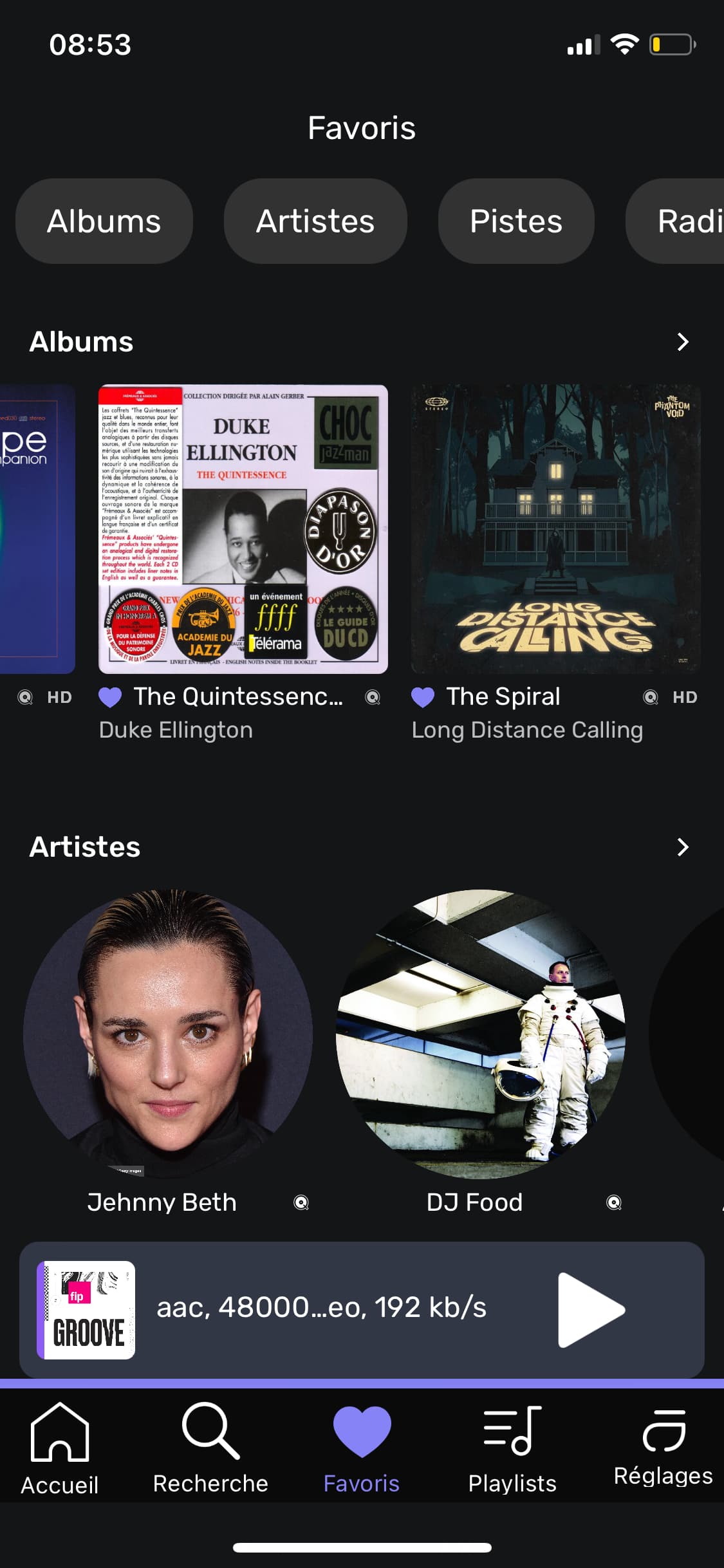
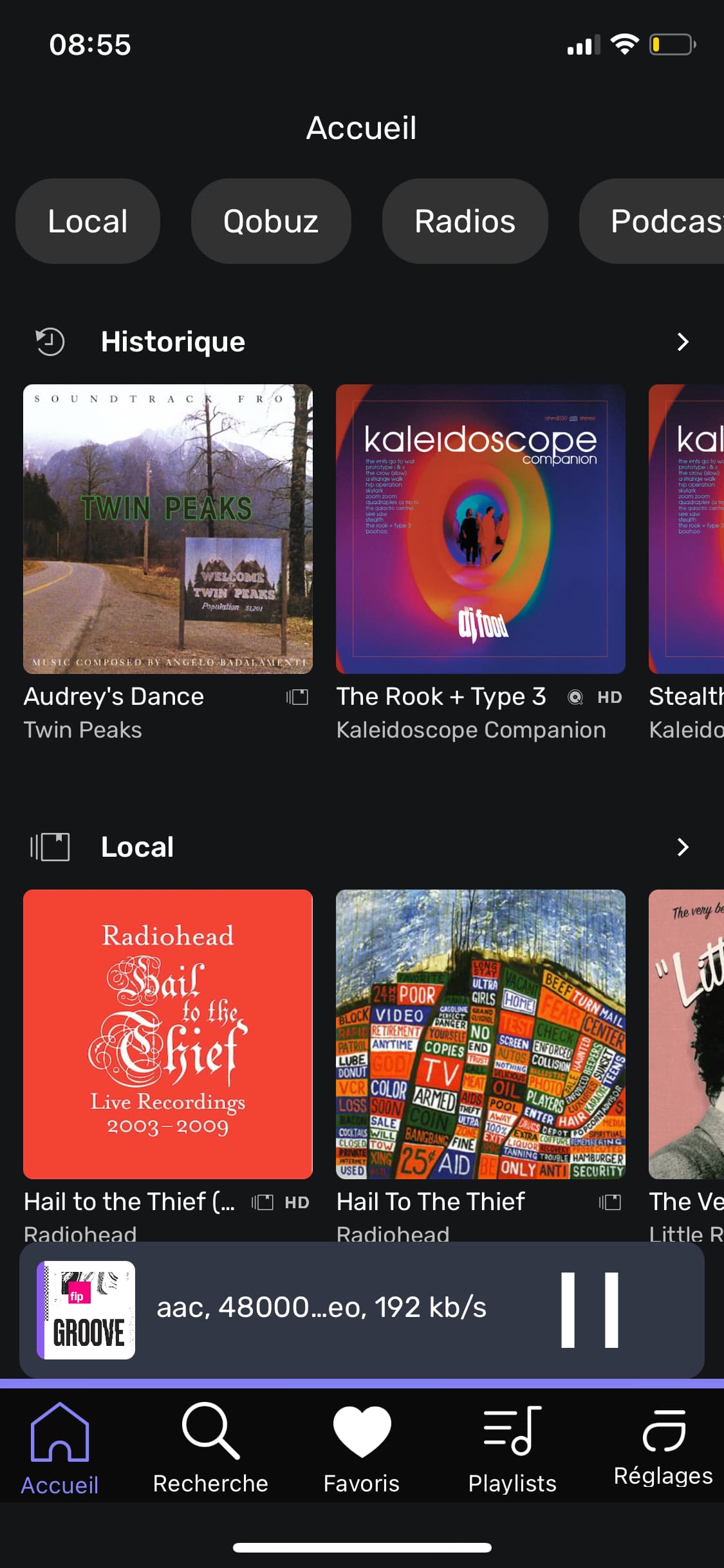
Les icônes de la barre de nav sont énormes et contrastent très fort avec le contenu de l’écran
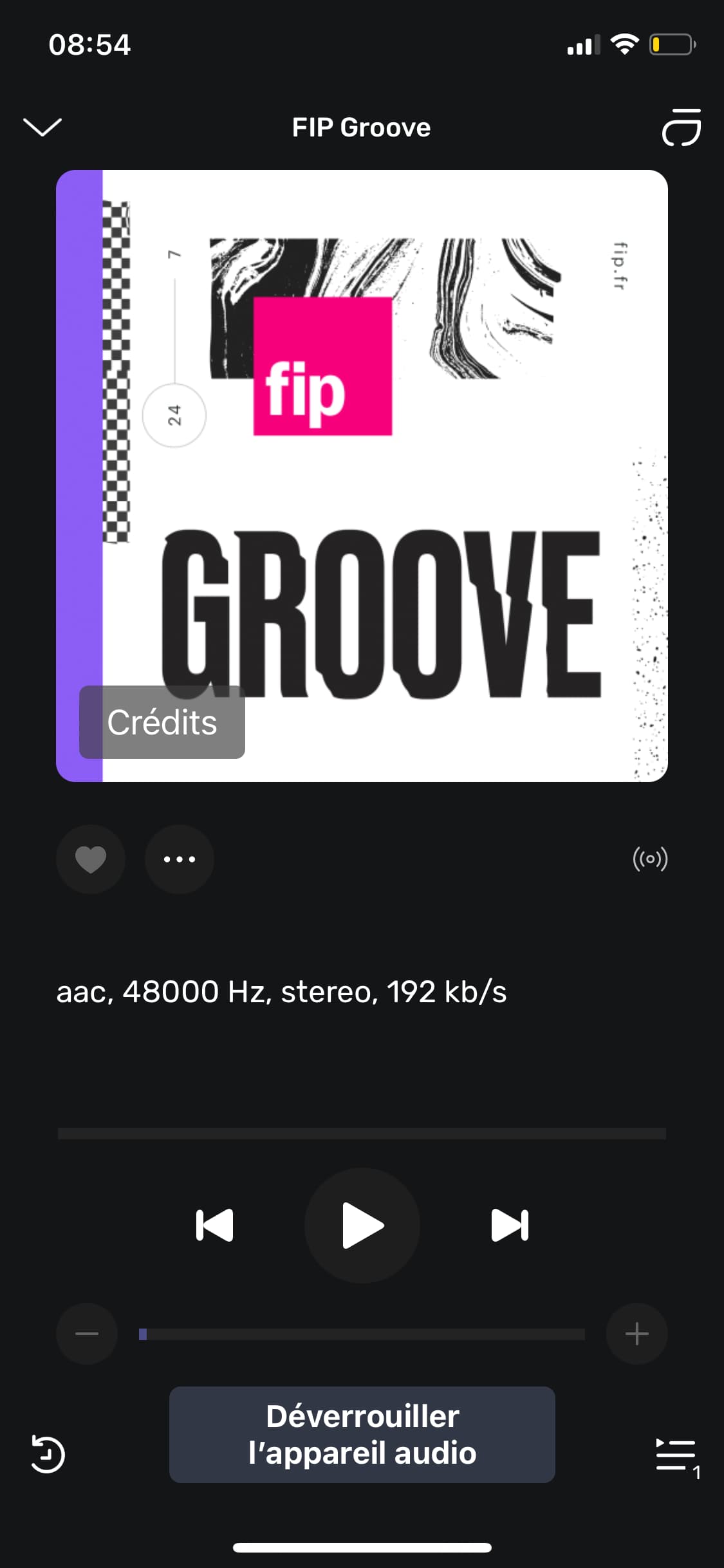
Les boutons de contrôles du lecteur mini qui se colle à la barre de nav de l’app sont également énormes. Le « pause » en devient peu lisible. Le lecteur mini gagnerait en contraste en étant moins collé avec peut être un drop shadow
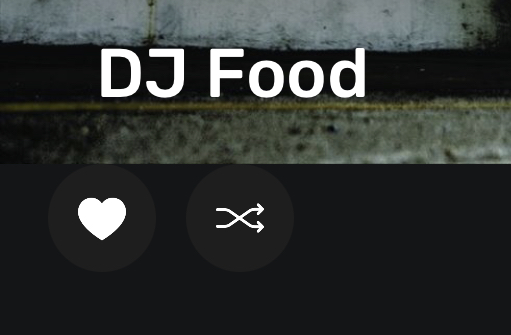
Favoris
Le simple changement de couleur n’est pas suffisant pour marquer le changement d’état selon les notes d’accessibilité. Je n’ai pas testé toute l’app de ce point de vue mais la différence est trop subtile avec le violet pour quelqu’un qui percevrait mal les couleurs.
Radios
L’ajout en favoris d’une radio ne fonctionne pas.

It’s not possible at the moment, but it’s something we can consider in the future.

Est-ce que vous parlez de ces icônes?  Quel iPhone utilisez-vous ? Je comprends aussi votre point pour le contrôle de la lecture dans le mini player.
Voulez-vous dire un peu décolé de la barre de navigation?
Un changement est prévu par rapport à cela 
En effet, je vais voir pour corriger cela
Bonjour Antoine,
”Le lecteur mini gagnerait en contraste en étant moins collé avec peut être un drop shadow” → le décoller…
Oui tout à fait, mais c’est une question d’équilibre global avec la nav bar, les icônes, pour améliorer la lisbilité de l’ensemble. En light mode çà marche un peu mieux mais un ajustement serait le bienvenu.
Je comprends, nous allons étudier cela.
That’s not my amp. And the manual for the amp I do have literally says “The maximum input level in high gain mode is no more than 1.2 VRMS.”
My amp has only one set of inputs, which are single ended (as are the DAC outputs).
Since none of what you proposed is correct, you are now free to engage in whatever other uninformed speculation you may like about possible causes.
Edit: Oh, also - my amp doesn’t have a headphone jack/output. Just speaker terminals.
Don’t provide the make and model of the amp or that the original DAC works now or not… you might get some more insight… Don’t look into intermittent power or power overload conditions… you might avoid unexpected behavior… But do continue your snideness, as this will certainly bring attention to your mysterious experience… I am the lightning-rod for the haters…


I tried another player that sends DSD output in 48k multiples as well as 44.1k multiples, to see whether the new DAC worked with 48k-based DSD (some do, some don’t). It didn’t. When I switched back to 44.1k-based DSD with that player, no sound, and when I tried Audirvana, no sound there either.
So it appears when the DAC loses lock, it or the amp won’t put out sound for a period of time. The next day (today), it’s all working again. Just wanted to close the loop on this.
On another topic, @Antoine or anyone else: Has the setting “Fix for devices with unwanted playback stops” disappeared in the new remote, and if so, why? If it’s still there, where?
Not necessity at all, I was just curious. The player has an “auto rate family” setting, meaning 48k, 96k, etc., recordings are converted to 48k-based DSD, and 44.1k, 88.2k, etc., are converted to 44.1k-based rates. So it makes the math slightly easier for the computer’s CPU in the case of the 48k rate family, if the DAC will accept those rates. I’ve learned this DAC won’t. 
Are you outputting to a UPNP device?